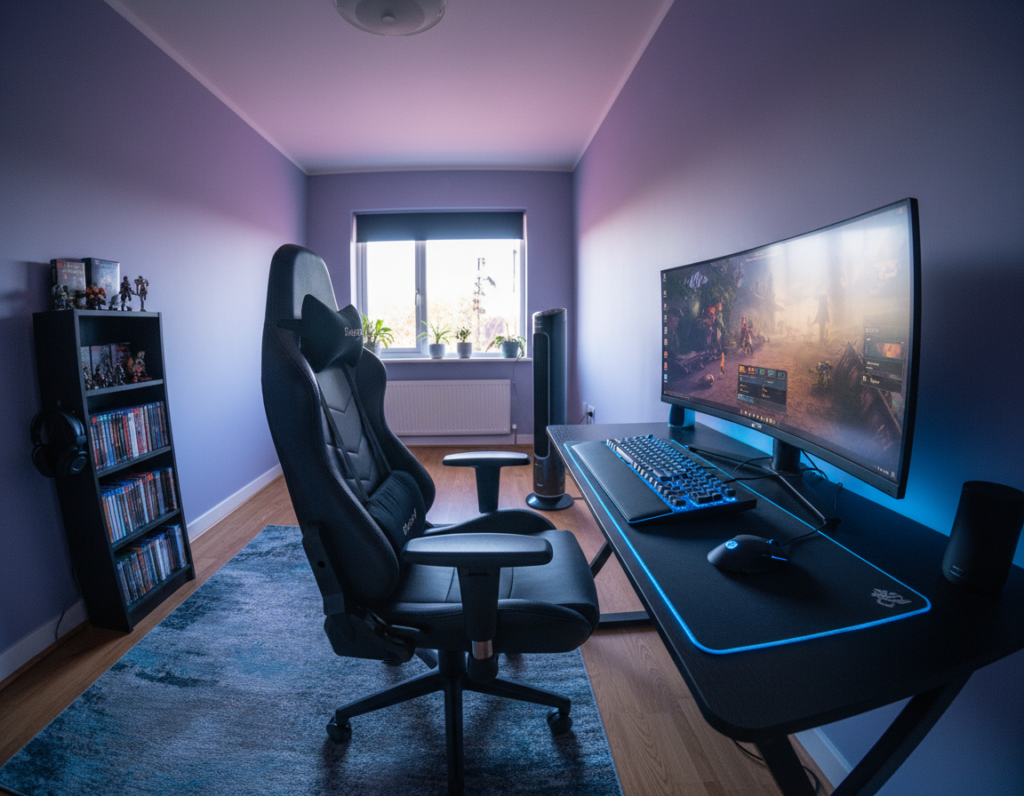
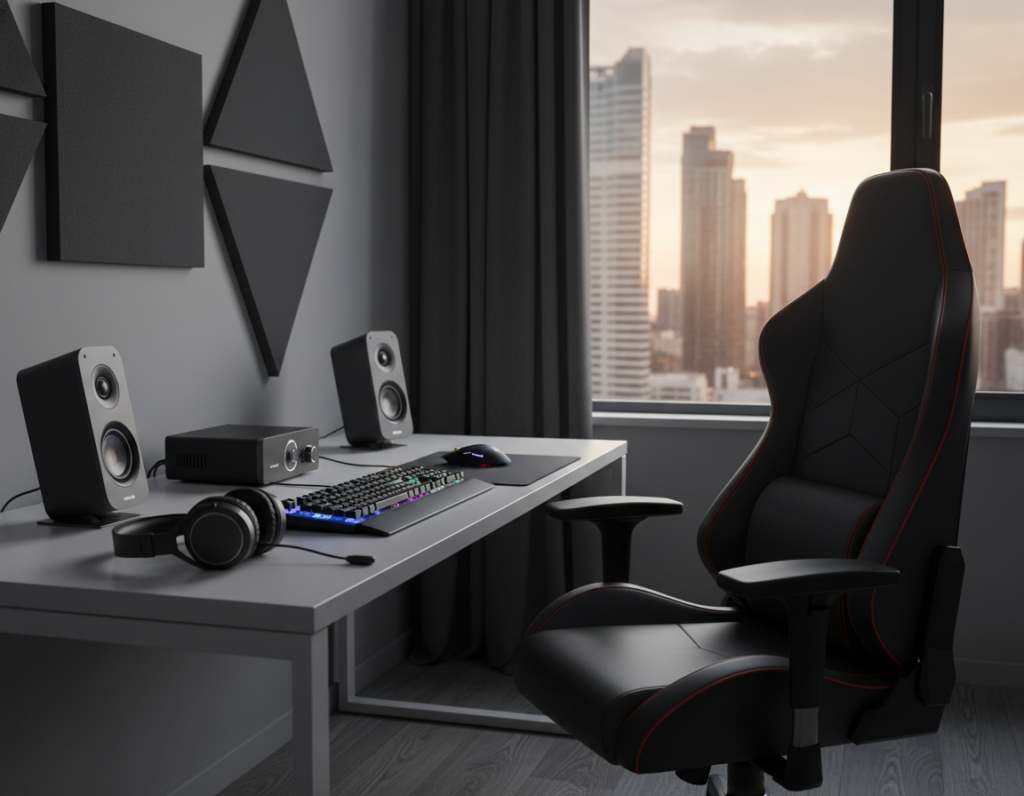
The Hexcal Studio Plus arrived in 2026 as a sleek command center designed for high-end play. It offers a unified power and routing system so users can keep their desk tidy without drilling into walls.
This approach helps protect hardware and keeps the workspace looking professional. By organizing cords and peripherals behind the surface, the whole area feels cleaner and more focused.
Many modern solutions let owners hide cables under or behind the surface of a gaming desk. The right system reduces accidental wear and supports long sessions without visual clutter.
In short: using an integrated solution such as the Hexcal Studio Plus makes it easy to control cables while preserving walls and maintaining a high-performance gaming setup.
Why Cable Management Matters for Small Gaming Setups
Clear routing of wires preserves space and speeds up updates to gear. On a 40 to 48 inch desk every inch counts, so tangled cords reduce usable surface and make arranging monitors, keyboards, and mice harder.
Good organization cuts both clutter and downtime. A messy nest of cables creates airflow problems and raises the chance of tripping or accidentally unplugging a device. Quick access to labeled lines also saves time during upgrades or troubleshooting.
- Less frustration: tidy routing makes it easier to identify which cable goes where, cutting search time.
- Safer airflow: fewer cables under vents prevents heat buildup and reduces mess.
- Compact fit: even a small hub of tangled wiring can constrict the whole area on a tight desk.
- Protects devices: organized power runs and peripherals lower the risk of accidental disconnection.
“An ounce of effort up front prevents hours spent untangling later.”
Planning Your Layout to Minimize Clutter
Mapping where each peripheral will sit prevents last-minute tangles and wasted cable. A short, visual plan helps decide where the monitor, power bar, and peripherals belong before any plugs go in.
Visualizing Your Space
Use an AI-powered 3D tool like Homestyler to mock up the room and desk. This lets gamers try arrangements and identify clean routes for cables without moving heavy gear.
Selecting Optimal Cable Lengths
Many people buy 10-foot cords when 3-foot options would do. Choosing the right length reduces excess and keeps the surface clear.
- Plan first: map device locations to limit unnecessary wire.
- Measure: pick monitor and power cables that match distances.
- Replace long runs: swap bulky cords for custom-length alternatives when possible.
“Effective cable routing starts with a clear design and saves time on upgrades.”
Essential Tools for Effective Cable Management Small Gaming Setup
The right mix of trays, sleeves, and ties gives a reliable solution for everyday cables. For many users, one under-desk tray plus a handful of Velcro cable ties solves most visible wiring on a compact desk.
High-quality sleeves and adhesive clips let you bundle peripherals and run lines cleanly behind the monitor. Bundling reduces visual clutter and protects cords from wear.
- Velcro cable ties: quick to adjust and ideal for frequent hardware swaps.
- Under-desk tray: houses power strips and keeps power access simple.
- Sleeves and clips: pair trays with sleeves to secure every line neatly.
Investing in a few reliable accessories saves time when reconfiguring equipment. Many pro rigs combine trays, sleeves, and cable clips to maintain a long-lasting, tidy design.
“A single tray and some Velcro often do the heavy lifting.”
Managing Internal PC Components for Better Airflow
Proper airflow is vital to prevent overheating and keep parts running at peak capacity. Clearing space inside the case reduces thermal throttling and extends component life.
Improving System Performance
Use built-in routing channels to guide cables away from fans and heat sources. Tucking lines into these channels helps air circulate freely around core components.
Secure power runs behind the motherboard tray with ties to open more space for airflow. Regular checks of internal routing stop wires from dipping into fan blades, which can cause noise and damage.
- Organized runs improve cooling and boost hardware longevity.
- Good management reduces dust traps and makes maintenance faster.
- Clear paths let fans work efficiently during intense gaming sessions.
“A tidy interior equals quieter fans and steadier performance.”
Routing External Cables Without Damaging Walls
Using stick-on raceways lets one guide power and signal runs without touching drywall. These raceways stick to the back of a desk or along baseboards and create neat routes for signal and power lines.
Adhesive cable clips and mounting tape secure runs under surfaces so nothing droops or tangles. Cable sleeves bundle monitor and peripheral wires into a single, tidy line that hides clutter behind the desk.
- Separate power runs from signal wires to cut interference and keep audio/visual quality clean.
- Place raceways in existing channels or along desk backs to avoid visible mess and prevent snags.
- Use mounting tape to fasten clips to the underside of desks for a permanent-feeling hold without drilling.
Well-planned routing keeps monitors and other peripherals connected while freeing the area behind the desk. For a complete how-to on internal and external routes, see this PC cable guide.
“Routing through adhesive channels prevents the tangle that often builds up behind desks.”
Utilizing Under Desk Trays for Power Distribution
A single under-desk hub keeps power runs centralized and makes access easier during updates. Placing a tray beneath the desk groups plugs into one secure location. This approach reduces visible mess and saves time when one needs to swap devices.
Mounting Power Strips
Mount the strip inside the tray so plugs face away from the user. Use sturdy screws or adhesive brackets made for wood or metal desks. A mounted strip prevents power cables from dangling and cuts the chance of accidental tugs.
Securing Loose Wires
Use Velcro ties to fasten loose lines to the tray or the underside of the desk. Pair ties with small adhesive clips and, where needed, sleeves to group monitor and peripheral runs. This keeps every cable accounted for and easy to trace.
Keeping Surfaces Clear
An under-desk tray is a vital system for any gamer who wants a clean top surface while maintaining access to devices. Route monitor and peripheral cords through the tray so maintenance takes minutes. Many prefer cable clips and cable trays together to keep the desktop pristine.
- Fast access: central hub cuts downtime during upgrades.
- Neat routing: clips and sleeves reduce visible clutter.
- Better safety: tucked power cables are less likely to snag.
“A well-organized tray makes the workspace both functional and visually appealing.”
Vertical Organization Techniques for Compact Spaces
Running slim vertical channels behind a floating desk turns wasted wall space into a neat routing lane.
Vertical routing along walls is an effective solution for compact gaming areas. It hides cables behind the monitor and keeps the desk surface clear.
Use channels and sleeves to guide power and signal runs upward. This keeps power cables out of sight and prevents desk clutter.
- Combine an under-desk tray with vertical channels for a continuous path from strip to outlet.
- Secure runs with Velcro ties or wall-mounted accessories so lines stay tight against walls.
- Choose slim channels and low-profile trays to preserve wall space near monitors and shelves.
These vertical solutions let gamers reclaim surface area without drilling permanent holes.
“A clear vertical path transforms wall area into an organized routing lane.”
Maintaining a Minimalist Aesthetic Over Time
A clean desk is easier to keep when routes are planned for quick access and simple updates.
Designing runs that are reachable means less disruption when one adds new devices or replaces hardware. Regular checks keep the workspace tidy and reduce the chance of loose cables snagging on a chair or wall.
Routine Maintenance Checks
Perform short inspections every month. Look for loose plugs, worn cord insulation, and any sagging runs behind the desk. Swap permanent fasteners for reusable Velcro ties so changes are fast and damage-free.
- Inspect the tray and power area for heat or dust buildup.
- Verify that each cable route stays tight and labeled for quick troubleshooting.
- Keep replacement ties and a basic tool kit handy for quick fixes.
Consistent maintenance saves time and preserves the minimalist look of a home gaming setup. A simple system that is easy to access makes upgrades painless and keeps components running smoothly for years.
“A few minutes each month prevents a major overhaul later.”
Conclusion
A simple routing strategy transforms a busy corner into a clean, efficient command center. Clear planning and the right tools let users hide cables without drilling, protect hardware, and preserve a tidy desk surface.
Investing in trays, sleeves, and reusable ties saves time when swapping gear. Regular checks keep runs tight and extend component life. Thoughtful routing and brief maintenance make future upgrades painless.
Embrace these cable management approaches to convert your area into a professional, high-performance gaming setup that performs well and looks sharp for years.