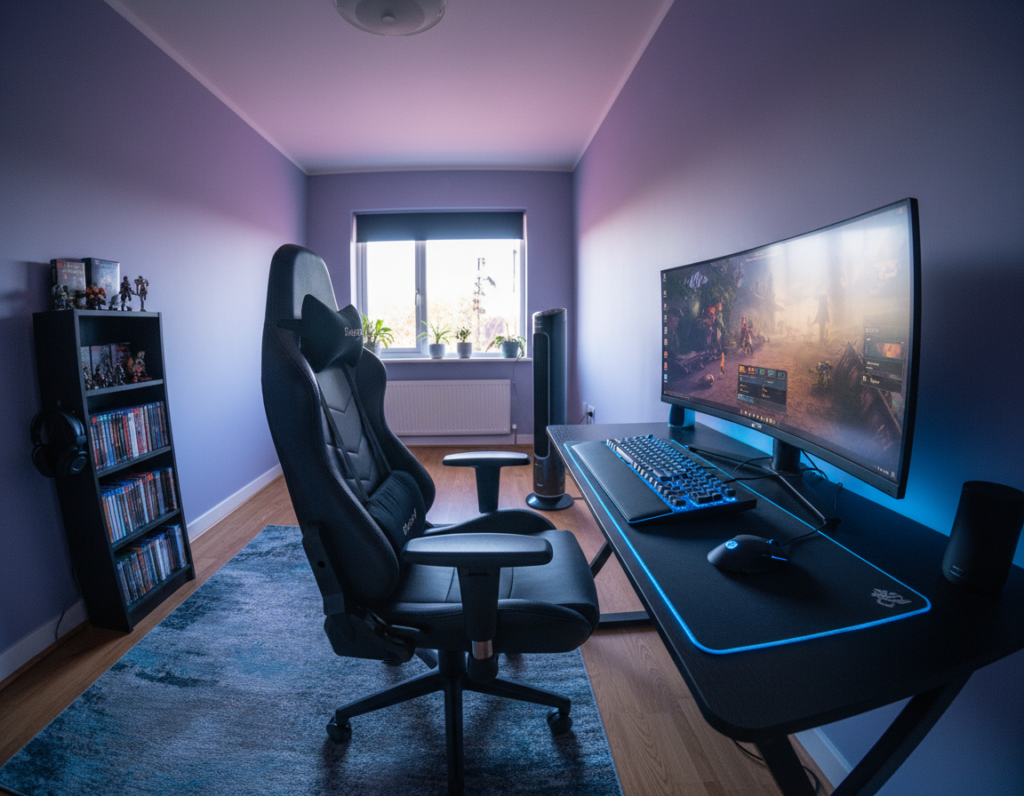
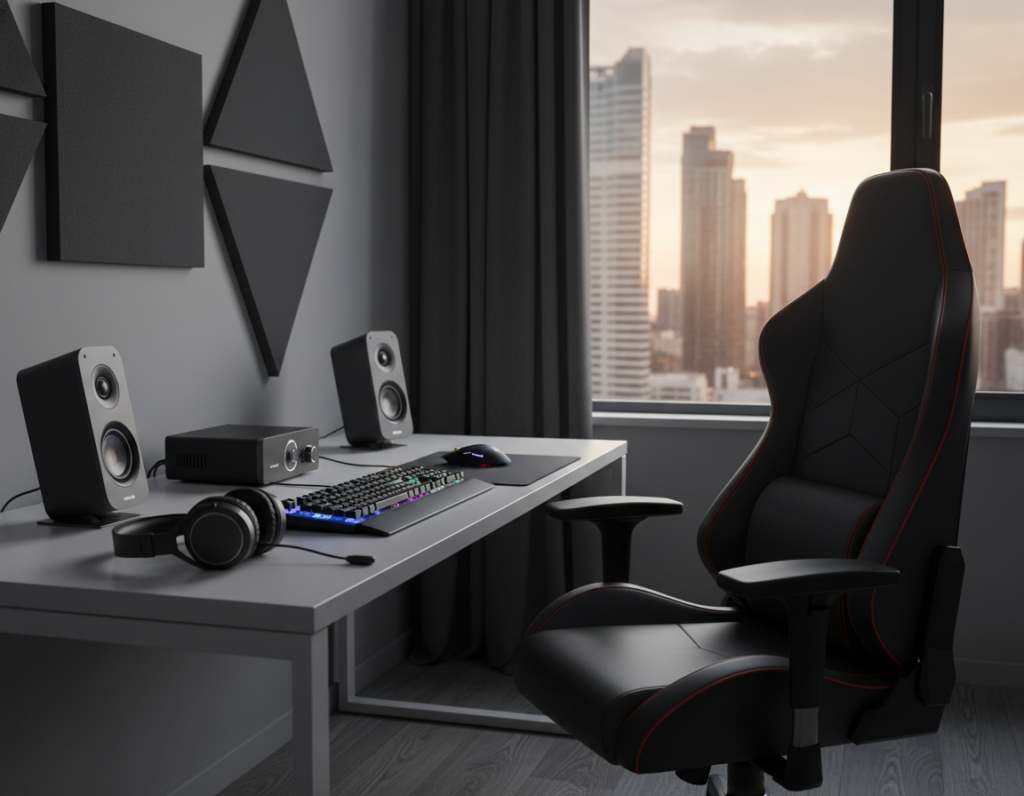
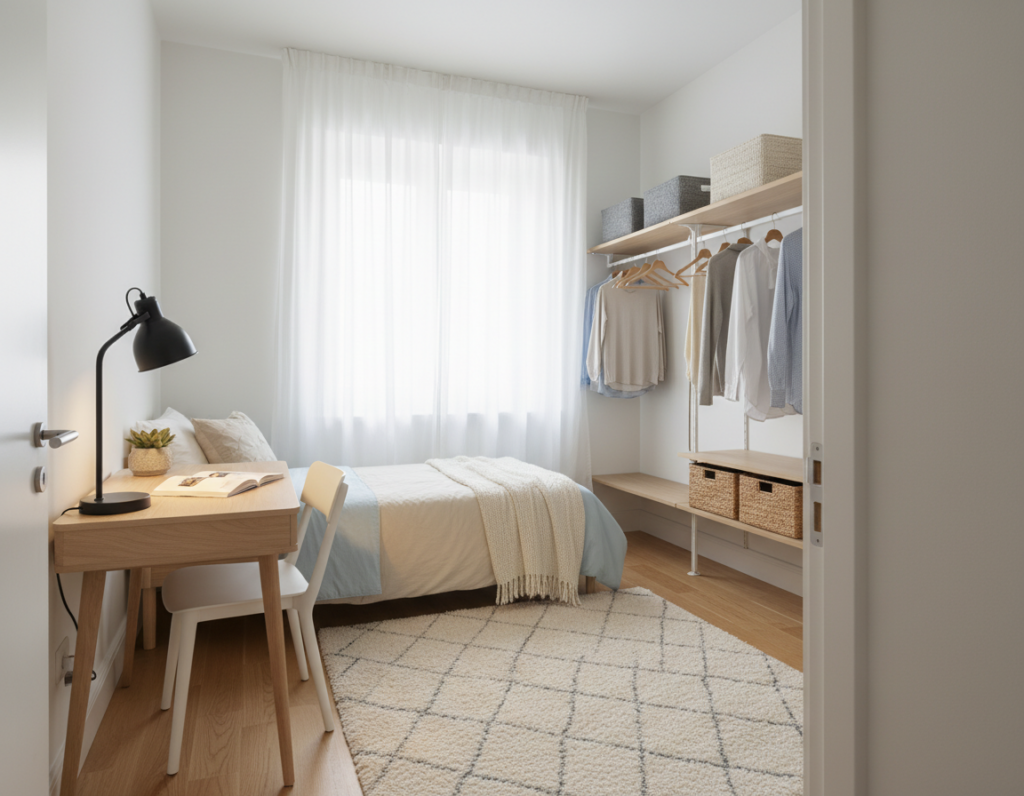
A compact workstation can turn a dorm or cramped room into a productive, relaxing hub. They will avoid buying an oversized executive station that blocks walkways by measuring usable wall length and ignoring zones taken by radiators, doors, and vents.
Designers recommend defining a dedicated corner to separate sleep from play. With smart accessories and ergonomic standards, the setup supports posture and social space without overwhelming the visual field.
Proper layout planning ensures the unit fits tight square footage and keeps closet doors clear. For practical tips and a sample plan, readers can follow a concise guide at compact setup examples.
Lighting choices, such as subtle RGB, boost ambiance without stealing room real estate. This introduction sets the stage for simple, actionable steps that help them balance comfort, movement, and performance in the room.
Measuring Your Room for Success
A few quick measurements save hours of frustration and keep the work area functional. Start with simple numbers to ensure the selected unit fits and allows free movement.
Key Measurements to Capture
Measure the usable wall length and the depth from wall to the walking path. These two figures determine which desks or office desk styles will physically fit.
- Desk depth in the range of 23–27 inches suits most rooms; it leaves room for a monitor and peripherals.
- Leave 6–12 inches behind the monitor for airflow and cable access to avoid heat or tangles.
- Allow at least 2–3 inches of clearance on each side to maximize floor space and easy access to adjacent furniture.
Sketching Your Layout
Sketch the room to scale on paper—this takes five minutes and prevents choices that fit only on paper. Visualizing the area helps confirm how the corner or wall spot interacts with closet doors and walking routes.
Good lighting is essential: pick a spot with day and night illumination options so work sessions stay comfortable. Accurate measuring keeps the room clear and functional.
Essential Ergonomic Foundations
Ergonomics begins with simple adjustments that match the setup to the user, not the other way around. These basics cut strain and help the body stay comfortable during long gaming sessions or intensive work stints.
Key Measurements to Capture
Keep elbows close and forearms parallel to the floor. OSHA eTools recommends a roughly 90-degree elbow angle to protect neck and shoulders.
Your desk height should support that angle while keeping wrists straight on a stable surface. Use a monitor stand to get the top of the screen at or slightly below eye level.
Sketching Your Layout
Sketch the room quickly to confirm screen distance and sightlines. A simple drawing shows where lighting will hit the screen and where glare could cause eye strain.
Lighting should be set to reduce reflections and keep contrast steady during play. Small shifts in height or stand position often solve most comfort problems.
“Match the workstation to the body to reduce lasting strain and improve endurance.”
Strategic Small Bedroom Gaming Desk Placement
Prioritize a spot with easy power access and natural light so long sessions stay safe and focused. Placing the setup near an outlet avoids cords crossing the floor and reduces tripping hazards.
An L-shaped desk can turn an underused corner into a prime command center. It leaves the center of the room open for movement and creates a distinct area for play and work.
Leave 6–12 inches of clearance behind monitors for airflow and better cable management. This gap helps prevent overheating during intense gaming sessions and keeps cords tidy.
Put the PC tower on a mobile cart so it moves with the desk and avoids snagged cables during height adjustments. Easy access to rear ports speeds upgrades and troubleshooting.
- Use corners to free floor area and keep the way clear.
- Plan lighting to reduce glare while keeping the spot bright for long sessions.
- Prioritize routed power to limit exposed cable on the floor.
Minimalist Wall Setup Options
A pared-back wall setup can free floor area and sharpen focus for single-monitor stations. For narrow walls, a 43–48 inch wide unit fits well while leaving a 20–24 inch walkway in a typical room.
Center the screen on the wall to help maintain a neutral posture during long sessions. OSHA guidance suggests placing the screen about an arm’s length away to reduce eye strain.
Use a monitor riser or stand to elevate screens and create vertical storage underneath for a keyboard, notebooks, or a compact tower. This keeps the desktop clear and improves organization.
Monitor Distance Guidelines
Position the screen at arm’s length and slightly below eye level. This distance lets users keep a relaxed neck and steady focus during work or play.
- Single-wall setups simplify cable routing and make it easier to bundle wires behind the surface.
- Wall-mounted storage above the screen keeps books and accessories off the desktop and clears usable area.
- Bias or task lighting behind screens improves visual comfort in a limited room environment.
Utilizing Corner Space for Command Centers
Corner stations turn overlooked nooks into efficient command centers. They make the most of otherwise unused area and free up central floor space for movement.
The GTG-L60 l-shaped desk is a good example. Its 60×40 inch surface and tempered glass top deliver generous surface area for monitors and peripherals. Integrated RGB options add mood lighting without taking extra room.
Placing a unit in the corner helps create a focused office zone. Facing monitors directly from the corner reduces neck strain and improves sightlines.
- Use an L-shaped desk to switch easily between study and play.
- Leave a small gap behind the unit for cable routing and airflow; avoid pushing a PC tower flush against the wall.
- A glass corner unit with RGB can make the room look larger while keeping floor space open.
“Tuck a command center into the corner to define a private work area and maximize usable space.”
Dual Purpose Work and Play Stations
A well-organized surface can shift a setup from study mode to play mode in seconds. A 60×27 inch surface hits the ergonomic sweet spot for keyboard and mouse use while fitting many room layouts.
Zoning Your Desktop
Divide the top into three clear areas: center for the main screen and controllers, left for a laptop or notebooks, and right for storage and peripherals. This simple zoning helps users swap tasks quickly.
Good lighting over the center improves focus. An adjustable monitor stand keeps the screen at eye level and preserves usable surface area.
Maintaining Movement
Follow the World Health Organization advice to break long sitting periods. They should stand or stretch every 30 to 60 minutes during long gaming sessions or work stretches.
“Interrupt sedentary time with brief movement to reduce health risks.”
- A dual-purpose gaming desk lets users change from work to play without rearranging gear.
- Proper cable management keeps cables tidy and the area safe.
- An adjustable height option supports standing for short bursts and better posture.
Benefits of Sit Stand Desk Solutions
Switching between sitting and standing can refresh focus and reduce aches during long sessions. A sit-stand option gives a flexible way to break up the day and improve posture without reworking the entire room.
Health Advantages
Research shows sit-stand desks cut daily sitting time by about 84–116 minutes, according to a Cochrane Review. Less sitting lowers strain on the back and improves alertness during long hours of play or work.
Finding Your Rhythm
Routine matters. The Cornell 20-8-2 rule—20 minutes sitting, 8 minutes standing, 2 minutes moving—helps users maintain energy and sustain focus through study blocks or intense gaming sessions.
Adjusting Height Correctly
Set the height so elbows form a 90-degree angle and wrists stay straight, per CCOHS guidance. This ensures forearms remain parallel to the floor and reduces wrist and shoulder strain.
- Memory presets make switching simple and keep a consistent routine.
- Plan cable management so wires never pull tight when the surface changes height.
- Good lighting and a clear space support standing periods and keep focus steady.
“A sit‑stand approach offers a versatile range of motion that fits different work and play needs.”
Stylish Sidewall Rig Configurations
Z-legs give a light, architectural look that makes a wall-mounted zone feel airy and intentional. This frame style is ideal when a compact surface must support dual screens without appearing bulky.
Choose a 61×25 inch top with Z-legs to balance a stable platform and a modest footprint. Leveling feet keep the unit steady on uneven dorm or older room floors and prevent wobble during intense sessions.
A sidewall rig creates a dedicated area that preserves central floor space and improves flow. Thoughtful height for legroom supports good posture and safe standing transitions when needed.
- Open look: Z-legs reduce visual bulk and improve the overall room look.
- Stability: Adjustable feet handle uneven floors without tools.
- Lighting: Integrated RGB or task lighting highlights the setup and aids visibility.
“A sidewall rig turns an ordinary wall into a modern centerpiece while keeping gear accessible.”
Managing Cables and Power Access
Tidy cable runs and reachable power make a setup feel intentional and safe. Mount a power strip under the desktop to keep cords off the floor and out of sight. An under-desk tray hides excess wires and the strip itself, reducing visible clutter and improving access.
Bundle runs with Velcro or magnetic ties and leave gentle slack for motion. This prevents stress on plugs when using a standing desk and makes swaps simple as upgrades arrive.
Keep the tower off the floor. A hanging CPU mount or mobile cart protects the computer and prevents cable strain. Route cables along the desk leg for one tidy line from wall to equipment.
- Under-desk power: mount the strip where it’s reachable but hidden for a clean office desk look.
- Bundle smartly: magnetic ties are flexible products for adding or removing wires.
- Light the area: task lighting helps when reorganizing or troubleshooting cables.
“Effective cable management is the secret to a clean gaming desk setup.”
Maximizing Vertical Storage Potential
Vertical storage transforms wasted wall height into practical zones for screens, peripherals, and décor.
A dual monitor stand or riser frees up valuable surface area under the screens for controllers, notebooks, or audio interfaces. This simple move often recovers 15–25% more usable space compared to leaving gear flat on the desktop.
Wall-mounted shelves above the work area hold books, collectibles, and accessories. They keep the desktop clear and make the room feel more organized without crowding the floor space.
- Use risers and stands to create storage under screens.
- Install shelves on the wall to store gear and show items.
- Run cable channels behind vertical units to limit visible clutter.
Lighting added to shelves highlights collections and improves task visibility. For practical tips on fitting these ideas into tight layouts, consult this concise small room guide.
Avoiding Common Desk Size Mistakes
Choosing the wrong footprint for a work surface often creates awkward routes and poor posture. A too-large top can narrow walkways and force the chair into odd angles.
BIFMA G1-2013 stresses that proportion matters more than sheer size. A well-proportioned unit supports good posture during long gaming sessions and regular work hours.
An l-shaped desk is a practical alternative to a massive straight table. It tucks into a corner, saves floor area, and creates distinct zones without dominating the room.
A desk that is too deep makes reaching the screen hard and can cause neck strain. Consider your sitting standing routine when choosing height and depth so hands, eyes, and screen stay aligned.
Good lighting helps judge scale before purchase and keeps visual comfort during the day and at night. Often, a smaller, high-quality unit outperforms a bulky, low-quality table for daily use.
“A properly sized surface supports movement, sightlines, and healthier posture.”
- Avoid oversized tops: they reduce mobility.
- Match height: align with sitting‑standing habits for health.
- Test reach: ensure the screen is within comfortable distance.
Conclusion
A thoughtful final layout ties ergonomic choices, storage, and lighting into a cohesive, livable setup. By prioritizing comfort and easy access to power, users can create a focused area that still allows time for rest between sessions.
, Good cable management and vertical storage keep the area tidy and improve the overall look. Measuring accurately and choosing the right unit prevents crowding and supports long‑term posture and performance.
For more space-saving ideas and layout options, see this concise space-saving guide. With these strategies, anyone can transform a modest room into a productive, comfortable sanctuary for work and play.