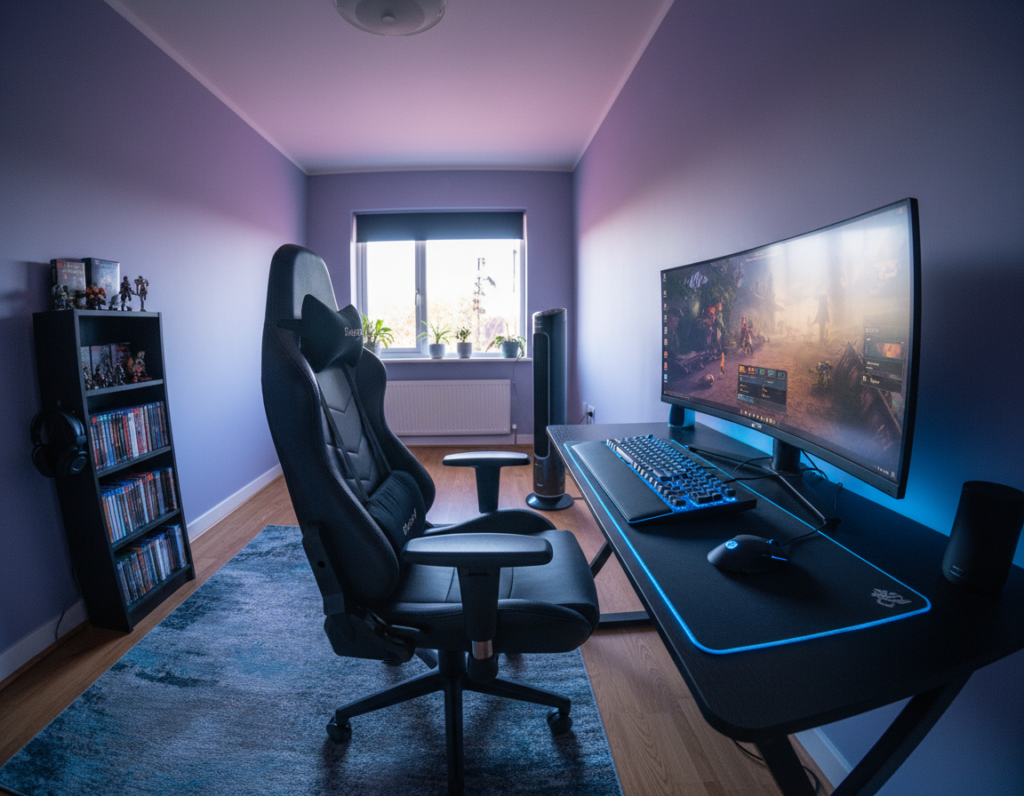
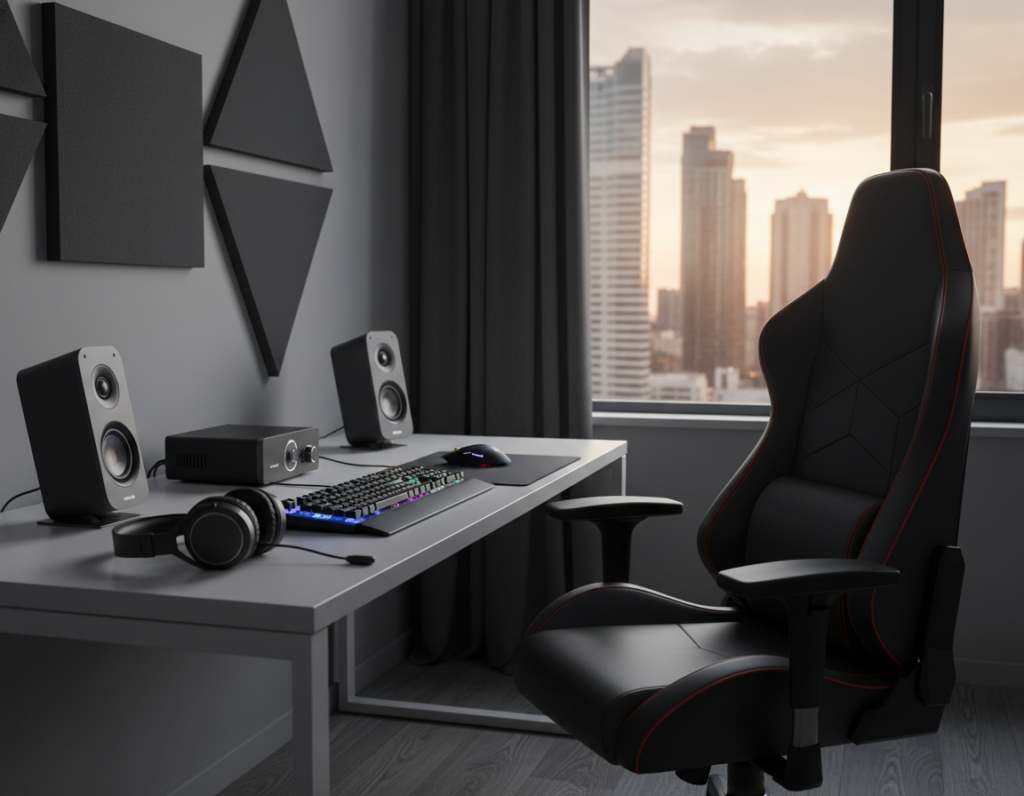
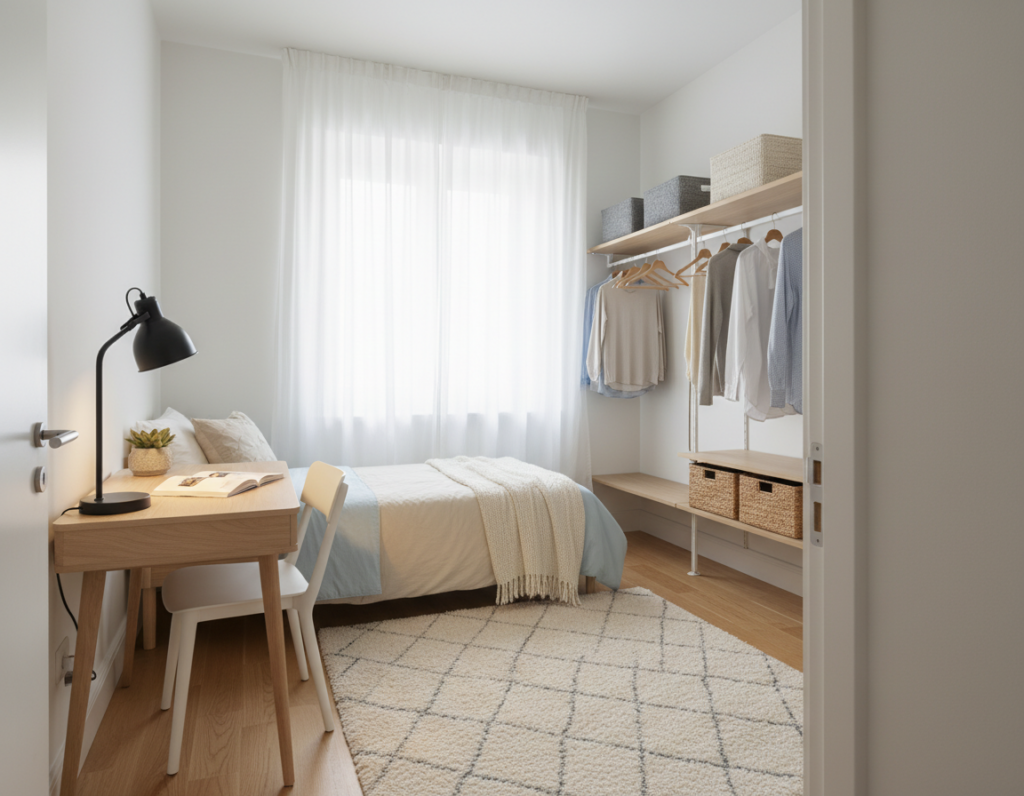
Investing in quality pieces helps users move from focused work to play without losing momentum. A solid desk acts as the foundation of a productive room. It holds monitors, peripherals, and papers, so transitions stay smooth.
Choosing the right chair matters for long sessions. Proper support reduces strain and keeps posture steady. This promotes better productivity and lasting comfort.
Modern setups blend form and function. Adjustable heights, cable management, and smart storage let people tailor their space. They can show personal style while keeping efficiency high.
With thoughtful choices, anyone can build an area that fits both work and play. The right desk and seating turn a single room into a versatile hub for daily life and intense gaming sessions.
Key takeaways: A durable desk and ergonomic chair support both work and play. Adjustable features boost comfort and efficiency. Curated setups reflect personal style while improving productivity.
The Evolution of Multi Purpose Gaming Furniture
Today’s setups fuse office-grade engineering with a home’s relaxed aesthetic to serve diverse needs. Designers now focus on functionality that helps gamers and professionals switch tasks without friction.
Since 2005, the X Rocker brand helped popularize floor seating for game rooms. Its success showed that specialized gear can adapt to varied home layouts and still offer comfort.
Modern chairs often include swivel action and adjustable armrests. These updates mean the price often reflects real engineering and materials.
- Versatile designs support long sessions of work and play.
- Balance of style and ergonomics helps a room look good and feel supportive.
- As the market matures, office chairs and game chairs overlap, giving better value for the price.
For gamers outfitting a dedicated room, choosing pieces that combine look and support matters. Thoughtful selections keep games comfortable while honoring daily life needs.
Designing a Versatile Home Office and Game Room
A smart layout turns a tight corner of a home into a highly functional office and game room. Thoughtful planning makes transitions seamless between focused work and relaxed play.
Optimizing for Small Rooms
Place the desk against a wall to free up central space. Vertical shelving and wall-mounted storage keep gear tidy and visible.
Choose a compact setup with monitor arms to reclaim desktop area. This approach stretches usable square footage without sacrificing function.
Balancing Professionalism and Fun
Pick a desk that matches the home’s aesthetic while holding essential gear. A clean surface and hidden cables preserve a professional look.
Zone the room with clear areas for work and game play. A small sofa or a dedicated chair signals where leisure begins, keeping the office side distraction-free.
- Use shelving to separate peripherals and papers.
- Keep decor neutral; add playful accents that are easy to swap.
- Prioritize comfort to support long work and gaming sessions.
Selecting the Right Desk for Work and Play
Picking a desk begins with honest measurements and a clear idea of daily use. Measure the width, depth, and clearance where the desk will sit. This prevents buying a desk that overwhelms the room or one that feels cramped.
Measuring Your Available Space
Start by marking the usable floor area and the wall behind the desk. Allow extra inches for chair clearance and cable access.
Consider proven options: the Duo Standing Desk comes in 36×24, 48×24, and 58×27 inches to fit smaller home offices. For a wider surface, the Motia Sit-to-Stand Gaming Desk offers a roomy 62.5-inch width and about 69.2 inches depth for large setups.
- Fit and function: Ensure enough room for monitor, keyboard, and a clean work surface.
- Price vs durability: Higher price often reflects better materials and ergonomic style that lasts.
- Balance: A correctly sized desk supports both work and play needs without sacrificing office style.
Ergonomic Chairs for Extended Comfort
Long sessions demand chairs built to support the whole body without fatigue.
Good seating protects posture and helps users stay productive during work and play. Selecting a model with adjustable features makes a real difference.
Racing Style Models
Racing style chairs blend sporty looks with practical function. They often include reclining angles and reinforced bolsters for lateral support.
Higher price can reflect extra features like tilt lock and heavy-duty frames. Those extras justify the cost for many buyers.
Ergonomic Support Features
- Adjustability: The Ergonomic Chair Pro: SEGA Edition offers 14 points of adjustment and a 7-year warranty, giving tailored support for long days.
- Spinal care: Proper lumbar and back support maintain alignment and reduce strain.
- Height and tilt: Seat height and back angle adjustments let users match the chair to their body and desk.
Vegan Leather Options
Vegan leather gives a premium feel while staying durable. It resists wear and cleans easily compared with some fabrics.
Materials choice affects breathability and longevity. Buyers should weigh look, comfort, and maintenance before they buy.
Benefits of Height Adjustable Standing Desks
Swapping postures at a height-adjustable desk helps reduce stiffness and boosts focus for both work and gaming.
Users gain greater comfort by alternating between sitting and standing. This simple change eases back and neck strain and improves circulation.
A high-quality gaming desk with height control can mean a higher price up front. Many find the long-term health gains justify that initial cost.
These desks meet diverse needs. They let someone shift from a seated gaming session to a standing work posture in seconds. That flexibility supports longer days without extra fatigue.
- Reduced strain: Standing intervals cut the harm of long sitting spells.
- Better focus: Posture changes can refresh attention and productivity.
- Adaptable design: Modern office and gaming desk models now prioritize height adjustability to fit changing routines.
Essential Monitor Support and Positioning
Screen placement is a small tweak that yields big comfort gains. Proper alignment keeps eyes level and reduces strain during long sessions. A quick adjustment can improve posture and focus.
Single vs Dual Options
Choosing between a single arm and dual arms depends on desk space and how many monitors the user needs. A single monitor stand works well for focused setups. Dual arms suit streamers or professionals who run multiple windows.
- Ollin Monitor Arm: Holds up to 20 pounds and gives flexible height and tilt.
- Stability: A sturdy stand prevents wobble and keeps the display secure.
- Ergonomics: Elevating the monitor to eye level eases neck and eye strain.
- Space vs price: Dual arms cost more but save desk area when monitors overlap.
“A well-mounted monitor is the first step toward a clean, productive workspace.”
For setup tips and product guidance, see the monitor stand guide. Proper support and the right stand make both gaming and work more comfortable and efficient.
Managing Cables for a Clean Aesthetic
Good cable routing is the quiet upgrade that instantly improves any setup. It keeps the work area tidy and helps users focus on tasks without distraction.
Effective cable management prevents a desk from becoming a tangle of cords. Use clips, sleeves, and under-desk trays to run power and data lines neatly out of sight.
Investing in dedicated accessories may raise the initial price, but the gains in safety and accessibility are worth it. Proper routing frees desktop space and creates extra storage for controllers and headsets.
- Safety: Clips and sleeves reduce trip hazards and protect connections during intense sessions.
- Longevity: Organized cables stay intact longer and simplify upgrades.
- Appearance: Clean runs and hidden trays make a home office feel more professional and inviting.
Simple management choices—a few ties, a channel, and a small tray—can transform a cluttered corner into a polished workspace. That modest investment lifts the whole room’s look and function.
Storage Solutions for Small Spaces
Smart storage turns a cramped corner into an orderly command center for work and play.
Good choices keep the desk surface clear and make the room feel larger. Small, modular units can grow as needs change. That protects the long-term price value of the overall design.
Utilizing Desk Trays
Desk trays keep small items organized without stealing space. Use stackable trays for papers, controllers, and chargers.
- Clear surface: Trays remove clutter so the user can focus on tasks.
- Easy access: Place trays within arm’s reach to speed workflow.
- Affordable: Low price accessories deliver big gains in neatness.
Adding Shelving Units
Vertical shelving makes the most of limited floor space. A slim shelf above the desk stores books, headsets, and decor.
Consider modular shelves that attach to desks or walls. They keep items visible yet out of the way and pair well with a compact gaming desk.
- Choose durable pieces that match the room’s look.
- Organize by frequency of use to keep essentials nearby.
- Mix closed and open storage to hide clutter and show gear.
Enhancing Comfort with Footrests and Mats
A simple footrest and a quality mat change posture and protect the floor at once. These two items are low-cost upgrades that give real, measurable gains in comfort and long-term usability.
Using a high-quality chair mat keeps the floor safe and lets chairs roll smoothly. Smooth movement reduces abrupt shifts that strain the back and legs during long sessions.
An adjustable footrest raises feet to the right height, offering extra support for the lower body. That simple elevation eases pressure on the spine and helps maintain good posture while seated.
- Protects flooring: The Woven Chair Mat folds in half for compact storage when not in use.
- Smoother motion: Chairs roll with less effort, so focus stays on work or play.
- Better posture: Combined, mat and footrest reduce strain on the back and entire body.
Together, these accessories create a more ergonomic setup. They let users stand or sit with confidence and keep attention on tasks, not discomfort.
Choosing Materials for Durability and Style
Material choice changes how a chair feels from day one and how it lasts over years. The right surface affects comfort, support, and the overall design of a room.
Comparing Leather and Fabric Finishes
Leather finishes deliver a premium look and a smooth feel. They resist spills and wipe clean easily. For buyers, that often means a higher price but less upkeep over time.
Fabric options are more breathable and usually cost less upfront. They offer softer touch and a wider range of color choices. Fabric can show wear sooner, so choose tightly woven textiles for longer life.
- Durability: Leather lasts longer against abrasion; high-grade fabrics can also hold up if well made.
- Comfort & support: Both finishes work with quality padding to keep posture steady during long sessions.
- Color and design: Pick tones that match the room’s style to create a cohesive look.
Ultimately, comparing leather and fabric helps buyers balance style, price, and long-term use. Selecting quality materials ensures chairs provide lasting comfort and dependable support.
Integrating Technology into Your Setup
Proper power planning prevents interruptions and protects expensive electronics.
Place power strips and outlets where they are easy to reach. This reduces cable clutter and keeps devices charged without daily unplugging.
Invest in quality surge protectors and, when needed, a UPS for critical gear. These steps guard consoles, PCs, and monitors from spikes and outages.
- Map device needs: note each item’s wattage and plug type.
- Centralize charging with a labeled strip or rack to simplify access.
- Use under-desk trays and clips to pair power runs with neat cable routing.
“A single power failure should never end a session or corrupt saved work.”
When designing the desk area, factor in future upgrades. Planning for adequate power now keeps the gaming area reliable and ready as technology changes.
Maximizing Productivity with Desk Accessories
Smart accessories turn an ordinary desk into a tuned workspace that matches specific daily needs. A few well-chosen items keep a monitor at eye level, reduce clutter, and make switching from work to play faster.
Start with a sturdy monitor mount. It clears surface area and improves posture, which adds real comfort during long sessions. A dual arm helps when a second screen is needed for streaming or spreadsheets.
Add storage trays and a small under-desk shelf to keep controllers, chargers, and notes within reach. These accessories cut visual distraction and protect cables from tangling.
Quality often affects the long-term value. While the price of premium pieces can be higher up front, durable mounts and trays save time and replacement costs. For curated ideas on must-have pieces, see this desk accessory guide.
“Thoughtful accessories make a desk feel like a custom tool, not just a surface.”
- Use monitor arms to free desktop space.
- Choose storage that matches the room and office needs.
- Invest where longevity beats low price.
Customizing Your Space with Color
A well-chosen palette can change how a room feels and how people use it. Small changes in color alter mood and make the area feel larger or cozier.
Use a consistent set of hues across walls, storage, and textiles to create a unified design. A simple scheme—one neutral base, one accent, and one highlight—keeps the space cohesive.
Strategic use of color boosts energy for play or calms the mind for work. Bright accents lift focus. Muted tones ease stress and improve concentration.
Consider how new shades interact with existing pieces. Test swatches near natural light and next to the desk and shelving to ensure balance between style and function.
- Tip: Match accent tones to storage and smaller items for a polished look.
- Tip: Swap pillows or mats if a quick refresh is needed without replacing major pieces.
- Tip: Keep larger surfaces neutral to maintain flexibility over time.
Quality Standards for Long Term Use
Durable builds and tested materials make the difference between a one-time buy and a lasting investment. Choosing high quality items helps ensure a chair and desk deliver steady support for the body across years of use.
Professional gamers expect rigs that hold up to intense sessions. A well-made gaming chair resists wear, preserves padding, and keeps adjustment points working without loosening.
Good design focuses on long-term comfort. It places lumbar and seat geometry where the body needs support most. That lowers fatigue and reduces the chance of injuries over time.
- Quality materials and tested frames prevent early failure.
- Durable chairs and desks cut repair and replacement costs.
- A certified gaming chair offers reliable adjustment and sustained comfort.
- Picking proven quality protects posture and performance.
Investing in quality now creates a stable setup for work and play. Over the long run, it supports health and keeps focus where it belongs: on performance, not upkeep.
Delivery and Setup Considerations
A smooth delivery starts with clear measurements and a realistic plan for where the desk will sit. Verify door widths, stairs, and the floor path to the room so movers avoid surprises.
When adding a desk or chair to the cart, check dimensions for the intended surface and nearby storage. Record width, depth, and clearance so the piece fits the available space.
Consider professional delivery for heavy items. Trained teams place chairs and desks where they belong, protect the floor, and reduce risk of damage during setup.
- Confirm delivery windows and any stair or elevator fees.
- Measure desk surface and access routes before checkout.
- Ask movers to place items in the exact room for quick assembly.
“A planned delivery saves time and keeps the new setup in top condition.”
Finalizing the cart with these checks makes the last step—assembly and tech setup—fast. The result is an office that matches style and work needs immediately.
Conclusion
When a room supports both work and play, performance and comfort improve together. This conclusion rests on simple choices that balance ergonomics, storage, and tech.
Investing in a high-quality gaming chair gives the lumbar support needed for long workdays and intense games. The right seat helps gamers stay focused and reduce fatigue.
Selecting reliable gaming furniture and smart accessories keeps a game room tidy and productive. A clear layout makes switching between tasks smooth and fast.
In the end, a well-planned room reflects personal style and delivers the flexibility to excel at work play or a favorite game. Small, thoughtful upgrades empower better performance and more enjoyment in one shared space.