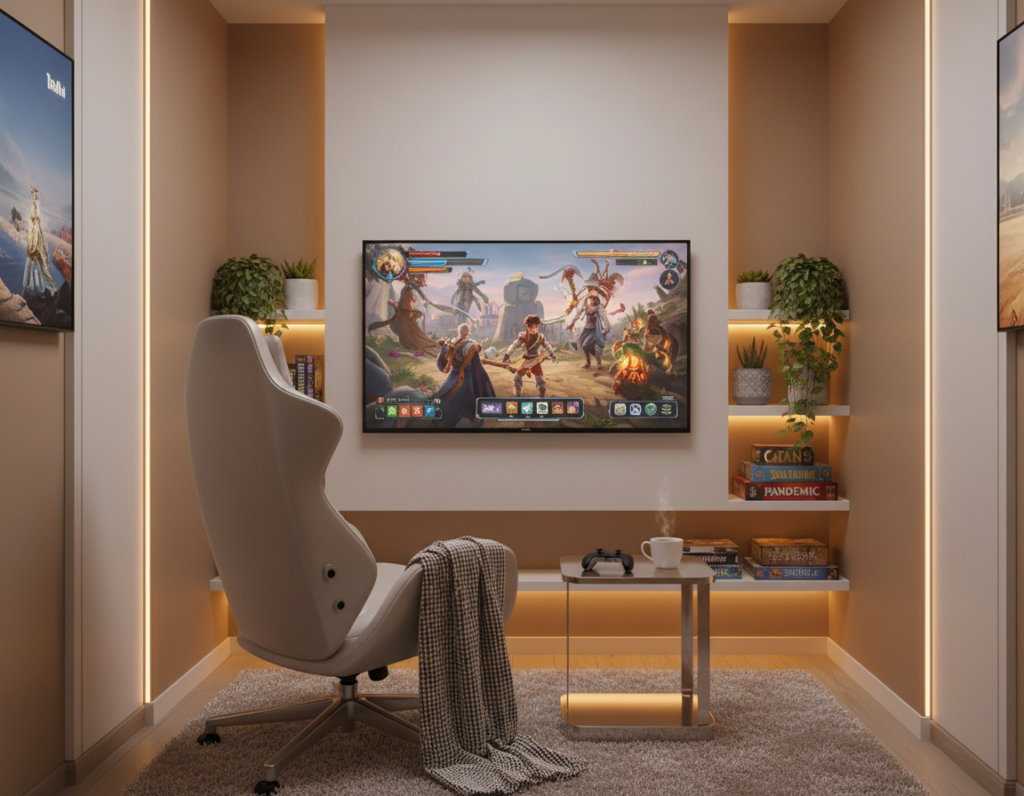
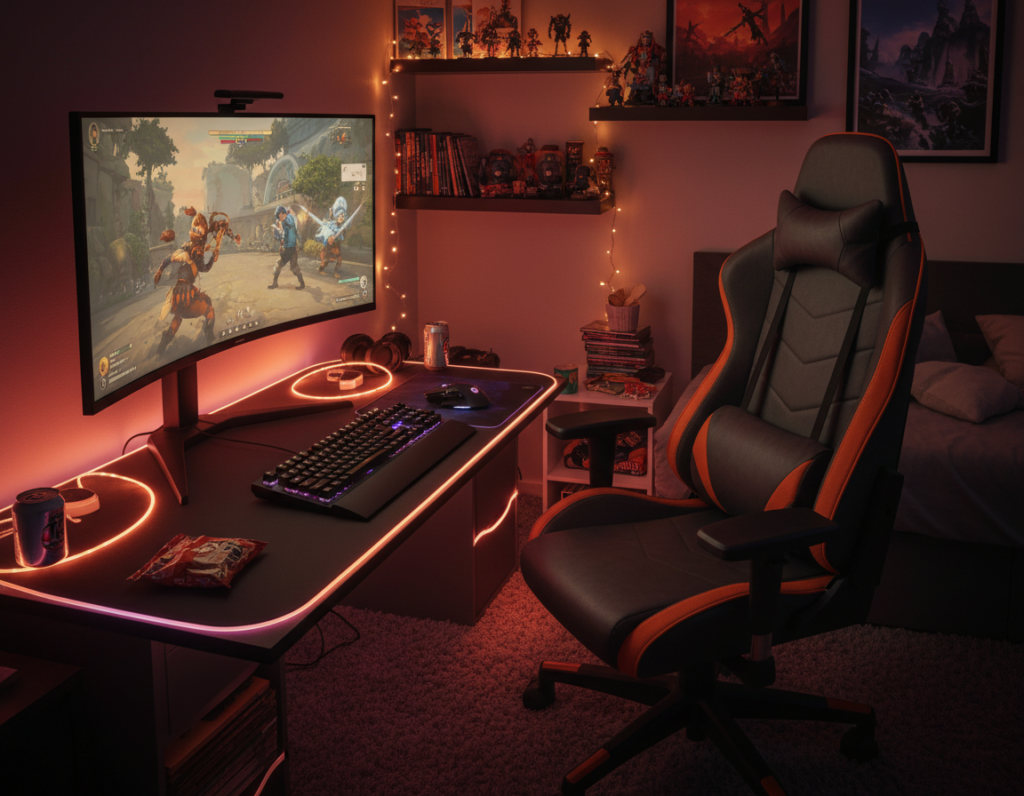
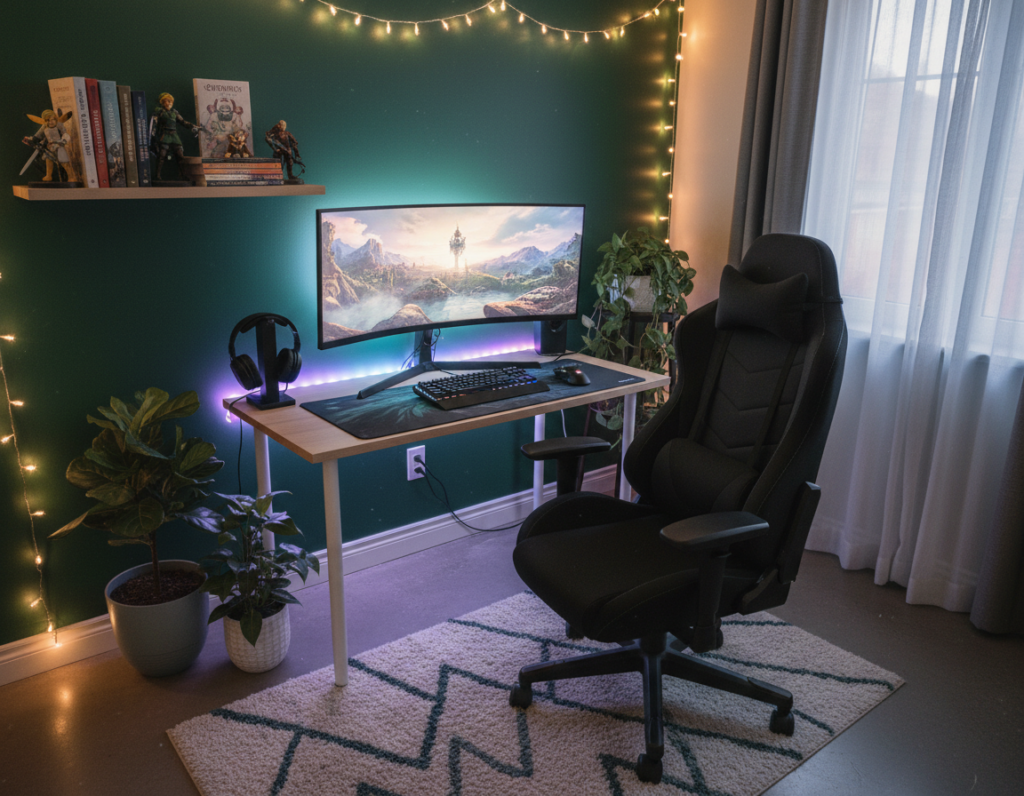
Creating a focused, comfortable space makes a big difference during late-night play. Many serious players find that thoughtful color and control improve their gaming experience and reduce eye strain.
Experts like Hyperspace Lighting say quality lights and targeted placement can upgrade a plain area into a pro-grade game room. Using a smart home app to adjust a strip or a floor lamp makes fine tuning simple and fast.
Adding accent lighting behind a desk or along a wall helps create a steady glow that supports long sessions. Gamers often pair music-reactive strips with a lamp to sync color and mood to in-game action.
With the right products and setup, players can enhance gaming performance and comfort. Small changes in light control and placement can shift a plain room into a more engaging, functional space.
The Impact of Warm LED Gaming Room Lighting on Your Setup
Intentional color and fixture decisions make an evening session feel more immersive and less tiring.
Proper lighting shapes performance. Super Bright LEDs notes that thoughtful video game room lighting improves focus and reduces eye strain. A balanced mix of strips and overhead fixtures helps create an even glow that supports long play sessions.
Install strip lights around the ceiling perimeter to define the setup and add depth. Pair those strips with RGB+CCT downlights so players can switch between useful white light and vibrant colors for different games.
- Use a floor lamp or desk lamp to add localized fill and reduce contrast.
- Choose fixtures that illuminate walls and floors to complement monitors and decor.
- Control everything via a smart home app to change mood without leaving the chair.
“Proper video game room lighting plays an integral role in enhancing the overall gaming experience.”
In short, the right led strip and fixture choices transform a simple desk into a professional-feeling game room. For setup ideas and product options, see the ultimate guide.
Why Warm Colors Enhance Evening Gameplay
Subtle shifts in color and temperature make a measurable difference after dark.
Shifting spectral balance toward gentler tones helps players stay focused during long sessions. Experts at Super Bright LEDs recommend choosing about 3000K for ambient light to reduce eye strain.
Reducing eye fatigue
Lower color temperature cuts glare and softens contrast between monitors and the surrounding space. This makes it easier for the eyes to adjust during extended play.
Creating a relaxed atmosphere
A consistent palette around the desk helps a setup feel intentional and less clinical. Players report a more immersive experience and better concentration when the space feels inviting.
- Choose a mellow color temperature near 3000K for ambient fills.
- Use localized lights to reduce sharp shadows and monitor contrast.
- Match accent tones across walls and a strip to create a cohesive look.
“Reducing harsh contrast around the screen helps extend comfortable playtime without strain.”
Strategic Placement for an Immersive Environment
Targeted illumination around key gear helps separate the play area from the rest of the space.
Highlighting Key Gaming Zones
Hyperspace Lighting recommends placing accent lights near shelves, monitors, and behind a desk to add depth and focus.
A well-placed floor lamp can wash the entire game room with soft ambient light while adding style. Use strip lights under shelves or cabinets to create a subtle glow that ties the setup together.
- Use lights around monitors for bias lighting to reduce eye strain.
- Place accent lighting on walls to frame the desk and display gear.
- Combine a floor lamp and small lamps for layered illumination and contrast control.
- Try music-reactive strips to make the space respond in real time to sound.
“Strategic accents highlight what matters and make the space feel professional.”
Planning the layout ensures every corner serves the overall gaming experience and turns a simple setup into an inviting, functional zone.
Selecting the Right LED Products for Your Space
Choosing the right fixtures changes how every corner of a play area feels and performs. A thoughtful mix of strips, downlights, and mirror art makes the best gaming setup feel cohesive and practical.
LED Strip Lights
LED strip lights are an easy way to add bias light behind a desk or under shelves. They provide a subtle glow that reduces screen contrast and highlights decor.
- The HyperDrive LED Kit offers high-density strips with over 16 million colors and advanced sound reactivity.
- Quality strips last longer and keep colors consistent during long sessions.
Smart Downlights
Smart downlights integrate with a smart home app to control brightness and color across the ceiling and fixtures.
Use them to set general room illumination and balance accent elements like strips and floor lamps. App control makes quick scene changes easy during gameplay or breaks.
Infinity Mirror Art
Infinity mirror pieces add a dramatic visual center. Hyperspace Lighting’s HyperCube Nano, HyperCube10, and HyperCube15 create a mesmerizing effect that elevates the space.
“Infinity art turns a plain wall into a focal point and deepens immersion.”
Combine art, strips, and downlights for layered control and a balanced glow across the game room.
Installation Tips for a Professional Look
Mounting strips in channels and covering them with a frosted lens produces a seamless glow that reads as high-end. This diffuses harsh points and stops glare from hitting screens.
Plan runs first. Route cables along baseboards or inside channels to keep the desk area tidy. Neat wiring makes the whole setup feel intentional.
Place ceiling lights and accent fixtures so they never shine directly on monitors. Reflections distract and reduce comfort during long play sessions.
- Use high CRI strips on shelves to show collectibles in true color.
- Keep strip lights flush with edges for a clean outline on the wall and desk.
- Choose a portable floor lamp to tweak the overall glow without rewiring.
Angle monitors and consider anti-glare screens to complement installed strips. A well-installed system blends into the space and lifts the overall game experience.
Syncing Lights with Your Gaming Audio
Syncing audio and color transforms passive background glow into an active part of the play.
Music-reactive controllers let light and sound work as one. The Twinkly Music Dongle makes this easy: plug it into any USB port and the lights follow game audio or tracks in real time.
All Twinkly products also link with Razer Chroma RGB. That connection lets colors and effects mirror on-screen action for a more cohesive gaming experience.
Utilizing Music Reactive Controllers
Reliable controllers are key. They must process audio quickly and keep multiple strips in sync to avoid lag or mismatch.
- Use a smartphone app for quick control and scene switching.
- Integrate smart home routines to trigger specific effects when the setup powers on.
- Connect several strips and fixtures so the whole space reacts as one.
Whether players choose fast pulses for shooters or subtle swells for exploration games, audio-synced light adds intensity and immersion. Investing in quality controllers and tested integrations preserves a seamless experience across future setups.
“Syncing lights to audio adds an extra layer of excitement and makes every game feel more intense.”
Managing Your Lighting Setup for Long-Term Use
Long-term performance depends on both product quality and regular care of the system. Hyperspace Lighting notes that high-quality fixtures offer a 50,000+ hour lifetime, so proper upkeep helps that promise become reality.
Routine checks keep a setup stable. Users should verify app connections and smart home links so control remains quick and reliable.
Avoid placing strips or fixtures where they will face excessive heat or moisture. Portable items like a floor lamp benefit from periodic cord and plug inspections to stay safe.
- Group products into scenes to switch moods fast during play.
- Keep accent surfaces dust-free to preserve color and brightness.
- Use a smart home hub to update firmware and add features.
Schedules and simple routines extend lifespan. Automate shutdowns when the space is unused and run occasional maintenance checks. With care, the setup will deliver a consistent atmosphere and dependable control for years.
“A well-managed lighting setup not only looks better but also functions more reliably.”
Conclusion
Smart control and well-placed accents let a player shape mood and focus without interrupting a session.
Transforming a gaming room into a comfortable, stylish space takes a few smart choices. Select the right products, add bias or backlighting behind displays, and place accents to reduce glare.
Use an app to switch scenes and enable music-reactive effects so the whole setup reacts to sound and play. For setup ideas and product options, see this guide on gamer room lighting explained.
The best gaming experience balances comfort and style. With these tips, anyone can create a professional-feeling room that enhances every game and keeps sessions enjoyable.