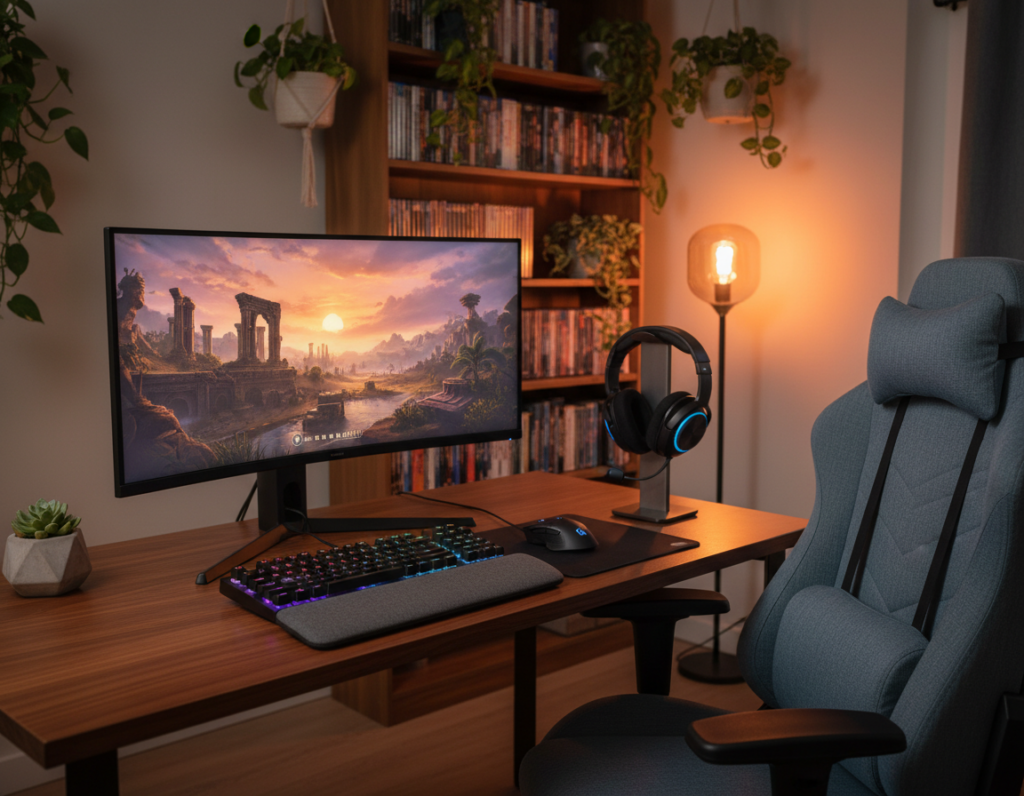
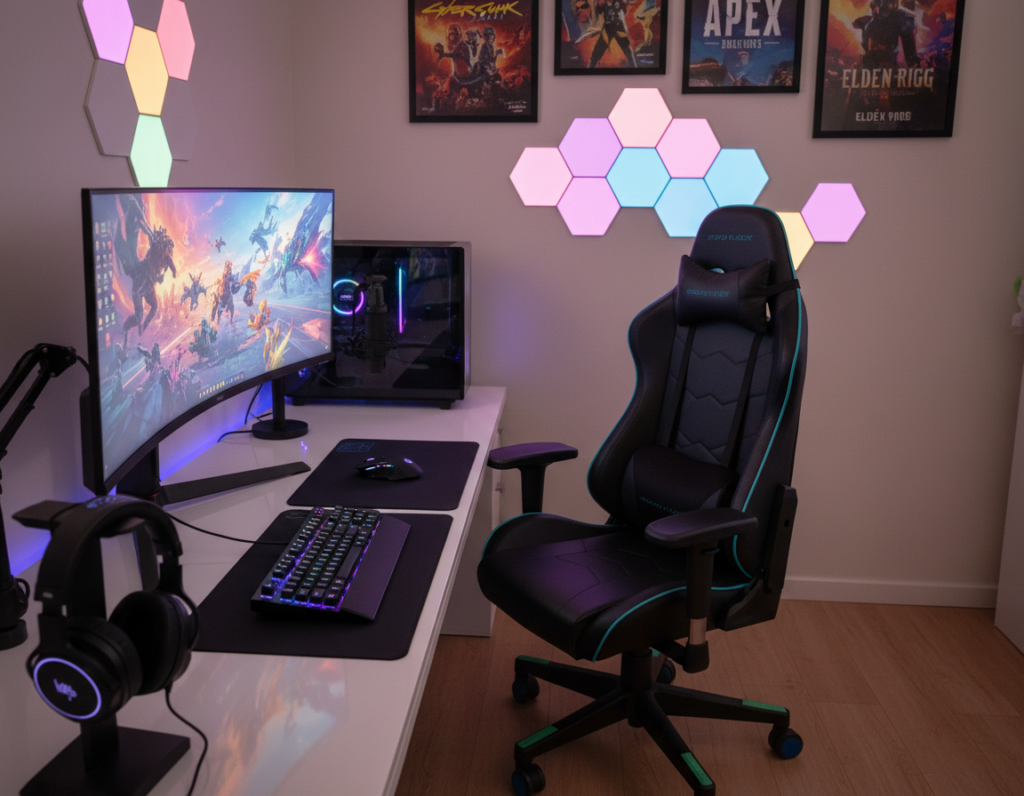
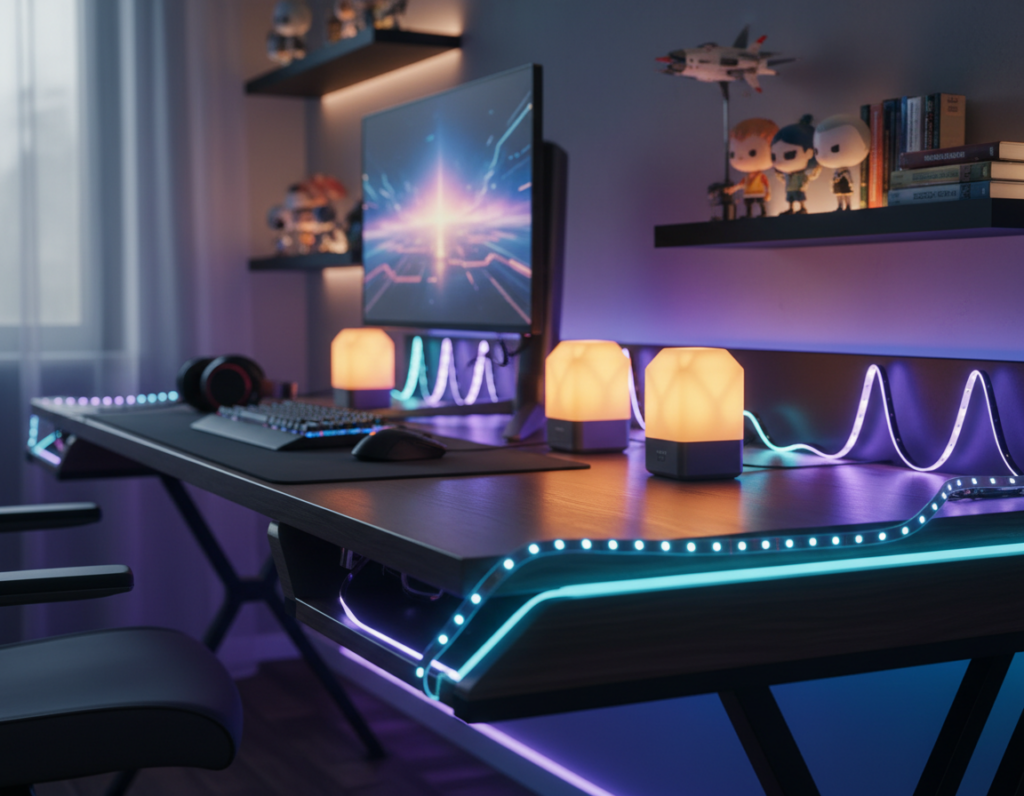
Many players struggle with tight workspaces. They often feel cramped and cluttered, which hurts focus and comfort.
Adding a compact mount can reclaim valuable surface area and clear room for keyboards, headsets, and other gear. Recent reviews show that a single monitor mount or a dual monitor solution raises the screen to the right height and reduces bulky stands.
Well-made products with gas or spring motion also offer tilt and smooth viewing adjustments. That flexibility makes the setup feel larger without changing the room.
Professional reviews praise how these mounts improve both function and style. They note that a clean surface boosts concentration and makes a small station look intentional rather than cramped.
How a Monitor Arm for Gaming Desk Transforms Small Spaces
A single articulated support can instantly free up tabletop real estate and change how a small setup feels. By lifting a bulky base, the visible area becomes neater and more functional. That extra space makes room for keyboards and headsets without crowding the screen.
Desky helps reduce risk with a 30-day worry-free returns policy and free shipping on all orders. Many reviews praise the Desky Single LED Gaming Monitor Arm as a high-performance product that clears clutter fast.
The right mount also improves ergonomics. Users can adjust height and tilt with smooth gas or spring motion so the screen sits at a comfortable eye line. Reviews often note that dual monitor setups look cleaner when installed on paired mounts.
- Try before you commit: 30-day returns let users test how an arm works on their monitor desk.
- Quick upgrade: Free shipping and a simple install make the product easy to add to small stations.
- Flexible view: Smooth motion and tilt keep the screen positioned for long sessions.
Key Technical Features to Consider Before You Buy
Understanding weight limits and attachment patterns avoids surprises after installation. Buyers should verify capacity and mounting patterns before they pick a mount. A wrong choice leads to sag, poor tilt, or extra noise.
Weight Capacity and VESA Compatibility
Check the weight rating and VESA size to match your display. The ROG Ergo monitor supports up to 39-inch screens and 100 x 100 mm mounts.
Product reviews often note weight limits: MI-4881 holds up to 44 lbs, MI-1771 supports 20 lbs, and the heavy-duty MI-394 reaches 275 lbs.
Spring Versus Gas Motion Mechanisms
Spring systems are simple and usually cheaper. Gas units give smoother motion and finer tilt control.
Decide by feel: some users prefer firmer resistance, while others like near-frictionless moves.
Mounting Options for Limited Desk Surfaces
Clamp and grommet fittings fit thin and thick tops. Confirm the clamp range in product specs.
For dual monitor setups, balance both screens and check combined weight so height and tilt stay stable.
“Pick a mount that matches both the weight and VESA pattern of your screen.”
Enhancing Your Gaming Posture and Visual Immersion
Simple ergonomic tweaks to display placement make a major difference in comfort and immersion. Proper positioning reduces neck strain and keeps attention on the screen during long sessions.
Achieving the Perfect Viewing Angle
Height and tilt adjustments let users set the screen at eye level. This supports a neutral neck position and lowers fatigue.
- Smooth motion: Gas and spring mechanisms let one move the display without effort.
- Reduce glare: A quality product allows quick tilt to cut reflections and keep visuals crisp.
- Dual setups: Using a dual mount creates a seamless field of view with less clutter on the surface.
“Many reviews note that a reliable mount keeps the screen at the right height and improves posture.”
Investing in a sturdy mount and tested products pays off. It frees space for peripherals and helps maintain visual immersion throughout play.
Learn setup tips in this ergonomic guide: ergonomic gaming desk setup guide.
Conclusion
A compact mounting solution brings order, comfort, and better sightlines to tight spaces.
Monitor arms help free surface area and create a cleaner, more focused setup. They let users set ideal height and tilt, which improves posture and reduces strain.
Choose a model with the right weight capacity, VESA fit, and motion type—gas or spring—to match needs. Read professional reviews to confirm stability and compatibility before purchase.
For a concise rundown of benefits and options, visit this benefits of a monitor arm. Investing in a quality mount is a cost-effective step to maximize small spaces and enhance every gaming session.