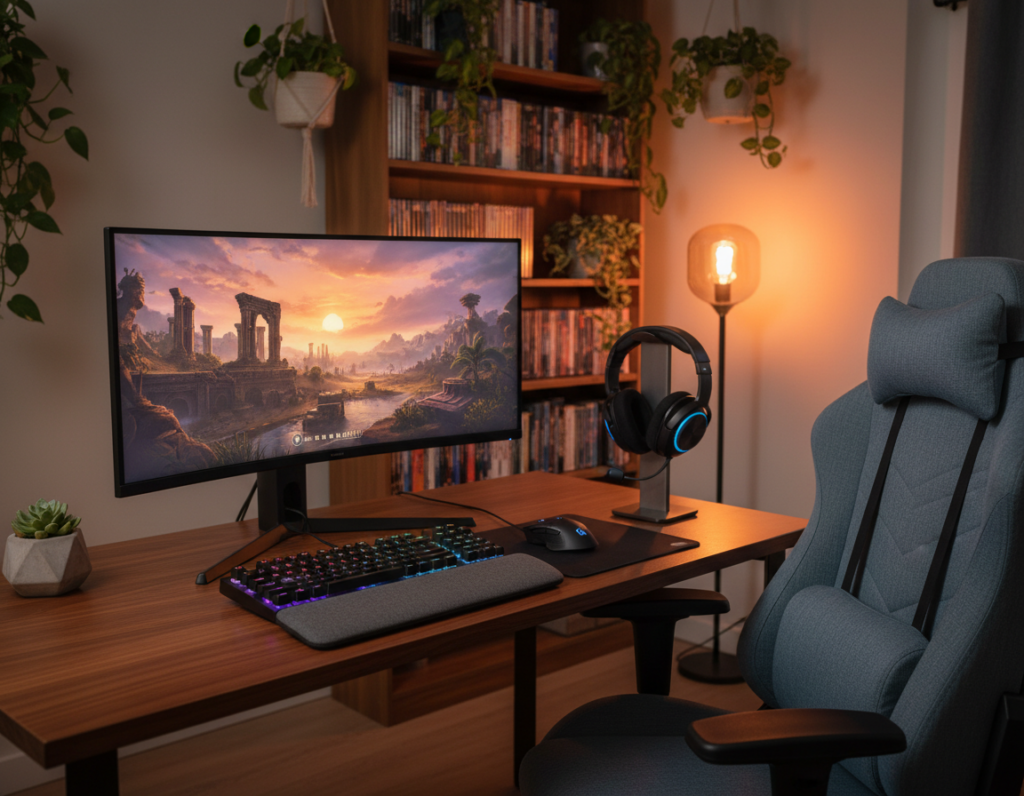
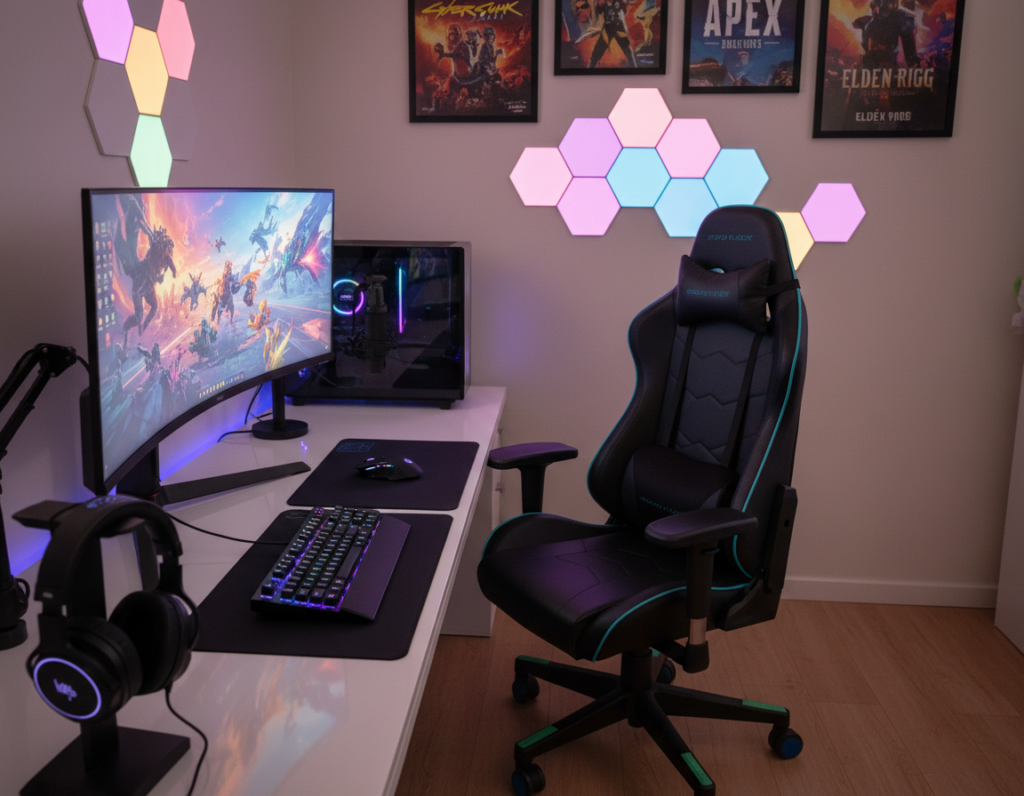
Small additions can change how a person spends hours at the screen. Players who built a thoughtful setup found that one or two compact USB items made a real difference in comfort and performance.
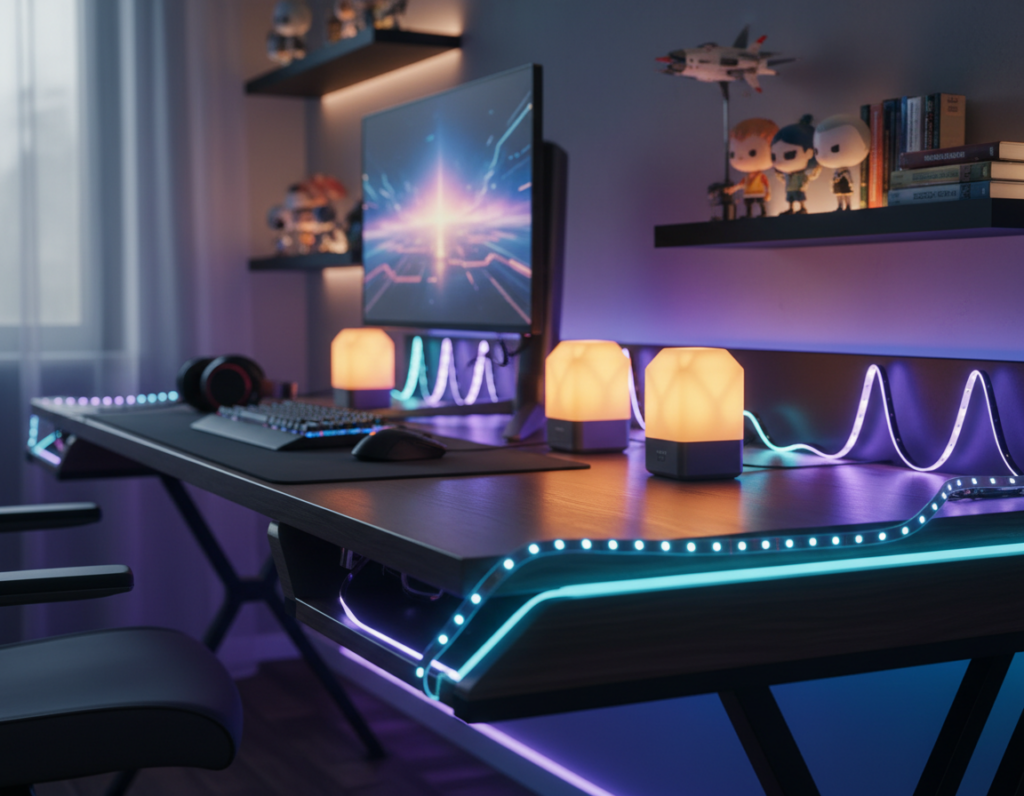
The Dezctop RGB lighting pack, with four LED strips and a two-channel controller, added subtle color and clearer edges to the space. It helped players place their screen and headset in a way that reduced glare and improved focus.
Every tiny device — from a powered USB hub to a solid keyboard or a balanced mouse — supported longer sessions and less strain. Managing power and surface layout let gamers keep devices charged and within reach.
Ultimately, a cohesive design blends form and function. Thoughtful choices let them craft a personal station that boosts comfort, preserves energy, and sharpens in-game attention.
The Importance of Useful Gaming Desk Accessories
A tidy setup helps pro players keep focus and react faster under pressure. Professional players knew that a clean gaming setup was key to peak performance during competitive matches.
Clutter distracts. When items are organized, players reclaimed desk space and moved more freely during intense sessions. That clear layout cut down on fumbling and missed inputs.
Many gamers prioritized storage solutions to maintain calm and minimize stress. By choosing each accessory with intent, they turned a surface into an efficient command center that matched their playstyle.
The placement of essentials mattered. Keeping headsets, controllers, and quick-access tools within reach improved reaction time and comfort.
- Better layout = faster responses
- Dedicated holders free desk space
- Purposeful accessory choices reduce distractions
Mastering Cable Management for a Clean Setup
A neat run of routed cables can transform a cluttered workstation into a calm command center. Effective cable management is the cornerstone of a professional gaming setup and prevents the tangle of wires that often plagues a busy desk.
Power strip holders keep power bricks off the floor and tucked under the surface. Mounting strips under the desk frees floor space and helps airflow. It also lowers the chance of accidental unplugging during a critical match.
Power Strip Holders
They fasten securely and make cleaning easier. A locked holder reduces tugging on cords and protects ports and plugs.
Cable Trays and Sleeves
Cable trays create one clean run behind the station. Sleeves bundle multiple cords into a single line and reduce wear from friction.
- Trays keep adapters and chargers organized under the surface.
- Sleeves hide runs and make the area easier to wipe down.
- Good management reduces hardware damage from snags and pulls.
Investing time in routing cables preserves a tidy space and prevents interruptions. When everything is secured, the setup looks sharper and stays ready for long sessions.
Ergonomic Chairs for Long Gaming Sessions
A supportive chair changes how someone feels after long sessions at the screen. Comfort and posture matter when players spend many hours in front of their setup.
Lumbar Support Benefits
Lumbar Support Benefits
Proper lumbar support helps align the spine and reduces lower back strain during extended play. This alignment lowers the chance of lasting pain and lets players stay focused during intense matches.
The FlexiSpot chair includes 4D armrests that move in multiple directions to cut shoulder strain. Adjustable height and arm placement let users match the chair to their gaming desk layout.
- An ergonomic chair prevents back strain when sessions last several hours.
- Adjustable height and 4D arms enable a personalized fit for neck and arms support.
- Alternating with a standing desk can reduce fatigue and extend comfort.
Investing in the right chair is a proactive step toward long-term health. A proper fit for the chair and gaming desk keeps posture steady and helps players perform at their best.
Enhancing Visual Comfort with Monitor Arms
An adjustable arm transformed a static setup into a dynamic workspace built for comfort. A monitor arm lets users set the height and angle of their screen precisely, which improves posture and reduces neck strain.
Following OSHA guidance, the ideal position is about an arm’s length from the eyes. Placing the monitor this way minimizes eye fatigue and lowers the chance of long-term strain.
“Positioning your display correctly is one of the simplest changes that yields big ergonomic benefits.”
Beyond ergonomics, a monitor arm opens up valuable desk space by removing a bulky stand. That extra room helps keep the gaming desk clean and gives headset mounts and RGB accents more breathing room.
- Adjustable height for neck relief.
- Articulating rotation to free space when using a headset or swapping peripherals.
- Cleaner setup that supports both form and function.
For players seeking a quick upgrade, check an in-depth guide to integrating a monitor arm into a modern setup: elevate your monitor setup.
Precision Control with High-Performance Mice
Precision begins at the fingertip. A high-performance mouse converts small hand motions into reliable cursor travel. That accuracy directly affects in-game decisions and long-term performance.
Sensor Accuracy
Quality sensors are the hallmark of a pro-level mouse. The Razer Viper V3 Pro uses the Razer Focus Pro 35K Optical Sensor Gen-2 and offers 99.8% resolution accuracy for competitive play.
Accurate tracking means predictable aim and fewer corrective movements on the screen. This boosts confidence during fast-paced game moments and improves overall experience.
Weight and Grip Styles
The Viper V3 Pro weighs only 54g, a lightweight design that reduces hand strain during long hours. Ergonomic shapes support claw, palm, and fingertip grips so users stay comfortable.
- Wireless models remove cable drag for smoother motion.
- Pick a consistent surface to ensure steady tracking; consider the best mouse pad for your setup.
- Review practical mouse setup tips to match grip, weight, and surface for peak performance.
Choosing the right mouse is a small change that pays off in comfort and consistent results at the gaming desk.
Mechanical Keyboards for Competitive Edge
For many players, the right keyboard turns split-second decisions into reliable actions.
Mechanical keyboards give crisp, tactile feedback that helps players execute commands with speed and precision during intense gaming sessions. The distinct feel of each switch reduces wasted presses and improves consistency in every match.
The design often includes customizable RGB lighting. That setup adds a professional look to the gaming desk and helps users spot key zones at a glance.
High quality builds make sure each keystroke registers accurately, which delivers a real edge in a close game. Many users pick specific switches to match their grip and comfort for long sessions.
Stability matters too. A solid surface and a desk mat keep the keyboard from sliding and protect keycaps over time.
“Investing in a durable mechanical keyboard is one of the simplest upgrades that improves consistency and responsiveness.”
Durable keyboards rewarded players with reliable performance and a more focused play experience.
Immersive Audio with Wireless Speakers
A pair of compact Bluetooth speakers lifted immersion by delivering clear, room-filling audio. This cable-free approach let players focus on play rather than cords.
Bluetooth Connectivity
Bluetooth pairing made switching sources fast. The speakers connected to a computer, phone, or tablet in seconds and kept the area tidy.
High-quality sound helped players pick up subtle cues. Footsteps, directional effects, and ambient layers became easier to hear and react to during tense matches.
“Clear audio is as important as a steady monitor for situational awareness.”
- Minimal clutter: wireless speakers remove cable runs and free space around the monitor.
- Flexible placement: users could position drivers for better stereo imaging without worrying about cords.
- Seamless switching: Bluetooth lets one setup serve a gaming PC and mobile device quickly.
- Improved performance: better audio quality can translate to faster in-game reactions.
Many players preferred a minimalist aesthetic while keeping a rich soundstage. In short, wireless speakers delivered a neat, high-impact upgrade to the overall gaming experience.
Streamlining Connectivity with USB Hubs
A compact hub turns scattered plugs into a single, reachable cluster that keeps gear powered and ready. For a streamlined gaming setup, this means less crawling behind a tower and more time at the screen.
The Dezctop USB Type-C 7-in-1 Hub supports USB 3.2 Gen 2 with up to 10 Gbit/s transfer speeds. That bandwidth keeps a mouse, keyboard, and external storage moving data without lag.
Using multiple ports at the front of the station simplifies cable routing and improves overall cable management. A single hub groups connections so the surface stays clear and power delivery remains stable.
- Centralizes ports for easier access
- Stable power preserves peripheral performance
- Sleek design and optional RGB accents match other gear
Investing in a quality usb hub saved space and reduced interruptions. It became a small, high-impact upgrade for a clean, efficient gaming desk setup.
Protecting Your Gear with Desk Mats
A full-size mat turns scattered tools into a single, stable surface that protects gear and improves control.
High-quality mats give a consistent plane for the mouse, which helps preserve aim during fast play. They also shield the desk from scratches and accidental spills, keeping expensive hardware safe.
Many mats are wide enough to hold both keyboard and mouse, creating a unified look and freeing space on the gaming desk. Some models include subtle rgb lighting to brighten the setup while keeping cables tidy.
- Smooth texture for effortless mouse glide
- Durable barrier against spills and wear
- Large footprint stabilizes monitor and peripherals
Choosing the right mat is a small upgrade that yields major benefits. It organizes the work area, protects the surface, and makes precise control easier when it matters most.
Professional Communication via Standalone Microphones
When communication matters, a proper microphone separates signal from room noise. A standalone mic delivers clearer voice capture than a headset and lifts stream and team chat quality.
Pickup Patterns
Adjustable pickup patterns let users tailor capture for solo streams or group talk. Cardioid modes isolate the speaker. Omnidirectional picks up several voices when teammates gather around a single mic.
Noise Cancellation
Advanced noise reduction filters hums, clicks, and background chatter. This keeps the audio clean so calls and streams sound professional even with a fan or room noise nearby.
Streaming Quality
Mounting the mic on a dedicated stand keeps it steady and positioned away from cable clutter. USB connectivity provides stable power and simple plug-and-play with a computer or recording devices.
“High-quality audio is a key component of a great gaming experience.”
- Better clarity: voice comes through without the hiss of headset mics.
- Reliable connection: USB power keeps levels steady for long sessions.
- Sleek setup: a small stand frees surface space on the gaming desk.
Ambient Lighting for Better Focus
Subtle ambient lights behind the monitor create a gentle halo that helps the eyes track motion on-screen more comfortably.
Balanced contrast lowers eye strain by softening the jump from a bright screen to a dark room. This simple step reduces glare and keeps vision steady during long sessions.
Many players add LED strips to shape a focused environment. Custom color and intensity let them set mood cues that match a game’s tone or shift to calmer hues for breaks.
- Improves focus by reducing visual fatigue
- Creates immersion without cluttering the surface
- Allows quick mood changes to suit play or relaxation
Ambient lighting uses little space yet raises the visual appeal of the setup. Consistent lighting around the screen helps players stay alert and ready to respond to in-game events.
“A small wash of light can make long sessions feel less tiring and far more immersive.”
Essential Phone Stands for Multitasking
A small, angled phone stand keeps a secondary screen in view so users can manage messages without breaking focus. It places notifications and chat apps where they are easy to glance at while both hands stay on the mouse and keyboard.
Many stands add wireless charging, so the phone stays powered through long sessions. A single usb or cable tucked behind the stand prevents clutter and keeps power steady.
Using a dedicated stand also creates a tidy area for a headset or other devices. One compact stand can hold a phone and clear space on the desk, which helps reduce strain from constant reaching.
- Better posture: proper angle reduces neck strain.
- Hands-free: monitor chats without taking hands off the mouse.
- Neat setup: a single stand keeps cords and items organized.
A quality stand is a small upgrade that improves comfort and efficiency for hours at the screen.
Conclusion
Smart upgrades stack — each compact item adds up to a smoother, more consistent gaming experience.
Every addition, from a monitor arm to subtle RGB lighting, improved comfort and performance across long hours. These choices freed surface space and made the station easier to use during intense sessions.
Investing in quality gear and a thoughtful design gave gamers a reliable base. A standing desk or a stable mat changed posture and preserved focus, while a proper headset and powered hub kept power and sound steady.
Start small, aim for tidy desk space, and build a gaming setup that supports victory and enjoyment for every game.