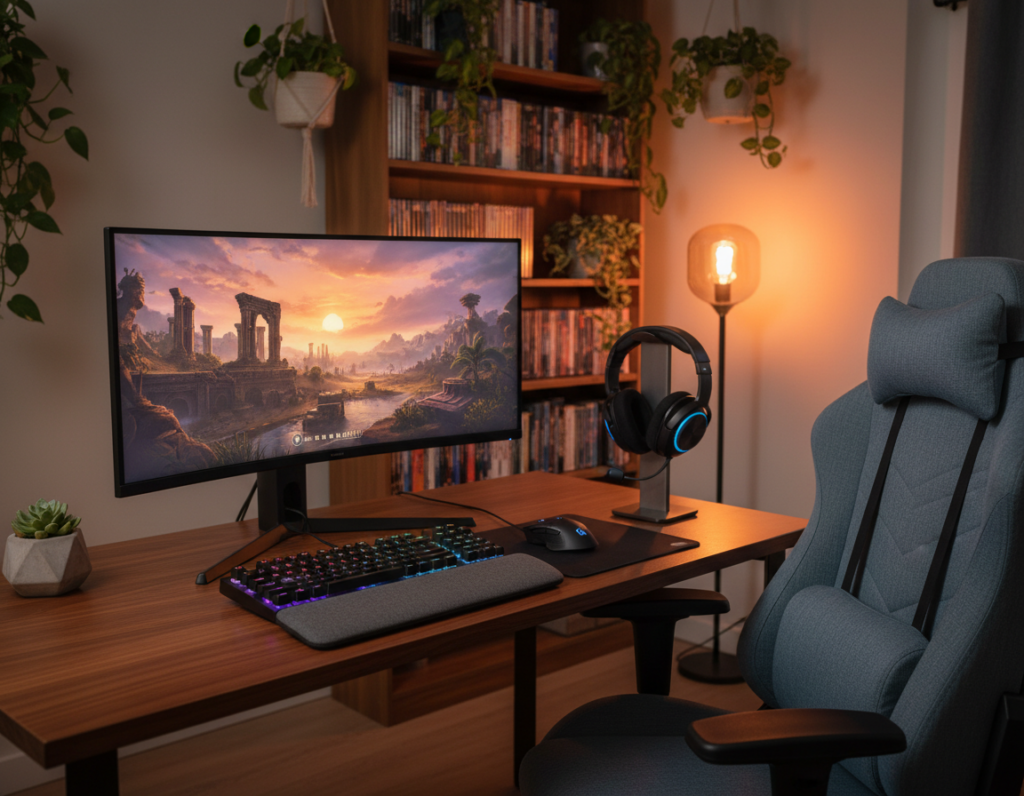
After the core PC is built, refining the surrounding gear makes a big difference.
They focus on items that boost comfort, performance, and style in the room. A good desk and an ergonomic chair keep long sessions painless. Clear cable management keeps the desktop tidy and distractions low.
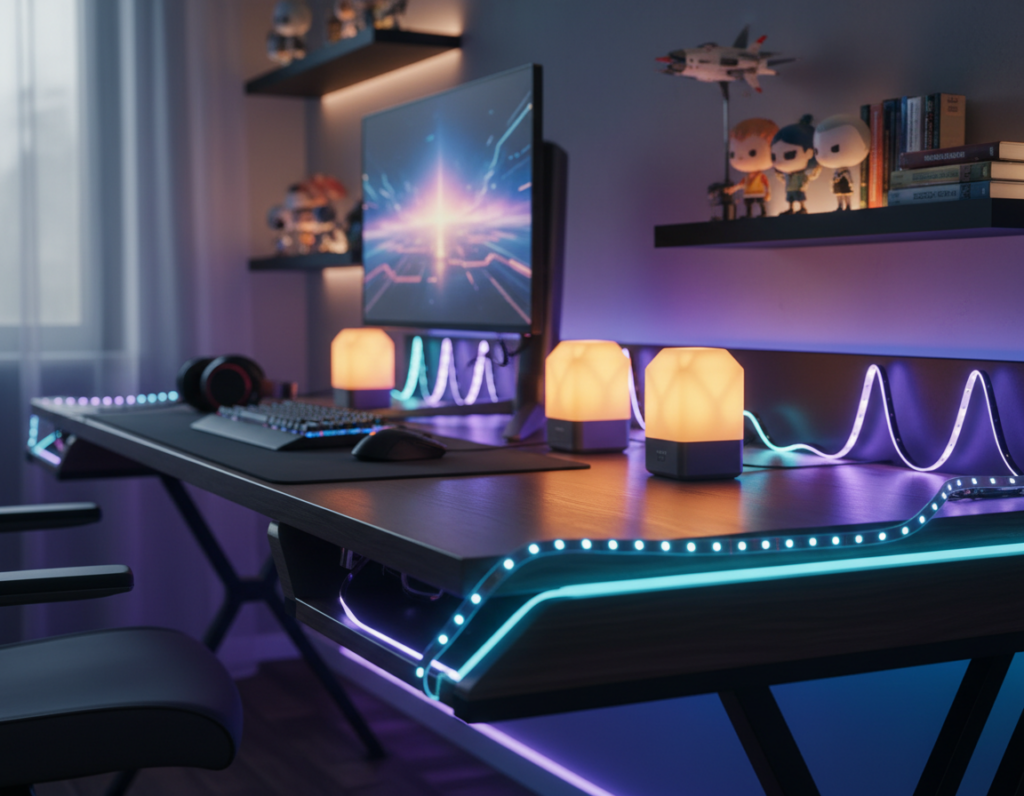
Lighting choices, like RGB strips, set the mood and deepen immersion in many popular titles. A precise mouse, roomy mouse pad, and quality audio hardware add measurable gains for play and work.
Many players expand screens or pick a better monitor to gain space for multitasking. Personal touches in design make the home area feel unique and aligned with each player’s taste.
Spending time to balance function and form helps them find the right options. Small investments after the build can reshape the entire gaming experience.
Assessing Your Current Gaming Setup
Start by taking an honest inventory of every component and how it affects play and comfort. They should test the mouse for shape, size, and weight to find the best fit for hand size. A precise gaming mouse often delivers the largest performance gain.
Next, check desk space and screen placement. Measure the area before buying an extended mouse pad or a larger monitor. Room layout and chair position shape posture and focus.
Inspect the keyboard and monitor to ensure refresh rate, key feel, and response meet the demands of the games they play. Try a few sessions and note what feels sluggish or awkward.
Review cable routing and accessory access. Clean cable management lifts the room’s design and makes gear easier to reach during intense matches.
Consider RGB lighting as a low-effort way to improve ambiance without hurting functionality. Finally, list which parts limit the gaming experience and prioritize replacements that boost performance and comfort.
Essential Gaming Setup Upgrade Ideas for Performance
Choosing the right input devices and monitor specs can transform reaction time and clarity.
Wireless Peripherals
Wireless mice remove cable drag and free hand movement. Many pro players now prefer them for consistent tracking and low latency.
They also reduce clutter on the desk and make the mouse feel lighter during quick turns.
High-Refresh Monitors
A high-refresh monitor lets players see more frames per second. That advantage matters most in fast-paced competitive titles.
- Space check: Verify the gaming desk has room for the stand or a monitor arm before buying.
- Lighting: Proper lighting around the screen cuts eye strain during long sessions.
- Accessories: A quality mouse pad enhances precision for a top-tier gaming mouse.
Calibrate color and brightness after installation. A clean cable run improves airflow, reduces distractions, and helps maintain peak performance and a focused gaming experience.
Optimizing Your Mouse and Surface Experience
A precise surface is as crucial as the mouse itself for accurate aim and smooth tracking. Players should match pad texture to their play style and desk space before committing to a large mat.
Choosing the Right Mouse Pad Surface
The Corsair MM700 RGB Extended Cloth Gaming Mouse Pad measures 15.75 x 36.61 inches and features a textile-weave cloth surface. Its size accommodates both keyboard and gaming mouse, creating a unified desktop area for consistent motion.
- Balance: Pick a surface that gives the right friction for precision or speed.
- Measure: Check desk and room space to ensure the pad fits without crowding.
- Cleanliness: Keep the pad dust-free so the sensor tracks reliably.
- Style: Extended mats tie accessories together for a clean, professional look.
Test different materials to match tactile feel to the kinds of games played. A well-optimized surface helps the mouse glide smoothly and keeps focus on performance during intense matches.
Selecting the Right Mechanical Keyboard
A mechanical keyboard’s switches, size, and caps define how a player interacts with every game. Choosing the right board improves comfort, response, and the overall room design.
Switch Types
Pick from linear, tactile, or clicky switches based on feel and feedback. Cherry MX Brown is a common tactile choice that blends typing comfort with reliable in-game performance. The right switch reduces fatigue in long sessions.
Keyboard Sizes
Compact tenkeyless boards save desk space and free room for wide mouse motion. Full-size keyboards add a numpad for productivity. The Kinesis Freestyle Edge RGB shows how a split design keeps hands natural and eases strain.
Custom Keycaps
Custom keycaps let users personalize color and texture. Many boards also include per-key RGB lighting that matches the rest of the room.
“Investing in a quality mechanical keyboard is a lasting way to boost comfort and control.”
- Remap keys with software to place essential actions within reach.
- Maintain the board by cleaning switches and caps for long life.
- Balance keyboard size with mouse space on the desk.
Enhancing Audio Quality and Communication
Crisp sound and reliable voice chat change how players read in-game situations and callouts.
Sound clarity is vital for competitive play. Clear audio helps players hear footsteps, reloads, and distant cues that signal approaching opponents.
Headset comfort matters for long sessions. Choose models that distribute weight evenly to avoid pressure points and fatigue.
The Cozoo Powered Headphone Stand is a practical accessory for the room. It features three USB charging ports and two power outlets to keep accessories organized and charged.
- Open-back headphones offer a wider soundstage for spatial awareness.
- Closed-back designs block room noise for focused play.
- A dedicated stand protects gear and clears desk space for a neater experience.
Integrate a quality microphone to keep communication clear. Good mics reduce background noise and help teams coordinate under pressure.
“Investing in audio and communication gear is one of the fastest ways to improve in-match awareness and teamwork.”
Adjusting audio settings in software can sharpen cues further. For guidance on building a full audio chain that enhances PC performance, see this guide to improving PC audio.
Improving Ergonomics with Monitor Arms
Raising and angling a monitor with a quality arm can remove strain and clear valuable space on the desk.
Benefits of Height-Adjustable Mounts
Height-adjustable mounts let users set the screen at eye level. This reduces neck strain and helps maintain better posture during long sessions.
The Jarvis Single Monitor Arm by Herman Miller supports monitors up to 32 inches and holds up to 19 lbs. It is sturdy and built to last. Many people find it frees up desktop real estate and makes their setup feel less cluttered.
- Ergonomic posture: Eye-level placement lowers neck and shoulder tension.
- More usable space: Elevating the monitor creates room for accessories and tidy cable runs.
- Flexible viewing: Arms allow rotation and tilt for task switching between play and work.
- Desk compatibility: Modern gaming desks and desks often support clamp or grommet mounts for a clean look.
A correct arm must match the monitor’s weight and size before installation. When set up properly, a well-positioned monitor helps users stay focused and improves long-term comfort across daily use.
“A good mount turns a fixed screen into a flexible tool for health and productivity.”
Upgrading Your Seating for Long Sessions
Long sessions demand seating that supports focus and keeps the body aligned.
Upgrading your seating is one of the most important steps for anyone who spends significant time at their gaming setup. A proper chair reduces fatigue and protects posture.
The Secretlab Memory Foam Lumbar Pillow measures 29cm x 29cm and adds targeted lower-back support. It fits most chairs and refreshes an existing seat without a full replacement.
A high-quality chair should offer height, tilt, and arm adjustments so users can customize position for comfort and long-term health. Many prefer hybrid models that serve as both office and play chairs.
- Proper lumbar support: Prevents slouching and eases pressure during extended sessions.
- Breathable materials: Memory foam or mesh improves airflow and lasting comfort.
- Accessory-friendly: Pillows and cushions can extend the life of an older chair.
“Investing in the right chair is an investment in health and sustained performance.”
Choose a chair that fits the user, not just the room. The right seating makes the whole setup feel professional and keeps attention on the task at hand.
Implementing Effective Cable Management
A tangled cluster of cords can undo even the cleanest desk; intentional routing restores order. Good cable management transforms a messy desktop into a clean, professional area that is easier to use and maintain.
Cable Trays and Sleeves
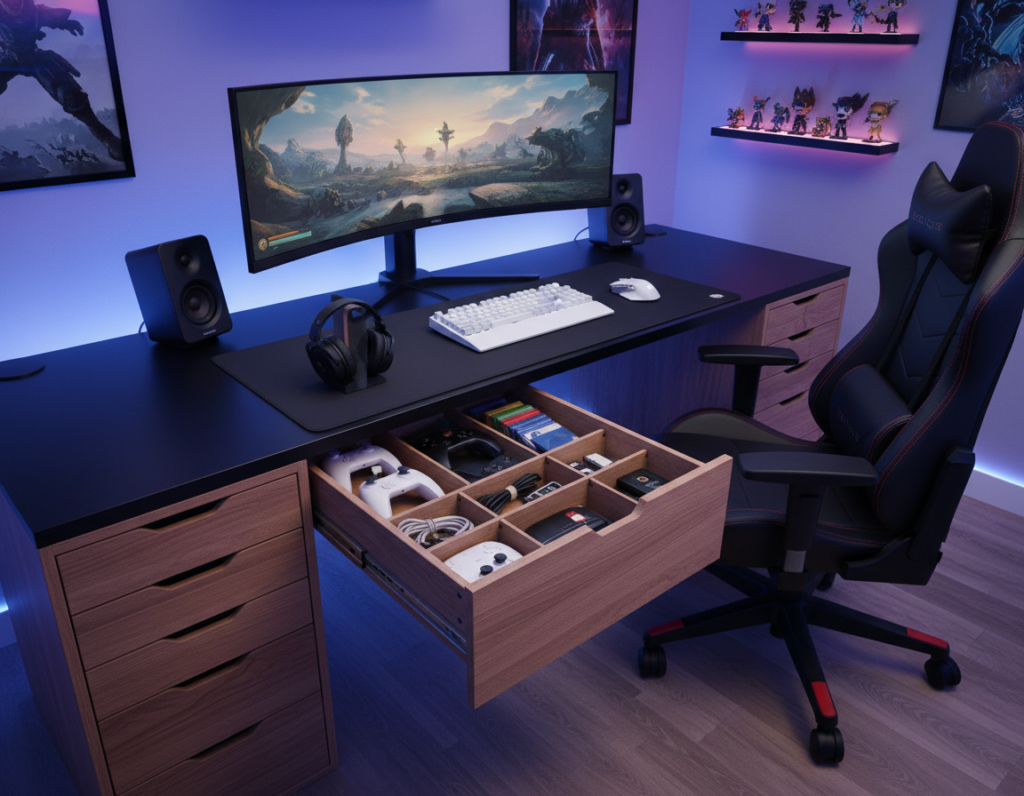
Install a tray under the desk to gather power strips and adapters out of sight. Use braided sleeves to bundle power and data lines so they occupy less space and resist tangles.
Hidden Routing Solutions
Run cords through the back edge of the desk or use grommets to hide them. Plan routing before placing the keyboard and monitor so every cable finds a clear path.
- Mouse bungee: The Cougar Bunker RGB Mouse Bungee (105 g) includes two USB 2.0 ports and keeps the mouse cable steady.
- Many modern gaming desks include built-in channels that simplify cord routing and free desktop space.
- Bundle cables with ties to create a safer area and reduce accidental tugs on accessories.
“A tidy cable plan is the hallmark of a serious workspace—clean, safe, and simple to maintain.”
Adding Ambient Lighting for Immersion
Ambient lighting transforms an ordinary room into an immersive atmosphere that supports focus and mood. It is one of the simplest ways to boost the overall gaming experience without major hardware changes.
The Govee Glide Hexa Light Panels come in a 10-pack and use RGBIC technology to display multiple colors at once on a wall. They respond to music and in-game cues to deepen immersion.
LED strips behind the monitor or under the desk soften contrast and reduce eye strain during late sessions. Smart bulbs and strips allow instant color changes to match a game’s mood.
- Highlight decor: Proper lighting draws attention to collectibles and wall art.
- Create a focal point: Wall panels become the room’s visual centerpiece.
- Sync and unify: Link lights with PC components for a cohesive RGB lighting theme.
“Experiment with color and brightness to find the balance that feels right for the room.”
Well-designed lighting turns a plain space into a polished battlestation and makes long sessions more comfortable and memorable.
Personalizing Your Space with Themed Decor
A clear theme gives a space direction and makes every visual element feel intentional. Choosing a theme helps align color, furniture, and lighting so the room reads as one unified design.
Display items carefully. Use floating shelves or wall-mounted cases to show figures, posters, and collectibles without crowding desktop surfaces.
Displaying Collectibles and Wall Art
Wall art and curated displays let them celebrate favorite franchises and characters while keeping the area tidy. Posters, framed prints, and small dioramas add personality and act as focal points.
- Choose a theme: sci-fi, retro, or modern minimal — a single theme makes styling simple.
- Mix heights: stagger shelves and frames to create depth without clutter.
- Balance form and function: leave space for useful gear so the room stays productive.
Personal touches like custom artwork or plushes add warmth and invite longer stays. When done thoughtfully, decor transforms a room into a memorable gaming space that reflects taste and style.
“A well-curated display can make any space feel like a personal sanctuary.”
For more examples and visual guidance, see this epic room inspiration.
Integrating Smart Controllers and Stream Decks
Smart controllers consolidate complex actions into simple, repeatable presses. The Elgato Stream Deck XL, with 32 customizable LCD keys, lets users map macros and app shortcuts for instant control.
These devices help streamers and competitive players access scenes, mute audio, or launch a favorite game without hunting menus. They also control RGB lighting and sound levels with a single tap.
Using a stream deck reduces the number of physical buttons on the desk and keeps the area tidy. Many gamers find that custom layouts speed reactions and improve focus during tense moments.
- Efficiency: assign macros to execute multi-step commands.
- Control: integrate apps, audio mixers, and lighting profiles.
- Organization: fewer peripheral keys and cleaner cable runs.
- Customization: tailor pages to the games and tools used most.
- Workflow: streamlining tasks boosts performance and reduces friction.
“A well-configured control pad turns repetitive actions into instant responses.”
Pair the controller with a reliable mouse and other essential accessories to create a cohesive, professional corner that feels modern and responsive.
Conclusion
A thoughtful finish turns a functional room into a comfortable, focused play area. Small choices—like a reliable gaming mouse, a supportive mouse pad, or a height‑adjustable monitor arm—stack into a better overall experience.
Good cable runs, a sturdy gaming desk, and ergonomic seating protect long hours and improve posture. Ambient rgb lighting and curated decor set the right mood and make the home feel personal.
Whether casual or competitive, gamers will find these moves boost screen clarity, sound, and control. Over time, the space can evolve to match new needs and keep games feeling fresh.
In short, invest in quality where it counts and build the perfect gaming room one step at a time.