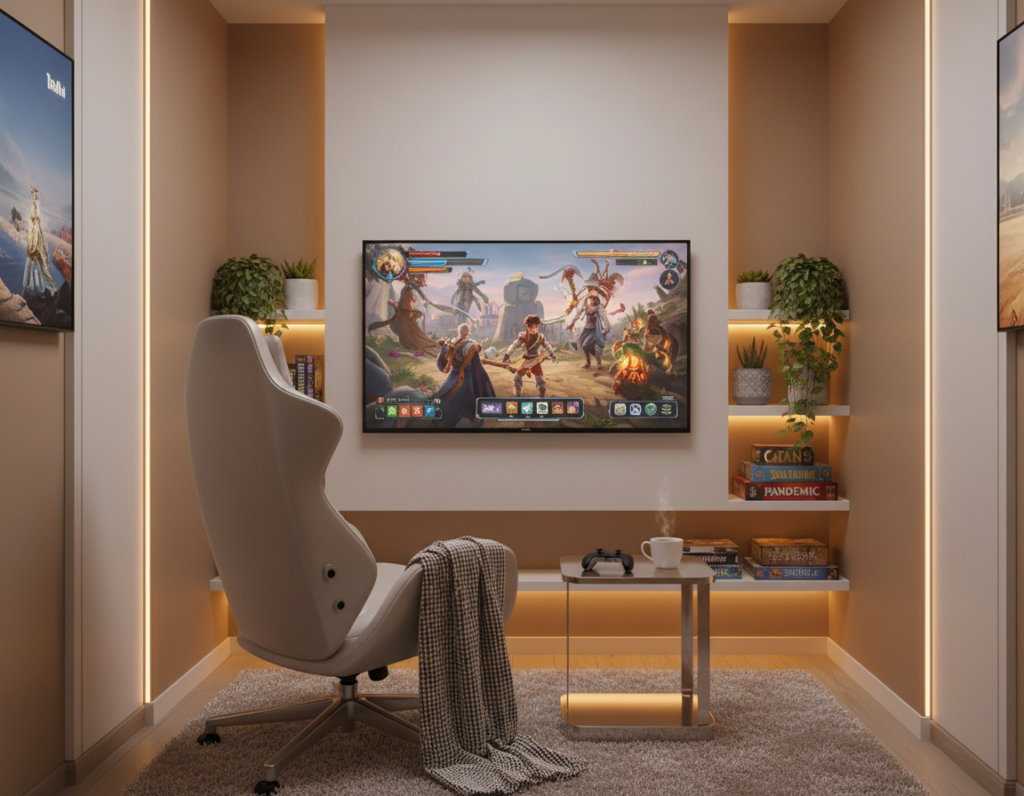
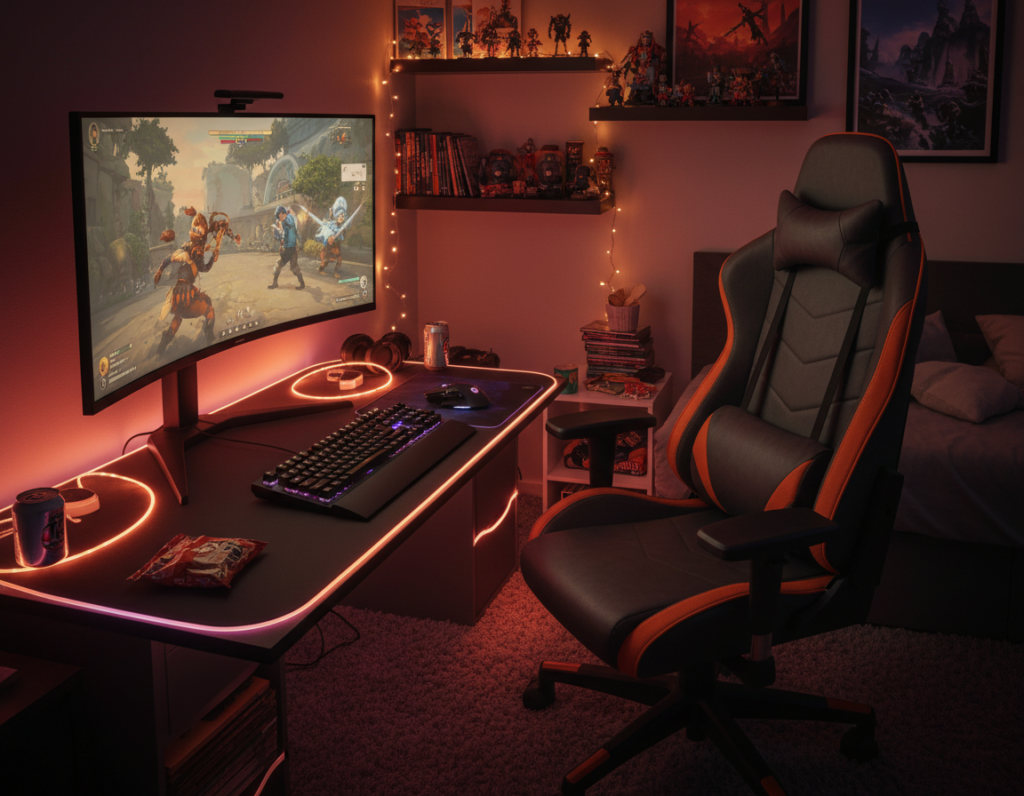
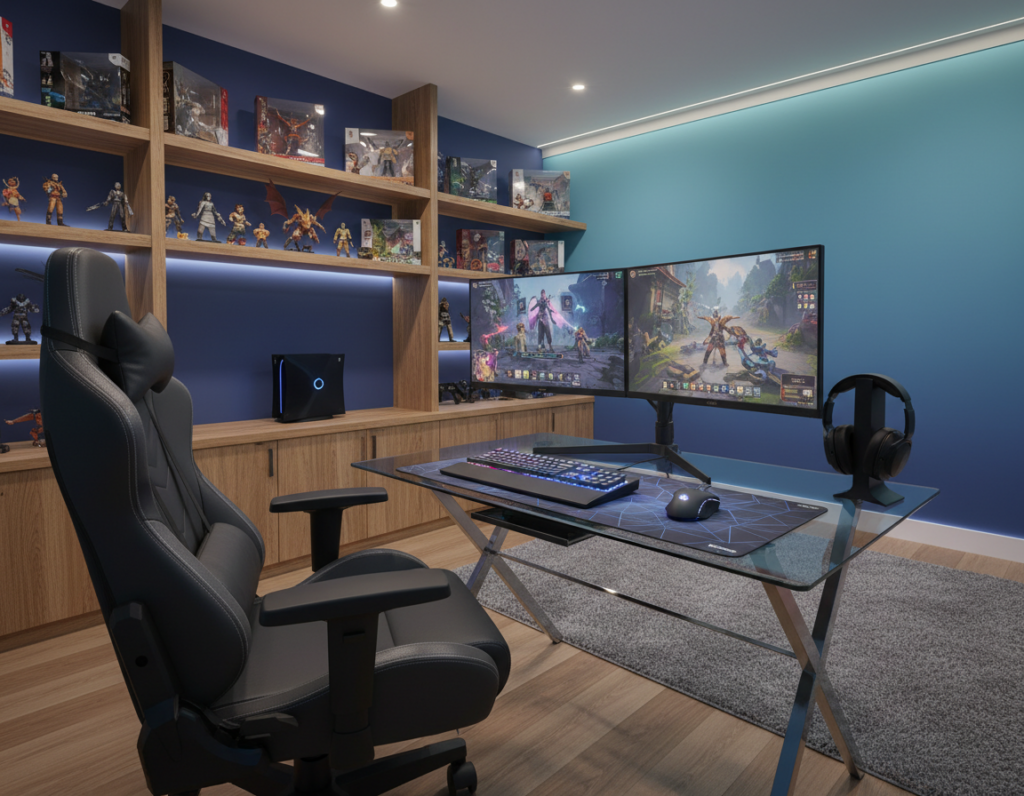
He transformed a tight corner into a practical play area on a modest budget of 170€, about $200. The case study showed how careful choices in design and storage stretched every inch.
The husband had been building PCs since age 14 to enjoy action games, so the setup favored performance and comfort. A compact desk, a supportive chair, and dedicated shelves kept consoles, controllers, and game boxes organized.
By sticking to a black and white palette and adding layered lighting, the space avoided visual clutter. Simple DIY touches, like painted furniture and custom wall decor, gave the design a polished look without blowing the budget.
Proper sound treatment and smart seating made the final environment feel like a dream for devoted gamers. The result was a versatile area that could double as a home office or guest nook over time.
Essential Planning for Small Cozy Gaming Room Examples
Clarify the primary uses of the area before buying gear. That will guide every decision, from desk size to lighting choices.
Defining Your Gaming Needs
Defining Your Gaming Needs
First, list activities: PC sessions with multiple monitors, console play, or board games. This helps decide the best setup and the right chair or seating for comfort.
High-quality planning also shows storage needs for controllers and games. It makes the home feel tidy and improves the user experience.
Measuring Your Available Space
Measuring Your Available Space
Measure length, width, and clear walkways before shopping. Accurate dimensions prevent buyer’s remorse and keep the layout functional.
- Confirm the desk and furniture will fit without blocking a doorway.
- Account for shelves, wall mounts for monitors, and cable runs.
- Set a realistic budget to choose lighting, storage, and quality components.
Maximizing Floor Space with Smart Layouts
A vertical approach to equipment placement unlocked usable square footage and improved circulation. Mounting monitors and consoles to the wall freed the floor and made the layout feel uncluttered.
He used a desk that doubled as a workspace and media stand. This multifunction furniture reduced duplicate pieces and kept the path clear for quick movement during intense games.
Rugs defined a dedicated play zone and visually expanded the space. Placing a rug under the desk and seating created a neat boundary and improved the overall experience.
- Wall-mounted monitors and shelves remove bulky stands.
- Dual-purpose desks serve work and entertainment needs.
- Clear floors allow for better circulation when friends join a game.
With a considered layout, every piece from the desk to the seating contributes to a cohesive gaming room design. Thoughtful placement makes the space more functional and inviting.
Creative Storage Solutions for Gamers
Clever organization helps a player find controllers and games quickly, saving time and cutting visual clutter.
Utilizing Vertical Wall Space
Install open shelves and floating racks to keep collections visible and off the floor. Wall mounts free the desk and let the eye rest on curated decor.
Hidden Storage Ottomans
Hidden ottomans double as extra seating and roomy bins for controllers, game cases, and cables. They keep essentials near the chair without adding clutter.
Cable Management Techniques
Effective cord management prevents chaos behind the monitor and along the wall. Use cable channels, Velcro wraps, and a power strip mounted under the desk.
- The IKEA Trofast hack hid plastic drawers with a custom door to reduce visual clutter in the home.
- Labelled bins and vertical shelving ensure every video game and console accessory has a place.
- Good cable management improves the overall user experience and makes the setup feel more professional.
Enhancing Atmosphere with Ambient Lighting
Ambient lighting reshaped the mood and made late-night sessions feel intentional and calm. He used a ZEN lighted metal word on shelves as a focal point to add class and warmth to the space.
Layering LED strips behind the desk and along a wall reduced eye strain and gave a soft backdrop for intense games. LED accents also created depth so the room read as larger and more refined.
Layering LED Strips and Task Lamps
Combine LED strips with a focused task lamp near the monitor. The lamp keeps the desktop usable for work, while LED strips set the mood for gaming.
- Ambient lighting like the ZEN sign adds a refined layer to the gaming room mood.
- LEDs behind a desk soften contrast and cut eye fatigue during long game sessions.
- Well-placed lights and a task lamp prevent dark corners and keep the area welcoming.
Good lighting also helps mask distracting noise by creating a focused, high-energy environment for play. Proper design makes the setup both functional and immersive.
Selecting Furniture That Serves Multiple Purposes
A well-chosen desk and seating system can make a compact area feel like a full-featured entertainment and office hub.
Choose quality furniture that does more than one job. A sturdy desk can hold a monitor stand, a work laptop, and a console without needing extra pieces.
Invest in a supportive gaming chair that matches the scale of the room. Proper ergonomics keep long game sessions comfortable and reduce strain.
Look for multi-use items like benches with built-in storage or a lift-top coffee table. These pieces add seating and hide controllers, cables, and game cases.
Adaptability matters. Modular desks, adjustable shelving, and stackable seating give more options as needs change. That flexibility keeps the setup useful as interests evolve.
- Dual-purpose desk for work and play
- Comfortable gaming chair sized to the space
- Hidden storage benches to increase seating and reduce clutter
Incorporating Personal Style Through Decor
Handmade art and curated shelves give the area an identity beyond gear and cables. This approach transforms a practical setup into a personalized home sanctuary.
He chose a black and white colors scheme to keep the look clean and cohesive. A restrained palette makes the space feel open and helps focal pieces stand out.
Install wall mounts or narrow shelves to display favorite games and figurines. That keeps the desk clear and adds personality without cluttering the floor.
Strategic lights and decor can change the mood. Use a warm task light near the monitor and cooler LEDs behind shelving to create depth.
- Handmade wall art defines personal taste.
- Consistent palette ties furniture and accessories together.
- Shelves show off collections while saving surface space.
Thoughtful choices in design ensure the gaming room remains stylish and comfortable. The result is a tailored look that supports play and relaxation.
Budget Friendly Upgrades for Your Setup
Practical, low-cost changes let a gamer reshape their space quickly and effectively. These upgrades focus on high impact and low expense so the setup looks refreshed without long delays.
DIY Shelving Projects
Build simple floating shelves from pine boards to add vertical storage. Mounting shelves on a free wall clears floor area and keeps game cases and controllers within reach.
A few screws and a coat of paint produce a polished result that matches existing decor. Open shelving also creates display space for collectibles and makes the room feel organized.
Repurposing Existing Furniture
Painting the desk drawers and swapping hardware refreshed old furniture for minimal cost. He gave the desk a new finish to match LED lights and layered decor.
Repurposing benches, cabinets, or bookcases reduced the need to buy new pieces. This saves money and cuts waste while improving storage and mood.
“Small DIY steps often deliver the biggest visual returns.”
- Affordable LED strips change lighting and mood fast.
- Wall-mounted shelves add storage without eating floor space.
- Painted furniture renews the look and extends the life of key pieces.
Common Design Mistakes to Avoid
A cramped layout often stemmed from choosing oversized pieces that dominated the floor and blocked sightlines. He learned that selecting the right furniture scale was the first step to keeping the space usable and welcoming.
Bad layout choices, like placing a desk across the main walkway, ruined circulation and made the gaming room hard to use. Clear paths kept guests and seating from feeling trapped.
Excessive clutter—loose controllers, tangled cords, and piled game cases—created visual noise that distracted the eye and dulled the overall look. Simple storage prevented that problem.
- Avoid oversized furniture that fills the floor and limits movement.
- Plan the layout to protect walkways and keep seating functional.
- Schedule storage for consoles, controllers, and cables to cut clutter.
- Balance ambient and task lighting to reduce eye strain and lift the style.
For a practical checklist and ideas on shaping a better setup, consult this friendly guide.
Conclusion
, Smart choices in layout and storage ensure the setup adapts as needs evolve.
By focusing on functional furniture and clear circulation, he turned a tight area into a lasting retreat on a modest budget. This approach makes the most of every inch of the room and supports multiple uses in the home.
Regular upkeep over time, like keeping floors open and using rugs to define zones, preserves usability and the overall atmosphere. Small upgrades add up and keep the space feeling fresh.
For practical styling and storage tips that match this method, see these office and guest decor ideas: office and guest decor ideas. With a clear plan, anyone can craft their dream setup the smart way.