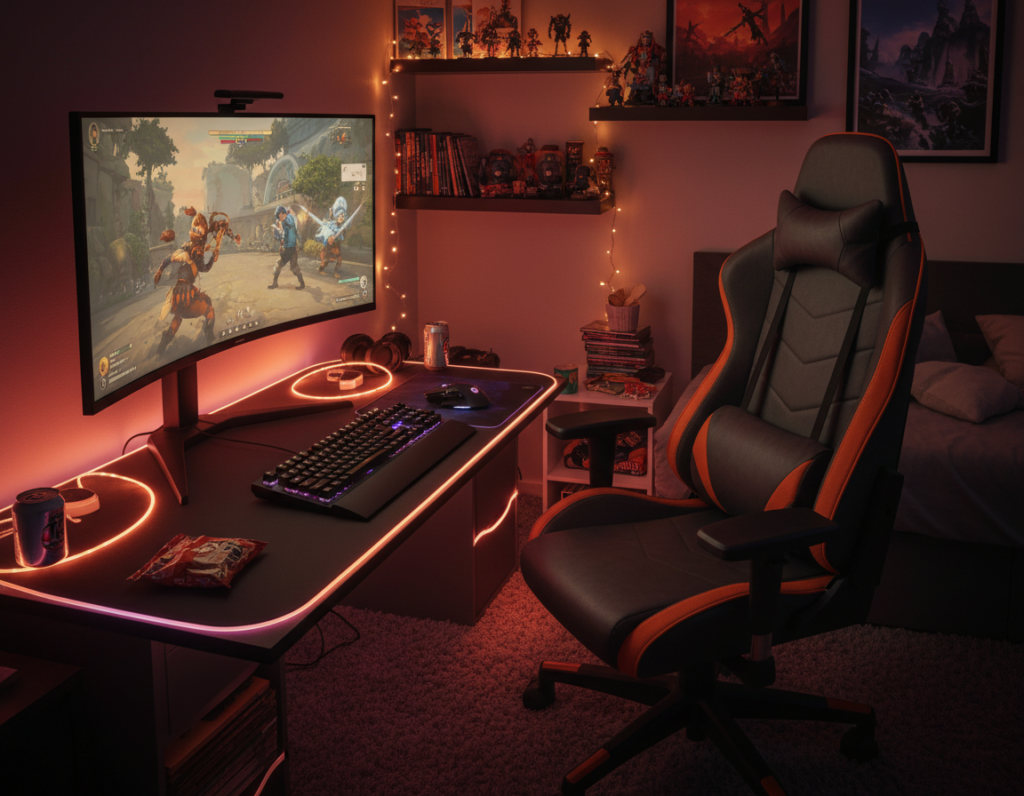
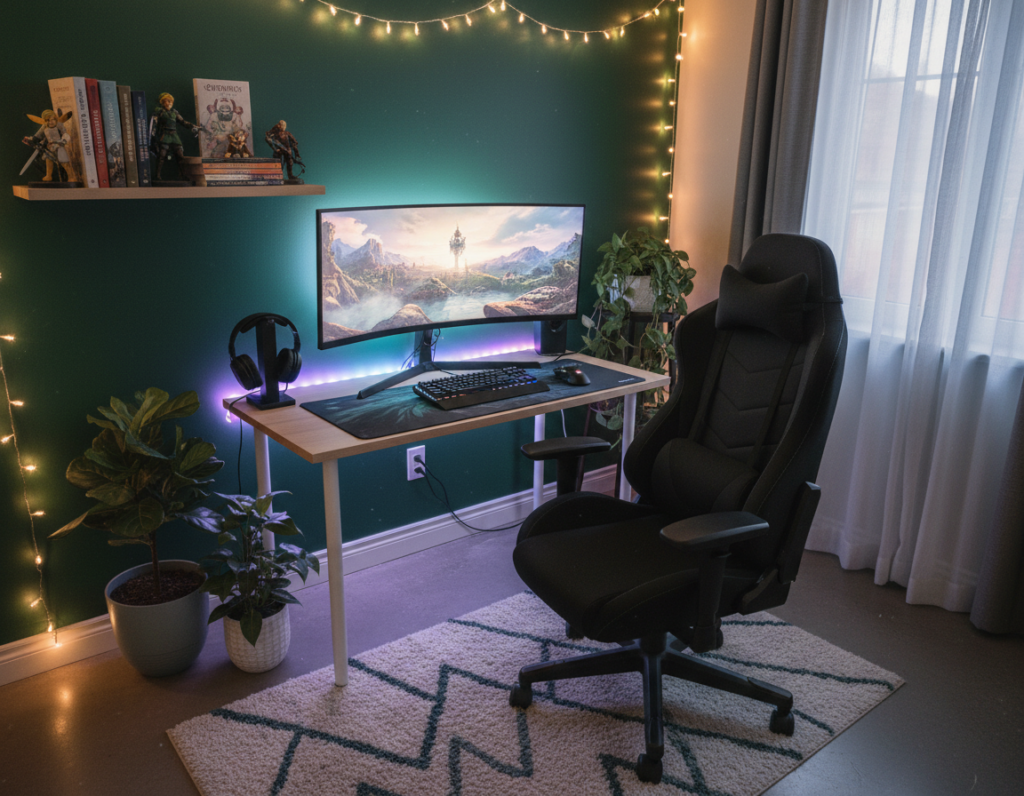
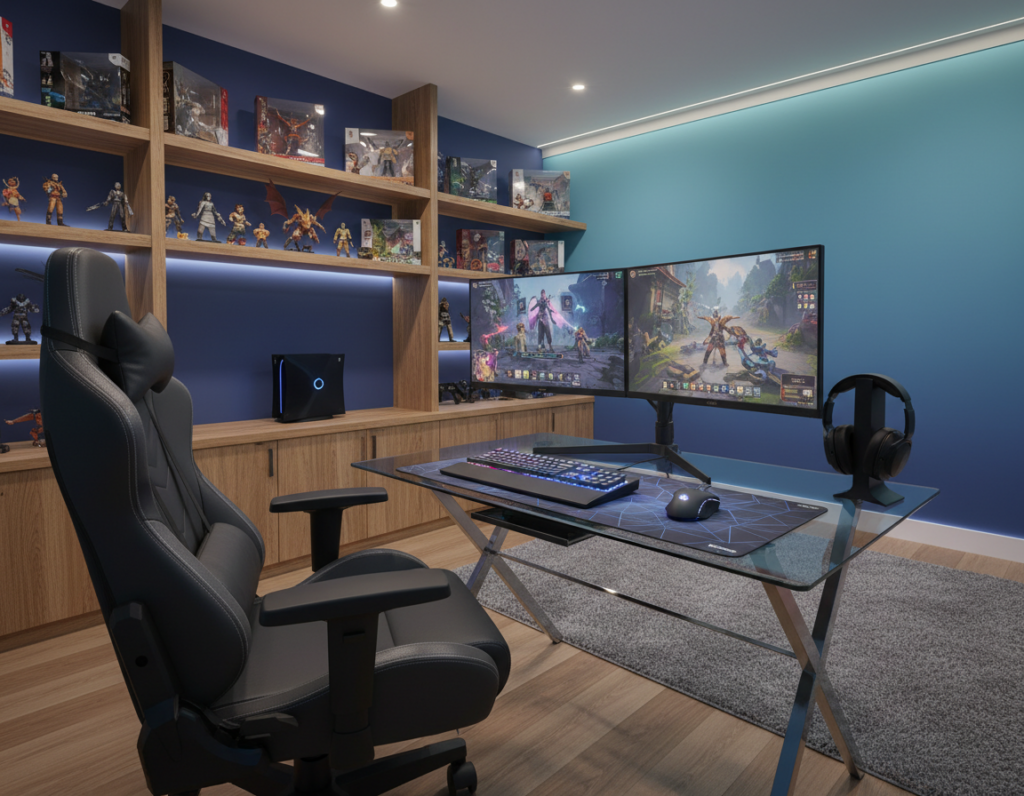
Creating a functional game room in a small room starts with smart choices. They should make the most of every inch of floor and vertical space. This helps keep the area tidy and ready for fast setup when friends arrive.
When planning a gaming setup, it is important to match the size and style of each piece to the room’s design. He or she should pick tables and seating that save time during arrangement and support intense game sessions like Mario Kart battles.
Integrating clever ideas such as multiuse tables, wall shelves, and compact storage keeps the space open. This approach preserves comfort without sacrificing aesthetic appeal or daily function.
Right selections transform a room without feeling cramped. With the correct layout, the setup becomes a relaxing retreat that fits lifestyle and play. Small changes often yield big gains in useable space and long-term satisfaction.
Strategic Layouts for Compact Gaming Areas
Optimizing traffic flow and sightlines transforms a modest room into a purpose-built game room. A clear plan defines where the desk, monitor, and chair will sit. This reduces clutter and improves comfort during play.
Zoning Techniques
Zoning Techniques
Divide the area into three zones: play, storage, and circulation. Mark a dedicated spot for the gaming setup so cables and accessories stay contained.
Use rugs or lighting to show boundaries. Good zoning keeps the room functional and pleasant for long sessions.
Corner Optimization
Corner Optimization
Corners reclaim lost floor space. Corner desks and wall shelves free up tables and let chairs move easily.
- Place the monitor in a corner to open the central floor area.
- Compare price and dimensions before buying a desk or chairs to ensure a proper fit.
- Add smart storage accessories to hide controllers and reduce visible clutter.
Selecting Comfortable Gaming Furniture for Small Rooms
The best selections balance support, scale, and style so the area stays usable and neat.
Prioritize support. A well-designed chair protects the neck and lower back during long game sessions. He or she should test height and lumbar support before buying.
Use visualization tools. Homestyler 3D helps users place a desk, monitor, and chairs in a virtual layout. This shows whether the size and price fit the room without overcrowding.
Invest in sturdy tables and clever storage to keep the floor clear. Quality shelves and drawers organize game discs and controllers while preserving active play space.
- Test chair fit and table height with a mock setup.
- Choose a style that matches the home’s design and the game room aesthetic.
- Compare size and price to avoid returns and wasted space.
Maximizing Vertical Space with Wall Storage
Wall storage unlocks vertical space, turning blank walls into active zones for games and gear. This approach keeps the desk and floor free of excess clutter and creates an organized, efficient room.
Floating shelving systems are a proven way to rise above tight footprints. They display a game collection, hold controllers, and free space around the monitor and chair.
Effective cable management is essential when mounting a monitor or attaching gaming chair accessories. Concealed channels and zip ties prevent tangles and keep the setup tidy.
“A neat wall shelf layout makes setup easier and reduces time spent hunting for controllers.”
- Free desk and floor space: shelves lift storage off the floor and open the room.
- Show and access: display games while keeping accessories close at hand.
- Manage cables: hide cables to maintain a clean, professional game room look.
Multi-Purpose Furniture Solutions
Smart, adaptable items maximize function so the room works harder and stays tidy. In compact setups, choosing pieces that serve more than one purpose stretches usable space and reduces clutter.
Convertible Tables
Convertible tables swap roles quickly. A fold-down desk becomes a snack table or a display surface between sessions.
This saves time when rearranging a setup and helps match desk size to the available corner. Buyers should weigh price against build quality and features.
Storage Ottomans
Storage ottomans combine seating and hidden storage to hold controllers, cables, and spare controllers.
Hidden storage keeps the game collection neat and frees floor space near the play area.
Loft Bed Integration
A loft bed creates a dedicated zone under the sleeping platform. That zone can host a desk, shelving, and a chair without crowding the rest of the room.
- Use lofts to keep the game room tidy while adding vertical storage.
- Pair lofts with convertible tables to support multiple gaming sessions.
- Invest in durable storage solutions to protect gear and speed setup time.
“Dual-purpose pieces turn tight corners into full-function zones.”
Lighting Techniques to Enhance Visual Depth
Well-placed LEDs and task lights give a modest space a high-end, spacious look.
LED lighting behind a desk or monitor creates a halo that pushes the wall back and adds visible depth to the room.
They should mount strips or a light bar at the back edge of the desk or behind the screen. This simple move makes the setup look layered and expansive.
Layer ambient, task, and accent lights to craft a professional atmosphere. Use a soft overhead source, a focused desk lamp, and colored LED accents to set mood and reduce eye strain during long game sessions.
Use light to highlight storage and the game collection. Spot or strip lights on shelves turn displays into visual anchors and keep the floor area feeling open.
Simple tips: dimmable LEDs, warm-cool switches, and synced lighting effects help match style to play. These ideas turn a tight corner into a curated, inviting game room that reads as intentional and modern.
“Layering light is the fastest way to make a compact space feel deliberate and larger.”
- Add LED backlighting behind the desk to enhance depth.
- Highlight shelving to showcase storage and collections.
- Mix light types to keep the setup functional and stylish.
Essential Cable Management for a Tidy Setup
Tidy cable runs make any game room feel sharper and more professional. A neat wiring plan keeps the desk and floor clear and reduces visible clutter.
Concealing Wires and Cords
Start with routes, not tools. He or she should map where each device sits, then run cables along baseboards, behind shelves, or under a desk tray.
Use adhesive raceways, zip ties, and under-desk trays to group and hide cords. Wall-mounted channels keep cables off the floor and protect plugs from wear.
Integrate hidden storage bins near the desk to hold controllers and accessories. Storing extras out of sight preserves the look of the game room and speeds cleanup.
- Label both ends of power and data lines to simplify swaps.
- Bundle excess cable length into a closed box or sleeve.
- Choose low-profile raceways that match wall color for a streamlined finish.
“Good cable management turns a crowded setup into a focused space for play.”
Ergonomic Considerations for Limited Footprints
In compact layouts, small adjustments to position and gear protect posture across long sessions.
Follow OSHA guidance: set the chair so feet sit flat on the floor and knees form a 90-degree angle. This simple rule reduces strain during extended play and work.
Measure floor space before buying. Knowing available area helps pick a desk and chair that fit a corner without crowding circulation.
Budget matters. A quality compact gaming chair typically runs $150–$500 depending on features and price. Prioritize lumbar support, adjustable height, and a narrow base to save floor space.
- Adjust monitor height and desk depth to keep the head level and reduce neck strain.
- Choose chairs and accessories that deliver essential ergonomic features within your target price.
- Use vertical storage to free floor area and keep accessories within reach.
“Investing in ergonomic pieces protects health and improves long-term game sessions.”
For layout examples and desk tips, check this guide to gaming desk layouts to match measurements and features to your game room.
Design Principles for an Open Feel
Minimal lines, clear zones, and a fixed focal point instantly make a game room feel larger and more purposeful.
Simplify by keeping only the pieces that serve the setup. A compact desk and one well-placed monitor reduce visual noise and leave more usable space on the floor.
Use LED lighting to add depth. Backlighting behind the monitor or a light strip under a shelf makes an area read as deeper and wider.
Plan circulation. Leave a clear path around the chair so movement feels natural. This keeps the game area efficient and easy to use.
Match tables and furniture to the room style. Cohesive finishes and scale create a calm look that makes the entire space read as intentional.
- Pick a corner focal point like a lit monitor or corner desk to anchor the layout.
- Favor slim profiles and open legs to maximize visual floor area.
- Layer lighting and texture to create depth without adding bulk.
“A concise design approach turns limited square footage into an inviting, professional game room.”
Conclusion
A clear plan that ties desk height, cable runs, and storage gives any room lasting function.
Prioritize ergonomic setup and neat cable routing to protect posture and speed maintenance. These steps save time and keep the space tidy during long play sessions.
Choose quality pieces at the right price and pick modular storage that adapts as needs change. A good chair and a properly sized desk make a big difference.
With these ideas, they can convert a modest corner into a dedicated game room that looks intentional and performs well over time.