Good lighting shapes how a space feels and how people play. Proper video game room lighting boosts the overall gaming experience and eases eye strain during long sessions.
They should plan a mix of ambient, accent, task, and decorative lights to get balance. Bright fixtures work well for general and task light, while dimmer tones suit bias and decorative displays.
Decorative strips and desk lamps give depth and highlight collectibles without cluttering walls or floors. Choosing the right color temperature also helps create a calm night vibe at home.
Smart layout keeps the setup clean and usable. With thoughtful placement of lights and a subtle use of led strips and accent displays, the gaming room can feel relaxing and functional at the same time.
Designing a Calm Atmosphere with Cozy LED Gaming Room Ideas
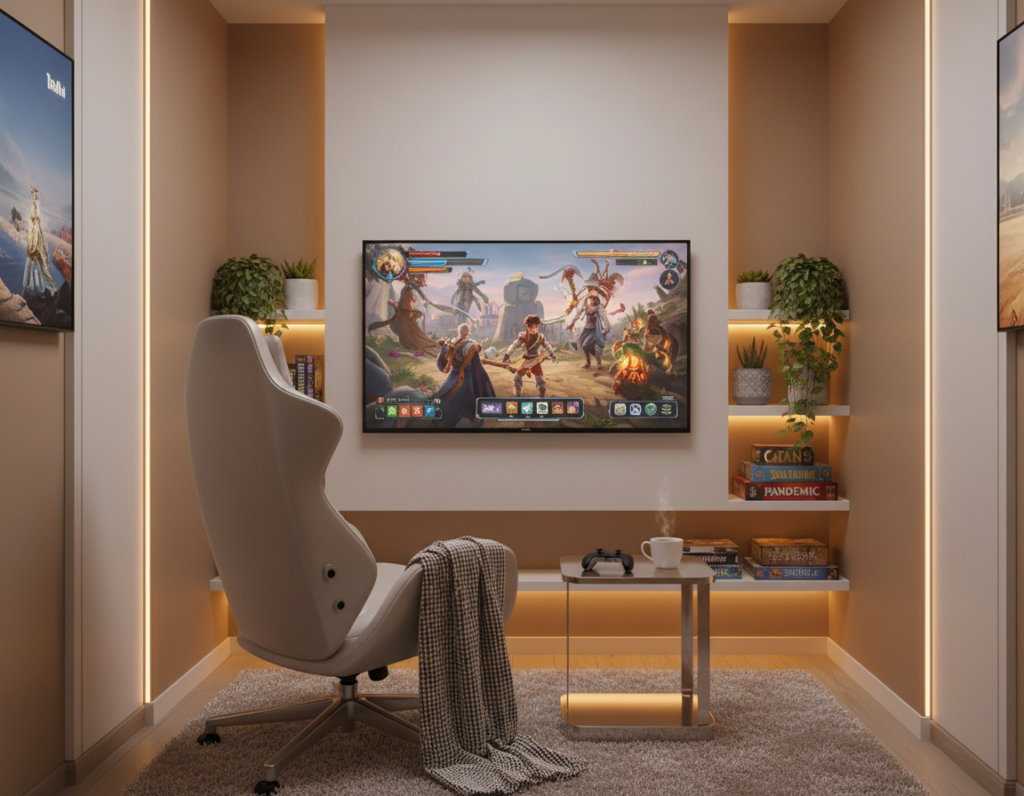
Soft, restrained lighting turns a clutter-free setup into a relaxing play sanctuary. A simple desk, an ergonomic chair, and a minimalist shelf give function without crowding the space. This lets the player focus on the game and the overall gaming experience.
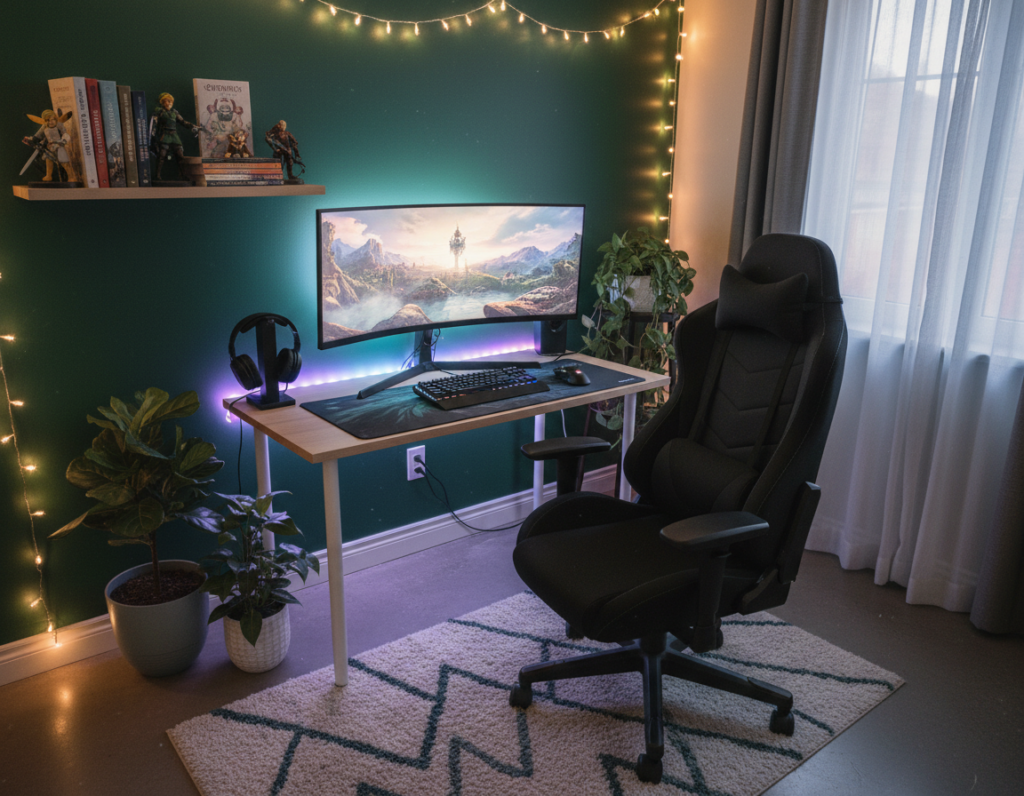
Introduce a few green plants on the shelf to add life and reduce visual tension. Pastel accents—soft pink, blue, or purple—pair well with neutral walls to keep the area airy and cohesive. Combining a light strip with an LED channel produces soft diffusion that avoids harsh hotspots.
Choose colors that complement the theme to maintain a professional feel. Accent strip lights behind the monitor or under the desk raise the vibe without turning the game room into a distraction. With these focused ideas, any gaming setup can feel like a calm sanctuary for long sessions.
“A minimalist layout and thoughtful lighting lift the gaming experience without overwhelming the senses.”
- Keep furniture minimal and functional.
- Use soft strip lights for indirect glow.
- Balance pastel accents with neutral tones.
Strategic Placement for Ambient and Accent Lighting
Positioning ambient and accent fixtures with intention reduces eye strain and enhances visual depth. A clear plan helps the setup feel layered and functional without excess glare.
Bias Lighting for Monitor Comfort
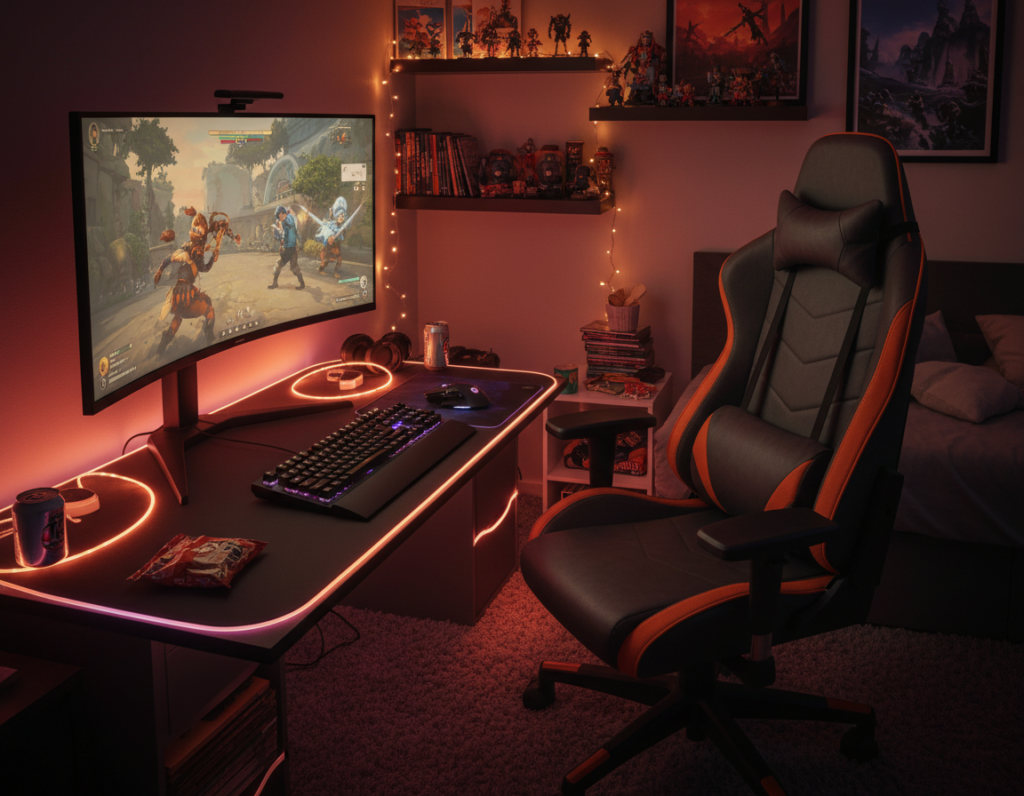
Use bias lighting behind the monitor that matches the screen’s color temperature—about 6500K. This backlighting narrows the contrast between the screen and surrounding walls, which eases eye strain during long game sessions.
Install a single led strip or led strip lights centered on the monitor’s rear edge. Keep overhead and accent fixtures positioned so they do not cast reflections on the screen.
Highlighting Shelving and Displays
Use high CRI strip lights around shelves and display cases to reveal true colors of collectibles and art. Accent lighting adds dimension and helps viewers notice featured pieces.
- Place accent lights under shelves and above display cases.
- Sync panels or tiles for extended wall displays when needed.
- Avoid aim of ceiling strips directly at screens to prevent glare.
“Bias lighting improves contrast and comfort, while targeted shelf lights bring depth to a space.”
Selecting the Right Color Temperatures for Relaxation
Choosing the right hues and temperatures for lights shapes how the space feels after dark. Good color temperature choices help a game room shift from high-energy play to a calm night environment without swapping gear.
Balancing Warm and Cool Tones
For ambient lighting that is gentle on the eyes, aim near 3000K. That warmer tone reduces contrast with the screen and lowers eye strain during late gaming sessions.
Use cool blues or purples as accent colors when an arcade or energetic vibe is desired. Neon greens, blues, purples, and pinks work well for a classic arcade look, but keep them as accents so the overall environment stays relaxing.
- Pick dimmer lights or controllers with a dim option to shift brightness easily.
- Program strip lights to react to game audio for immersion—devices like the Twinkly Music Dongle simplify this.
- Plan layout carefully to avoid glare on the monitor or screen.
“Balancing warm and cool tones allows a setup to move from focus to rest with a single control.”
Professional Installation Techniques for a Clean Look
Professional mounting and thoughtful routing make lighting feel built-in rather than bolted on. Good hardware and planning improve the look of any gaming setup and reduce reflections.
Using Aluminum Channels for Diffusion
Mount strips in aluminum channels such as the MUZATA U108 and add a frosted lens. This softens output, cuts glare, and turns strips into finished fixtures.
Diffused light reads better on walls and display cases and keeps the monitor contrast comfortable.
Managing Cables for a Minimalist Aesthetic
Plan the lighting layout with cable runs in mind. Use raceways, zip ties, and hidden clips to keep power and data tidy behind shelves and under desks.
When routing into a PC, take care around wires and circuit boards to avoid damage to sensitive parts.
Integrating Smart Controls for Automation
Choose smart strips and recessed downlights that link to Alexa or Google Assistant. Twinkly and Razer Chroma can sync color and effects with on-screen action.
- Use a DMX decoder or a Bluetooth controller for preset modes.
- MiBoxer and Twinkly + Homey enable quick automations across lights and displays.
- Vertical RGB on walls maximizes impact while saving floor space.
“Well-planned channels, tidy cables, and smart controls make a setup look intentional and last longer.”
Final Thoughts on Creating Your Gaming Sanctuary
Good lighting balances visibility and mood so a setup feels both functional and restful. Small, intentional choices make the space easier on the eyes and more inviting for long game sessions.
Use professional installation methods like aluminum channels and smart controls to lift the design. These steps keep cables tidy and let the lights respond to presets without fuss. ,
Remember to match color temperature to the activity and personal style. The right combination of led strip lights, task fixtures, and accent strips will refine the gaming setup without distraction.
Final tip: tweak brightness and color until play feels comfortable, then share favorite game room ideas in the comments to join the community and see special offers on lighting.