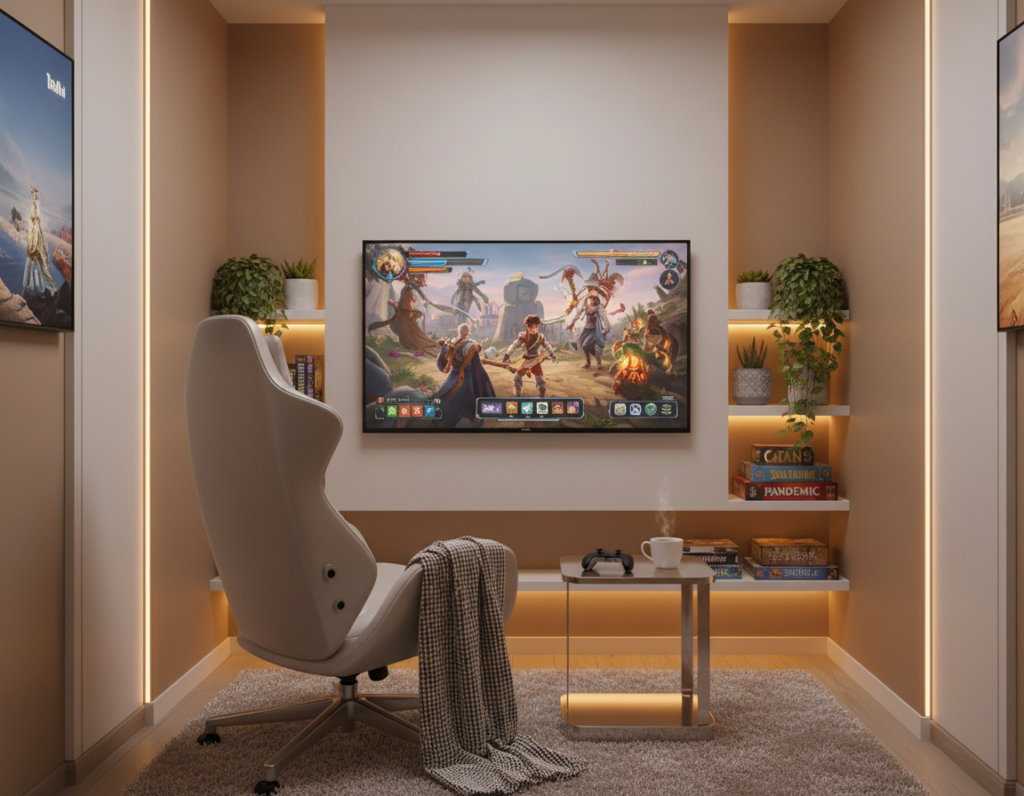
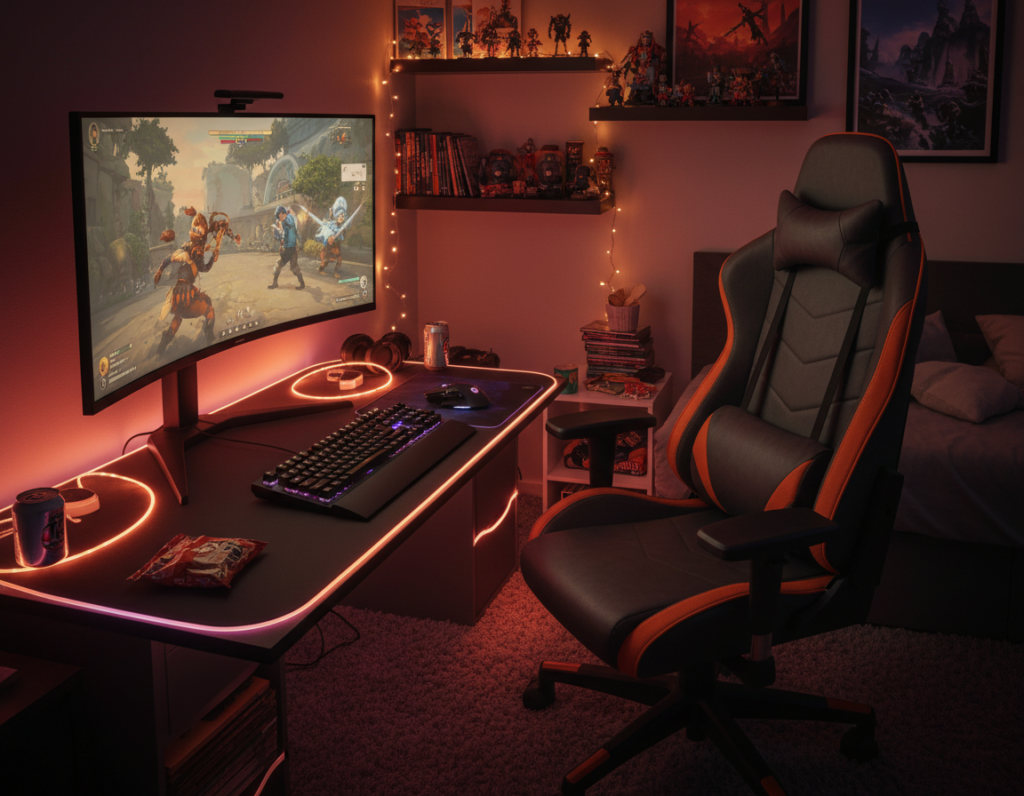
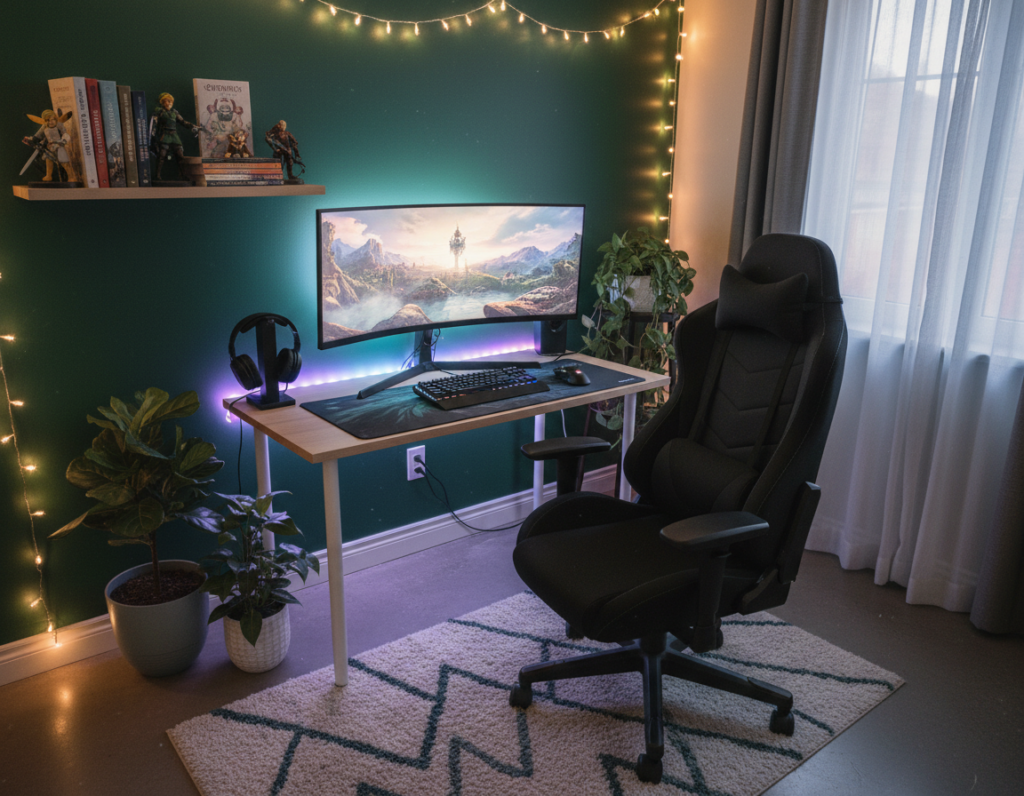
Clean corners make a big difference in how a room feels and how a player performs. A focused desk area with a slim monitor, a simple case, and tidy cable management helps maintain calm and focus.
They can add personality without clutter. A few pieces of wall art, a small plant, or a lamp create warmth and keep the space inviting.
Ergonomics matter as much as style. A proper chair, a monitor stand, and a compact keyboard and mouse reduce strain during long hours of play.
Smart storage and discreet shelves keep accessories and hardware organized. Thoughtful lighting, good cable management, and selective decor combine to deliver a polished look and an improved gaming experience.
Defining the Minimalist Cozy Gaming Setup
Deliberate organization and a single accent color can transform a corner into a confident command center.
A true minimalist gaming setup relies on clean lines, a restricted color palette, and purposeful furniture. Wall-mounted desks free up floor space and make a room feel airier. Natural elements like wood or a small plant warm a white or monochrome color scheme.
Photographer Howard Bouchevereau documented 23 inspiring examples that show how to maximize both space and style.
- Keep the desk clear: tuck accessories and cables into hidden storage.
- Choose one monitor and one dominant accent color to reduce visual noise.
- Pick a chair and computer that serve function first, then form.
“These setups point to a future-forward approach for home stations.”
With a focus on storage, lighting, and measured decor, a well-curated room saves time and boosts comfort for long play sessions.
Selecting Essential Hardware for a Clean Look
Well-chosen equipment helps preserve space while boosting functionality. The goal is a compact, high-performance gaming setup that keeps the desk clear.
Monitor and PC case selection
Pick one high-resolution monitor and mount it on a stand or wall arm to free desk area. A single screen sharpens focus and limits visual clutter.
For the computer, cases like HYTE’s Y70 or X50 offer clean lines and built-in cable management. These options help maintain a tidy look and simplify behind-desk routing.
Designer BertTabak recommends a sleek keyboard and mouse to add a modern touch without crowding the surface. High-quality mechanical keyboards and precision mice ensure performance for long hours.
- Prioritize functionality when selecting a desk and chair for long sessions.
- Use ambient pieces like the HYTE Noodle or a single lamp for subtle RGB or light accents.
- Keep accessories minimal and use trays or wall channels for cable management and storage.
“Proper cable management is non-negotiable for a professional setup.”
Mastering Cable Management and Storage
Good wire routing and compact storage free visual space and reduce distractions. Clear lines help the room feel open and make long sessions less tiring.
Hidden Storage Solutions
Designer Alexandro Lens recommends desktop drawers to hide small accessories and keep the desk surface clear. Under-desk trays and raceways route power and data lines out of sight.
Floating shelves or side cabinets store controllers, headsets, and spare parts without crowding the desktop. Cable sleeves, Velcro straps, and simple raceways make routing neat along a wall or under the desk.
- Keep cables bundled with sleeves to avoid tangles.
- Use drawers for chargers and small accessories to preserve surface space.
- Choose wireless peripherals when possible to reduce cord clutter.
“Mastering cable management is the single most important step toward a clean, professional setup.”
Dedicate time to organize once and maintain often — it pays off in comfort and focus during long sessions.
Incorporating Ergonomics for Long Gaming Nights
The right ergonomics make long sessions sustainable and more enjoyable. Good choices reduce neck, back, and eye strain so a gamer can play for hours without pain.
Choosing the Right Chair
Invest in an ergonomic chair that supports the lumbar curve. Andreas notes a high-quality ergonomic chair let him code and game for six hours with no back pain.
Jake R. recommends the ErgoChair for those who sit 6–8 hours daily. Ellie says a modern chair felt like a sofa compared to older models and improved her setup experience.
Desk Height and Posture
Adjust desk height so forearms sit parallel to the floor and wrists remain neutral. Proper posture prevents neck discomfort and keeps the spine aligned during long hours at the desk.
Use a monitor stand to keep the screen at eye level. Positioning the desk facing a window can minimize glare on the monitor and reduce eye strain.
Reducing Eye Strain
Balance ambient lighting and task lighting to avoid harsh reflections on the monitor. A small lamp or indirect wall lighting can improve contrast without causing glare.
Tip: Take short breaks every hour to rest eyes and stretch. Small adjustments to chair, desk, and lighting elevate functionality and overall experience.
“Investing in a quality chair is the best way to support your back during extended hours.”
- Chair: pick one with lumbar support and adjustable arms.
- Desk: set height for neutral wrists and straight posture.
- Monitor/stand: keep the top of the screen at eye level to reduce neck strain.
Strategic Lighting and Color Palette Choices
Good lighting defines depth and draws attention to the desk and monitor while keeping distractions low. This approach keeps a small room purposeful and calm.
HYTE’s Noodle lighting provides flexible, ambient illumination that enhances a minimalist gaming setup without being flashy. Soft LED strips behind the screen create an immersive atmosphere in a gaming room.
A monochrome or all-black color palette reduces visual noise. Two-tone schemes like black-and-white or grey-and-tan add contrast while staying restrained.
- Highlight the desk: use subtle LED strips or a sleek lamp for task light.
- Accent with RGB lighting: add a gentle wash behind the monitor for mood.
- Keep color cohesive: one dominant palette ties furniture, chair, and accessories together.
“Lighting is the simplest way to make a compact room feel layered and intentional.”
By pairing considered light with a cohesive color plan, a gaming setup looks polished and performs better during long sessions.
Adding Personal Touches Without Clutter
Thoughtful accents bring character to a room while keeping the desk area neat.
Curating Wall Art and Greenery
Choose one focal piece for the wall, like an architectural print or small gallery that complements the color palette. This gives the room personality without overwhelming the space.
Use shelves to display a single plant, a favorite collectible, and one framed print. Shelves keep the surface of the desk clear and improve storage and flow.
A large vining plant or a small cactus adds life and texture without crowding. Pick a lamp with clean lines and a muted accent color to tie the look together.
- Balance: one art piece, one plant, one themed accessory.
- Function: use shelves for controllers, case accessories, or spare cables.
- Time: update a single item seasonally to keep the room fresh.
“Personal decor makes long hours at the computer feel more like home.”
For ideas on combining warmth and restraint, see this friendly guide.
Conclusion
A thoughtful corner can turn a small area into a high-performance retreat. By focusing on essential hardware, tidy cable runs, and ergonomic furniture, they create setups that support long hours without strain.
Intentional choices keep a room functional and personal. A single art piece or plant on the wall adds warmth without adding clutter.
Minimal touches—one monitor, a good chair, and smart storage—make the space feel professional and lived-in. Readers are encouraged to evolve their plan over time and pick elements that match their play style and space.