Wendy, founder of Her Cozy Gaming, knows how a simple change can make a big difference. After hiking Helvellyn in the Lake District, she returned inspired to help others shape a relaxing retreat at home.
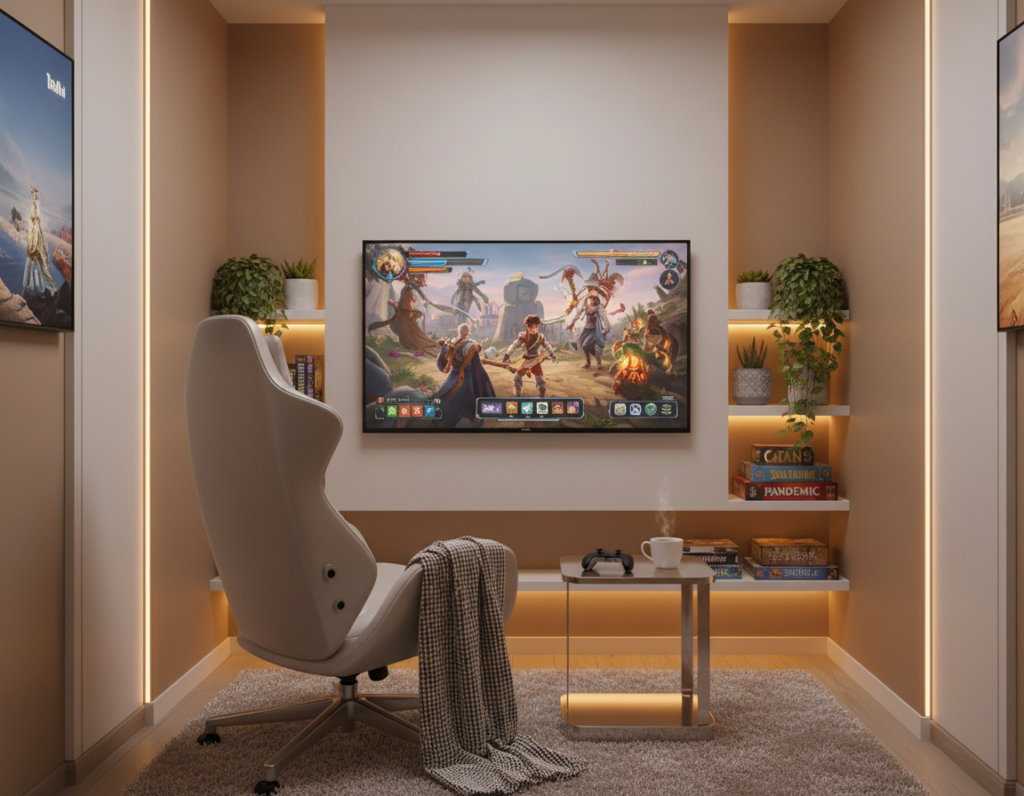
Creating a personalized gaming space lets players escape daily stress and enjoy more time with their favorite game. Even small corners can become a sanctuary with soft textiles, a comfy chair, and subtle lighting.
Many gamers find that well-planned elements improve mood and focus. By planning a smart gaming setup, they can save money and still achieve a pro look. For practical tips on room layout and ambient light, consult a concise guide from BenQ: what a great gaming room needs.
Key takeaways: Personal touches matter. Small changes in lighting and decor lift mood. Thoughtful planning makes a small space feel like home.
Assessing Your Gaming Space
Start by mapping how you actually use the room before buying furniture or tech. Take measurements and note windows, outlets, and door paths. This prevents surprises when placing a desk or a console.
Zoning Your Area
Zone the room so play areas stay separate from work or guest functions. Use a rug, shelving, or a low divider to define the gaming space. Zoning keeps cables and controllers from spilling into shared living areas.
“She turned a neglected spare ‘dump room’ into a focused retreat that serves daily life and leisure.”
Considering Room Function
Wendy’s story shows a simple truth: a room can be repurposed. Before buying items, list other needs like a home office or guest bed. That list helps integrate the gaming setup into the existing layout of an apartment or house.
- Plan for shared use if others live there.
- Position the console or PC where light and sound work best.
- Reserve storage so accessories are out of sight when not in use.
Selecting the Best Budget Cozy Gaming Setup Ideas
Begin by sketching where the desk, console, and chair will sit to avoid costly replacements. Accurate measurements prevent buying a desk that overwhelms the room or leaves gear awkwardly placed.
Decide where the PC tower will live. Placing it on the surface is convenient for cooling, but tucking it under or inside a shelf frees surface area for monitors and accessories.
Consider a standing desk option like the VASAGLE standing desk, a popular choice priced at approximately £179.99. Many players prefer a height-adjustable desk to vary posture during long games.
Visualize the full gaming setup before purchase. Try a mock layout on paper or with tape on the floor to confirm sightlines and cable runs.
- Repurpose an existing table or dresser to save money and keep style consistent.
- Research desk options and read reviews to find the best balance of size, strength, and value.
- Plan storage and power access so the console and peripherals fit neatly.
Choosing a Color Palette for Your Room
A thoughtfully picked color scheme makes a small room feel deliberate and calm. Color affects mood, perception of light, and how the space reads on camera during streams.
Selecting Muted and Moody Tones
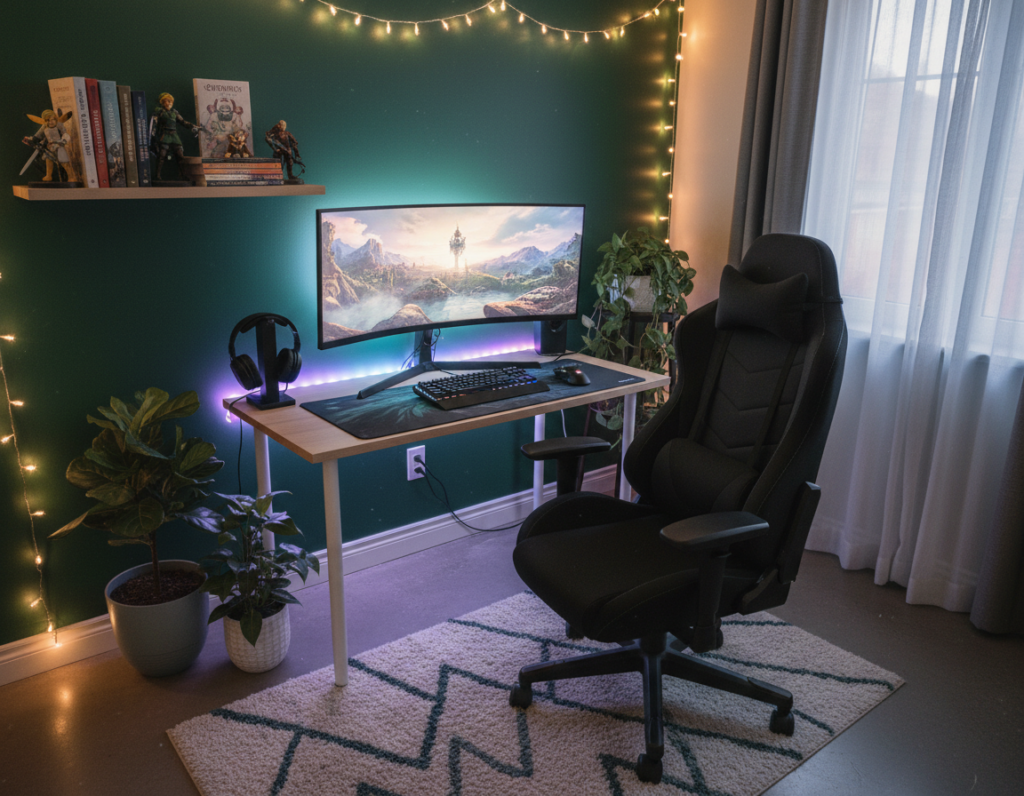
Wendy favors a dark academia aesthetic—muted, rich tones that feel both luxurious and homey. She pairs warm greys and eggshells with deep greens or inky blues to achieve that look.
- Calming neutrals: warm grey, beige, coffee tones, or eggshell to anchor the room.
- Moody accents: grounding greens, deep blues, or mauve for atmosphere and depth.
- Natural materials: wood accents and rich paints create a polished, intentional aesthetic.
Choose a consistent palette so the gaming room reads as one cohesive area. Soft ambient lighting complements dark walls and helps the eyes adjust during long games.
Investing in Ergonomic Furniture
Comfort starts with the chair — the right seat turns long sessions into pain-free play. A quality chair protects the spine and helps a gamer maintain focus through long hours.
Wendy learned the hard way that non-adjustable seats fail serious players. Her first IKEA scooped chair looked nice but did not support long-term use.
Prioritizing Back Support
Choose chairs like the Corsair TC100 or the Dowinx Chair for reliable lumbar support. Ensure the lumbar pad lines up with the natural curve of the lower back.
Adjusting Armrests
Adjustable armrests are a must. Set them so elbows form a right angle and wrists stay neutral to reduce strain and carpal tunnel risk.
Finding the Right Height
Legs should sit at about 90 degrees. Monitors should rest at eye level to limit neck strain.
- Chair first: invest in ergonomic features before aesthetics.
- Alternative option: for handheld play like a Nintendo Switch, a roomy armchair can be a comfortable choice.
- Test before you buy: sit for a while to confirm support and adjustability.
“Always choose function over form; long-term health matters more than looks.”
Optimizing Your Desk for Comfort and Function
A well-chosen desk anchors the whole room and dictates how gear, cables, and lighting fit together.
Measure the space before you buy. Confirm where monitors, a PC tower, and peripherals will sit so everything fits without crowding.
Wendy uses a custom standing desk with Songmics Home legs and a reclaimed wood tabletop. That piece both supports gear and sets a warm aesthetic for her cozy gaming setup.
- Decide on shape: corner, L-shaped, or standard to match your room and workflow.
- Plan tower placement and monitor count to keep sightlines and cooling optimal.
- Choose desks with built-in cable management to keep the surface tidy and focused.
Keep the surface clear of unrelated things so play and work stay separate. A clean desk setup helps concentration and makes the space feel like a professional command center.
Enhancing Atmosphere with Ambient Lighting
Carefully chosen lights shape mood, reduce glare, and improve visual comfort. Good lighting turns a screen-focused room into an immersive space for play and streams.
Using LED Strip Lights
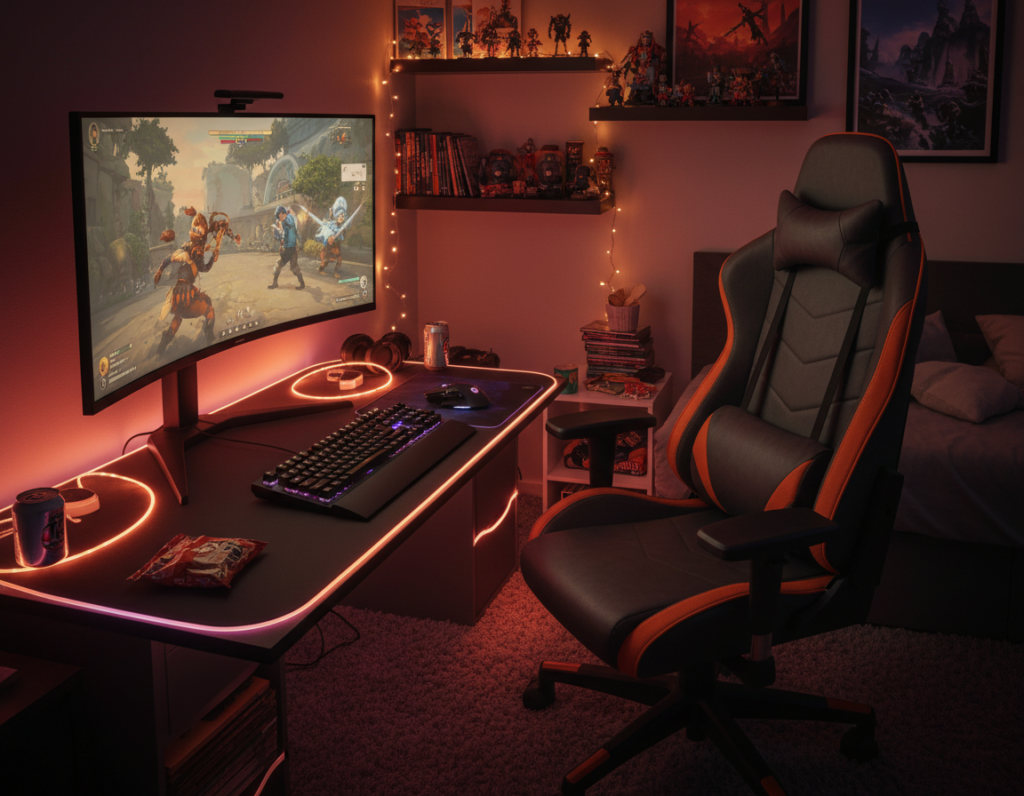
LED strip lights are a simple way to add backlight behind monitors or under shelves. They cut contrast and ease eye strain during long sessions.
Place strips along the desk back edge or under a shelf to create even wash light. Use warm tones for soft glow or RGB for bolder colour shifts.
Incorporating Smart Bulbs
Smart bulbs let users dim or change colour from a phone or voice assistant. They make it easy to match room lighting to on-screen action or to a preferred aesthetic.
Wendy added wood-effect Nanoleaf panels that look great even when off. Those panels act as decor and light source, proving that lighting can be both functional and decorative.
- Ambient lighting reduces eye fatigue and improves the overall room feel.
- Syncable lights and RGB options boost immersion for play and streaming.
- Position a desk near a window to add natural light for content creation.
“Ambient lighting is a transformative element for any cozy gaming setup.”
Improving Audio Quality for Immersive Sessions
Clear, accurate audio turns a good play session into a truly immersive experience.
High-quality sound helps a gamer hear subtle footsteps, spatial cues, and music detail in every game.
Invest in noise cancelling headphones like the Sony WH-CH520. They offer noise cancelling tech and up to 50 hours of battery life for long sessions.
For shared spaces, consider the Edifier R1280DBs active Bluetooth speakers. They connect wirelessly to a PC, phone, or Nintendo Switch and free the desk from cords.
- Headset choice: good headphones with noise cancelling improve focus and reduce distractions.
- Speakers: quality speakers deliver room-filling sound for group play or consoles.
- Accessory: a sturdy headset stand keeps gear tidy and within arm’s reach.
“Prioritizing the audio setup ensures your room offers a high-quality experience that engages all of your senses.”
For more practical room tips and compact arrangements, see this short guide on room setup advice.
Managing Cables and Storage
Tidy cables and smart storage transform a cluttered corner into a calm command center.
Good cable management keeps a gaming area clean and helps the desk stay functional. Use cable trays, simple ties, and adhesive clips to route power and data lines into one neat bundle.
Floating shelves are an elegant option. They free up desk surface while displaying consoles, games, and collectible figures.
- Display and store: floating shelves let you show favourite titles and keep controllers nearby.
- Natural wood tones: bamboo or warm wood shelves pair well with a cozy gaming setup aesthetic.
- Hidden cases: drawers or storage bins are ideal when extra controllers and spare cables need containment.
Proper organization reduces distractions and keeps everything within reach. At a practical level, dedicated cable management and the right shelving lift the room from cluttered to calm.
“Effective cable management is the secret to a sharp gaming setup.”
Adding Personal Touches and Decor
Small, meaningful decor choices turn a plain desk into a personal command centre. Personal items make the space feel like a sanctuary for play and rest.
Wendy recommends starting small: a pixel art speaker, a themed Nintendo Switch case, or a crystal on a shelf can add warmth without clutter.
- Display posters, statues, or framed victory screens to show personality.
- Use floating shelves or a dedicated case to showcase collectibles safely.
- Add a plant or a tiny incense burner—Wendy loves a mushroom burner for a subtle witchy touch.
These accents raise the level of any room aesthetic, whether leaning sci-fi or cottagecore. Gamers should place items so the desk remains clear and functional.
“Personalizing your space is about more than hardware; it’s about crafting a sanctuary where you can truly unwind.”
Conclusion
Thoughtful choices in lighting, furniture, and decor reshape how a room feels. Creating a personal sanctuary depends more on intention than on high-end gear.
Choose the right location and prioritise ergonomic furniture to protect posture and extend enjoyment. Small actions—like neat cable runs and soft ambient lights—make a clear difference.
Add meaningful decor and functional storage to reflect personality while keeping the surface tidy. Whether a casual player or a dedicated enthusiast, a well-designed area becomes a true haven from daily stress.
Take these tips to heart and start making changes today to ensure every session is comfortable and restorative.