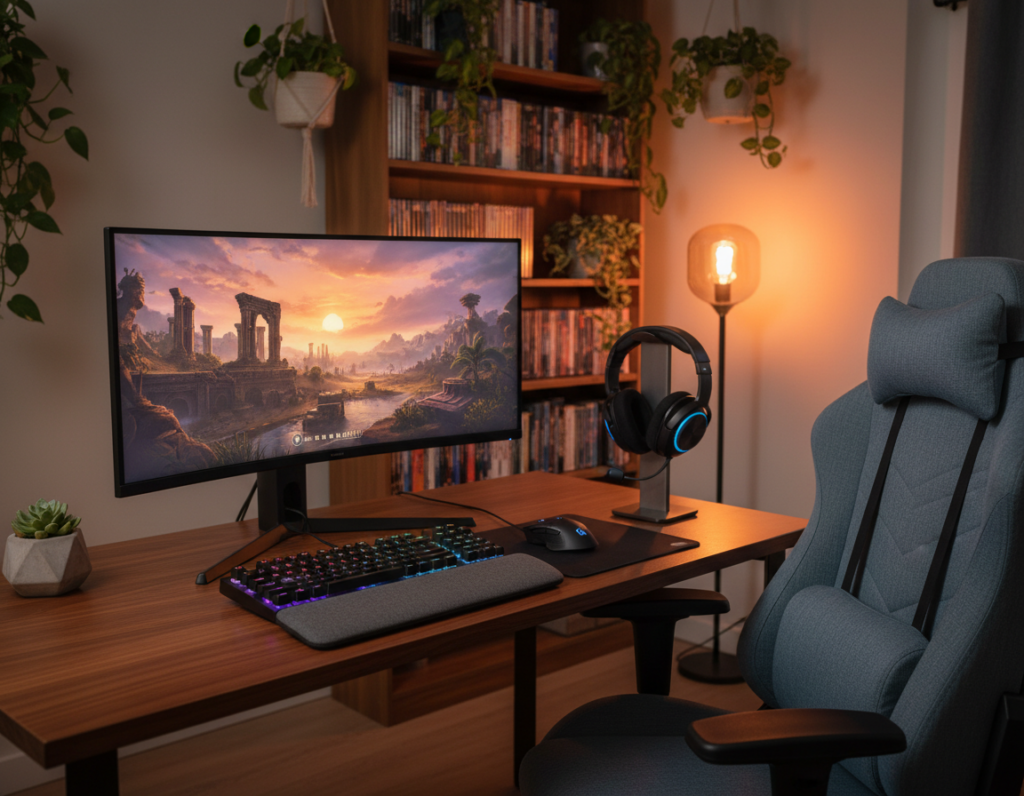
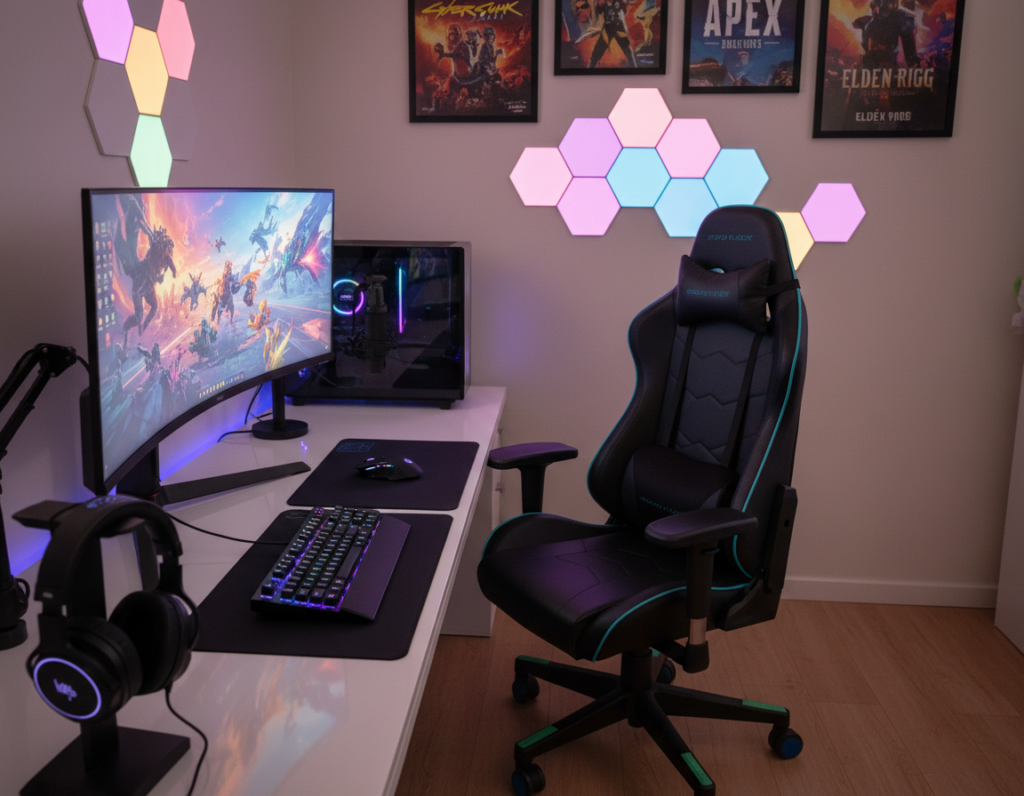
Finding the right seat for a compact setup requires balancing ergonomics with space limits. Experts note that a quality gaming chair can improve posture during long sessions and reduce fatigue.
When choosing an office chair for a tight area, buyers should prioritize slim profiles without losing core support. Many trusted reviews highlight models that deliver firm lumbar support and adjustable elements while occupying minimal footprint.
For those focused on performance, a comfortable chair makes it easier to concentrate during matches or long work stretches. Industry reviews often show that premium office chairs outperform basic furniture from big-box stores in support and longevity.
Bottom line: read detailed reviews, compare dimensions, and choose chairs that balance form and function. Investing in a well-made seat ensures comfort and value, even when floor space is limited.
The Challenge of Finding a Small Room Gaming Chair
Finding a compact seat that still supports long sessions can feel like solving a puzzle. Start by mapping the usable floor area and noting clearance for movement. This prevents a purchase that blocks walkways or closets.
Measuring Your Available Space
Measure width, depth, and the distance to nearby furniture. Include space for recline and caster travel. Record dimensions in inches to match product specs.
Identifying Compact Footprints
Look for narrow bases and trimmed armrests. Many modern gaming chairs have smaller bases designed for tight layouts. An office chair with a compact base can free up key square footage.
- Confirm base diameter fits under the desk width.
- Ensure clearance for standing and walking paths.
- Check seat depth so it does not hit other furniture.
Final tip: always compare listed dimensions to your plan. A proper match gives support without dominating the visual space of a cozy apartment or bedroom.
Essential Ergonomic Features for Compact Spaces
Smart support systems let a compact setup feel full-size in function. Leading brands like Herman Miller deliver award-winning ergonomic gaming designs that adapt to movement. These systems reduce strain and keep users active during long sessions.
Adjustability matters. A quality gaming chair should offer lumbar height, tilt tension, and seat depth adjustments. These features let individuals dial in proper spinal alignment and personalized support.
Simplified office chairs designed for tight footprints still provide core benefits. Look for models with a flexible back, responsive padding, and a narrow base to save floor space without losing support.
- Adaptive backrests that follow posture shifts.
- Adjustable lumbar for sustained spinal support.
- Compact armrests with width and height options.
Choosing chairs with robust ergonomic gaming elements is an investment in long-term health. Prioritize balanced support and comfort to boost productivity and prevent the aches common with non-adjustable furniture.
Why Adjustable Lumbar Support Matters
Maintaining the spine’s natural curve during long sessions starts with the right lumbar system. A properly designed support lets users remain active and pain-free while they work or play.
Benefits of Adjustable Lumbar
Personalized back support lets each person set lumbar height and depth. This reduces strain and improves posture during extended use of a gaming chair or office chair.
- Targeted pressure relief: adjustable lumbar support helps prevent chronic low-back pain by keeping pressure consistent.
- Dynamic comfort: the tilt function and lumbar adjustment work together so users can shift from upright focus to a relaxed recline.
- Long-term health: choosing chairs with adjustable lumbar prioritizes spinal health over static, generic designs.
In short, investing in a chair with reliable lumbar and tilt features ensures the lower back stays supported through long sessions. Proper support keeps gamers and office workers comfortable and productive.
Selecting the Right Material for Your Environment
Picking the right upholstery affects durability and comfort more than many buyers expect. The material determines how a gaming chair handles heat, moisture, and daily wear.
Breathable fabric helps prevent heat buildup during long gaming sessions. Mesh and high-quality polyester blends wick sweat and keep skin cool.
A proper cushion matters just as much. Look for high-density foam that retains shape and supports long periods of use in an office chair or a gaming setup.
Many modern gaming chairs pair soft fabrics with tough outer layers. This combo feels good to the touch while resisting abrasion and spills.
- Airflow: choose materials that allow ventilation to reduce sweat and odor.
- Durability: premium fabric and reinforced seams extend the life of chairs.
- Support: denser cushion cores maintain posture and comfort over hours.
By prioritizing material, fabric quality, and cushion design, buyers ensure their office chair remains reliable and comfortable for years of gaming and work.
Maximizing Floor Space with Slim Profiles
Slim-profile seating frees up valuable floor area while still delivering core support. Choosing a seat with a compact base makes it easier to move and keeps the layout tidy.
Key benefits:
- Smaller footprints free usable floor for storage or foot traffic.
- A trim base fits neatly under the desk, reclaiming daily space.
- Space-efficient designs let users keep cables and peripherals organized.
Practical tip: look for models with a narrow base and trimmed armrests. Those features reduce the chair’s floor impact and improve circulation around the desk.
When a gamer or remote worker selects an office chair with a lean silhouette, they expand usable square footage without compromising support. Well-designed seats balance ergonomics and a minimal footprint so the floor stays clear and functional.
The Role of Adjustable Armrests in Tight Setups
Smart armrest adjustments help a compact workstation feel custom-fit. In constrained layouts, versatile armrests let users align their forearms with the desk. This reduces shoulder and neck strain while improving control during long sessions.
Height Adjustability
Proper height keeps the elbows close to a 90-degree angle. Users should raise or lower the armrest so the forearm rests lightly while typing or using a controller.
If the armrest is too high, the shoulders tense. If it is too low, the user will slouch forward. A quality office chair or gaming chair with vertical adjustability fixes this quickly.
Width Considerations
Side-to-side adjustment prevents the armrests from hitting the desk and lets the seat tuck in neatly. This is vital when space is limited and pathways must stay clear.
- Adjust inboard: bring armrests closer to the torso for narrow desks.
- Move outboard: widen for broader support during long play or work.
- Choose 4D models: they combine height, width, depth, and pivot for precise fit.
“Versatile armrests are a small feature that makes a big difference in comfort.”
Evaluating Weight Capacity and Frame Durability
A chair’s rated weight reveals how well its frame will hold up under daily use. Buyers should treat that number as a baseline for long-term support and safety. A higher rating usually signals stronger materials and better construction.
Look for steel or reinforced alloys. These materials resist bending and maintain shape. Plastic frames or thin metals often fail sooner under constant pressure.
- Check the manufacturer’s rating: verify the listed weight before purchase.
- Inspect the build: welded joints and cross-bracing add lasting support.
- Match capacity to use: higher weight limits mean the seat will stay stable over years.
“A reinforced frame protects both posture and the product’s lifespan.”
For detailed sizing and safety tips, consult this weight capacity guide. Prioritizing a strong frame ensures reliable support and a better return on investment for serious users and professionals.
Benefits of Mesh Backing for Airflow
Well-designed mesh backs let air move freely, aiding long-term comfort and focus. Mesh backing is a popular feature because it improves ventilation without adding bulk.
Why it matters: mesh promotes steady airflow behind the torso. This prevents heat build-up that can distract during intense sessions.
Temperature Regulation
Mesh excels at keeping skin cool and dry. Users who choose an office chair with mesh often notice less sweating and more focus.
Many gaming chairs use high-grade mesh that balances breathability with support. The fabric flexes where needed and holds shape where support is critical.
- Consistent airflow reduces hot spots and preserves comfort over hours.
- A mesh-backed chair tends to weigh less, so it is easier to reposition in tight layouts.
- Mesh combines ventilation with reliable lumbar and back support for long-term use.
“Airflow from mesh backing helps maintain a stable temperature, which supports sustained concentration.”
Integrating Massage Features Without Bulk
Smartly integrated massage features deliver targeted relief while keeping the frame lean and unobtrusive. Buyers can enjoy short recovery sessions without a bulky add-on that eats floor space.
Many models tuck massaging motors into the seat or lower back pad. This keeps the overall profile slim and preserves core ergonomic support. A single integrated module can offer vibration, rolling, or spot massage modes.
An office chair with massage capabilities makes breaks more restorative. It reduces tension between bouts of intense play or focused work. Controls should be simple and reachable so users switch modes without standing up.
- Confirm the massage does not compromise lumbar support.
- Choose units with internal power or slim adapters; avoid large external boxes.
- Look for intuitive controls and preset intensity levels.
“Integrated massage can be a compact wellness upgrade when designed around ergonomics.”
Top picks in the market balance massage and support, letting users relax without sacrificing fit. When selected carefully, these chairs and chairs deliver a near-spa experience at the desk while staying lean and efficient.
Balancing Price and Quality
A realistic budget helps narrow options so the best value rises to the top.
Balance cost with must-have features. Determine which support elements matter most: lumbar adjustment, durable frame, and seat height range. These features influence comfort and the long-term price-to-performance ratio.
Compare the listed price of a gaming chair and an office chair against materials and warranty. A mid-range option often delivers a high level of quality without the top-end cost. This makes many models accessible to professionals and serious users.
- Set a clear budget to filter options by essential features and height adjustability.
- Check reviews that highlight price-to-performance and durability over time.
- Prefer reinforced frames and replaceable parts to increase value over the price range.
In short, buyers who weigh immediate price against long-term durability usually find the best return. Investing wisely ensures the selected chair provides comfort and support for years.
Optimizing Your Desk and Chair Relationship
A desk and seat must work as a single system to support long sessions and efficient workflows. Proper alignment reduces strain and keeps a home office organized.
Desk Depth Requirements
Depth matters. The Motia Sit-to-Stand Gaming Desk offers a generous 69.2″ surface that easily holds multiple monitors, a keyboard, and accessories while leaving room to adjust the desk chair.
Tip: Allow at least 8–12 inches between the monitor and the front edge for comfortable viewing and space for input devices.
Cable Management Solutions
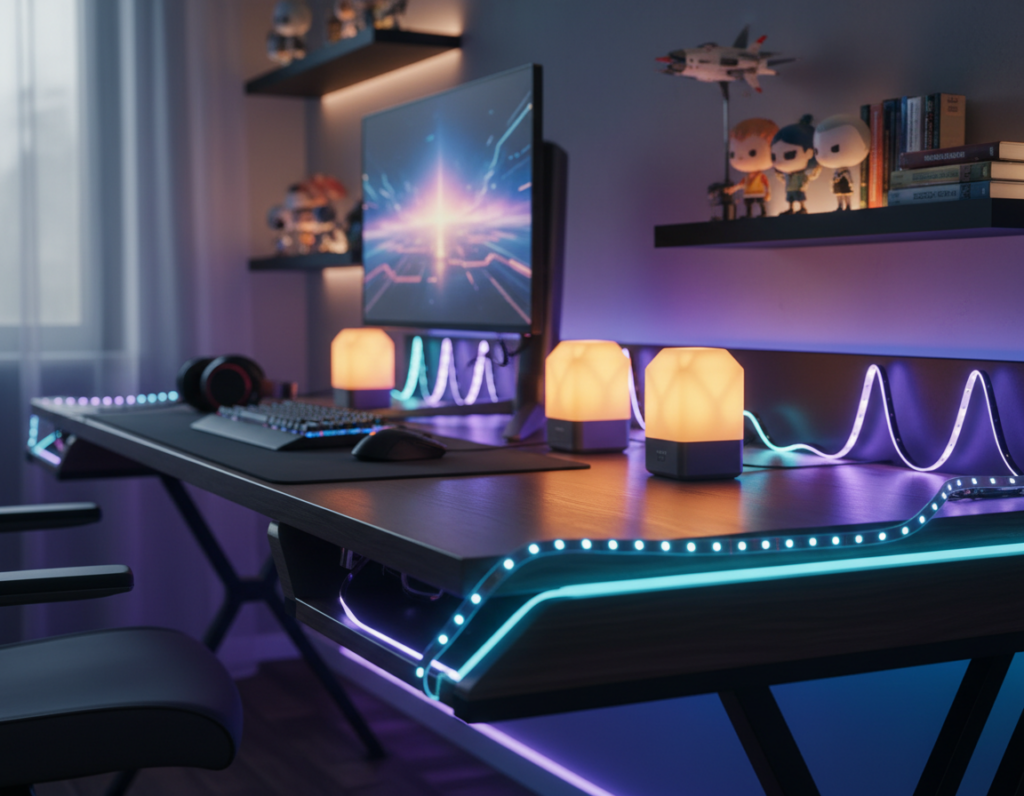
Keep cables routed and out of the way to maintain a tidy gaming office. Use under-desk trays, adhesive clips, or a slim cable spine to prevent tangles and free leg space.
- Label power and peripheral lines for faster swaps.
- Bundle USB and audio cables with Velcro to avoid clutter.
- Choose low-profile power strips to tuck under the desk.
Monitor Placement
Mounting screens on an adjustable arm like the Ollin, which holds up to 20 pounds, lets users set ideal height and distance. This prevents neck strain and aligns the display with the desk chair.
Accessories: Integrate Logitech mice and keyboards to place inputs where they feel most natural. A balanced desk and chair setup improves posture and performance.
“A coordinated desk and seat layout creates a comfortable, efficient workspace.”
Proper Posture During Long Gaming Sessions
Consistent posture habits make multi-hour sessions less tiring and more productive. Good posture prevents back pain and preserves energy through the day.
A quality gaming chair offers the structure needed to keep the spine aligned. Proper lumbar positioning is central to maintaining healthy posture during long stretches of play or work.
Users should adjust seat height so feet rest flat and knees sit level with hips. Arm height and seat depth must also match the body to reduce forward lean.
- Set lumbar support to fill the lower back curve; this prevents slouching during long sessions.
- Use tilt and tension controls to vary position and ease pressure through the day.
- Stand and stretch every 45–60 minutes to reset posture and reduce fatigue.
“Adjusting the chair to fit your body is the most effective way to protect posture over long sessions.”
Investing in a supportive seat that encourages correct posture is one of the best steps to protect long-term health and maintain comfort every day.
Customizing Your Headrest for Comfort
A quick headrest tweak often yields the biggest boost in long-session comfort. They should test height and tilt while seated to find natural alignment for the neck.
Proper head support keeps the head balanced over the spine and reduces strain that can travel down to the lumbar area. When the headrest meets the base of the skull, the neck muscles relax and posture improves.
Many models include a removable headrest pad or an adjustable mount. Removing or adding the pad tailors the fit for different users and for varied tasks like focused work or relaxed breaks.
- Set the headrest so it supports the mid-neck, not just the top of the backrest.
- Use forward tilt for recline and neutral tilt for upright work.
- Confirm that headrest position works with existing lumbar settings.
“A well-adjusted headrest turns simple seating into effective, full-body support.”
Color and Aesthetic Considerations for Small Rooms
A well-chosen hue can change how a tight layout reads on camera and in person.
Bright accents lift perceived depth, while neutrals help furniture blend into the background. Neon Tube LED lights come in five vibrant tones, letting users match a palette to their personal style.
For streamers, consider how a selected color shows up on video. Vibrant LEDs create a signature backdrop, but neutral upholstery reduces visual noise and keeps focus on the face or screen.
Designers advise coordinating one or two accent colors across gear and decor. This keeps the space cohesive without overwhelming sightlines.
- Pick a neutral base to anchor the setup and add LED accents for pop.
- Test hues on camera before committing to long-term pieces.
- Match accessories like cushions and lighting to reinforce the chosen palette.
“A consistent palette makes a compact layout feel intentional and inviting.”
Maintaining Your Furniture for Longevity
A proactive maintenance routine protects the mechanical features that deliver support. Regular checks help the seat stay safe and reliable over time.
Inspect weekly. Look for loose screws, worn casters, and frayed upholstery. Tighten hardware and replace parts before small issues grow.
Clean the upholstery and mechanisms monthly. Dust and debris shorten moving parts and clog tilt or lumbar systems. Use mild soap and follow the manufacturer’s care guide to avoid voiding the warranty.
- Check tilt and lumbar: test adjustments and make sure the lumbar returns to its set position.
- Keep moving parts clear: wipe rails and pivots to stop grit from wearing bearings.
- Address wear early: swap fasteners or cushions when they show damage.
“Proper care preserves support and extends the life of furniture.”
By maintaining the chair and its support systems, users protect their lumbar health and get the most from their investment.
Conclusion
A well-chosen seat ties together comfort, support, and efficient use of a small room for gaming or work.
They should prioritize adjustable support and a compact footprint to keep posture healthy and movement free. A well-made chair protects the spine and helps long sessions remain productive.
Investing in quality materials and a durable frame pays off in longevity and consistent performance. Make choices that match personal needs and space so the setup feels professional and reliable.
Use this guide as a checklist when comparing specs and features to find the best fit for daily use.