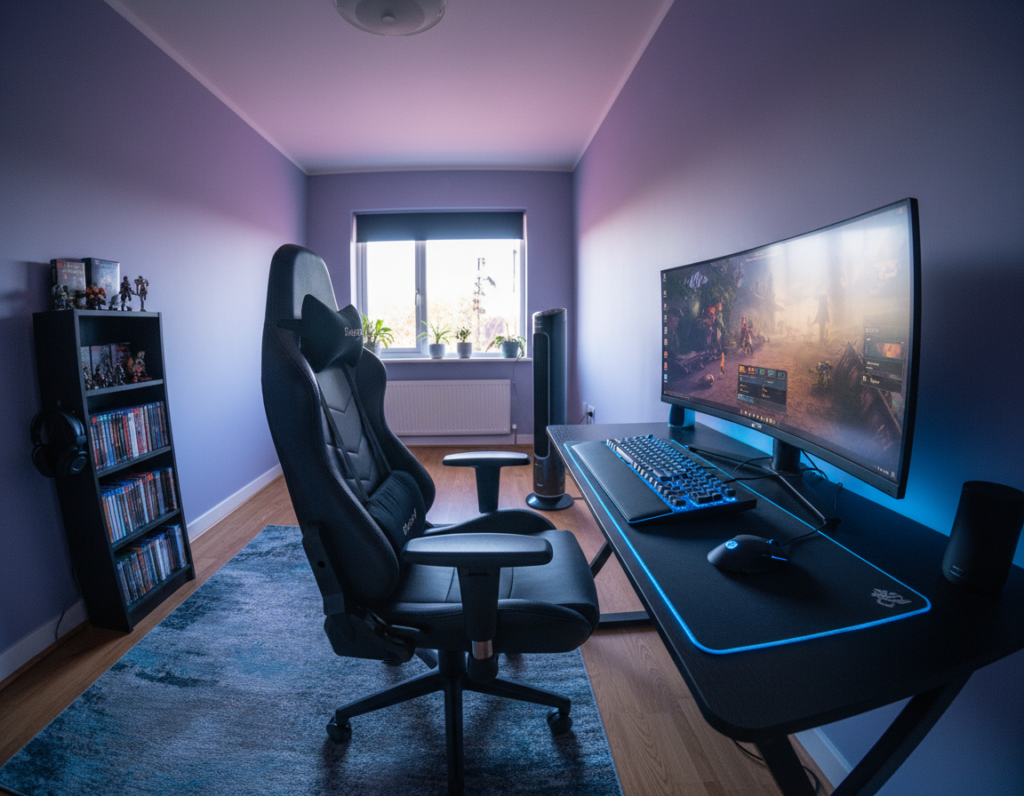
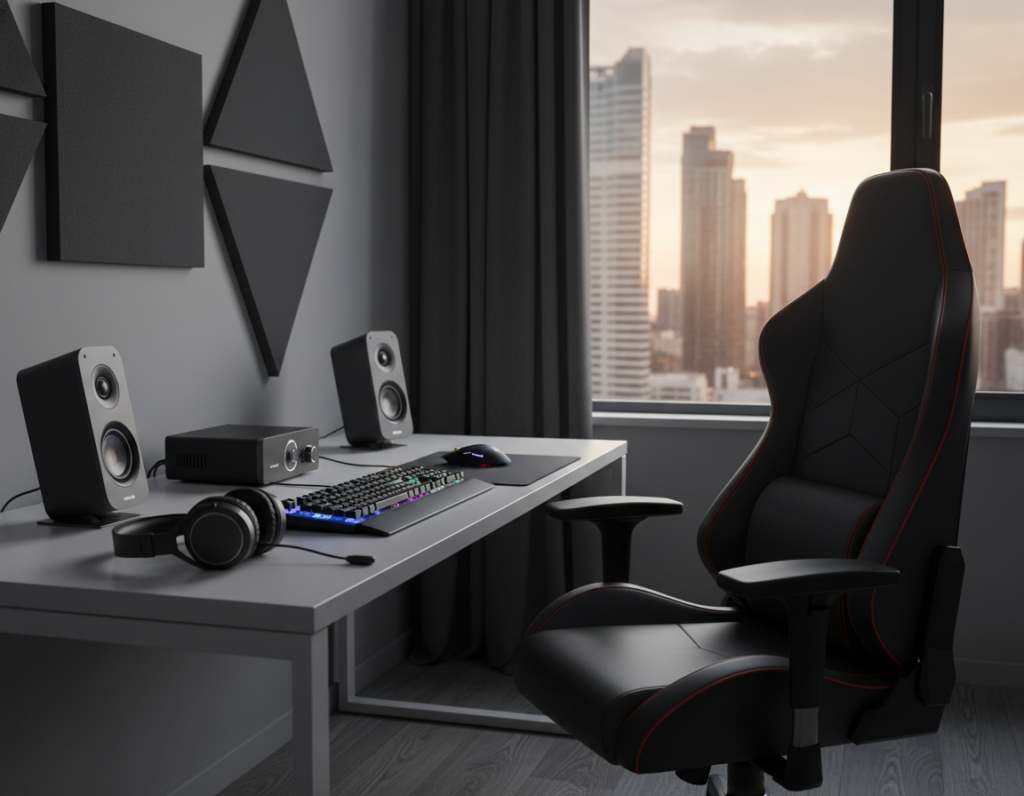
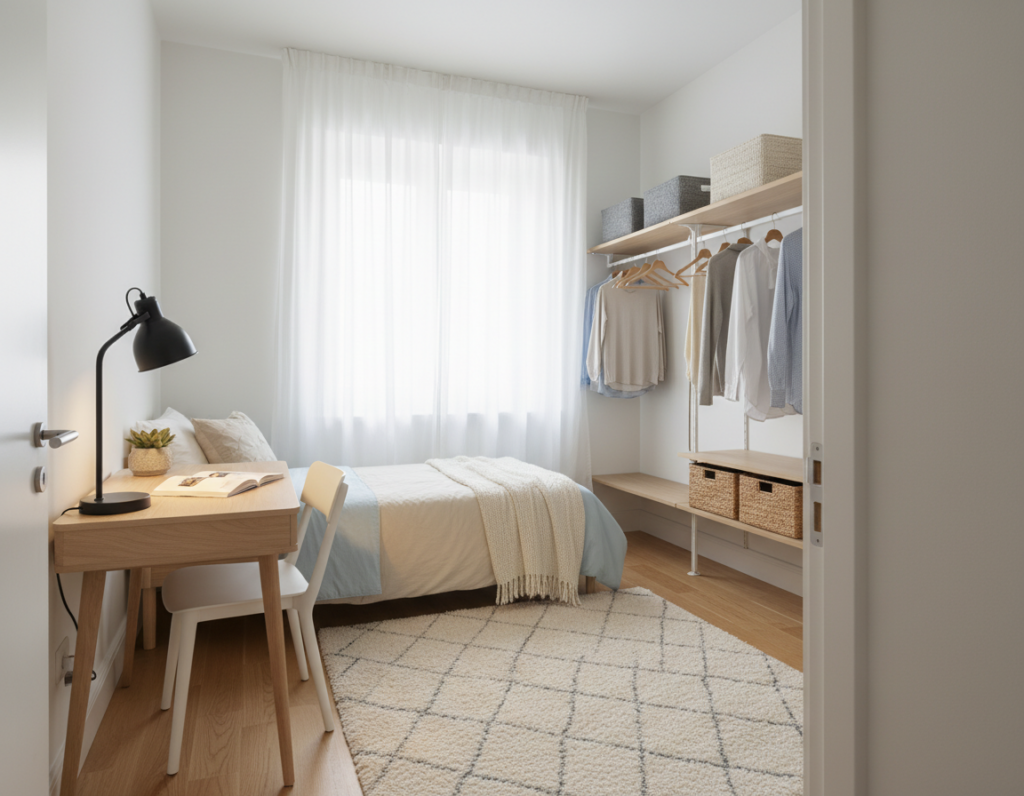
Finding the right compact alternatives helps people set up a functional area in small rooms or shared offices. A thoughtful choice keeps a keyboard, mouse, and monitor organized without turning the space into clutter.
When planning a setup, attention to height and frame ensures the unit fits the available layout. Built-in storage and smart cable management keep cables and power needs tidy and out of sight.
Choosing sturdy materials like steel or metal gives confidence that the work surface will hold monitors, lighting, and accessories. With a clear plan for placement, people can create a professional, stylish gaming setup even in the smallest rooms.
Why Desk Choice Matters in Small Gaming Rooms
Furniture scale changes how people perceive tight rooms and can make setups feel open or cramped. The right desk becomes the focal point that sets usable floor area and sight lines.
Many gamers prefer a unit with a sturdy metal frame or steel supports because it improves stability and the overall experience. Weak frames force compromises in monitor placement and keyboard reach.
Short-term choices affect long-term comfort. Height and width influence where a chair sits and how a keyboard and mouse are used. Poor proportions make a room feel cluttered fast.
- Cable management and built-in storage reduce visual noise and free floor space.
- A clean layout keeps power and lighting accessible without crowding the area.
- Evaluating size and design prevents buying furniture that shrinks usable spaces.
Essential Features for Compact Gaming Desk Alternatives
Smart surface planning lets a small setup hold a monitor, keyboard, and mouse while keeping the room tidy. Efficient layouts favor usable top space over excess surface area.
Surface Area Efficiency
Pick a surface that fits the available area and stays within a 40 to 55-inch width range when possible. This size range supports dual monitors or a large single monitor plus peripherals.
Surface area management keeps lighting and speakers within reach and prevents clutter. A clear desktop improves focus and helps people switch between work and play fast.
Integrated Storage
Built-in storage and cable management are essential features for small setups. Shelves, drawers, and a hidden tray reduce visual noise and protect power cords and cables.
Sturdy frames made from metal or steel increase longevity and stability. Look for a solid frame and reinforced supports to handle monitors and accessories safely.
- Enough surface for monitor, keyboard, and mouse without crowding.
- Integrated storage to keep small accessories organized.
- Built-in cable management to hide power and data lines.
- Durable frame using steel or metal for long-term use.
Understanding the Impact of Desk Depth and Width
In tight rooms, a desk’s depth influences usable walkways more than its width. Depth determines how much legroom and chair travel remain around a setup.
Too deep a surface can push a keyboard and mouse forward and reduce comfortable seating space. A unit that is too wide may block pathways and make the room feel crowded.
Proper cable management and power routing are easier when the surface width fits the intended monitor and peripherals. Matching width to needs prevents extra cables from dangling behind the furniture.
- Measure first: note wall clearance, chair pull-out space, and reach to power outlets.
- Choose a sturdy frame: metal or steel frames keep monitors and keyboard placement stable.
- Balance storage and surface: avoid oversized tops that force storage into walkways.
When people plan with accurate inches and clear measurements, they can select desks that suit rooms and maintain good lighting, cable management, and power access without overwhelming the office.
Comparing Corner Desks and Wall-Mounted Options
Choosing between a corner unit and a wall-mounted surface shapes how much usable space a room will offer. Each option changes sight lines, storage choices, and how people arrange monitors, keyboard, and mouse.
Advantages of Corner Units
Corner units maximize surface area in tight rooms by using otherwise wasted angles. This layout supports a larger desktop for dual monitors or a wide single monitor without blocking walkways.
A sturdy metal or steel frame matters here. It keeps the surface stable when gamers add monitors, speakers, or lighting.
Benefits of Wall Desks
Wall-mounted models free floor space and create a minimalist design that makes an office feel open. They work well when storage is needed elsewhere, or when legroom and chair movement are priorities.
Effective cable management and integrated power routing are essential for both styles. Using a tool like Homestyler helps visualize how a corner or wall unit fits a specific room before purchase.
- Max use of surface area: corner units for L-shaped layouts.
- Open floor feel: wall-mounted for minimalist spaces.
- Durability: choose strong frames and steel supports.
- Clean setup: plan storage and cable routing for a tidy desktop.
The Role of Ergonomics in Limited Spaces
Good ergonomics make a small setup feel larger and keep players comfortable for long sessions. Simple choices about monitor height, chair position, and surface depth reduce strain and improve play and work performance.
Maintaining Proper Viewing Distance
Ergonomic guidelines recommend a viewing distance of 50–70 cm (20–28 inches) to cut eye fatigue. This range helps when a person uses a single monitor or dual displays in tight rooms.
Height matters. Match the top of the monitor to eye level and set the chair so forearms sit parallel to the surface. A proper angle keeps the neck neutral during long sessions.
- Keyboard and mouse placement should allow relaxed elbows and a straight wrist.
- Choose desks with enough depth to hold a monitor at the correct distance without crowding the room.
- Use cable management to keep cords clear of leg and chair movement.
By focusing on these details, users can craft a healthy, productive office or room setup even with very limited space.
Top Picks for Compact Gaming Desk Designs
The best picks focus on strength, surface area, and practical features for limited spaces. Each choice below highlights load capacity, storage, and cable routing to help pick the right setup.
Best Overall Desk
The SEVEN WARRIOR model tops the list for durability and features. It uses a sturdy metal frame and a carbon fiber surface that supports up to 220 lbs.
Its monitor stand holds 66 lbs and the unit includes integrated storage and lighting options. This makes it a strong choice for users who need reliable load capacity and good cable management.
Best L-Shaped Option
For corner placement, an ODK 40-inch L-shaped model expands usable surface area without eating into the room. It fits tight angles well and gives extra desktop for dual monitors and accessories.
Best Budget Choice
Budget buyers should consider the Lufeiya Small Computer Desk. It pairs a simple design with a metal frame and adjustable leg pads for steady support.
Across these picks, effective cable management and built-in power features are decisive. Choosing the right size and load capacity keeps equipment safe and the space organized.
Benefits of Using Monitor Arms for Space Efficiency
Raising the monitor off the surface instantly reclaims usable space for essential peripherals.
Monitor arms lift the screen so the keyboard and mouse sit comfortably on a cleared desktop. This change gives more room for a small storage tray or a drink without crowding the area.
They also let users set the perfect viewing height and distance. Proper alignment reduces neck and eye strain during long sessions.
Many of the best gaming desk models accept universal arms, so adding one is simple. Installations often include integrated channels for cable management, which helps hide power and video cable runs.
- Frees desktop for storage and movement.
- Improves ergonomic height and viewing distance.
- Makes cable routing and equipment management simpler.
For a small office or tight room, a quality monitor arm is an affordable upgrade. It boosts function without replacing existing desks or setups.
Managing Cables to Reduce Visual Clutter
Smart routing of power and data lines makes a modest workstation feel larger and neater. Good cable management is essential in a small room because loose wires can quickly create visual clutter.
Use cable trays, clips, and adhesive channels under the surface to tuck power cords out of sight. Many modern desks include built-in features for cable management that simplify organizing accessories and power strips.
Practical steps
- Group related cables with Velcro ties to prevent tangling and ease adjustments to height or position.
- Run long power runs along baseboards or behind storage to keep the visible work area clear.
- Mount a small surge strip under the top to reduce exposed extension cords on the floor.
“A tidy setup not only looks better but improves focus and makes the most of limited space.”
For step-by-step guidance on routing without drilling, see how to organize desk cables. By investing minutes in management, users keep desks usable and rooms distraction-free.
Evaluating Build Quality and Load Capacity
A strong frame and tested load ratings are the backbone of any reliable gaming desk.
Build quality is essential because the top must support a monitor, PC, speakers, and accessories without wobble. Look for a unit with a metal frame and reinforced crossbars. These features reduce flex during long sessions and give the setup real stability.
Check manufacturer specs for pounds or kilograms for both the desktop and the frame. Confirm the listed capacity covers the weight of monitors, a tower, and peripherals plus any future upgrades.
Good cable management and built-in storage often signal a well-thought-out design. If a model hides power strips and routes cords cleanly, it usually reflects stronger overall construction.
- Verify surface and frame load ratings before purchase.
- Prefer metal frames and reinforced supports for long-term use.
- Balance size and height with load capacity to keep the monitor stable.
“Investing in a high-quality desk is a smart move for anyone who wants a reliable, long-lasting office or gaming setup.”
How Room Layout Influences Desk Placement
Room geometry dictates the best position for a gaming desk to make the most of every square foot. Placing a desk where traffic is light preserves central area and keeps the space feeling open.
Putting a desk in a corner often frees floor area in smaller rooms or an office. A corner layout supports wider monitor arrangements without blocking walkways.
Consider desk height and how it meets windows, doors, and nearby furniture. Proper height avoids glare, keeps doors clear, and ensures chair travel fits the room.
A well-planned layout also helps with monitor positioning and cable routing. When monitors sit at the right distance, the setup feels more comfortable and less cluttered.
- Match design to flow: choose gaming desks that fit the room’s natural paths and storage needs.
- Visualize first: mock up measurements to confirm the best gaming setup and the choice will be the best gaming desk for the specific space.
- Optimize area: small shifts in placement can open up usable floors and improve access to power and lighting.
“A thoughtful placement turns limited rooms into efficient, comfortable setups.”
Utilizing Vertical Storage for Gaming Accessories
Vertical storage transforms wall space into useful real estate above a workstation. It helps keep a desktop clear so the monitor, keyboard, and mouse have room to breathe.
Shelves, wall-mounted racks, and pegboards move controllers, headsets, and other accessories off the surface. This approach frees the desk for primary tasks and improves overall room flow.
In tight setups, consider the height of each shelf so frequently used items sit within easy reach. Staggered shelves keep less-used gear higher and everyday items lower.
- Use open shelves for quick access and closed bins for tidy storage.
- Install a small rail or hooks for headsets to save desktop space.
- Route power and a cable channel behind shelving to hide cords neatly.
Well-planned vertical storage increases usable space without adding bulk. It preserves legroom, keeps the area tidy, and makes small gaming setups feel more organized and functional.
“Maximizing wall space lets the desk stay focused on work and play.”
The Importance of Legroom in Small Setups
Adequate leg clearance often determines whether a small setup stays comfortable during long sessions. A gaming desk should offer at least 24 inches of clearance beneath the top to allow natural movement and a relaxed posture.
Standard keyboard width is about 45 cm, so the surface and knee area must match that scale. If the unit squeezes leg space, the user will shift posture and strain the back and shoulders.
Choose a workstation height that works with the chair so forearms remain level with the top while typing and using a mouse. Proper height reduces wrist and neck stress and improves long-term comfort.
- Legroom matters: keep at least 24 inches of clearance under the top.
- Balance size and storage: avoid storage that blocks knee space.
- Clear cables: tidy cable routing keeps the area under the top free and safe.
“Prioritizing legroom creates a more enjoyable gaming experience even in the most compact rooms.”
Selecting Materials for Durability and Style
Materials define how long a workstation lasts and how it looks in a room. Choosing a strong metal or steel frame gives the unit real stability and reduces wobble under heavy gear.
A high-quality desktop surface should be smooth for mouse tracking and durable against scuffs. Laminates, treated wood, or coated metal tops pair style with easy cleaning.
The overall design must match the room. Consider height and finish so the piece blends with existing furniture and lighting.
Durable materials protect the long-term experience of use. Reinforced joints and a solid frame keep cables secure and prevent sag over time.
- Choose steel or metal frames for load-bearing strength.
- Pick a smooth surface for mouse and keyboard accuracy.
- Match height and finish to the room for cohesive style.
“Investing in robust materials turns a purchase into a long-term solution.”
Integrating Lighting and Power Solutions
Adding integrated lighting and power turns a cluttered workstation into a focused, usable area. Many of the best gaming models now include built-in outlets and USB ports to keep accessories charged and ready.
LED lighting strips add style while improving visibility across the desktop. They help reduce eye strain during late sessions and highlight key areas around the monitor and keyboard.
Proper cable management is vital when adding lights and power. Use under-top trays, clips, or adhesive channels to route cords so the surface stays tidy and clear for peripherals.
- Built-in power: choose units with accessible outlets and USB ports mounted near the back or side.
- Placement: set power strips at a height that won’t block legroom or interfere with monitor placement.
- Lighting: position LEDs to wash the work area without creating glare on screens.
By integrating these features with thoughtful storage and cable runs, users can make small rooms feel more professional and efficient. This approach keeps the surface usable and supports long-term comfort and reliability.
“Good lighting and smart power planning turn a small setup into a productive, low-clutter space.”
Pre-Visualization Tools for Room Planning
Room visualization apps make it simple to try layouts and see how each piece interacts with the rest of the space. They let users place a virtual desk, adjust the height, and test sight lines before buying.
Using these tools helps avoid common mistakes that lead to a cramped setup. They let people experiment with different design options and compare how desks, chairs, and storage fit together.
- Try multiple layouts to confirm clearance and traffic flow.
- Visualize height and placement so monitors and keyboards sit ergonomically.
- Plan cable runs and storage placement from the start to keep the surface tidy.
- See how a gaming setup will interact with other furniture in the room.
These planners save time and lower the risk of returns. With a clear mockup, the final setup is both functional and visually cohesive. Gamers and home office users gain confidence that their new desks will fit and perform as expected.
Conclusion
A final review of measurements and features ensures the setup works as expected in tight quarters. Measure the room carefully, check clearance for chair travel, and verify that the chosen layout fits power and lighting plans.
Focus on three practical points: cable management, built-in storage, and correct height. These elements keep equipment organized, protect comfort, and make the most of limited space.
With simple planning and the right choices in design, even the smallest room can become a powerful and stylish setup. Use visualization tools, test placements, and they will end up with a reliable, low-clutter workspace that serves both play and work needs.