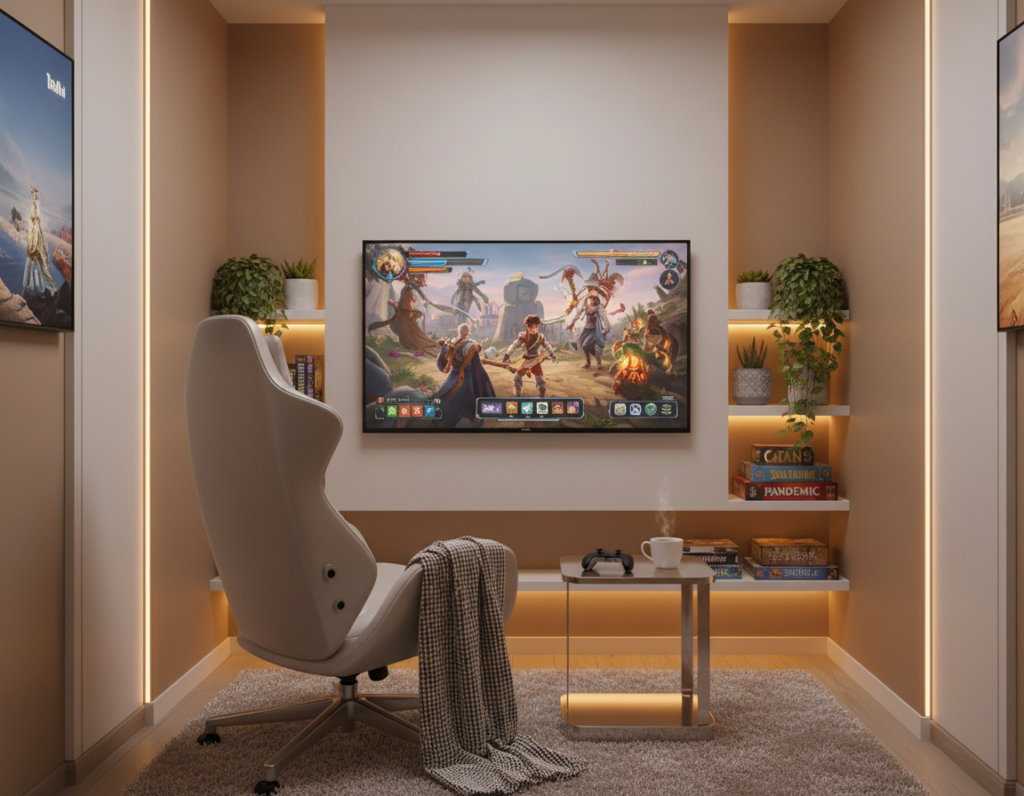
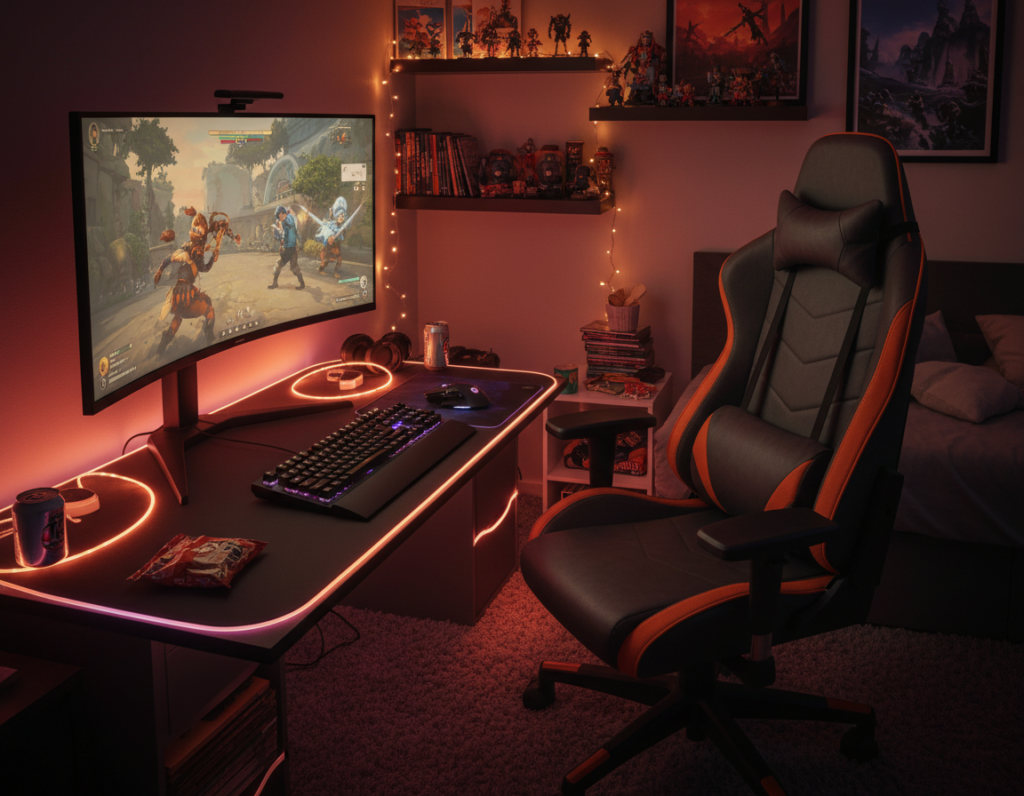
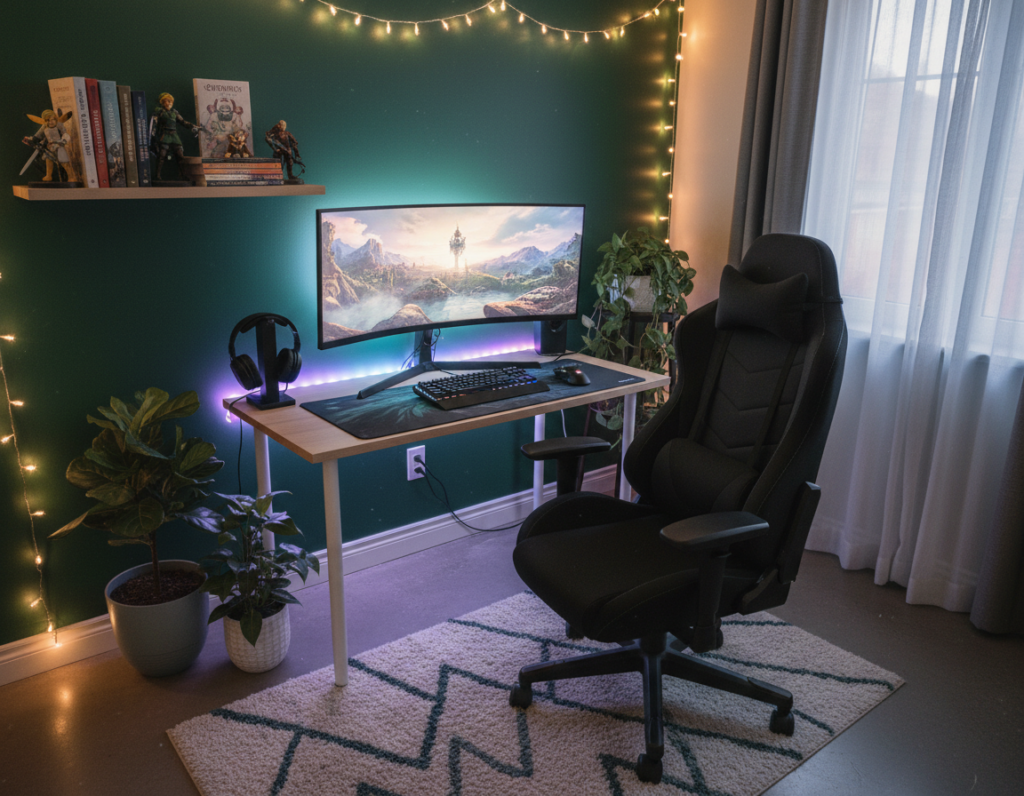
Modern living favors flexible rooms that work as both work hubs and leisure zones. Designers and players now plan a single space to host video games and office tasks without clutter.
On March 6, 2026, Martyna Stachowiak noted that many couples prefer setups that shift from focused daytime work to relaxed play after hours. This trend makes careful choices in desk placement, monitor height, and furniture essential.
Good lighting and smart storage keep the area tidy and comfortable for long sessions. LED accents, posters, and tasteful art help the area feel personal while staying professional.
A well-laid plan uses every corner of the room so games and work do not conflict. Investing in the right accessories, shelves, and a sturdy desk improves both productivity and the gaming experience.
By 2026, these hybrid approaches become the standard for those who value career time and leisure equally.
Planning Your Dual Purpose Gaming Room Setup
Start by sizing the space and mapping daily use. Measure walls, door swings, and window placements. That prevents buying a desk or console stand that will not fit.
Assessing Your Available Space
Make a simple floor plan. Mark where the screen will sit and note the ideal viewing distance. This keeps comfort high during long games and long work hours.
Consider vertical storage. Wall-mounted shelves and posters free floor area and add personality without clutter. Choose art and RGB accents that switch the mood from office to leisure.
Defining Your Daily Workflow
List morning to night tasks and peak focus times. Place the desk where natural light aids daytime work. Put the console and media near outlets and easy access.
- Plan cable paths and storage to hide work gear when off-hours arrive.
- Account for screen size and seating distance in the layout.
- Use modular furniture so the area adapts as needs change.
Experts in 2026 suggest starting small and iterating. For more detailed integrated ideas, see the hybrid workspace guide.
Selecting the Right Desk for Work and Play
A well-chosen desk anchors both productivity and evening leisure in compact spaces.
Selecting the right desk is critical because it holds the monitor, console, and work gear in one place. With over 121,000 uses of #gamingroom on TikTok, the desk often becomes the visual and functional centerpiece.
Choose a surface wide enough for dual monitors, a keyboard, and a notebook. Durable furniture that supports a heavy screen and video equipment prevents wobble during long sessions.
Ergonomics matter. A standing option or adjustable height desk helps posture for long work hours and late-night games.
- Prioritize built-in cable routes and hidden storage to keep the desk tidy.
- Add shelves or drawers for controllers, chargers, and accessories.
- Use RGB accents and posters around the desk to switch mood from work to play.
Good desk choice improves comfort, organization, and the overall gaming experience.
Ergonomic Furniture for Long Hours
Comfort and posture should guide furniture choices for anyone spending hours on work or play. Investing in ergonomic furniture helps protect the back and wrists during long stretches of video work and games.
Choosing the Right Gaming Chair
A high-quality chair provides lumbar support and adjustable height to match the desk. This prevents strain while working or playing late into the night.
Professional gamers often test chairs before buying to ensure fit and durability. Matching the chair height to the desk and keeping feet flat improves posture.
“A properly fitted chair can be the difference between fatigue and focus.”
- Prioritize adjustable lumbar support and armrests for long time use.
- Choose materials that breathe and resist wear for lasting comfort.
- Pick furniture that complements posters and lighting to keep the space cohesive.
Ergonomic choices make the room a healthy place to spend time. They also enhance the overall setup and video or console experience without compromising style.
Managing Cables and Power Supplies
Tidy cables and smart power choices make the difference between a cluttered desk and a calm, productive space. Start by routing power strips under the desk and fastening cords with clips so the layout stays neat.
Use cable trays and adhesive clips to group monitor, console, and PC station wires. Label each cord so unplugging is quick during maintenance or when swapping games or video gear.
LED strips behind the wall or desk hide cords and add mood lighting. That keeps posters and shelving clean-looking while masking power runs.
- Pick smart surge protectors to guard consoles, monitors, and accessories.
- Plan outlet placement and limit extension chains to reduce hazards.
- Bundle excess cable length in Velcro loops for a tidy finish.
Good cable management supports a relaxed station and improves daily workflow. A clean power plan makes the gaming room feel like a designed, intentional space for both work and play.
Lighting Strategies for Productivity and Ambiance
Thoughtful lighting transforms a shared work-and-play space from bright productivity to cozy evening immersion. Layered illumination helps people move between focused tasks and relaxed gaming without changing furniture or flow.
Task Lighting for Focus
Task lamps provide crisp, shadow-free light for paperwork and long screen sessions. A directional desk lamp aimed at the keyboard and notebook keeps contrast high and distractions low.
Ambient RGB for Relaxation
RGB strips and LED accents change mood fast. Use warm tones for evening play and cooler whites for daytime focus. Smart systems let users save scenes and switch with a voice command.
Bias Lighting for Eye Strain
Bias lighting behind the monitor reduces perceived glare and eases fatigue during long games and work blocks. A neutral white strip behind the screen improves contrast without adding screen reflections.
- Layer lights: task + ambient + bias for flexibility.
- Mount LED strips along the wall or shelf to alter mood.
- Invest in smart bulbs and presets for quick transitions.
For more detailed lighting ideas that balance productivity and play, consult a specialist guide.
Soundproofing Your Shared Space
Sound control is the single upgrade that often makes a shared work and play space feel finished. Treating walls and ceilings cuts echo and keeps late sessions from disturbing others.
Acoustic panels are common because they reduce reverb and sharpen voice chat and game audio. Many panels come in decorative patterns that match lighting and wall art.
If someone spends long blocks of time here, soundproofing helps them focus and protects housemates. Pros often add bass traps and door seals to keep low frequencies from leaking.
- Use foam or fabric panels on reflection points to lower echo.
- Add rugs and heavy curtains to absorb mid and high tones.
- Seal gaps around doors and mount an isolation mat under speakers to cut vibration.
Effective soundproofing makes the space calm for work and immersive for games. It is one of the best game room ideas to upgrade the experience and value of the space.
Incorporating Storage Solutions
Maximizing vertical storage frees the floor and keeps the desk ready for work tasks.
Use tall shelves and modular units like IKEA KALLAX to store games, hard drives, and display pieces. These units make space while keeping collections visible.
Wall-mounted options are ideal for consoles and controllers. They keep accessories reachable but out of sight when not in use.
Keep the desk clear by assigning each item a home on the wall or in a cabinet. A tidy work surface improves focus during daytime work and speeds transitions to evening gaming.
Practical layout tips
- Place shelves above the desk to free floor area and improve lighting spread.
- Use labeled bins in shelving to hide cables and small accessories.
- Mount a slim shelf for the gaming desk to hold controllers and posters without cluttering the desktop.
Good storage furniture turns a cramped area into a functional space that supports work, art, and play. Smart shelves and cabinets are among the best ideas for adults who want a neat, professional environment.
Personalizing Your Gaming Environment
Curating art and collectibles is the quickest way to stamp personality on a shared area.
Artwork and posters make the space feel like a reflection of taste. Choose a few statement pieces on the wall to tie color, theme, and texture together.
LED and rgb lights shift mood with minimal effort. Warm tones help focus during work hours; cooler, vibrant hues add immersion for video games.
Collectibles, prints, and small sculptures add meaning without clutter. They also inspire creativity during work and relax the mind at night.
- Use a gallery layout to keep posters cohesive and professional.
- Add subtle LED backlighting to frames for depth and contrast.
- Rotate pieces seasonally to refresh the space without repainting.
Personal touches turn a plain setup into a space the gamer loves. The right lighting, art, and storage make the environment both functional and distinctly personal.
Integrating Technology for Seamless Transitions
A modern hub ties monitors, lights, and audio together so the space adapts to the user’s task in seconds. This approach keeps the monitor and peripherals ready for both focused work and evening play.
Smart hubs and profiles let the user switch modes with a click or voice command. Preset scenes change lighting, audio levels, and input priorities so the station shifts without manual reconfiguration.
Good layout places the screen and hardware within easy reach and aligns cables with power and USB hubs. That reduces setup time and keeps the desk tidy for both tasks.
- Automated lighting improves focus by using cool tones for work and warm tones for rest.
- Profile switching readies peripherals and saves window arrangements for repeatable use.
- Centralized control makes the entire experience feel intentional and efficient.
Integrating these technologies is one of the best ideas for a modern room that must perform as an efficient station by day and an immersive space by night.
Maintaining a Clean and Organized Workspace
Consistent care keeps a gaming space tidy, functional, and comfortable for both work and play. Regular cleaning prevents dust buildup on the desk and screens, and it helps accessories last longer.
They should schedule short weekly sessions to sort cables, wipe surfaces, and return controllers or drives to labeled shelves. Small routines stop clutter from piling on the floor and under the desk.
Smart storage matters: use bins, vertical shelving, and drawer dividers so each item has a home. Proper lighting makes it easier to spot dust and untangle cords, which speeds maintenance.
- Keep a dedicated cleaning kit near the desk for quick wipes.
- Label shelves and containers to speed organization.
- Rotate deeper cleaning quarterly to inspect hardware and vents.
A well-maintained gaming room is a professional gaming space. Regular upkeep protects gear, supports comfort, and ensures the space is always ready for work or leisure.
Conclusion
Good design makes a single space work hard all day and relax easily at night. Planning a dual purpose area means balancing a reliable desk, ergonomic furniture, and adaptable lighting.
Soundproofing and smart storage keep the work zone tidy and the night zone immersive. Personal touches and integrated tech make the space feel unique.
Communities like Wicked Brick, now seven years strong, show how enthusiasts keep innovating on shared design ideas.
With careful choices, the finished room becomes the hub for a career and favorite games. Small investments in gear, layout, and care pay off every day.