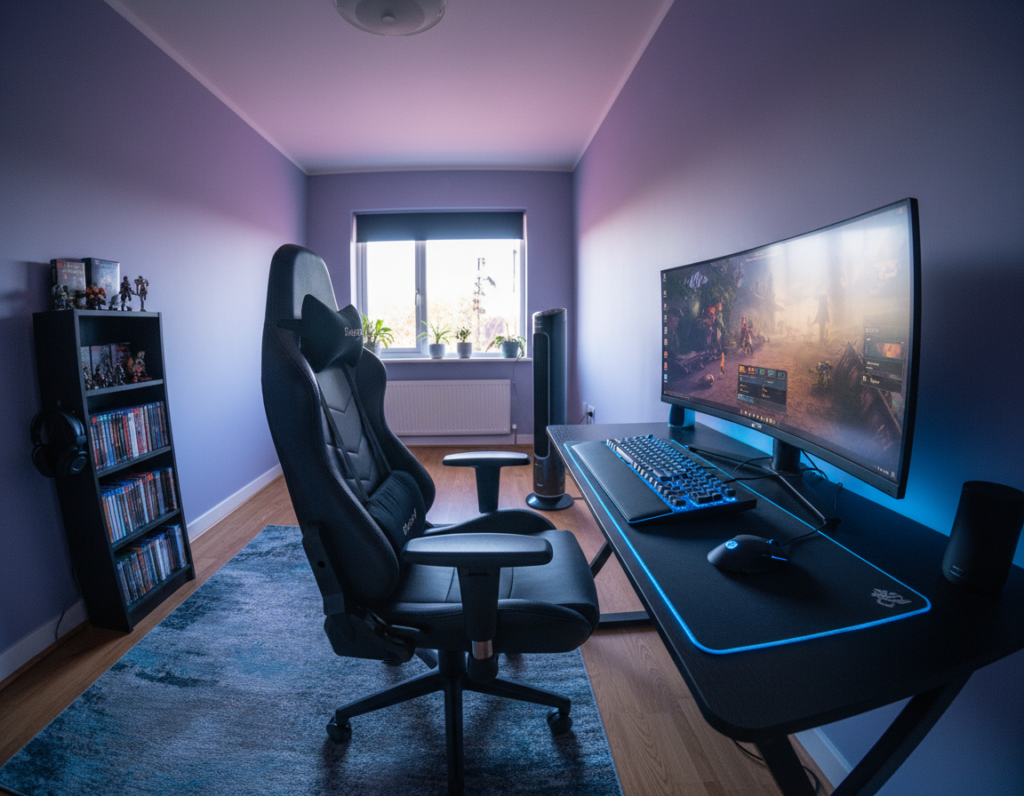
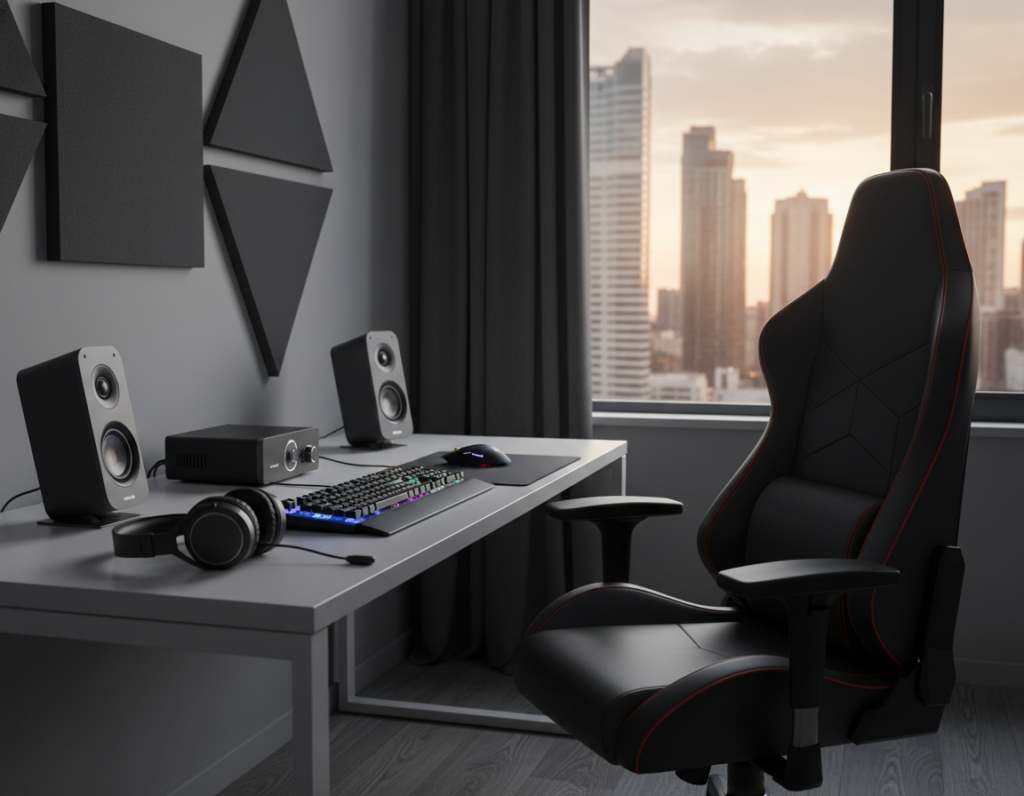
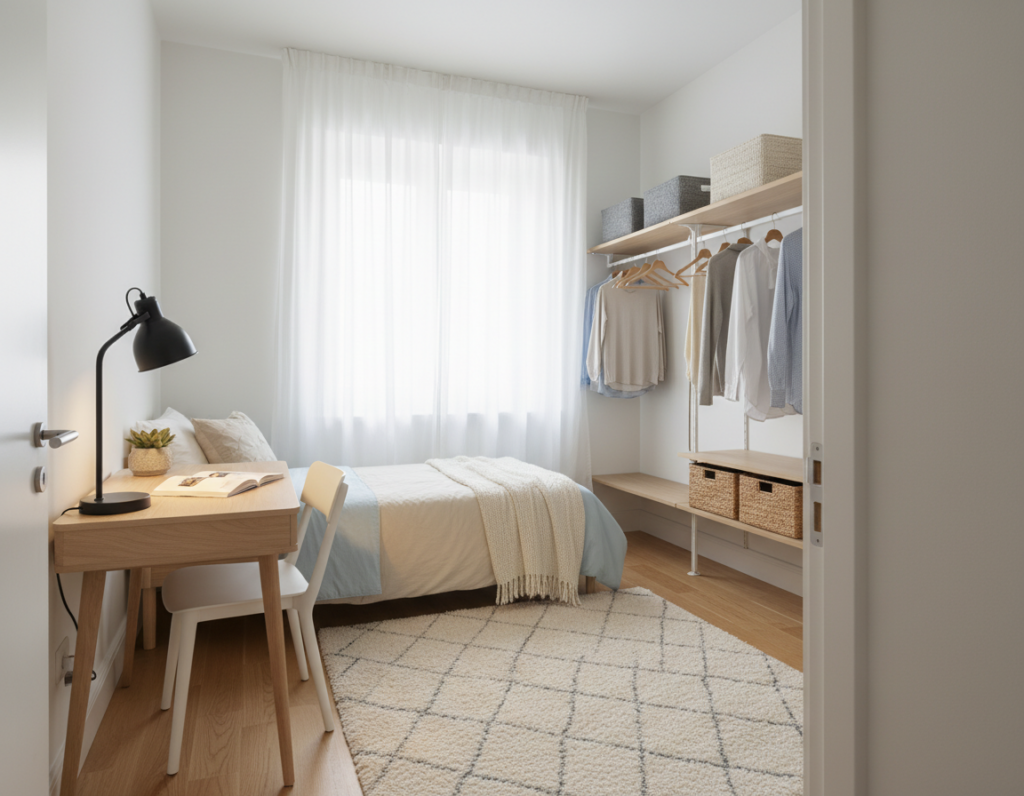
In small homes, designing a practical gaming area requires clear planning. They can create distinct zones for play, sleep, and work while keeping the floor clear with wall shelves and vertical storage.
Ergonomic desks and chairs help both players stay comfortable during long sessions. Martyna Stachowiak notes that co-op nights are now a common way couples bond, making the room a social hub.
Good lighting matters: LED panels and bias lighting improve the experience and cut eye strain. Simple cable management and basic sound control keep the space tidy and peaceful for roommates or partners.
Personal touches like posters, artwork, and collectibles transform a generic room into a unique shared space. For more layout options and display ideas, see a helpful collection of designs for compact gaming rooms.
Planning Your Shared Bedroom Gaming Setup
A clear floor plan is the fastest way to see whether two stations will fit comfortably. Start by measuring walls, door swings, and outlet locations. This helps them decide if two desks work or if compact furniture will make space.
Assessing Available Space
Measure the room precisely and note usable corners. Count outlets and mark windows so screens avoid glare.
Tip: Sketch a layout with desk and shelf footprints to test circulation and comfort during long sessions.
Defining Your Gaming Needs
They should list how each gamer plays. Casual console players need less desk depth, while competitive PC players require room for a full screen, mouse, and keyboard.
- Decide on desk size, monitor placement, and where shelves or displays will go.
- Plan lighting and power early to prevent awkward extensions and clutter.
- Organize accessories so the room stays tidy and the experience stays balanced for both people.
Choosing the Right Layout for Two Gamers
The right floor plan balances teamwork and alone time for two people who play in the same room.
Side-by-Side Configurations
Side-by-side desks suit couples or roommates who like co-op sessions. This layout makes chat and shared screens easy.
Benefits: easy communication, shared lighting choices, and tidy mirrored furniture that looks intentional.
Back-to-Back Arrangements
Back-to-back stations give each player a private bubble. Streamers or competitive players prefer this to reduce distractions.
This option keeps cables and displays facing outward, which helps sound and monitor placement for an optimal experience.
Opposite Wall Stations
Placing desks on opposite walls creates symmetry and more walking space. It works well in wider rooms and when two full desks are needed.
- Balanced sightlines for monitors
- Clear separation of equipment and console areas
- Room to add shelving or display art on the wall behind each station
With over 121,000 #gamingroom examples on TikTok, these options offer proven ideas to plan a functional, comfortable space for two gamers.
Managing Cables and Power Requirements
Taming cable clutter is the fastest way to make a two-person play area feel intentional and calm.
When two rigs share one room, cables and outlets multiply fast. Use cable management trays and clips under each desk to keep cords off the floor and out of sight.
Install smart surge protectors with USB-C ports to consolidate power for consoles, phones, and accessories. High-quality power strips protect gear and reduce audio interference that can affect sound quality.
Under-desk LED strips hide wires and add subtle lighting to the space. Pair them with cable sleeves for a clean look that matches furniture and shelves.
- Keep devices on labeled power zones to prevent overloads.
- Route cables along walls or inside trays to protect them from foot traffic.
- Store controllers and games on nearby shelves to free desktop area and improve access.
Investing in quality power hardware and tidy storage is a small cost that yields better performance and a calmer room. These choices make the space safer and more pleasant for both players.
Optimizing Lighting for Atmosphere and Focus
The right combination of lights makes long sessions easier on the eyes and more atmospheric. Proper lighting improves comfort and the overall game experience in a compact room or shared space.
Bias Lighting for Eye Strain
Bias lighting behind the screen reduces contrast and cuts eye fatigue during late-night play. A thin LED strip mounted on the back of a monitor or on the wall creates a soft glow that steadies focus.
Advantage: It keeps the screen from feeling too bright against a dark wall and helps maintain visual comfort during long sessions.
Syncing RGB for Mood
Smart LED panels and light bars that sync with games transform ambiance in real time. Syncing color with on-screen action boosts immersion and makes the gaming room feel cinematic.
- Use dual lighting zones so each player controls their own lights and color.
- Add warm lamps or diffused ring lights for streaming or recording.
- Light posters and walls to highlight decor and personalize the space.
Balancing bias and ambient lighting gives a professional feel and a calmer visual field. This approach improves focus and keeps the room ready for long, intense play.
Enhancing Audio Quality and Noise Control
Good acoustics turn a noisy room into a calm space where every game sounds clearer.
Simple treatments can reduce echo and keep two players comfortable in the same space.
Acoustic Treatment Basics
Install acoustic panels or foam tiles on key wall surfaces to cut reflections. These panels absorb mid and high frequencies that make voices and effects muddy.
Tip: Place panels behind monitors, on side walls, and near corners for the best improvement.
“Small panels deliver big gains — a few well-placed pieces reduce echo without remodeling.”
- Acoustic panels minimize echo and background noise for a cleaner sound.
- Soundproofing materials help keep the room peaceful when two people play at once.
- Desk-mounted microphones improve voice clarity for chat and streaming.
- Posters on the wall can add style and modest sound absorption.
- Noise-canceling or open-back headphones let players stay focused without isolating conversation.
Result: Proper treatment and the right gear improve the overall experience and make the space usable for both play and quiet work.
Selecting Ergonomic Furniture for Long Sessions
Choosing the right furniture makes long sessions comfortable and protects posture. A proper chair and desk change how long someone can play or work without pain.
Ergonomic chairs with adjustable lumbar support and tilt controls help maintain spine alignment. They reduce strain during long sessions and improve focus.
A quality desk with enough surface area keeps monitors and accessories organized. For dual use, an adjustable standing desk lets players switch positions and reduce fatigue over time.
Integrate storage into furniture to free desktop space and keep accessories within reach. Built-in shelves or under-desk drawers cut clutter and make the room feel larger.
- Comfort matters: choose chairs with lumbar adjustment and breathable materials.
- Desks and desks features: allow for monitor arms and cable routing.
- Storage: pick pieces that hide controllers and cables for a tidy space.
Investing in the right chairs and desks saves time and prevents discomfort. Small choices in furniture and lighting make long sessions more enjoyable and productive in any room.
Incorporating Personal Style and Decor
Mixing artwork and collectibles gives the space personality without crowding it. A clear theme helps two people blend tastes while keeping the room calm and usable.
Displaying Collectibles
Use closed display cases for LEGO sets, Warhammer figures, or other collectibles to protect them and create a museum-like feel. Cases reduce dust and make items easy to admire.
Tip: Add small LED lights inside shelves to highlight pieces. Lights draw the eye and create focal points without adding clutter.
Using Wall Art
Choose durable metal prints like Displate for posters and artwork that reflect favorite games. These pieces mount easily and resist wear over time.
- Pick a consistent color palette to tie posters and walls together.
- Mix framed art with casual prints and a few themed accessories for layered aesthetics.
- Rotate items seasonally to keep the room feeling fresh and personal.
Result: Thoughtful display and wall choices make the gaming room feel unique, balanced, and welcoming to both people who use the space.
Maximizing Small Spaces with Vertical Storage
When floor space is scarce, stacking storage upward keeps the room usable and tidy.
Vertical shelving clears floor area and creates neat zones for consoles, screens, and accessories.
IKEA KALLAX units are a practical furniture choice because they offer cubed storage for consoles, game cases, and decor while keeping the floor clear. Floating shelves add display options without eating desk space.
Under-stairs ideas are another creative option: a compact desk and mounted screen beneath a stair run make a private nook without reducing living areas.
- Use wall-mounted shelves to keep controllers and headsets organized.
- Choose compact desks and wall-mounted screen mounts to make space for two stations.
- Plan storage to combine display and function so the room stays orderly and efficient.
Result: Thoughtful vertical storage and smart furniture choices maximize limited space and deliver a cleaner, more functional gaming room that still reflects personal style.
Integrating Multi-Functional Work and Play Zones
Smart zoning turns one compact room into both a productive workspace and a leisure hub.
A T-shaped desk is a simple way to split tasks. One wing serves as a professional workstation and the other hosts a high-performance gaming area. This keeps the main screen and console at hand while preserving room for a laptop or paperwork.
Dual streaming stations need careful planning for cameras, mics, and lights. Use adjustable monitor arms and dual-purpose lighting so each person can change angles and color quickly. Add sound-dampening panels on key walls to cut echo and protect focus.
Smart storage hides work gear and gaming accessories. Pick furniture with closed drawers and display shelves for controllers and peripherals. Distinct zones for each person reduce interruptions and keep the space orderly.
- Switch easily between work and play with defined zones.
- Use a T-shaped desk to balance desk space and display areas.
- Install sound treatment so one person can work while the other plays.
Maintaining Harmony in a Shared Environment
Keeping noise and schedules in sync prevents most conflicts in a two-person play area.
Clear communication is the foundation. They should agree on quiet hours, headset use, and when each person needs the room for work or play.
Practical steps make the space more comfortable and functional for both people.
- Respect schedules and noise preferences to protect concentration and rest.
- Install acoustic panels on key wall surfaces to reduce sound bleed and echoes.
- Use ambient lighting zones so each person can control mood without upsetting the other.
- Set clear boundaries for equipment and common storage to prevent clutter.
- Keep communication open about when the room is needed for work or leisure.
“Mutual respect and simple rules keep the room calm and productive.”
By prioritizing comfort, organization, and considerate habits, the shared space becomes a positive, lasting environment for both users.
Conclusion
A thoughtful finish brings the best ideas together so the space works for both everyday life and long sessions.
Creating the ultimate shared gaming room is rewarding and builds shared experiences. By focusing on layout, lighting, and storage, they can craft a functional and personal setup that fits both styles.
Small choices—cable routes, poster placement, and a clear theme—add up to a better long-term experience. Whether they pick a minimalist look or a bold theme, the room should feel comfortable for every gamer.
For extra inspiration, explore curated gaming room setup ideas. Taking time to organize will pay off in time and enjoyment for years to come.