Design choices shape play. With over 121,000 uses of #gamingroom on TikTok, many players show how a space can lift focus or cause fatigue. This section outlines why layout, lighting, and storage matter when planning a dedicated setup.
They will learn how a clean desk and smart shelving reduce clutter. Proper lighting, a quality monitor and a supportive chair improve long sessions. A balanced console area and sensible decor keep the focus on the game, not distractions.
Whether the goal is to make gaming more immersive or to make space for a collection, understanding these options is the first step. Evaluating 25 ideas helps determine if a minimalist approach or a bolder layout fits the home office or dedicated place.
Next, readers will see practical tips that map features to experience so gamers can raise their level without sacrificing comfort or function.
Defining the Relaxing Gaming Room Aesthetic
Designing a serene space hinges on color, texture, and purposeful shelving. This section explains how subtle choices shape the feel of a gaming room and improve focus during long gaming sessions.
Color Palettes
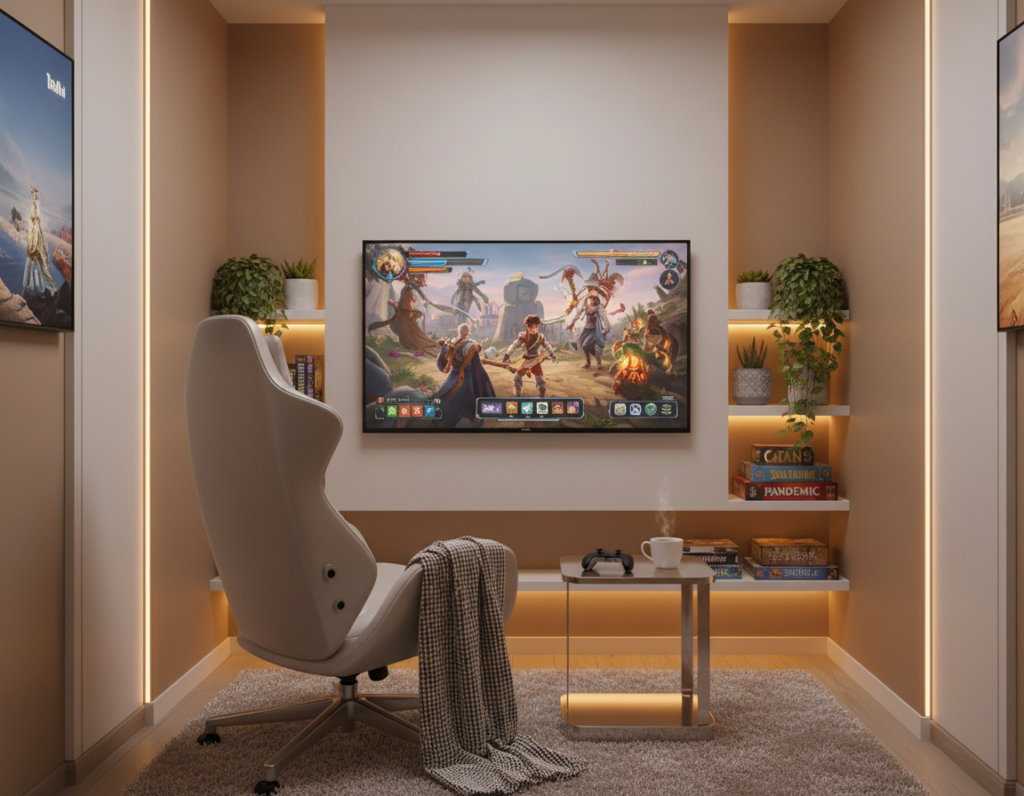
Neutral palettes calm the eye and reduce visual noise. Soft grays, muted blues, and warm beiges make the space feel steady and ready for play.
- Choose one dominant tone for walls and a secondary accent for furniture.
- Limit bold hues to small decor or a single wall to preserve focus.
- Use consistent color on shelves and desk to tie the area together.
Soft Textures
Layering textiles lowers stress and improves comfort. A quality gaming chair with breathable fabric and a plush rug helps long sessions feel less taxing.
Storage and display matter too: a display case like the LEGO Star Wars UCS: R2‑D2 unit (£68.99) keeps collectibles tidy and elevates decor without clutter.
“Comfort and order are the first steps to better focus,”
The Impact of Overstimulation on Gameplay
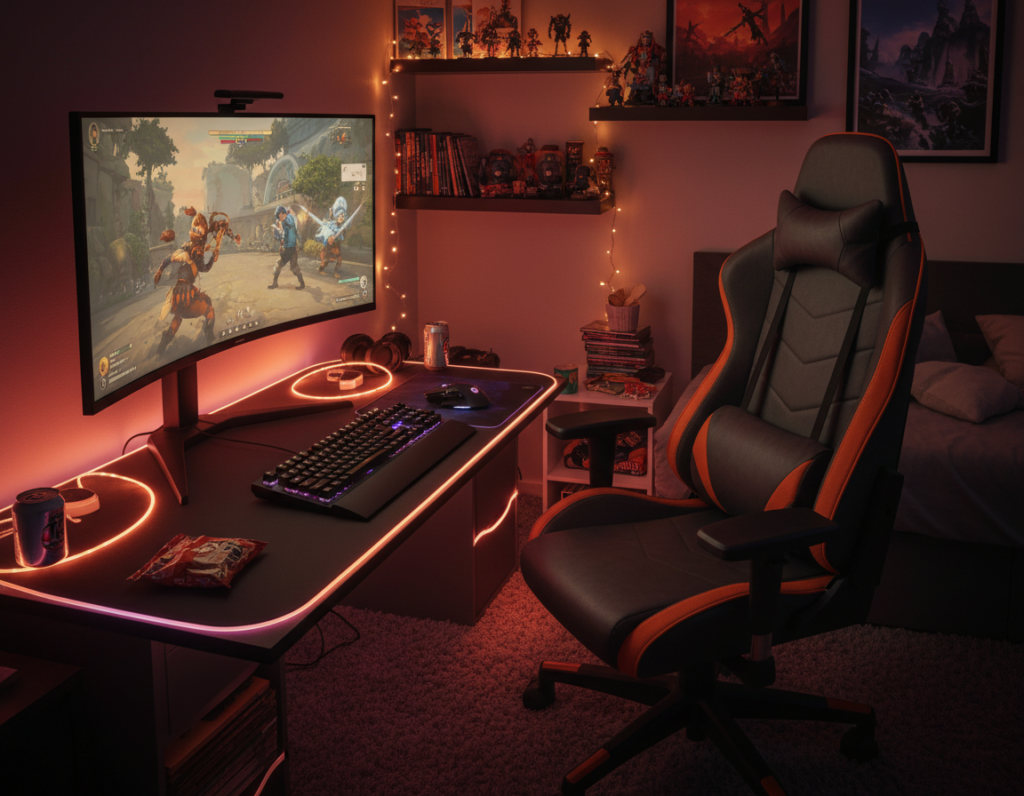
An overfilled desk and competing light sources make it harder to track a fast-moving screen. Bright neon, crowded shelves, and loud wall decor can overwhelm the senses during intense gaming sessions.
Excess visual and audio clutter causes fatigue. Players report slower reactions and poorer decision-making when their space floods with competing stimuli. Poor lighting or a bad monitor position also reduces contrast and strains the eyes.
Many gamers find that simplifying the layout improves performance. Removing extra accessories, limiting display items, and clearing the area around the console or monitor helps keep focus on the game.
“A cluttered environment often distracts from the screen, making fast-paced games harder to follow.”
- Keep the desk clear of unnecessary decor.
- Position the chair and monitor for direct sight lines.
- Choose subdued lighting and reduce reflective surfaces.
In short, smart design decisions protect attention and extend comfortable play time. Reducing overstimulation is a practical way to support better gaming experience and longer, more focused sessions.
Selecting Furniture for Comfort and Focus
Furniture that balances support and utility lets a player focus on the screen, not discomfort. Choosing the right pieces improves posture and reduces fatigue during long gaming sessions.
Ergonomic Chair Selection
Invest in a quality chair. Brands like Herman Miller, SteelSeries, and AKRacing make ergonomic options designed to support the back and neck.
A proper gaming chair prevents aches and keeps attention steady for longer stretches of play.
Desk Layouts
Selecting a good gaming desk is crucial for healthy posture. Plan the desk so the monitor and console sit at eye level and cables stay hidden.
- Keep the keyboard and mouse at a comfortable height.
- Allow clear sight lines to the screen and wall behind the setup.
- Use shelves or cable trays to reduce clutter and improve sound flow.
Multi-functional Pieces
Multi-purpose furniture helps when a room doubles as an office. A desk with built-in storage or a convertible shelf can save space and keep accessories organized.
“By investing in quality furniture, the gamer enhances comfort and the overall experience.”
Strategic Lighting Choices for Your Space
Well-placed light can shift the mood of a space from high-energy to focused in minutes. Strategic ambient lighting transforms a gaming room by guiding attention and reducing eye strain.
Many players use LED strips and smart bulbs to tune color and brightness. These tools help match the gaming setup to the type of game and length of play.
Place lights behind the monitor and along shelves to highlight displays without casting glare on the screen. Use wall wash and low-angle desk lights to show off accessories and storage while protecting sight lines.
Choose dimmable fixtures and presets. A soft warm glow eases late sessions, while a cooler tone boosts alertness for fast-paced games.
“Good lighting supports comfort and clarity, not showmanship.”
- Set bias lighting behind the monitor to reduce contrast fatigue.
- Use smart scenes to switch from bright to subtle in seconds.
- Highlight a display shelf with directional LEDs instead of broad overhead light.
Incorporating Nature and Minimalist Elements
Natural elements paired with minimal storage convert a crowded setup into a clear, focused space. Small changes ease visual tension and help players stay on task.
Integrating Indoor Plants
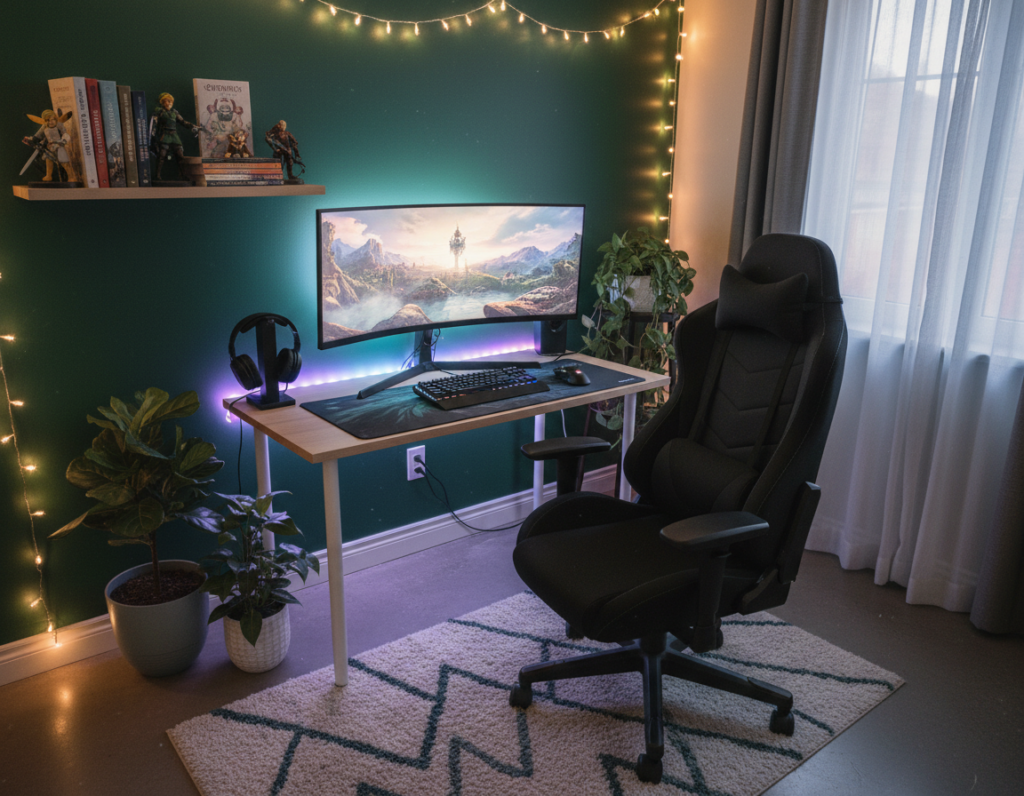
Adding plants brings a soft contrast to tech-heavy furniture. A few low-maintenance species, like pothos or snake plant, fit easily on a shelf or near the desk.
Use a display case to protect collectibles and limit clutter. For example, a display case for a Warhammer Squad with an Endless War background is available for £25.99. It keeps miniatures visible without crowding the wall or shelves.
Keep surfaces tidy and lines simple. Clean wall art and organized shelving reduce stress and improve the overall experience. Good lighting behind the monitor or near a plant enhances depth without adding glare.
- Place one plant near the monitor to soften the screen’s edge.
- Reserve a single shelf for accessories and a small display case.
- Choose furniture with concealed storage to keep the desk clear.
“A hint of nature can improve mood and make long sessions more pleasant.”
Soundproofing for an Immersive Experience
Controlling sound transforms a space into a focused, immersive play area. Effective soundproofing in your gaming room is essential to enjoy games without outside noise pulling attention away.
Acoustic panels on the wall cut echo and clarify in-game audio. They help the gaming setup deliver clear footsteps, dialogue, and music.
Soft furnishings also absorb sound. Heavy curtains, rugs, and upholstered furniture reduce reflections and lower background noise.
- Place panels behind and beside the screen to limit echo.
- Use thick curtains on windows to block street noise.
- Position a rug and furniture to break sound paths across the space.
A quiet gaming room lets the player focus on the console or PC and feel more engaged. Managing acoustics protects long sessions from interruptions and makes the game sound as intended.
“Clear audio equals better reactions and a more professional setup.”
Organizing Displays and Storage Solutions
Smart storage turns a cluttered setup into a streamlined display that highlights what matters.
IKEA KALLAX units are a popular choice to organize a gaming room. They provide cubed storage for controllers, cable boxes, and shelves of games.
Use a mix of floor units and wall-mounted shelves to separate display items from everyday gear. This keeps the desk clear and the setup easy to maintain.
- Tidy shelves turn collectibles into a curated display without crowding the wall.
- Stash controllers and cables in KALLAX cubbies to reduce visible clutter.
- Reserve one shelf for frequently used items so the chair and desk stay ready for play.
Effective storage improves the gaming experience by lowering distractions and speeding access to accessories. For more layout tips and fresh ideas, see gaming room ideas.
“A tidy space supports focus — neat displays make gear easier to find and enjoy.”
Personalizing Your Setup with Themed Decor
Personal touches shift a neutral setup into a space that tells a player’s story. Thoughtful decor makes a gaming room feel curated without crowding the layout.
Displaying Collectibles
Display items on a dedicated shelf or in a closed case to keep the desk clear and protected. Use consistent spacing and avoid stacking too many figures together.
Rotate standout pieces so one shelf becomes a focal point while others stay minimal. This preserves the display and keeps the space easy to maintain.
Wall Art and Decals
Choose a single large poster or a small gallery to set tone. Wall decals work well when the player wants bold style without permanent changes.
Good lighting behind the art highlights pieces without adding glare to the monitor. Subtle color choices help the decor support play instead of competing with it.
“Select decor that complements the setup and inspires the next session.”
- Keep one shelf for collectibles and one for essentials to cut clutter.
- Use decals for theme changes that don’t require repainting.
- Match poster frames and shelf tones to unify the space.
Conclusion
A polished gaming setup ties comfort, order, and personality into one useful area. It makes gear easier to reach and cuts distractions so play stays the focus.
The right changes improve the gaming experience and help a player climb to the next level. Simple upgrades to the desk, storage, and lighting still count as meaningful ideas.
Follow each step in this guide to make gaming more enjoyable while keeping the space functional. These suggestions should inspire changes that transform a gaming room into the perfect place for long sessions and better performance.
Small improvements add up. Start with one upgrade and build from there.