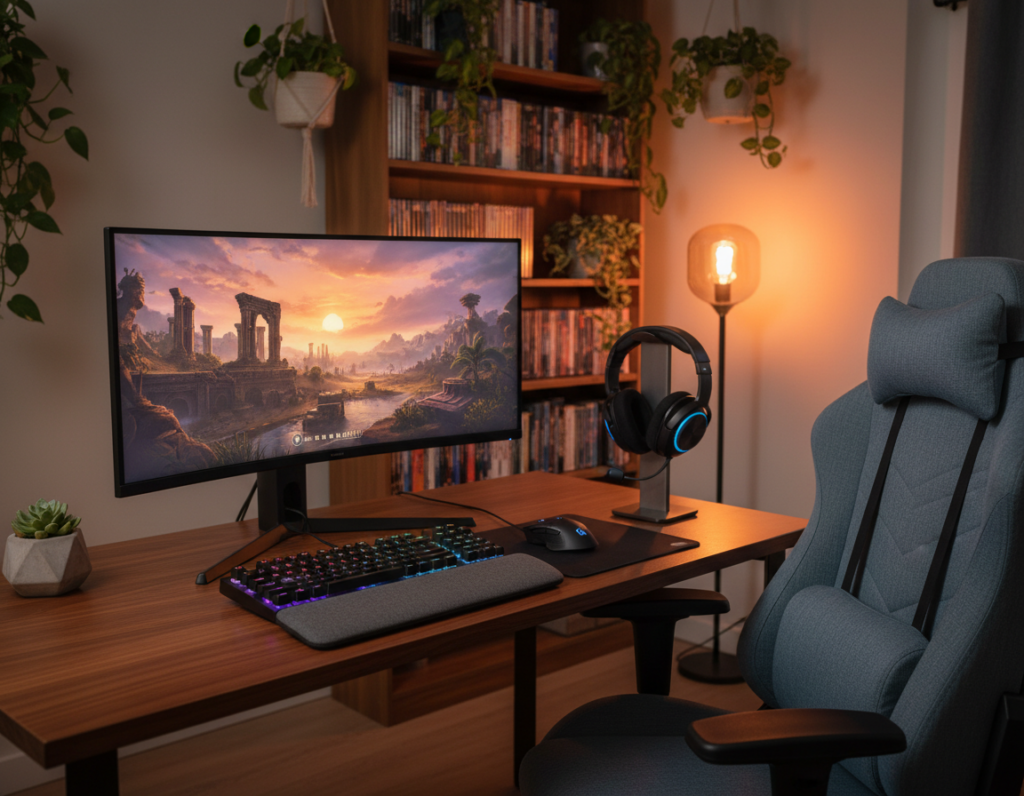
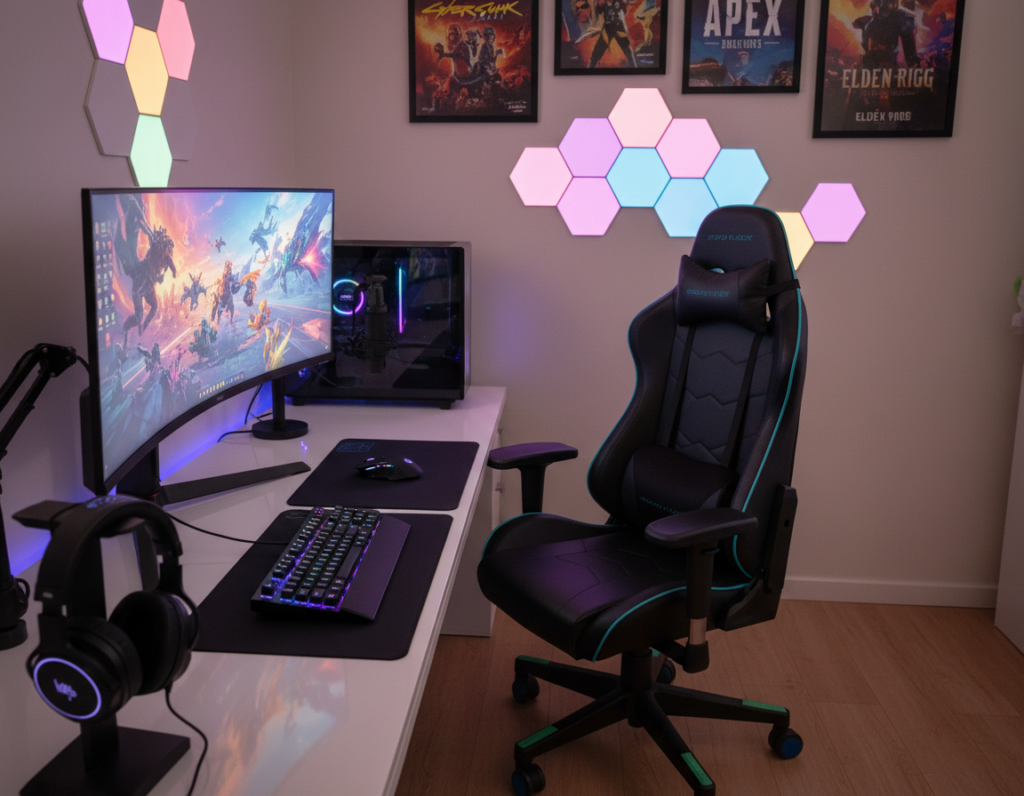
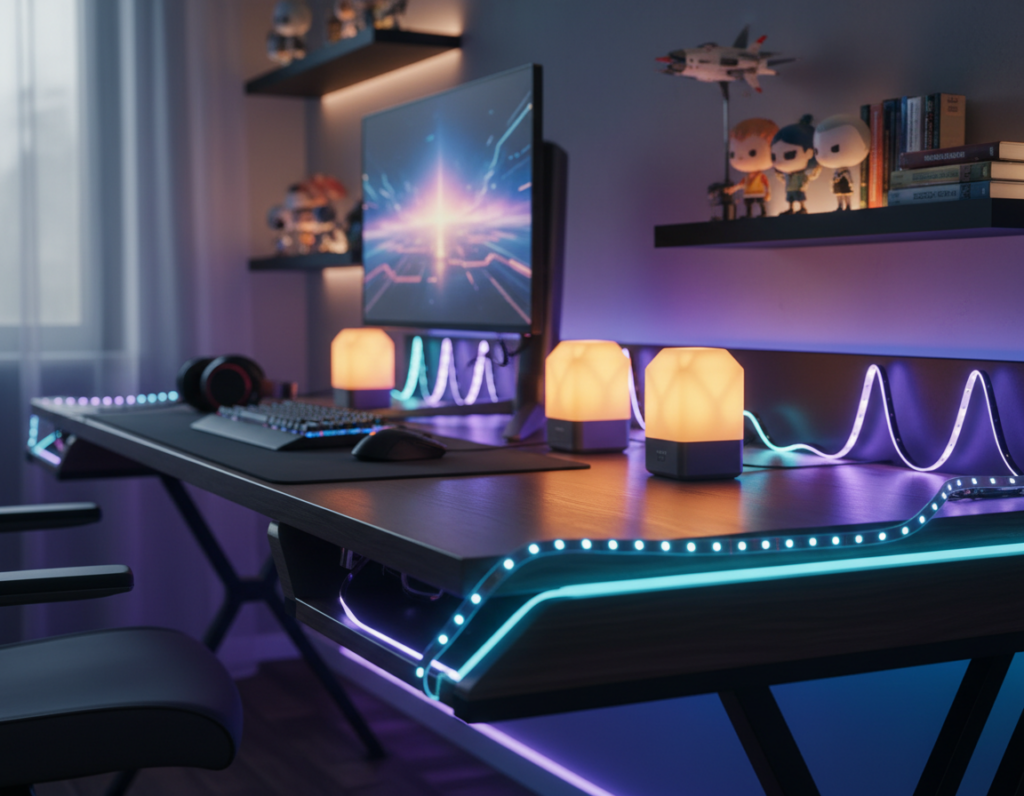
This introduction outlines how creators can raise video and sound quality while working in tight studio footprints. It highlights practical gear like the Logitech C920 webcam, the BlackMagic ATEM Mini switcher, and the Shure SM58 microphone. It also notes ergonomic guidance from OSHA and the CDC to protect creators during long sessions.
A reliable internet connection is essential: aim for at least 5 Mbps upload, and target 10 Mbps for HD live streaming. The text previews camera choices such as the Sony α6000 DSLR and lighting options like a ring light or softbox to shape background and subject appearance.
This guide will show how to manage audio video signals, configure computer software, and pick devices that fit a compact room. For focused advice on lighting choices and tiers, see the best lighting options.
Designing an Efficient Streaming Setup for Small Spaces
Designing an efficient broadcast area begins with clear measurements and ergonomic choices that keep creators healthy and productive. Start by mapping floor dimensions, wall height, and outlet locations to position gear where it fits and stays safe.
Ergonomic Principles for Tight Quarters
OSHA and CDC guidance recommend a neutral posture to reduce strain during long live streaming sessions. A chair like the FEZiBO C2 Ergonomic Chair promotes spinal alignment and helps creators work longer with less fatigue.
Auditing Your Available Footprint
Measure desk depth and wall clearances, then plan vertical storage such as pegboards to free surface area. Good cable management prevents clutter and keeps equipment accessible during a live stream.
- Test your internet upload speed before any broadcast to confirm a stable connection.
- Create a dedicated landing page on your website or platform to host live streams and engage viewers directly.
- Design the studio layout around frequent tasks so critical gear sits within easy reach.
This guide gives foundational steps so streamers can grow a professional channel even when working in limited space.
Selecting the Right Camera for Compact Environments
A carefully chosen camera can lift video quality without crowding a compact studio area.
Start with purpose. If a beginner needs a reliable, budget-friendly webcam, the Logitech C920 delivers solid performance and low hassle. It fits neatly on a monitor and keeps the desk clear.
The Sony α6000 DSLR works well as a webcam when creators want a shallow depth of field and richer image. It gives a more cinematic look without taking too much room.
For longer live streaming sessions, the Canon VIXIA HF R800 provides steady performance and battery endurance. PTZ devices like the SMTAV A3X6U add remote framing and smooth movement for more dynamic broadcasts.
The GoPro HERO8 Black is useful for tight angles or secondary cameras that add variety to a live stream. When comparing options, weigh how each device fits into the overall streaming setup and whether it improves the final video quality.
- Balance performance, size, and how the camera affects viewers’ perception.
- Choose devices that match content goals and the physical limits of the room.
- Invest in one strong camera first, then expand as the channel grows.
Mastering Lighting Techniques to Enhance Video Quality
Smart placement of light sources makes a dramatic difference in perceived video quality. Good lighting turns a basic streaming setup into a polished studio that keeps viewers focused on the subject.
The Three Point Lighting Mechanism
The three-point approach uses a key, a fill, and a background light. The key light defines the subject. The fill softens shadows. The background light separates the subject from the backdrop and improves depth on camera.
Using Softboxes and Ring Lights
Softboxes and a ring unit both diffuse light to flatter skin tones and reduce harsh highlights. A dslr paired with a softbox gives a cinematic look. A ring light is compact and casts even illumination for tight rooms.
Adjusting for Multiple Speakers
When more than one person shares the frame, add fill sources and shift key lights to avoid uneven exposure. The BlackMagic ATEM Mini helps switch between camera sources so each angle keeps consistent lighting.
“Proper lighting minimizes shadows, hides background flaws, and lifts perceived production value.”
- Use software like OBS to tweak color and exposure profiles.
- Experiment with distance and angle to balance light and video quality.
- Invest in a few quality light sources rather than many low-grade units.
Optimizing Audio Gear for Professional Sound
Clean voice capture and controlled room noise are the backbone of any quality broadcast. Clear audio keeps viewers engaged and makes content feel credible.
Choosing between USB and XLR matters. USB mics like the Blue Yeti plug directly into a computer and suit beginners who want simple, reliable performance. XLR options, such as the Shure SM58, need an audio interface but deliver fuller sound and better dynamic control.
Mobility and connection choices
The Rode Wireless Go II offers wireless lavalier flexibility when hosts move around during a live stream. A steady connection and good gain staging prevent dropouts and clipping.
- USB is ideal for quick setup and fewer devices.
- XLR plus an interface improves fidelity in a dedicated studio.
- Use software tools to balance levels and add noise reduction.
“Optimizing audio gear is essential to achieving professional sound quality that keeps viewers engaged.”
Soundproofing and a thoughtful mic choice raise perceived production value. Investing in proper equipment and software makes a noticeable difference in both video and live streaming output.
Maximizing Vertical and Desk Space
A vertical-first approach helps creators build a tidy, professional studio in a tight room. Mount pegboards and floating shelves to hold a camera, microphones, spare cables, and light accessories. This reclaims desk surface and keeps gear at arm’s reach.
Under-desk solutions like keyboard trays and under-mount PC holders free visual room on the desktop. A ring light on a dedicated stand saves surface area and keeps lighting consistent for a live stream.
- Install soundproofing panels on walls to improve sound quality and create a clean background.
- Use cable management kits and clips to route cords away from the screen and floor.
- Choose under-desk mounts for monitors or storage to open up usable space.
- Store less-used accessories on higher shelves to keep the work zone clear.
Organizing gear vertically improves ergonomics and production flow. With a neat layout, creators can focus on content and video quality during live streaming sessions.
Technical Requirements for Seamless Broadcasting
A stable internet pipe and the right encoder choice keep video and audio flowing without dropouts.
Internet Upload Speed Considerations
Upload speed is the backbone of any live stream. At minimum, 5 Mbps supports basic broadcasts. Aim for 10 Mbps or higher for HD video quality and reliable viewers’ experience.
Always test the internet connection before going live. A quick speed check helps avoid buffering, frame loss, and sync issues between audio and video.
Choosing Between Software and Hardware Encoders
Software encoders like OBS offer deep customization and work on a well-equipped computer. A system with an Intel Core i5-4670 and at least 8GB of RAM is the recommended starting point.
Hardware encoders offload processing and improve stability. A GPU with hardware-accelerated encoding, such as an Nvidia GTX 600 series, raises performance for multi-camera or high-bitrate streams.
“Test the full audio video chain before every broadcast to ensure all equipment and settings perform together.”
- Use a dedicated computer to avoid background load during live streaming.
- Match encoder choice to the computer’s power and channel needs.
- Pick a reliable platform to host streams and manage viewers across channels.
Conclusion
With deliberate planning, a modest studio becomes a reliable platform that elevates live streams and recorded video. This guide shows how thoughtful gear choices and ergonomic habits boost overall production quality.
Focus on camera, mic, and light to shape better video and content. Good lighting and sound improve how viewers perceive every broadcast. Compact organization preserves usable space and keeps the room efficient.
Test your internet and software on the hosting platform and use a capable computer to avoid hiccups during live streaming. Keep refining gear and workflow as the channel grows. Small, steady upgrades yield big gains in viewer experience and long-term success with live streaming.