Creating a focused, comfortable game space starts with clear priorities. He will learn how layout, furniture, and lighting shape the player’s experience without overcrowding the area.
Damian Karnas, founder of Quizondo, says the best setup reflects personal style and passion. Atmosphere matters as much as hardware. That mindset helps whether one plays console titles or PC games.
Practical choices—desk placement, the right chair, a proper monitor angle, and layered lighting—raise the overall gaming experience. Smart storage and wall-mounted shelves keep cables tidy and free up floor space.
Focus on comfort and clean lines to make the area feel professional and inviting. This introduction previews actionable ideas for design, layout, and accessories that improve play and fit home life.
Assessing Your Available Gaming Space
Assessing where furniture, screens, and circulation fit is the first step in good design. Measure the usable floor and mark outlets, windows, and door swings. That map prevents surprises when equipment arrives.
JRL Interiors shows how clever planning turns limited floor into a versatile gaming room and lounge. Multi-use layouts let the area double as a media corner without feeling crowded.
Consider glare and sightlines. Damian Karnas warns that a desk placed directly by a window can produce reflected light that spoils the game. Plan monitor placement to reduce distractions.
- Check clearances for chair movement and cable runs.
- Reserve space for both console and PC gear, and for future upgrades.
- Think about how circulation impacts play and the overall experience.
After this assessment, you will have actionable ideas for layout and storage. With a measured plan, the next level of design becomes much easier.
Selecting Ergonomic Furniture for Small Room Gaming Essentials
Smart furniture selection balances posture, storage, and desk footprint in limited areas. This step sets the tone for a functional gaming room that supports long sessions without sacrificing style or flow.
Ergonomic Chair Selection
Comfort matters more than labels. Robert C. Bird at the University of Connecticut advises choosing a chair for how it feels during extended play, not for branding alone.
Prioritize high-density foam and steel frames to keep posture steady and reduce wear. A good chair protects the back and keeps a gamer focused.
Desk Space Optimization
Optimize desk layout to fit monitors and peripherals while preserving circulation. A compact desk can still hold two screens and a headset dock if arranged well.
- Choose a desk with cable channels and a shallow depth to save space.
- Use vertical shelves and a monitor arm to free tabletop area.
- Pick furniture with built-in storage to limit clutter and maintain a clean setup.
“Prioritize seating comfort for long periods rather than just the label.”
Maximizing Verticality with Wall-Mounted Displays
Mounting a display high on the wall transforms floor clutter into usable space and sharpens the focal point for play. This approach makes the layout more efficient and helps the rest of the area feel intentional.
Jim Hamilton of Game Authority notes that installing a large screen is one of the easiest ways to upgrade a compact gaming room. A wall-mounted TV frees up floor space for storage and seating while improving sightlines for console players.
Wall-Mounted TV Benefits
Mounting a display supports a cleaner setup and cuts clutter. It lets a gamer position the screen at the ideal height without sacrificing circulation.
- Frees floor space: a wall display makes room for shelves or a compact media cabinet.
- Better console experience: larger screens on the wall enhance immersion for single- and multiplayer game sessions.
- Multi-use home area: the same wall can host a TV for movies and live streaming when not used for play.
“Mounting a large screen is one of the easiest ways to improve a compact gaming room.”
For layout ideas that combine comfort and vertical storage, see compact gaming-bedroom ideas. Every gamer aiming to maximize their room should consider a wall-mounted display to create a more immersive, tidy setup.
Choosing the Right Monitor Setup
A well-chosen monitor setup balances clarity, refresh rate, and placement to protect the eye and boost performance. He should pick panels with low blue-light modes and adjustable stands to reduce strain during long sessions in a gaming room.
Most players prefer two monitors to split tasks. One screen can host the primary game, while the second shows chat, guides, or streaming tools. This layout improves workflow and makes the most of available space.
When selecting a monitor, check compatibility with consoles and PCs. Look for matching ports, proper refresh rates, and adaptive sync so display performance fits the rest of the setup.
- Prioritize: IPS or VA panels for color and viewing angles.
- Choose: 144Hz+ for fast titles, 60–120Hz for casual play.
- Place: screens at eye level and at arm’s length to limit fatigue.
Investing in the right screen technology significantly elevates the gaming experience and keeps the room efficient for play and multitasking.
Implementing Ambient Lighting for Immersion
Good ambient lighting turns an ordinary play space into a focused, cinematic environment. Proper lighting creates a controlled environment for longer sessions and gives the setup a clear visual identity.
LED Backlighting Techniques
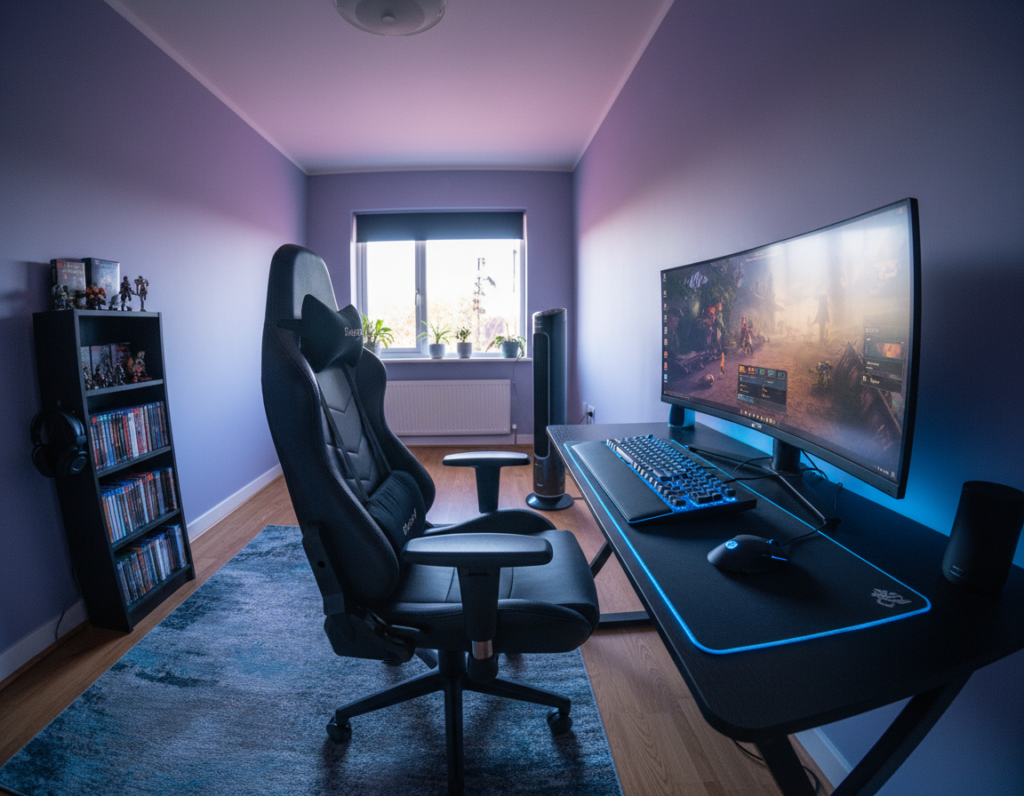
Placing LED strips behind the desk or display produces soft, indirect light that reduces eye strain and deepens contrast on screen. Damian Karnas explains that LED backlights look great when equipment is on the desk or during a broadcast; they raise the visual appeal without changing gameplay.
Smart Lighting Systems
Smart lights can sync with on-screen colors and adjust in real time. Thao Tran of Voltcave notes that triangular light panels that mirror a screen’s palette add a layer of immersion that feels cinematic and reactive.
- Ambient lighting fosters a dark, immersive atmosphere for longer sessions.
- LED behind a monitor or along a wall transforms the space into a futuristic, stylish setup.
- Smart systems lift the setup to a new level by mirroring action and mood.
“LED backlights do not affect gameplay but significantly improve the aesthetic of your setup.”
Incorporating layered lights—ambient LEDs, a soft task lamp at the desk, and accent wall panels—creates depth and a pro look. Thoughtful lighting decor helps a gamer personalize the room and enhance the overall experience.
Managing Cables and Peripheral Clutter
A clear cable strategy makes the entire setup feel intentional and distraction-free.
Managing cable runs is a critical step in maintaining a clean gaming room. Tangled wires pull focus from play and make the space harder to use.
Abby from Wellpcb recommends wireless accessories and codeless speakers to reduce visible cords. Using Bluetooth or RF devices cuts major clutter and simplifies power needs for a console and PC alike.
Combine wireless gear with smart storage and shelves to keep games, controllers, and accessories organized. Vertical shelving and hidden boxes free the floor and protect gear from damage.
A tidy setup helps a player concentrate and speeds access to controllers and media. Proper cable labels, adhesive channels, and a single power strip behind the desk also help maintain order.
“Investing in wireless speakers and neat cable routing makes a gaming room look more professional and last longer.”
- Keep cables bundled: use ties and channels to guide runs.
- Prioritize wireless: swap wired accessories where possible.
- Use storage: shelves and boxes keep games and consoles off the floor.
Incorporating Multi-Functional Storage Solutions
Smart storage blends display and function to keep the gaming room tidy and efficient. Tim Koster of Clever Creations recommends spacious, open cabinets that put consoles and games on view while making them easy to grab.
Open shelving and dedicated cabinet bays free the floor and shorten the time spent hunting for a title. This approach shows gear as part of the decor and keeps controllers and accessories at hand.
Hidden Storage Cabinets
Hidden cabinets tuck cords and less-used items out of sight without hiding the main collection. A well-designed cabinet pairs with a desk to create a clean, modular setup.
- Display & access: open shelves for favorite games and consoles.
- Hidden zones: cabinets for power strips, spare controllers, and accessories.
- Vertical use: tall shelves save floor space and make the space feel larger.
“Accessible storage lets a player display gear without rummaging through drawers.”
Optimizing Sound Quality in Confined Areas
Clear, focused audio is the backbone of any immersive play space and it shapes how a gamer reacts during intense sessions.
Invest in a high-quality wireless surround sound headset to preserve floor space and cut visible cable runs. A good headset delivers positional audio so a player can locate footsteps and gunfire with confidence.
Comfort matters. Choose a breathable headband and memory-foam ear cups to keep long sessions pleasant. Pair the headset with a compact DAC or USB sound card to improve clarity without cluttering the setup.
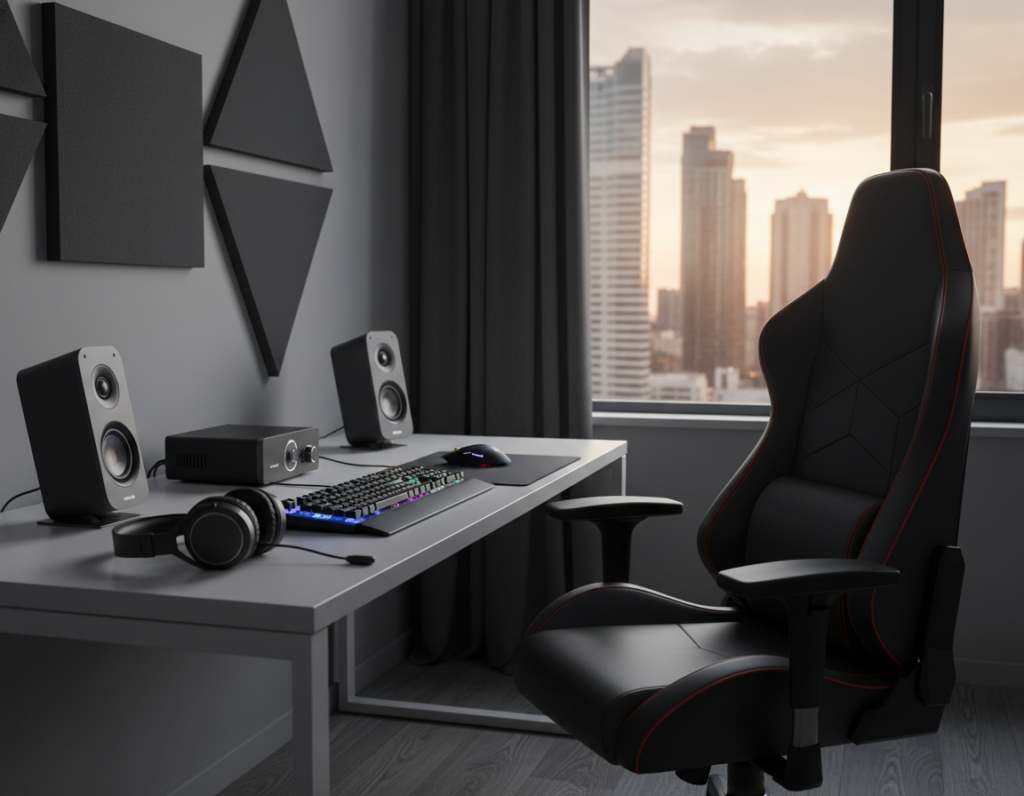
Soundproofing and soft furnishings reduce echo and keep noise from spilling into the rest of the home. Acoustic panels, a rug, and heavy curtains transform the environment and improve how games sound in a tight space.
Combine audio strategy with seating. A supportive chair and proper speaker placement create a cohesive experience. When audio and comfort are both tuned, the gaming room feels more professional and stays peaceful for neighbors.
- Wireless headset: minimizes cable clutter and boosts mobility.
- Acoustics: panels and textiles cut reflections and improve dialogue.
- Comfort: chair choice supports longer, focused sessions.
Creating a Dedicated Theme for Your Setup
Picking a strong motif gives a gaming area identity and guides every choice from furniture to lights. A clear theme helps a gamer coordinate shelves, wall art, and storage so the space feels intentional.
Damian Karnas notes that figurines, retro gadgets, and neon lights are popular items for decorating a themed setup. Displaying collectibles on open shelves adds personality and makes the desk area a focal point.
Whether the theme is sci‑fi, retro, or minimalist, consistency matters. Match the desk finish, chair style, and storage bins to the chosen palette. That keeps the floor clear and makes consoles and games part of the decor.
- Shelving: use vertical shelves for collectibles and controllers.
- Storage: choose cabinets that hide power strips and spare accessories.
- Lighting: add accent lights that reinforce the theme without overpowering play.
When elements align—art on the wall, coordinated furniture, and tidy storage—the game room reaches a new level of polish and comfort. A well-themed setup invites longer sessions and showcases the gamer’s style.
Controlling Natural Light and Room Acoustics
The interplay of daylight and sound shapes how a player experiences the setup. Simple changes to windows and walls make the environment much more comfortable and focused.
Blackout Curtains
Thick blackout curtains block glare and protect screen contrast during bright hours. Damian Karnas advises using heavy drapes or adjustable blinds and placing the desk away from direct window light.
Removing glare improves eye comfort and reduces the need to crank display brightness. Pair curtains with LED backlights to set a dark, cinematic feel for longer sessions.
Acoustic Wall Padding
Acoustic padding absorbs reflections and cuts echo for clearer sound. Panels on key wall areas improve in-game cues and let a gamer run high volume without disturbing others.
Combine padding with soft textiles like a rug and curtains. This layered design approach upgrades both audio and visual comfort for a better gameplay experience.
- Control light: blackout fabrics stop glare and preserve screen contrast.
- Improve sound: wall panels reduce echo and sharpen audio detail.
- Balance both: LED accents and curtained windows create a focused, cinematic setup.
“Place the desk away from windows and use heavy curtains to keep light and comfort under control.”
Adding Personal Touches with Decor
Thoughtful decor lifts a plain desk area into a personalized sanctuary for play and display.
Adding display cases from Wicked Brick protects collectibles and showcases them as part of the style of the space. Those cases turn models into focal points without crowding the floor.
Choose textiles and props that boost comfort for long sessions. A rug, cushions, and a few tasteful figures soften noise and invite longer stays.
Creative ideas like wall decals, custom murals, or framed art let someone express fandom without disrupting the setup. Careful placement keeps the desk tidy and tools within reach.
- Display: premium cases to protect and present collectibles.
- Accessory mix: textiles, stands, and curated figures for a cohesive look.
- Function-first: choose desk accessories that organize and enhance the gaming setup.
“A well-decorated environment helps a player feel connected to their favorite game.”
Conclusion
The final step is creating a practical, stylish setup that supports long sessions and easy upkeep. Focus on ergonomic choices like the right gaming chair and a compact desk to anchor the space.
Good furniture and clean storage keep clutter away and improve the overall play experience. Prioritize comfort and accessibility so a gamer can jump into extended sessions without fuss.
When design, tech, and décor work together, the final setup reflects personal style while staying functional. Choose a reliable chair, add smart shelving, and keep two or fewer matching chairs for guests. This approach makes the project rewarding and lasting.