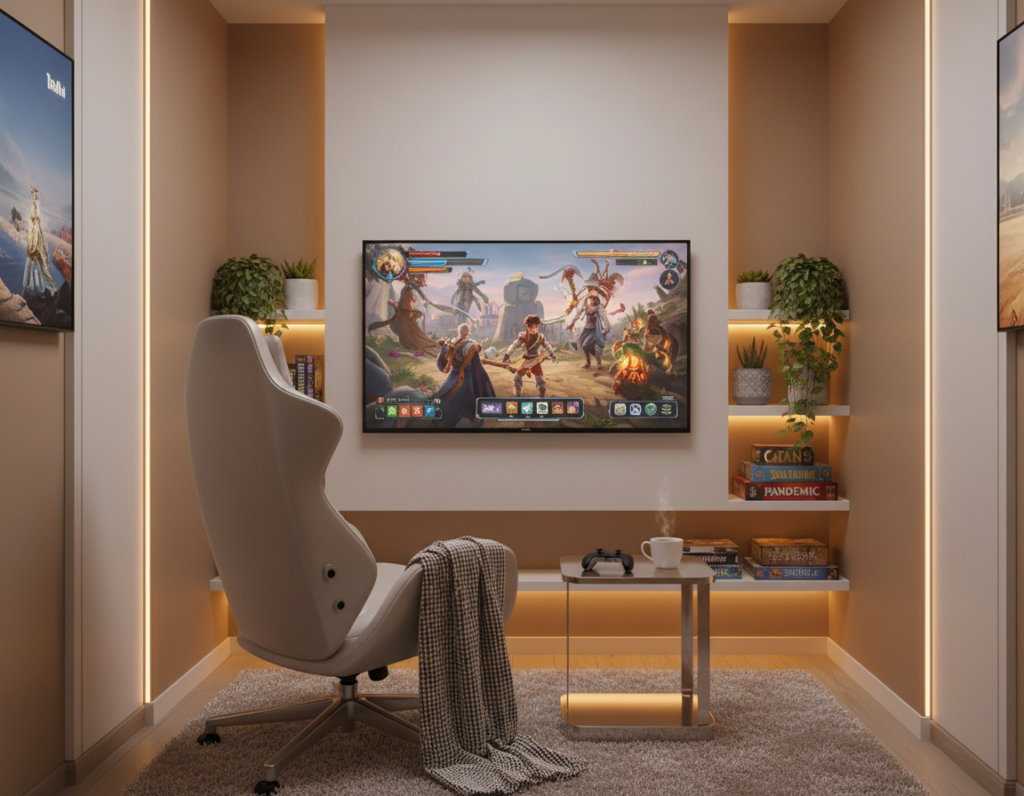
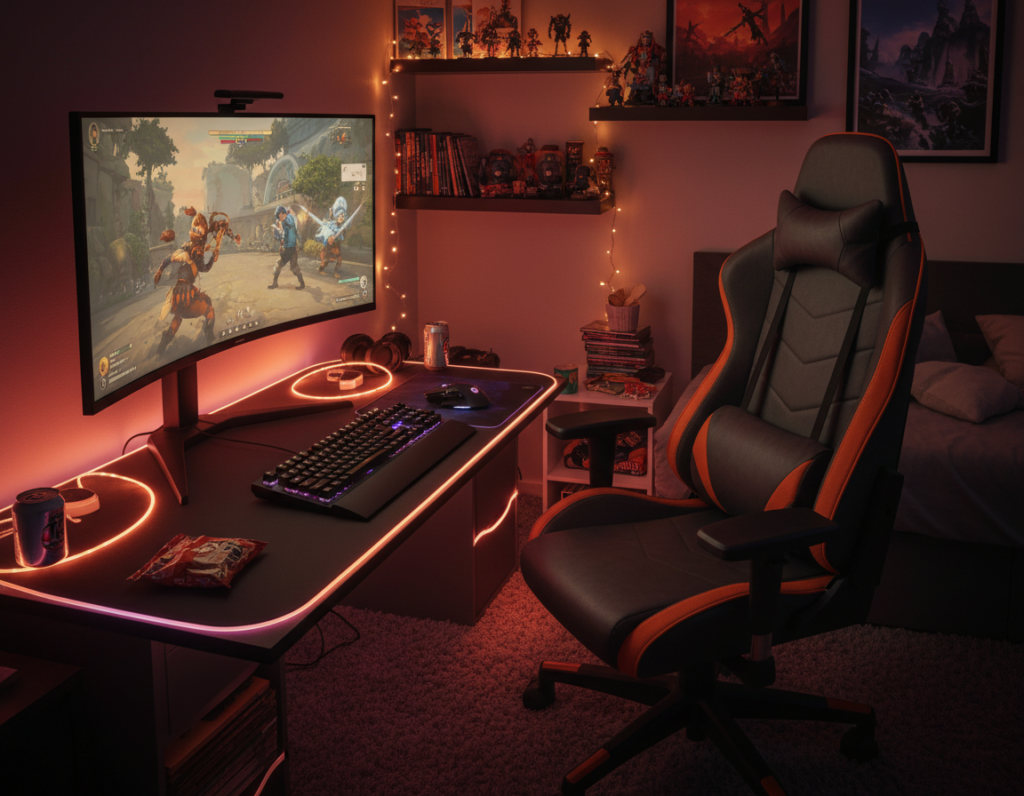
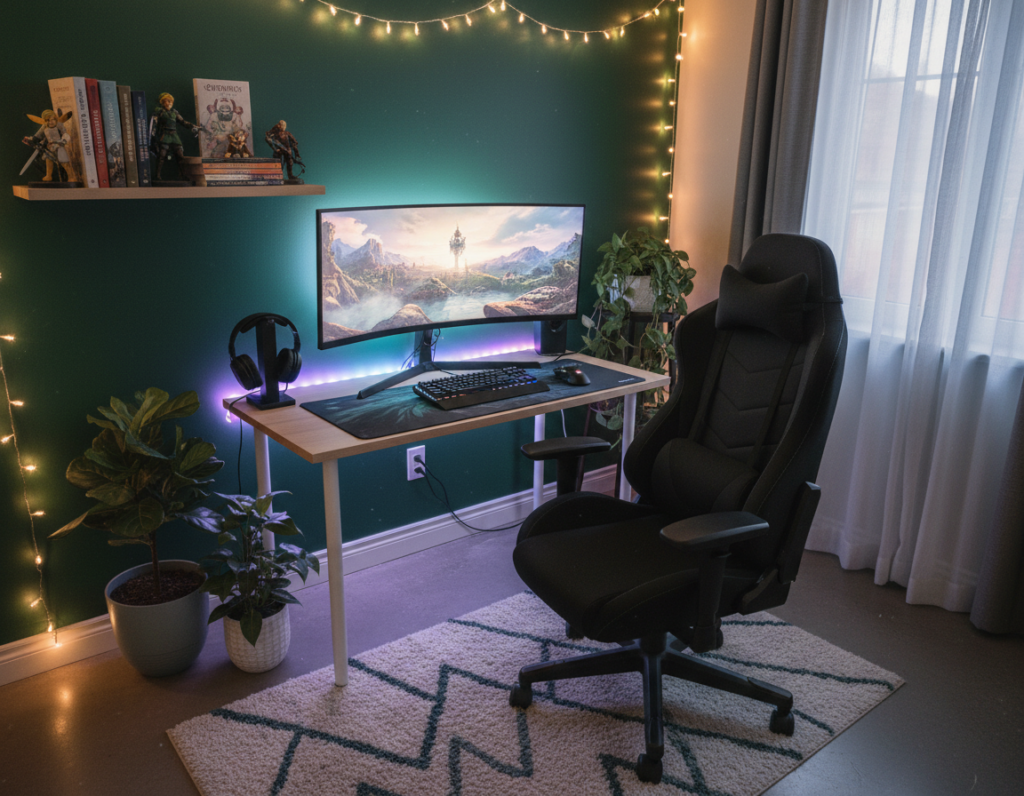
Design and function together shape how a gaming room feels at first glance. A smart setup balances furniture, lighting, and sound so the space supports long sessions without distraction.
Many players look to social platforms for ideas. As of June 18, 2024, the #gamingroom tag surpassed 121,000 posts on TikTok, showing popular trends for desks, led strips, posters, and wall art.
Whether someone builds a dedicated area or carves out a corner, clear choices about chairs, consoles, and shelving transform the area into a purposeful setup.
A polished space pairs practical elements—ergonomic seating, a neat desk, organized controllers—with personal decor that reflects style. This blend improves the game experience and helps gamers stay focused.
Ultimately, the most inviting rooms make every accessory and screen feel intentional. Thoughtful design choices give players options to tune atmosphere, sound, and lighting for their best sessions.
Defining the Atmosphere of Your Gaming Space
Establishing the right mood is the first move toward a space that feels both professional and personal. The atmosphere sets expectations and helps the user shift into a focused mindset before every session.
When they plan the layout, placement matters. A clear area for screens, storage, and seating keeps the flow natural. This simple organization ensures the room works for play and for work without clutter.
Color and light tie the whole design together. A consistent palette can link favorite games and hardware into a single aesthetic. Whether someone prefers dim, immersive tones or bright, energetic hues, the chosen atmosphere shapes each game experience.
- Adaptability: Make the space flexible so it evolves with new consoles or hobbies.
- Function: Place gear to support movement and reduce distractions.
- Focus: Keep surfaces tidy to help concentration during matches or long sessions.
Essential Elements for Comfortable Gaming Room Inspiration
Good ergonomics and clear sightlines make the difference between fatigue and focus. This small set of choices affects how long someone can play without strain and how immersive the experience feels.
Ergonomic Seating
Choose chairs with lumbar support and adjustable height. Proper seating keeps the spine aligned and reduces neck stress during long sessions.
Try adjustments in short tests: seat depth, arm height, and back tilt. Gamers should sit naturally and still reach the desk and console controls without leaning.
Screen Positioning
Place the main screen at eye level and about an arm’s length away. This reduces eye strain and keeps the field of view steady for fast-paced games.
“A single inch of tilt or height can change comfort for hours of play.”
- Desk height: Match monitor and controller reach to seated posture.
- Lighting: Use soft ambient lights and LEDs to cut glare on the screen.
- Storage: Add shelves for accessories and posters for personal decor.
Optimizing Your Layout for Maximum Flow
Begin layout planning by imagining how people will enter, play, and leave the space. This simple view keeps movement smooth and prevents gear from blocking key pathways.
Anchor the setup with a central desk or table. Placing a desk centrally creates a focal point and helps arrange shelves, consoles, and an arcade machine without crowding the floor.
Sound and lighting placement shape how the space feels. Keep speakers angled toward seating and position lights to reduce glare on screens while highlighting wall displays.
- Use vertical shelves to free floor space and store games and accessories.
- Keep at least one clear walking path between the desk and main seating.
- Leave walls mostly clear of clutter to make the room feel larger and organized.
“A layout that considers motion and reach makes setups more usable and more fun.”
Plan storage near the desk to reach controllers and game cases quickly. A flexible layout lets the home space evolve as new consoles, tables, or arcade units are added.
Selecting the Right Ergonomic Furniture
Choosing the right furniture sets the tone for long play sessions and daily use. A targeted selection improves posture, reduces fatigue, and makes the space easier to use for work and play.
An adjustable desk is the cornerstone of a healthy setup. Look for electric height controls, stable frames, and enough surface area for a screen, keyboard, and essential accessories. This lets users switch from sitting to standing and keep focus during long sessions.
Adjustable Desk Features
- Height range: Ensure the desk matches the user’s seated and standing posture relative to the screen.
- Surface depth: Leave room for a keyboard, mouse, and speakers without crowding the area.
- Cable management: Built-in trays or grommets keep cords tidy and free up floor space.
Choose seating with firm lumbar support and adjustable armrests. The right chair and desk together make a small gaming room feel larger and more organized.
For more on calibrating desk height and layout, consult an ergonomic desk setup guide.
“Ergonomic furniture is an investment in health and long-term performance.”
Incorporating Immersive Lighting Solutions
A layered lighting plan lifts the atmosphere and sharpens focus for every session. Proper lighting is one of the most effective elements to elevate a gaming room into a high‑end space.
RGB LED strips provide flexible color control. Install LED strips along the back of a desk or along a wall to create a defined theme. Many users sync strips with software to match game cues and music.
Ambient Task Lighting
Soft ambient lights reduce eye strain while keeping controllers and furniture visible. Use desk lamps or bias lighting behind monitors to cut glare and keep the main screen readable.
Smart Dimmer Switches
Smart dimmers give instant control over brightness and color temperature. They let players switch scenes for different games and adjust the setting for late‑night sessions.
- Layer lights: Combine LED strips, ambient lamps, and dimmers for a dynamic setup.
- Highlight decor: Use directed light to showcase posters, shelves, or a favorite console.
- Test for glare: Adjust placement to prevent distracting reflections on the screen or wall.
“The right lighting can turn a simple room into a high‑tech space.”
Creative Storage Ideas for Your Collection
Smart storage transforms a cluttered corner into a showcase for consoles and collectibles. Good storage keeps a gaming room tidy and makes the best use of limited space.
Shelves and display units are key. Open shelves show off favourite consoles and decor while closed cabinets protect cables and accessories.
- Wall-mounted shelves: Save floor space and keep controllers within reach for quick sessions.
- Modular furniture: Mix drawers and open cubbies to group games and controllers neatly.
- Specialty podiums: Use display podiums—like the £27.99 FUNKO® Pops unit for an IKEA® Billy—to showcase collectibles.
Group consoles and controllers together to create a clean, professional look. This helps during setup changes and makes it easier to find items mid-game.
“Effective storage is the foundation of a successful setup.”
Choose options that match personal room ideas and protect the collection. With the right shelves and accessories, the space becomes both functional and decorative.
Designing Around Your Favorite Gaming Themes
A clear theme anchors every choice, from display cases to wall art, and makes the space feel intentional.
Theme-led design helps players pick decor, furniture, and shelves that work together. It also improves the overall game experience by making the setup feel curated.
Lego Display Cases
High-quality display cases protect prized builds and showcase them like art. For example, the display case for the LEGO Star Wars UCS: R2-D2 is priced at £68.99.
The Warhammer Squad case, at £25.99, offers a compact, dramatic display with an Endless War backdrop. Use shelves and dedicated cases to keep collectibles dust-free and visible.
Retro Arcade Aesthetics
Retro styling leans on bold posters, neon accents, and classic cabinets to evoke arcade nostalgia. Posters and DIY wall art are budget-friendly ways to build a theme.
- Use modular shelves to group consoles, figures, and games.
- Choose cohesive decor and furniture that support the visual story.
- Balance form and flow so the space stays functional for daily use.
“A well-designed themed space is a testament to passion and improves how they play.”
Utilizing Vertical Space for Displays
Tall displays turn bare walls into curated showcases that draw attention upward. This approach makes the most of vertical storage while keeping the floor clear.
Wall-mounted shelves and tiered display cases, like the LEGO® Minifigure units priced at £49.99, present collections professionally. They free the desk and central area so the setup feels tidy and focused.
Install shelves at varied heights to build a dynamic display. This draws the eye along the wall and makes a small space feel larger.
- Use vertical storage to store games and accessories near the play area.
- Plan lighting to highlight displays; spot LEDs can turn a shelf into a gallery.
- Always secure mounts to studs or use proper anchors to protect valuable items.
“A well-planned vertical display can transform a plain wall into the centerpiece of the space.”
For more practical room ideas, consider modular units that adapt as the collection grows. The goal is a functional, stylish display that supports long-term use.
Enhancing Audio Quality for Better Immersion
Clear audio sharpens attention and reveals in-game details players often miss. Upgrading the sound in a gaming room raises the overall experience and helps during tense, competitive sessions.
Start with placement. Position speakers and the screen so sound projects toward the main seating area. This reduces reflections and keeps cues precise.
Acoustic Panel Installation
Install acoustic panels on the wall behind and beside the main setup to cut echo. Panels absorb mid and high frequencies and make voice chat and effects clearer.
- Target first‑reflection points: Place panels where sound hits first to lower reverb.
- Mix soft furnishings: Rugs and fabric decor add damping without heavy construction.
- Balance speakers: Tweak toe‑in and distance from walls for accurate imaging.
“A well-treated space gives a competitive edge by letting players hear subtle cues.”
Investing in sound treatment and a quality system makes the room feel professional. Good audio pairs with lighting and decor to create a focused, immersive game environment.
Integrating Multi-Functional Work and Play Zones
Designing clear work and play zones turns one small area into a flexible, daily-use hub.
Place a versatile desk so it serves as both a workstation and a gaming station. One monitor arm and a retractable keyboard tray let the desk shift from video calls to fast play in seconds.
Choose furniture that works for both tasks. Compact shelving stores consoles and controllers. A small table or cart can hold accessories during work and slide away for matches.
Use smart lighting scenes to change mood. Bright, neutral light helps focus during work. A dim, colored scene makes the space immersive for a late-night game.
Keep the area organized. Dedicated spots for chargers, files, and games reduce setup time and keep the room tidy.
“Create distinct zones so work gear and leisure gear stay separate but accessible.”
For those with limited space at home, this approach increases value and daily usability. It supports productivity and a better game experience without sacrificing style.
Personalizing Walls with Art and Decals
Strategic wall treatments make a setup feel intentional and polished. Personalizing the walls in a gaming room with posters, decals, and framed prints gives the space immediate character.
Wall art can celebrate favorite games and franchises while tying together colors and lighting. Use LED strips and ambient lights to highlight posters without creating glare on screens.
Decals are non‑permanent and let someone shift theme as interests change. A curated set of prints creates a cohesive style that supports streaming backdrops and looks professional on camera.
- Balance: Place large pieces opposite the main setup to avoid reflections.
- Scale: Mix small frames with one statement piece to add depth.
- Flexibility: Use removable mounts so the room adapts over time.
“The best walls tell a story — they map a player’s journey through games and design.”
Exploring Unique Nooks and Underutilized Areas
A tucked-away alcove can become an efficient and cozy setup with a few smart choices.
Start by measuring the area and planning a compact desk and seating. A narrow desk or a wall-mounted table saves floor space and keeps the desk accessible.
Use shelves and wall art to lift the look and store accessories. Open shelving showcases collectibles while closed boxes hide cables and power strips.
Under-stairs spaces often work well. Add ambient lighting and a low-profile chair to make the area feel intentional rather than cramped.
- Pick a small table or floating desk for tight widths.
- Install wall art and posters to define the theme.
- Add an arcade cabinet or a compact console shelf to create a focal point.
- Prioritize easy reach for the desk and seating to keep sessions smooth.
“A well-planned nook can be as effective as larger rooms when organization and decor match the intended use.”
With tidy storage and thoughtful furniture choices, these underused areas turn into welcoming gaming room ideas that fit any home.
Conclusion
The right mix of gear, light, and storage lets a setup work for play and life. Small choices shape the atmosphere and make the space easier to use every day.
Prioritize clear workflows: a tidy desk, smart storage, and ergonomic touches reduce friction during long sessions. Add focused lighting and a few led accents to lift visuals without creating glare. These moves improve comfort and help games feel immersive.
Wicked Brick marks its 7th birthday by offering accessories that fit modern setups and evolving tastes. Whether they’re casual players or competitive gamers, people can build a gaming room that grows with them and enhances every session.