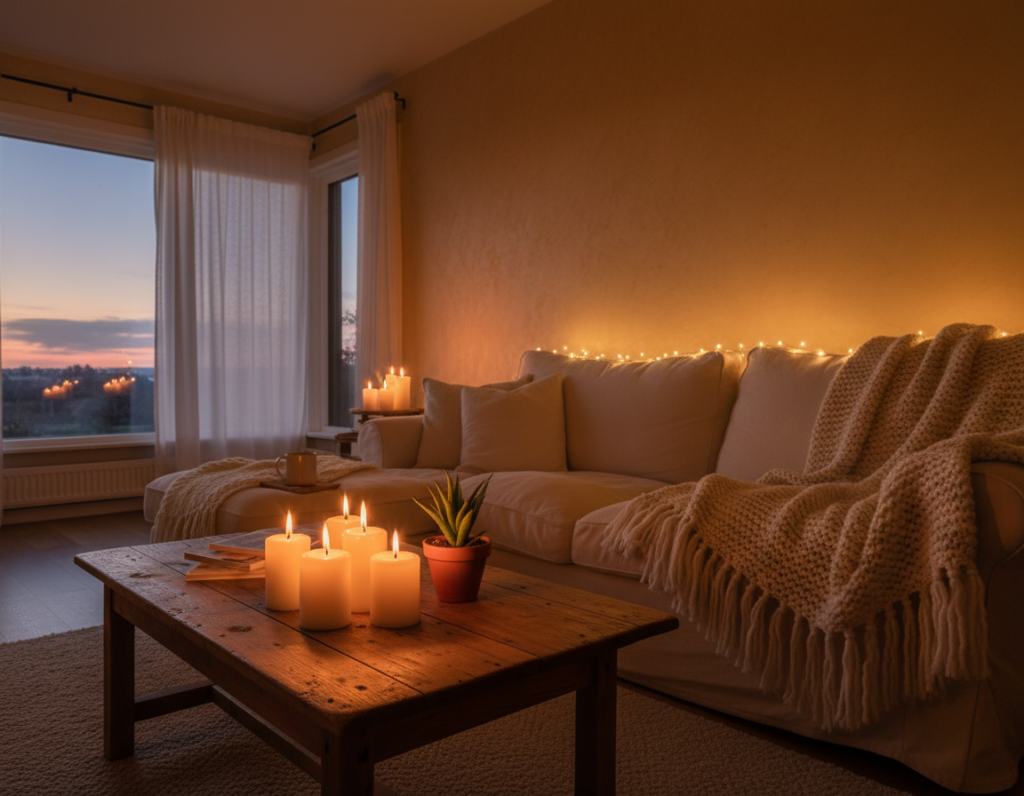
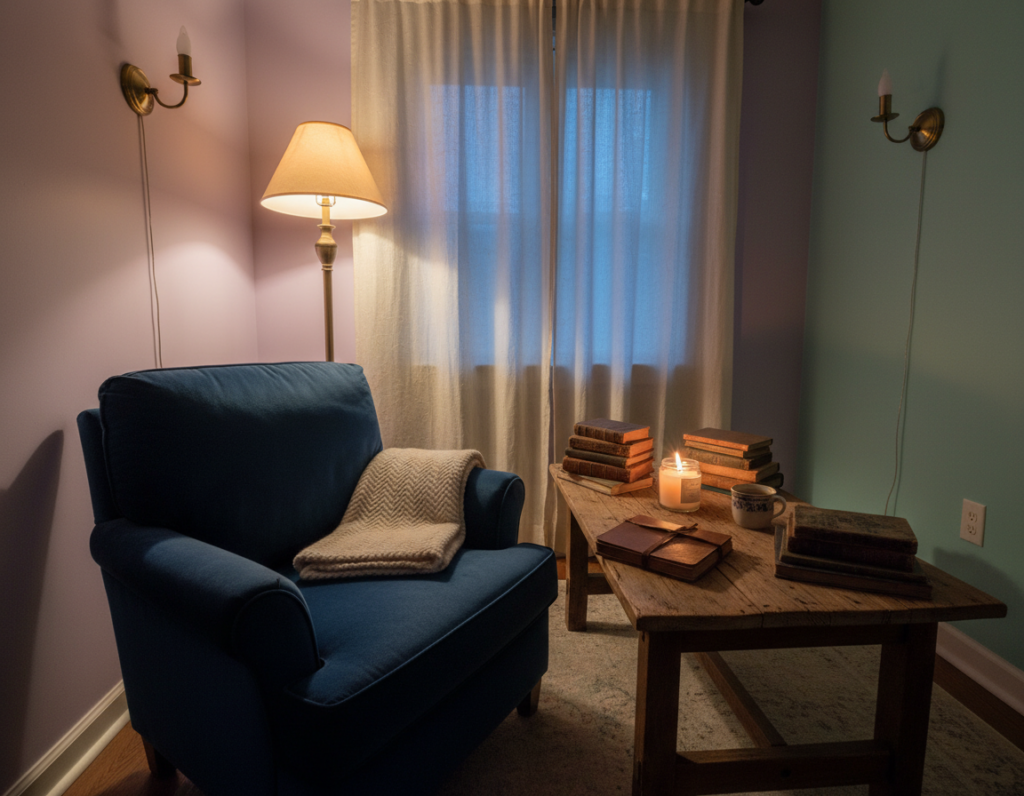
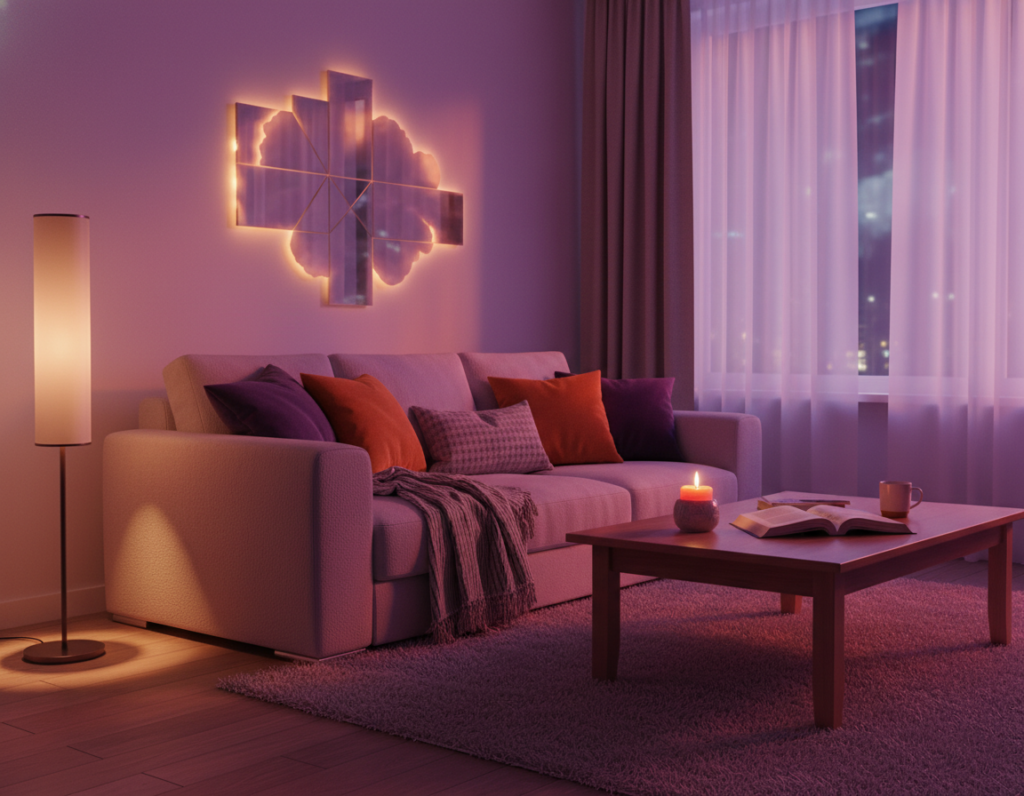
Many players now choose soft light to reduce eye strain and boost focus. The BenQ ScreenBar Halo 2 is a clear example of tech that balances a bright screen and a dark room. This kind of bias lighting cuts contrast and helps the eyes stay comfortable during long sessions.
Players who once used flashy RGB lights now favor function over pure decor. High-quality LED strips and smart lights can add mood while keeping the desk and monitor area gentle on the eyes. A mix of white light and RGB colors creates depth without harsh glare.
This guide will show how simple choices transform a gaming space into a professional, comfortable area. It covers product tiers, placement tips, and how to reduce monitor glare. For more detail on practical setups, see this bias lighting guide.
The Evolution of Modern Gaming Environments
Modern game rooms have evolved into curated environments where visual comfort meets immersive flair. Designers and players now balance strong visuals with eye-friendly solutions to extend playtime without fatigue.
LED strips around ceiling perimeters and behind monitors create a soft halo that defines the room. High CRI strips are popular for shelves and walls to show collectibles in true colors.
- Immersion and health: Rooms now prioritize both presence and visual wellbeing for long sessions.
- Dynamic effects: RGB can sync with audio and game events to deepen engagement.
- Color temperature control: Pros pick specific temperatures to keep the space comfortable.
- Smart tools: Adjustable modes let players change brightness and color in seconds.
Careful desk and wall planning ties the entire area together. Thoughtful monitor backlighting, proper strip placement, and coordinated colors make a modern gaming room both practical and striking.
Why Gamers Are Adopting a Diffused Lighting Gaming Setup
A growing number of users treat room illumination as a practical tool, not just decoration. This shift focuses on reducing the gap between a bright monitor and a dark room. Bias lighting, or backlighting, produces a gentle glow that eases the contrast around the screen.
The Shift from Pure Decoration
Function beats flair: Many players now want lights that serve a purpose. Rather than bold color bursts, they choose wall lights and led strips that define a space without glare.
Prioritizing Long-Term Comfort
Reducing eye strain is a top reason for the change. When room light and monitor brightness align, eyes work less hard during long sessions. That improves comfort and helps maintain focus over time.
- Adopting a soft glow is a practical choice to protect the eyes and boost attention.
- High-quality wall lights and led strips create an intentional atmosphere for the game room.
- Mixing ambient and task illumination keeps the desk area visible while preserving immersion.
“Well-placed bias lighting reduces contrast and makes long play times easier on the eyes.”
For product ideas and layout tips, visit this best gaming lighting guide to find quality products and proven ways to set up a lasting, comfortable gaming space.
Understanding the Three Layers of Functional Illumination
Three distinct light layers create a balanced game room that supports long sessions and clear focus. Backlighting, ambient, and front-facing light each handle a specific need.
Backlighting or bias lighting is the first layer. It usually uses warm or neutral white to soften contrast behind the monitor and protect the eye from strain.
Ambient light adds personality and motion to the space. RGB options on a wall or LED strip bring atmosphere and let players tailor color and mood without creating glare.
Front-facing light covers desk tasks. A monitor light bar gives focused illumination for keyboards and notes while avoiding reflections on the screen.
- Smart control systems tie these layers together for simple voice or app commands.
- Choosing the right products for each type keeps the desk tidy and cable-free.
- Proper brightness balance across layers is the secret to long-term comfort and a professional look.
“Proper brightness management across these three layers is the secret to a professional-looking space.”
Reducing Eye Strain Through Strategic Bias Lighting
Placing a soft glow behind the monitor reduces contrast and makes long sessions less tiring. Bias lighting is designed to shrink the brightness gap between a screen and a dark room.
Optimizing contrast for dark rooms means using LED strips or a light bar to create a neutral halo on the wall behind the display. This balanced glow helps the eyes adjust naturally and cuts the fatigue that builds during long play.
Practical benefits of this approach include steadier focus and fewer breaks caused by eye discomfort. Many pro players use backlight to protect their vision without sacrificing immersion.
- Put LED strips behind the monitor to balance screen brightness and wall tone.
- Keep the glow neutral so it does not distract or over-stimulate during intense game moments.
- Consistent use reduces physical strain and extends comfortable sessions.
“Bias lighting creates a neutral contrast that keeps eyes comfortable during extended play.”
For more on how color and intensity affect the eyes, see this rgb lighting and eye strain guide.
Enhancing Focus with Dedicated Front-Facing Light
Good front illumination makes it easy to keep attention on the task without fighting reflections or shadows. A dedicated front-facing light improves visibility for the desk and cuts glare that can distract from the screen.
Avoiding Screen Glare
Modern light bars use an ASYM-Light™ front beam and an 18° cut-off angle to stop reflections on the monitor. The BenQ ScreenBar Halo 2 features a 24° adjustable lamp head that directs light away from the screen and toward the workspace.
Improving Desk Visibility
Clear desk illumination makes keys, notes, and peripherals easy to see. The Halo 2’s ultra-wide backlight also spills a neutral glow onto the wall, giving the entire room a softer contrast without harsh hotspots.
The Role of Adjustable Color Temperature
Adjustable color temperature matters for focus and comfort. Cooler tones near 6500K help concentration, while warmer tones ease eyes before time to rest. Switching temperature reduces eye strain and helps prevent fatigue during long sessions.
“Proper front lighting reduces reflection and keeps eyes comfortable through long play times.”
- Directable beam: Aim light where it’s needed to avoid shadows.
- Cut-off control: Prevent monitor reflections with an 18° angle.
- Temperature options: Use warm or cool tones to match the task and time.
Integrating Smart Controls for a Seamless Atmosphere
Smart control makes the room respond to the moment. It links LEDs, light bars, and strips into one controllable system.
Systems like Razer Chroma™ RGB let players sync lights to in-game events so colors and effects mimic screen action. Twinkly Squares can connect to that same ecosystem to create animated patterns across the wall.
Voice or app control lets someone change brightness, mode, or color temperature in seconds. Setting ambient light to 3000K produces a warm, relaxing atmosphere for late-night play or casual streams.
- Use scenes to shift between practice, competitive matches, and chill time.
- Automate brightness by time of day so the monitor and room match naturally.
- Combine ambient and task light control so the desk stays visible while the room remains immersive.
“A unified control strategy makes the room ready for any game with a tap or voice command.”
Smart lighting gives professional-grade control and makes it easy to keep the atmosphere consistent across devices. That control helps maintain focus and keeps sessions comfortable for longer.
Essential Tips for Professional Cable Management and Layout
A tidy cable plan makes the room feel intentional and keeps the light design front and center.
Start by mounting power boards under the desk and routing cords along the rear edge. This keeps cables out of foot paths and away from chair movement.
Stable furniture reduces vibration during fast mouse motion and protects cable runs from tugging or wear. A steady desk also keeps monitor mounts and lights aligned.
Creating a Clean Foundation for Lighting
Use aluminum channels for led strips to soften the beam and remove glare. Channels give the desk a professional look while protecting the strip and its cable.
- Keep LED cables separate from monitor and peripheral cords to avoid tangles and make changes easier.
- Use monitor mounts with built-in routing to free desk space and hide cords behind the screen.
- Mount power boards under the setup and route power along the rear edge for a safer room and better airflow.
A clean layout improves cooling around electronics and extends component life. It also makes the room’s lights appear more deliberate and balanced.
“Professional cable management is the foundation of a clean gaming room and ensures lighting remains the primary focus.”
Conclusion
This guide shows that small changes deliver big gains. Small investments in quality lights and careful placement pay off with longer, more comfortable play sessions.
Layering backlight, ambient light, and task light creates a balanced room that protects the eyes and preserves immersion. Proper use of led strips and light bars reduces eye strain while keeping colors and atmosphere vivid.
They should choose products that last and match personal style. With the right approach, a room becomes a professional, enjoyable space for every game and long session.
Follow this guide to build a safer, more focused room that looks and feels intentional.