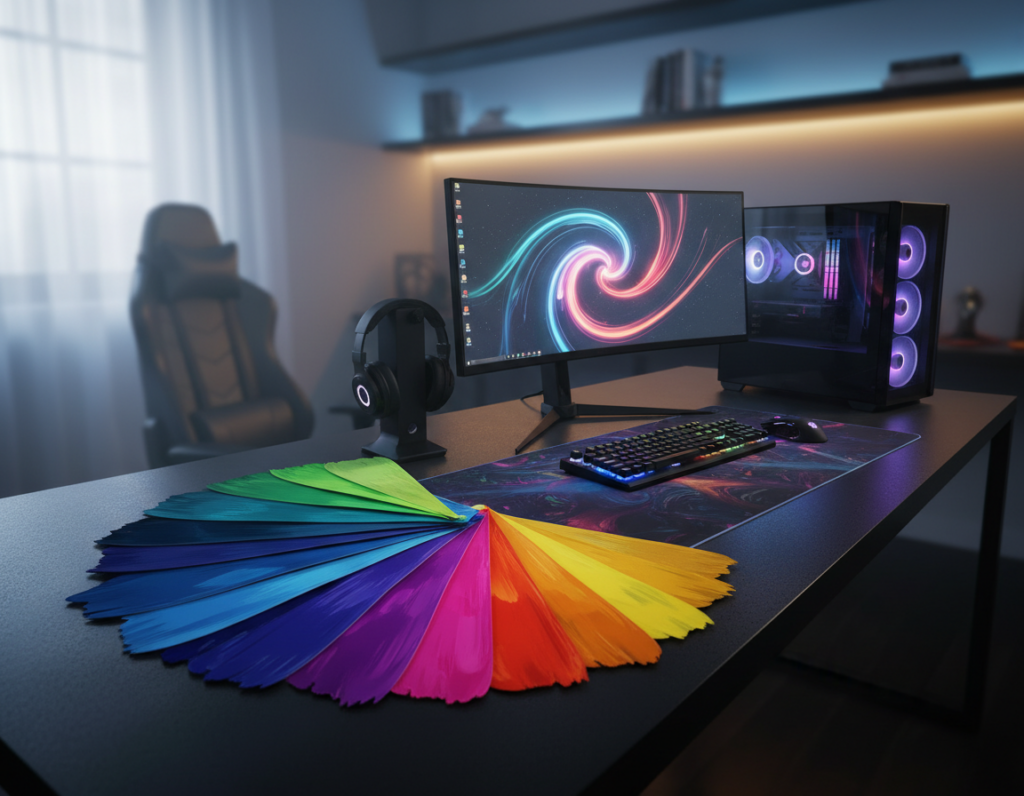
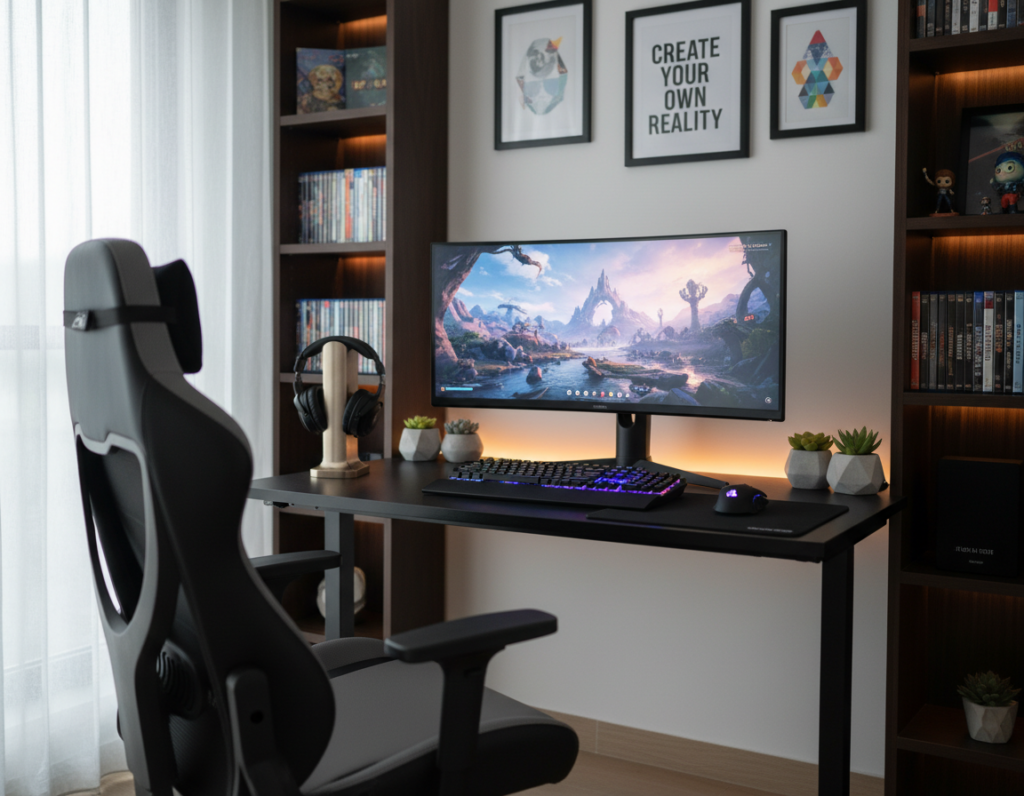
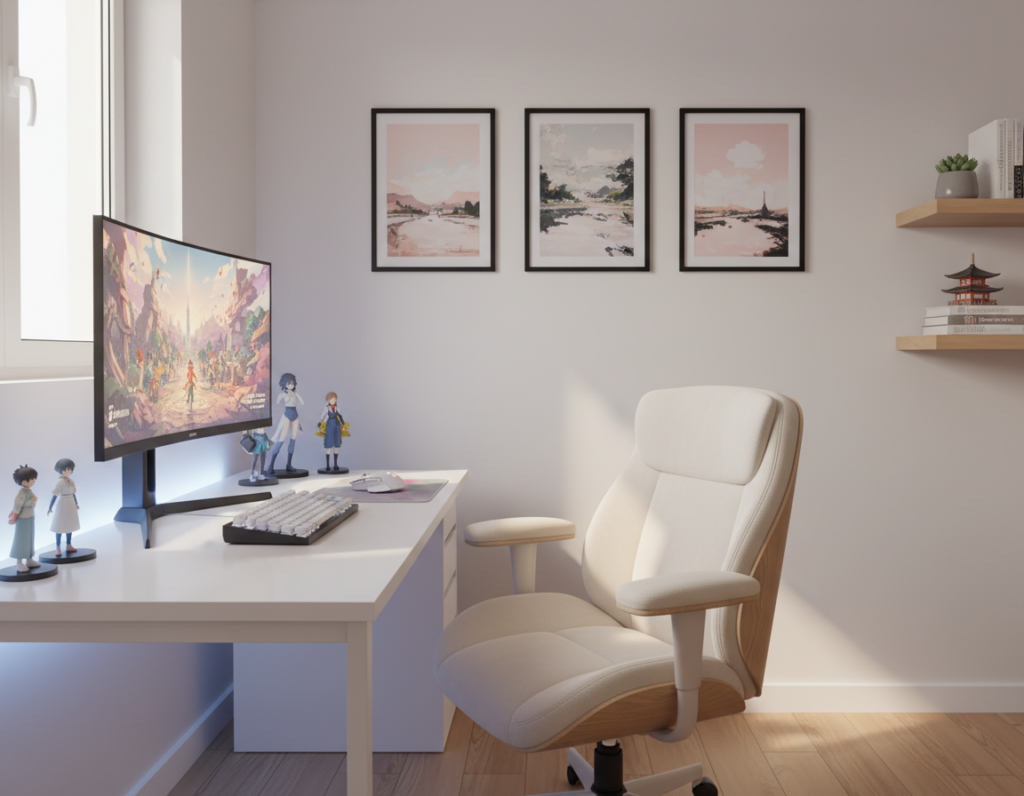
Transforming a basic desk into a premium command center is easier than most people think. A few smart edits to lighting, color, and layout lift the whole setup. They can create a polished look without swapping every piece of furniture.
The right choices let someone keep a sturdy desk or ergonomic chair while improving the room’s feel. Small tweaks improve cable management, add layered light, and clarify focal points in the space. This approach reduces overall cost and keeps priorities clear.
Readers will learn simple, actionable tips to upgrade a table area and refine a gaming setup. These ideas focus on function and style so each dollar spent counts. The guide helps them plan a future refresh that looks expensive and performs well.
– Small decor shifts create a high-end look.
– Prioritize the desk, lighting, and cable control.
– Smart shopping and DIY cut cost without losing style.
The Importance of a Strategic Gaming Setup Refresh
A strategic rearrange of gear and surfaces can transform daily performance and mood. The gaming setup acts as the central anchor for both work and play in a home. When arranged with intent, the area supports focus, comfort, and a clearer visual flow.
Small changes deliver big gains. Optimizing furniture and cable routes improves movement in the room and reduces stress during long sessions.
- Plan where each item sits to boost comfort and visual impact.
- Evaluate the desk and nearby furniture to spot what truly needs change.
- Use consistent colors and clean lines to create a cohesive, professional look.
Refreshing a setup is not only about new purchases. It is about fitting existing gear into the space for maximum efficiency and a polished outcome.
Planning Your Budget Gaming Desk Makeover
A clear plan helps each purchase contribute to a polished, long-lasting setup. Start by defining a firm spending cap so choices stay focused and measurable.
Setting a Realistic Budget
They should list essential items first and assign a cost to each. Prioritize mounts, a cable kit, and a stable surface before decorative pieces.
Prioritizing Essential Upgrades
Choose a table or new desk with a steel frame for stability. A sturdy frame and a quality top make peripherals appear higher end.
- Verify assembly steps for models like the GTG-L60 to avoid wobble.
- Allocate funds for a monitor mount and cable management before extras.
- Adjust height early to secure long-term comfort and healthier posture.
- Consider simple DIY touches to personalize a standard frame and reduce cost.
Careful planning lets them build the ideal setup over time. Each decision will add value and keep the final space functional and refined.
Selecting the Right Desk for Your Space
Start by mapping floor space so the new piece complements traffic flow and sightlines. Measure doorways and the room before choosing an l-shaped desk or a large table to ensure it fits comfortably and leaves walking room.
The GTG-L60 L-Shaped Glass LED Gaming Desk (60″x40″) offers a massive surface for multi-monitor setups, but the same planning steps apply to every purchase.
A sit stand or standing desk provides posture flexibility during long sessions. Picking the right height is essential to avoid neck and shoulder strain and to keep work and play comfortable.
Choose a robust frame—carbon steel or similar—to support heavy equipment without wobble. Evaluate the top: tempered glass, high-quality laminate, or wood veneer changes the look and durability.
- Confirm room clearance and cable routes before finalizing the size.
- Check assembly requirements; complex sit stand mechanisms need precise alignment for safety.
- Weigh cost against long-term use: sturdy furniture saves money over time.
For a quick guide on dimensions and features, read what is a good gaming desk to compare options and finalize the right choice.
Ergonomic Principles for Long Gaming Sessions
A few measured changes in posture and equipment height can stop aches before they start. Ergonomics is about aligning the body with the work surface so long sessions stay comfortable and productive.
Correct Monitor Height
Place the top third of the screen at or slightly below eye level. This reduces neck flexion and follows OSHA guidance to avoid static, awkward postures.
Proper Wrist Alignment
Keep the mouse and keyboard at a height that allows a 90-degree elbow angle. A keyboard tray or wrist rest gives extra support during long hours.
Seating Posture
Choose a chair that encourages a neutral spine. Good lumbar support and an adjustable frame help maintain posture and cut fatigue.
- Adjust monitor height or use a riser to improve sightlines.
- Use a dedicated wrist rest for the mouse keyboard setup to reduce strain.
- Raise or lower the desk frame so elbows sit comfortably at the top of the surface.
Bottom line: Investing in a quality chair and correct monitor placement is a simple, effective solution that protects health and improves long-term performance.
Enhancing Visual Appeal with Ambient Lighting
Ambient lighting can redefine a room, turning ordinary surfaces into striking focal points. A well-planned scheme makes the setup feel curated and adds a professional style without heavy cost.
Modular systems such as the Lucet Art Lighting 9.5×8 let users craft custom effects that sync with a gaming desk’s RGB. These panels act as a dynamic part of the room and highlight the best components on the top of the surface.
Simple LED strips along the frame provide a soft backlight that hides small flaws and reduces eye strain during late sessions. Proper height and placement prevent monitor glare and keep the visual impact positive.
- Use layered tones to add depth and match room color.
- Study online inspiration to pick a style that fits the space.
- Keep cost low by combining modular panels with affordable strips.
Bottom line: The right lighting turns the desk into the focal part of the room and gives the whole setup a more expensive aesthetic for minimal investment.
Mastering Cable Management for a Clean Look
A few smart routing choices can make cords disappear and the space feel finished. Clean cable work immediately lifts the top of a desk and the entire room’s impression.
- Velcro ties and cable sleeves to group wires by function and cut clutter.
- Under‑table power strips mounted to the frame to keep cords off the floor.
- Adhesive clips and cable trays that route lines along legs and behind the surface.
They should take a little time once and save loads of time each day. Good cable management protects connectors and makes future assembly or upgrades quick.
Quick DIY tips: bundle similar cords, label ends, and keep power cables separate from data lines. The cost of these items is low, yet the visual change is immediate and profound.
Utilizing Second-Hand Finds and Upcycled Decor
Hunting second‑hand pieces often reveals high‑quality finds that fit a polished setup. A vintage table or a steel frame work surface can be refreshed with a new top or a coat of paint to look custom.
Real projects prove the point: Zwitzh converted an 1885 attic into a secret workspace using mostly upcycled items. Jason Dela Cueva hired a local carpenter and got a walnut‑look desk for just 6,300 pesos.
- Search local listings and flea markets to find sturdy table tops and frames.
- Verify the frame and assembly so a chair or office piece is safe for daily use.
- Use simple DIY swaps—new top, fresh finish, or adjusted height—to modernize things fast.
Why it works: Upcycled pieces lower cost, add character, and create a layered room where old meets new. With some patience and local help, any space can host a refined, personalized setup.
Adding Functional Accessories on a Budget
Smart, small accessories can instantly free space and sharpen the look of any work area. These additions keep essential items close and reduce clutter on the top of a table.
Headphone Hooks and Cup Holders
Headphone hooks keep audio gear safe and off the surface. A sturdy hook on the frame or under the shelf protects pads and frees room for a monitor or mouse.
A cup holder prevents spills near a keyboard and reduces the risk to expensive peripherals.
Desk Shelves and Risers
A DIY riser or shelf raises the monitor to the right height and creates storage underneath. Christian Realin from the Philippines made his own DIY desk shelf to tidy a study setup and double usable surface.
- Choose accessories that match the frame and avoid damage to the finish.
- Prioritize durability and low cost to keep total cost minimal.
- Use risers to store boxes or a spare chair and free the main surface.
Optimizing Your Surface for Performance
A clean surface and the right accessories turn an ordinary table into a performance-ready zone.
Start with a large desk mat. A single mat protects the top, unifies the mouse and keyboard area, and gives consistent tracking for the mouse. The cost is small compared to the performance gains it delivers.
Keep the surface clear for a sit stand or standing desk so height changes slide smoothly. Remove loose items and store accessories under shelves or in drawers to free space and improve focus.
Support wrists and arms with a foam rest or rolled towel during long sessions. Proper support reduces fatigue and helps preserve posture when a chair or monitor height shifts.
- Choose a quality mouse pad for consistent tracking.
- Wipe the top regularly to maintain sensor performance.
- Use simple DIY risers to adjust monitor and top height without costly assembly.
Bottom line: An optimized surface makes any desk perform like a pro station. Clear layout, the right mat, and wrist support are a simple solution for better play and work.
Maintaining Your Setup for Long-Term Value
A few minutes of upkeep each week prevents small issues from turning into costly repairs.
Tighten frame bolts and check support points regularly. This simple step stops wobble and preserves the table and chair over many hours of use.
Hazel Jennings proved the approach works. She paired a $100 second-hand top with sit/standing legs to create a durable new desk with low cost and high value.
Keep the office area clean to protect the monitor, keyboard, mouse, and other items from dust. Wiping the surface and pad once a day preserves finish and sensor accuracy.
Periodically inspect the chair and the support on standing or standing desk frames. Replace worn parts early to avoid bigger repairs and to keep the space safe for long sessions.
- Spend a few minutes each day to clear clutter and store loose things.
- Check bolt tightness and mount security every month.
- Plan upgrades with a long-term view to maximize return on cost.
Bottom line: Consistent care keeps setups comfortable and reliable. Small maintenance tasks add up and protect a lot of value over time.
Conclusion
A few consistent choices over time create a cohesive, high-end setup. Prioritizing a sturdy surface and solid ergonomics helps the area feel more refined and supports long sessions.
DIY projects and second‑hand finds supply endless inspiration and reduce cost while adding unique style. Simple swaps for lighting and cable control deliver major visual gains fast.
They will see results if they act in small steps and spend time refining each element. Well-planned setups evolve, reflecting personal needs and improving function as they grow.
Now is the moment to start. Use these ideas to build desk setups that blend form and function and enjoy a professional, lasting aesthetic.