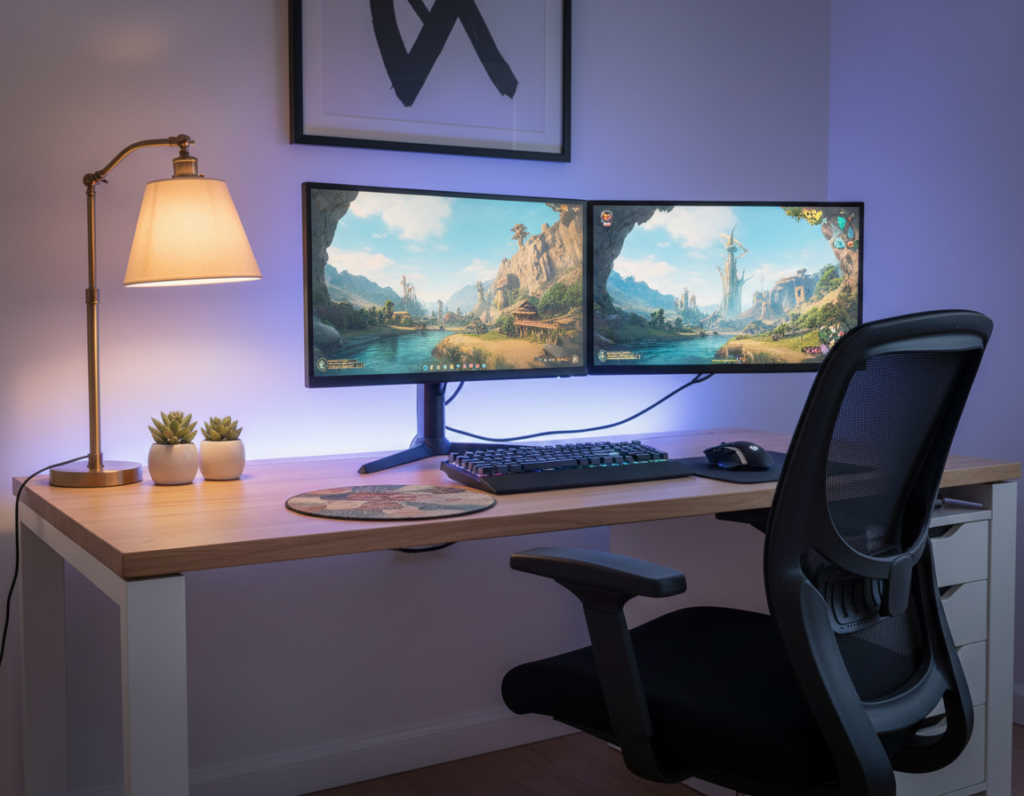
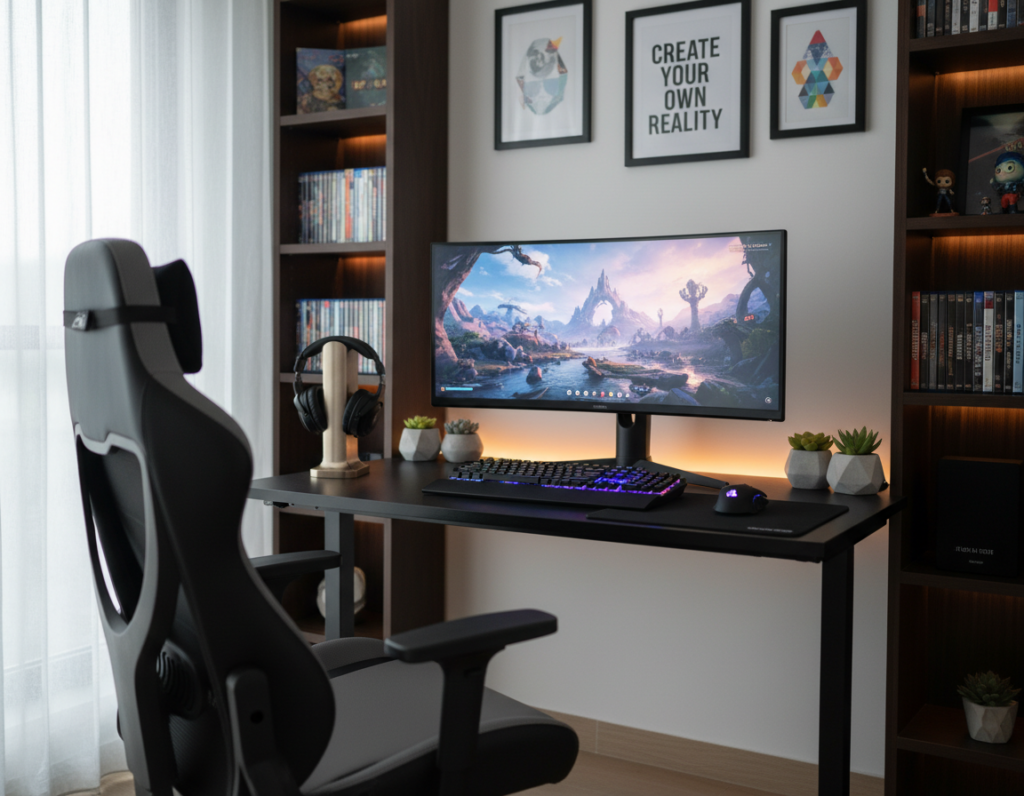
Maintaining a neat desk starts with smart cable management that balances function and form. Photographers like Cecilia D’Anastasio note that using high-quality cables with minimal slack prevents future rewiring in a home office. This simple choice saves time and keeps the space photo-ready.
For a polished setup, measure each cable and add eight extra inches. That extra length makes it easy to route cords around the floor and behind furniture without strain.
Many people with gaming rigs or console setups struggle with multiple power cables for systems like the Xbox One X and PlayStation 5. High-quality power cords reduce maintenance and keep sessions running smoothly.
These tips help transform a chaotic desk into a professional-looking space. With small adjustments to how equipment is routed and secured, the setup will both look better in photos and work better every day.
– Use quality cables and limit slack to avoid rewiring.
– Measure and add extra length to route cords neatly around the floor.
Assessing Your Current Cable Clutter
Take a moment to map out every cable and note which ones interrupt the desk’s clean lines. A quick audit reveals which wires create the most visual distraction in the setup.
The experts at CableOrganizer recommend racks and shelving to protect expensive system equipment while reducing visible clutter. Protecting the system matters as much as aesthetic management for a functional home setup.
Identifying the path of each wire is a critical step. A disorganized layout often makes cleaning hard and slows access to devices.
- List every cord and label its function.
- Trace each run from plug to device to find visual hotspots.
- Group similar lines to simplify future management.
- Note any equipment that needs raised shelving or a rack for protection.
Evaluating cables first lets one plan a targeted cable management strategy that keeps the desk tidy and the system accessible.
Essential Gaming Cable Organization Ideas
Practical solutions make it simple to tame wires and keep the desk photo-ready. Start with a few low-effort swaps that protect plugs and reduce visual noise.
Cable Boxes and Surge Protectors
Use a quality box like the BlueLounge CableBox to house surge protectors and power strips. This keeps power connections off the floor and reduces visible clutter.
Choose surge protectors with individual switches to cut standby draw and make the system safer.
Using Cable Sleeves and Raceways
Delamu raceways blend into floor molding and are a clean way to hide cables run along a wall or baseboard. They create a seamless look for any gaming setup.
- Bundle cords with reusable velcro ties instead of plastic zip ties.
- Cover grouped lines with cable sleeves to make the desk area neater.
- Use adhesive cable clips under the desk to route power cables out of view.
These small products — boxes, raceways, sleeves, and clips — offer a fast path to better cable management and a more professional space.
Selecting the Right Tools for Your Setup
The right toolkit protects sensitive electronics and streamlines any setup. High-quality cable management products reduce strain on plugs and keep a desk looking neat. Professional tools also lower the risk of accidental damage to the system and devices.
Practical choices include vented rack shelves from CableOrganizer to help regulate heat for consoles and PCs. Mountable surge protectors save floor space and make power runs safer.
- Use a durable cable kit with labeled sleeves for easy access.
- Mount surge protectors under desks to free surface space.
- Choose vented shelves for equipment that needs airflow.
- Shield power lines and data cables to prevent wear and interference.
Investing in the right tools ensures the setup stays organized and runs reliably. Good management extends the life of wires and devices while making maintenance faster.
Preparing Your Desk for a Clean Look
Start by powering down and unplugging grouped connections to make sorting simple and safe. This helps prevent accidental damage and lets them trace each run from plug to device.
Unplugging and Sorting Cables
They should clear the desk surface first, removing unrelated clutter and packaging. A clear workspace makes planning routes easier.
Next, unplug cables in logical groups: power, data, and peripherals. Label each end as they go to avoid confusion when reconnecting devices.
Use simple tools like reusable ties and adhesive cable clips to hold wires in place while mapping routes. Clips keep lines off the desk edge and reduce visible mess.
- Bundle power cords and data wires with cable sleeves for a unified look.
- Sort cords by function or location to speed future changes and prevent tangles.
- Apply clips under the desk to lock runs into their final place.
Once the desk is clear, they can secure everything with sleeves and ties so the system stays accessible and the workspace maintains a professional look.
Routing and Securing Cables Effectively
Start by planning each run so every cord follows a short, predictable path to its outlet. A clear routing plan reduces clutter and makes future changes simple.
Mounting Under Desk
Mount surge protectors and power strips under the desk to free floor space and shorten visible power runs. Use adhesive-backed mounts or small brackets to keep strips stable and accessible.
The VMP Multi-Just Flat Panel Flush Mount also helps when a display is wall-mounted, letting one hide the runs behind the screen for a cleaner setup.
Using Adhesive Clips
Adhesive clips are ideal for routing lines under desks. They hold bundles steady and prevent sagging. Route power and data lines in separate clips to avoid interference.
“Mounting your surge protectors under your desk using adhesive clips is a highly effective way to manage power cables and keep your floor clear.”
Managing Floor Runs
For floor runs, protect lines with plastic raceways or braided sleeves. Flexo PET Expandable Braided Sleeving stretches to cover bulky bundles and gives a uniform look.
Use GripLockTies rather than standard zip ties to secure runs without damaging insulation. Durable products extend life and withstand daily wear.
- Route cables into a single corridor under the desk.
- Use clips and sleeves to separate power from data lines.
- Protect runs along the wall with raceways to blend with molding.
Managing Peripherals You Cannot Hide
For unavoidable wired devices, a few fast habits can drastically reduce visible clutter.
Choose wireless where it counts. The Logitech G Pro Series mouse and HyperX wireless headset cut the need for charging cords. The Xbox Elite Wireless Controller Series 2 also trims wired connections and frees desk space.
For devices that remain wired, they should use simple routing and reliable attachments. Apply adhesive clips and cable clips under the desk to guide lines out of sight. Velcro ties and small cable sleeves keep runs neat without damaging insulation.
Centralize power and ports. A USB hub near a power strip makes it easy to manage outlets and peripherals from one spot. If a mechanical keyboard must stay connected, route its cords along a single path and secure them with ties.
- Prefer wireless peripherals to reduce cords.
- Use adhesive clips and velcro ties to keep cables aligned.
- Place a USB hub and surge protectors to concentrate power access.
Good cable management balances usability with a clean photo-ready desk. Small tools and steady habits keep the system tidy and functional.
Conclusion
Good results come from consistent habits: plan routes, choose sturdy products, and follow a short upkeep routine that supports effective cable management.
They should use sleeves and raceways to bundle cables and keep power runs tidy. Quick checks once a month prevent tangles and keep devices easy to access.
Simple tips — label ends, prefer velcro ties, and move toward wireless where practical — reduce the number of visible cables and wires. Small, steady actions make maintenance fast and the desk look professional in photos and everyday use.