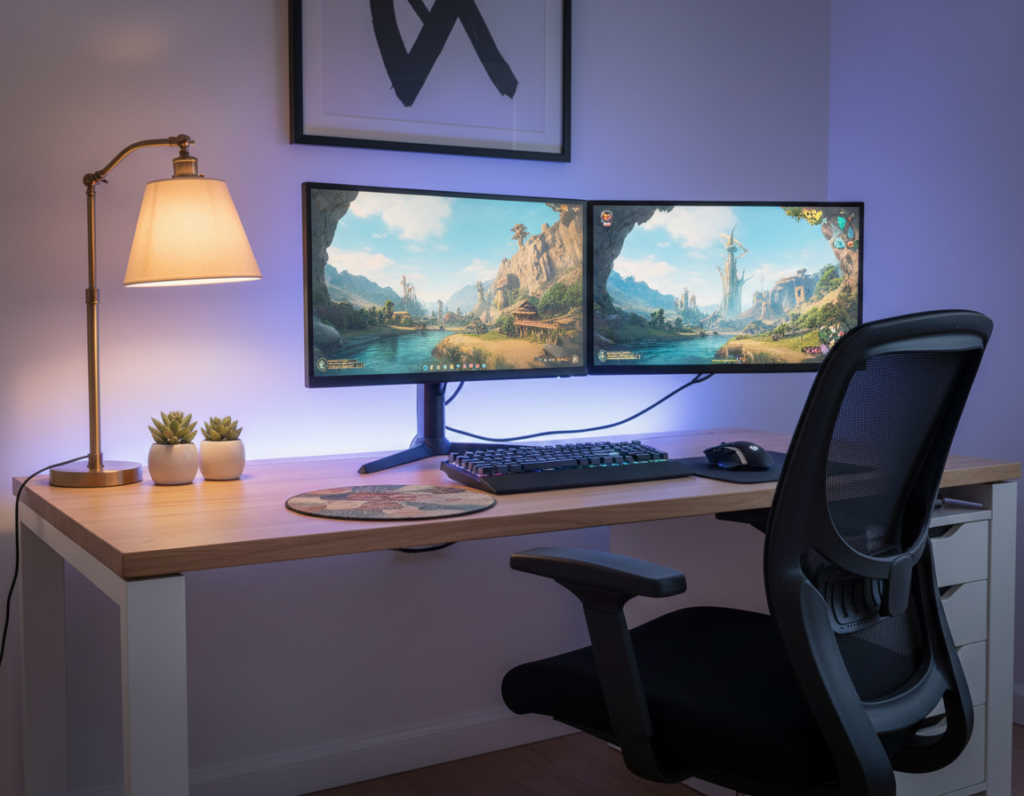
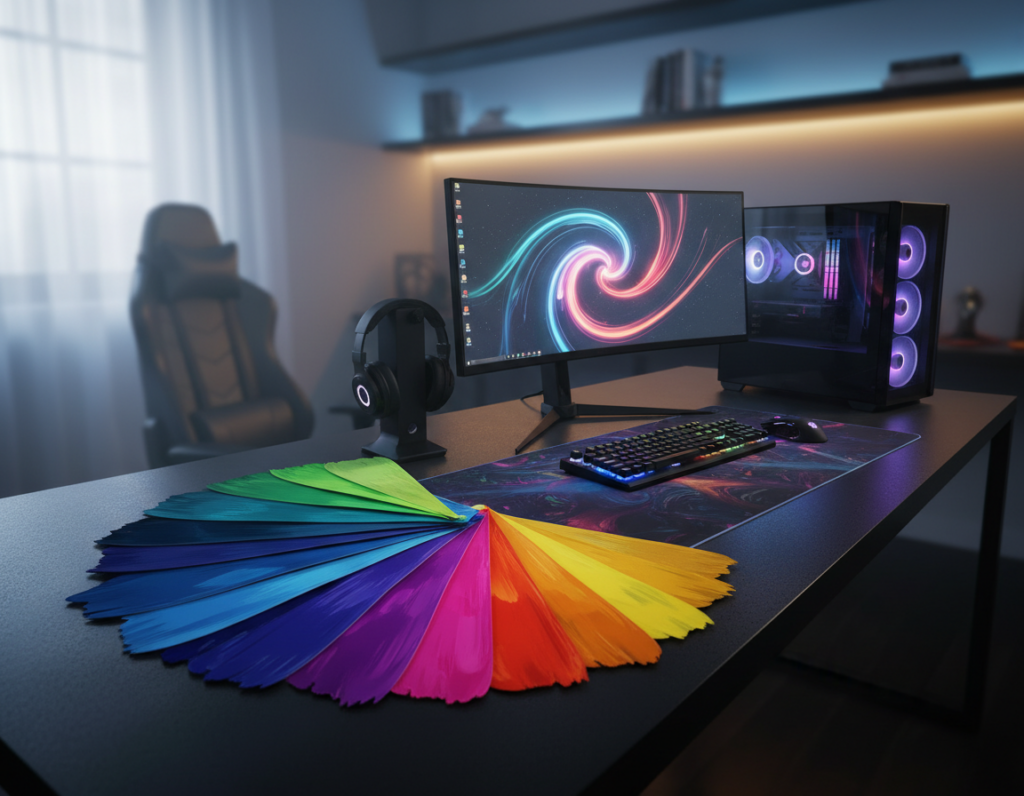
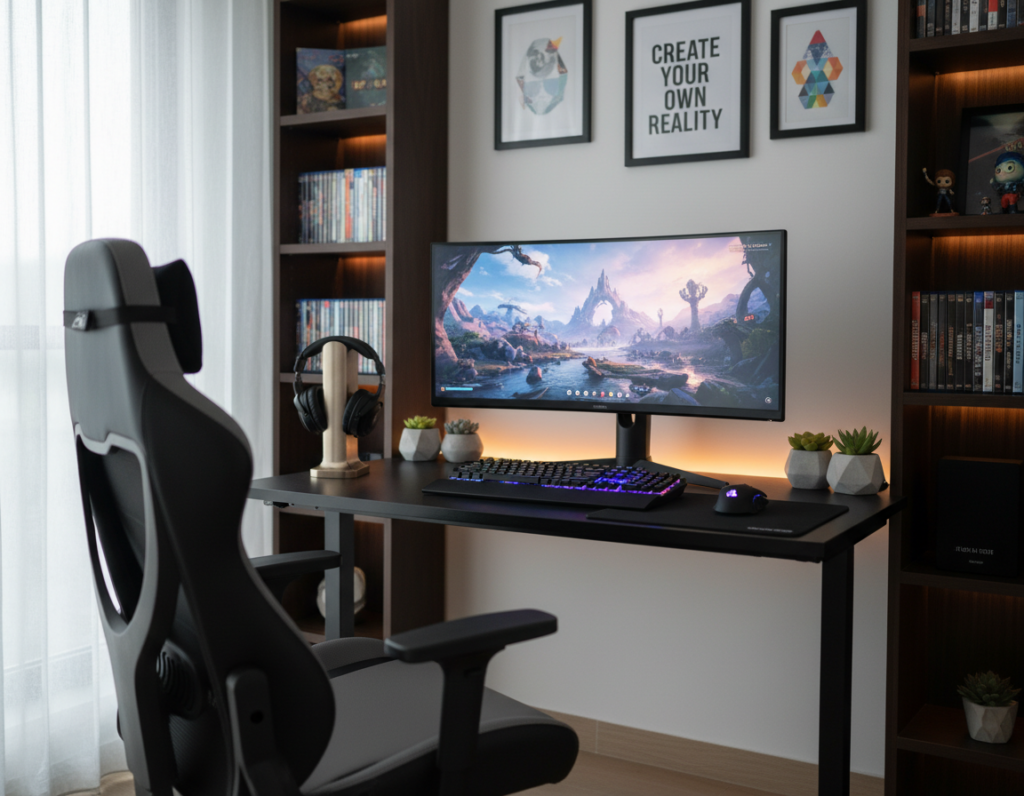
Petrana Radulovic notes that a tidy, ergonomic setup still needs personality to feel inviting. Selecting the right cozy gaming desk accessories starts the change from sterile to warm.
Soft textiles break up metal and high-performance gear. They add tactile comfort and reduce the cold, industrial vibe many players find in their space.
Whether playing Stardew Valley or Animal Crossing: New Horizons, atmosphere matters. A welcoming setup helps players focus on the games and stay relaxed during long sessions.
Good design balances ergonomics with personal touches. This approach makes a game area feel like an extension of the player’s personality and keeps comfort front and center.
Why Soft Textures Transform Your Gaming Space
Introducing fabric and foam into a setup changes how a room feels instantly. Soft surfaces cut visual coldness and make the space friendlier without sacrificing performance.
The FlexiSpot gaming standing desk offers a cool carbon fiber surface that reads as premium and technical. Pairing that surface with a cloth pad or plush mat creates a pleasing contrast. The result is a more inviting area for long games and intense matches.
Every gamer knows environment shapes immersion. Soft textiles reduce wrist strain and cushion arms during long gaming sessions. They also help a player stay focused by reducing glare and sound reflections.
- Use a cloth desk pad to protect the surface and enhance comfort.
- Organize the space so textures guide the eye and reduce clutter.
- Choose materials that support an improved gaming experience for years.
The Psychology of Cozy Gaming Desk Accessories
The hues in a setup set the emotional tone for every session. Color choices influence mood, alertness, and stamina during long play. A calm palette reduces mental fatigue and helps the user focus on the game.
The Impact of Color
Soft pastels or earth tones create a soothing backdrop that keeps stress low. They blend with smart lighting to make the whole space feel intentional.
Customizable rgb lighting lets players match peripheral glow to game mood. This softens harsh monitor light and ties peripherals into a cohesive aesthetic.
Reducing Visual Noise
Choosing a keyboard and mouse in chill colors cuts visual clutter. A tidy color story reduces distractions and makes the setup easier to scan during play.
- LED light strips behind a monitor provide a gentle rim light.
- Match strip tones to in-game scenes for immersive ambiance.
- Small devices like the Divoom Ditoo add personality without creating chaos.
“A consistent palette and subtle lighting transform the space from scattered to intentional.”
Softening Your Desk Surface with Mats
A well-chosen surface mat both protects finishes and calms the sound of rapid typing. Alice Jovanee at Polygon notes that a green pixel desk mat adds a striking accent while helping soften keyboard noise.
Mats improve tactile feel and performance. A quality mat gives the mouse a consistent glide, which matters in fast-paced play. It also shields the table from scratches and wear.
Many players say fabric mats reduce mechanical noise. That makes the space quieter and more pleasant for long sessions.
- Place a soft mat under the monitor and keyboard to unify the setup visually.
- Choose a durable, soft-touch surface to support wrist comfort during extended use.
- Pick a pattern or color that ties the room together without adding clutter.
These simple changes can lift the entire gaming experience and make the space feel warmer, quieter, and more finished.
Ergonomic Wrist Rests for Long Sessions
A good wrist rest changes how long sessions feel by keeping hands aligned and pain-free. Proper support reduces tension and helps users stay focused during extended play.
Sadie Gennis of Polygon recommends a cloud-shaped wrist rest and mouse pad set she bought for $25.99. She notes it improved both ergonomics and visual charm in her setup.
Materials for Wrist Support
Choose a material that molds to the hand. Memory foam cushions and keeps a neutral wrist angle. Gel pads offer firmer support and cool the skin during long use.
- Ergonomic wrist rests prevent fatigue by keeping joints neutral in long gaming sessions.
- The right material adapts to the user, so the keyboard and mouse feel more comfortable for hours.
- Dedicated rests can reduce the risk of repetitive strain from extended play.
Small, well-made supports are staples in a healthy setup. They prove style and physical care can coexist without compromise.
Plush Companions for Emotional Support
Plush friends bring emotional warmth to a room and help players settle in when tension rises.
Displaying stuffed animals around a monitor or on shelves makes a setup feel more personal. Petrana Radulovic suggests a plushie hammock for larger figures, creating a blanket-fort vibe that softens the space.
Displaying Plushies
Small plushies like the Sitting Cuties line from The Pokémon Company fit neatly on a monitor stand or wall shelf. They add character without taking up valuable surface area.
Use a net or dedicated shelves to keep controllers and plush friends within reach. Clever storage keeps the workspace tidy and doubles as ready-made decor.
Weighted Comfort Items
Weighted plush items such as Warmies provide gentle pressure and warmth. Gamers can place them on their lap to relax after intense games or during anxiety-inducing moments.
- Display plushies on monitor shelves or around the keyboard to personalize the world of the room.
- Place Warmies on the lap for soothing weight and heat during breaks.
- Store larger toys in a hammock or shelves to avoid clutter and keep the area functional.
Integrating soft companions into a gaming experience delivers subtle emotional support. For many gamers, these small additions make the life in their setup feel more like home.
Ambient Lighting to Reduce Visual Coldness
Tuning the hue and intensity of ambient lighting changes how the whole space feels. Adjustable light softens the harsh glow of a monitor and makes the area easier on the eyes during long gaming sessions.
Cameron Faulkner uses the Elgato Key Light Mk. 2 for its broad range of color temperatures (7,000 K to 2,900 K). That range lets players match natural daylight or warm evening tones to fit the moment.
Smart options give control over color and timing so lighting can follow a schedule or a game scene.
- Adjustable ambient lighting helps reduce eye strain and creates a soothing ambiance.
- LED light strips behind a monitor or under a table add depth and warm the visual field.
- Smart light bars and strips offer automation and multiple color options for mood and performance.
- Proper lighting transforms the setup into a functional, professional-feeling area.
“Good ambient lighting does more than look good; it supports longer, more comfortable sessions.”
Managing Cables for a Tidy Aesthetic
Hiding wires transforms the visual flow of a room and reduces distractions during long sessions. A tidy arrangement helps the user focus and keeps the overall space feeling intentional.
Hidden Cable Management
Start with a clamp-mounted power strip like the PS017 to keep outlets within easy reach and protect gear from spikes. Mounting a strip under the table saves floor space and keeps plugs organized.
Use a headphone hook or a dedicated stand so audio gear stays safe and within easy reach. This keeps the keyboard and mouse area clear for play.
Vertical storage solutions such as an Ikea SKÅDIS pegboard free up surface area. Shelves and stands on the pegboard hold controllers, small storage boxes, and other accessories.
- Route wires through hidden ducts or adhesive clips to reduce clutter.
- Group cables by device so the monitor, keyboard, and mouse stay tidy.
- Label cords to speed troubleshooting and keep capabilities organized.
“Effective cable management is the secret to a clean setup that looks professional and performs reliably.”
A well-managed system not only looks better but also improves the gaming experience. Devices stay connected, storage is simpler, and every item is ready for the next gaming session.
Incorporating Natural Elements and Plants
A few well-placed plants can make a setup feel calmer and more alive without changing performance.
Adding indoor plants breathes life into the space and creates a soft, organic counterpoint to tech gear. PropsAndPop on Etsy makes semi-porous concrete planters shaped like Bulbasaur, ideal for small succulents that suit a compact desk.
Natural light from a nearby window helps plants thrive and gives the eyes a break from the monitor glow. Even low light paired with occasional direct light can keep many houseplants healthy.
Choose low-maintenance varieties such as snake plants, pothos, or small succulents. They need minimal care and still improve air quality and mood without adding chores.
- Small, themed planters double as decor and functional plant homes.
- Greenery creates a calming focal point and reduces visual monotony.
- Use a single plant near the monitor or a cluster on a shelf to add life without clutter.
“Plants can connect players to the outside world, even during long sessions.”
Temperature Control for Your Beverages
A hot drink that stays warm removes a common disruption during long play sessions. The Ember mug is a temperature-controlled device that keeps coffee or tea at an exact warmth level for hours. This makes stepping away from the screen less necessary.
The benefits are practical:
- Keeping a beverage at the perfect temperature is a small luxury that supports long gaming sessions.
- The Ember mug ensures coffee never goes cold, so attention stays on the games.
- Investing in quality gear like a smart mug improves comfort and reduces wasted drinks.
Many players value having a warm drink within easy reach. While the initial cost may seem high, the convenience and reduced waste make this a strong option for a focused setup. A smart mug is a subtle upgrade that supports longer, more pleasant sessions.
“A reliable warm drink keeps breaks short and concentration high.”
Selecting the Right Seating for Comfort
A supportive seat reshapes how long sessions feel and how a gamer moves through play. Good seating protects posture and keeps focus during marathon play without sacrificing style.
Cushioning and Support
Ergonomic chairs often include adjustable armrests and lumbar support. These features help maintain a neutral spine and reduce strain long gaming can place on the back.
Memory foam cushions and built-in wrist rest attachments add comfort for the keyboard and mouse. They cut pressure on wrists and encourage relaxed positioning during extended sessions.
- Choose a chair with adjustable lumbar and arm height to match monitor and desk levels.
- Opt for quality foam that retains shape through years of use.
- Test for firm but forgiving support to avoid mid-session fatigue.
Aesthetic Fabric Choices
The fabric and color of a chair influence the room’s aesthetics and the overall gaming experience. Breathable textiles cut heat buildup and look intentional with the rest of the setup.
Choosing durable, easy-care materials keeps the area tidy and reduces maintenance. A well-made chair is an investment in long-term health and enjoyment for serious gamers.
“Choosing the right chair is the foundation of a comfortable gaming setup.”
Using Wall Space for Personal Expression
A thoughtfully arranged wall can anchor a room and showcase what makes a gaming setup distinctly personal.
Petrana Radulovic turns blank walls into galleries with corkboards and pin strips to display enamel pins. This approach adds color and narrative without crowding the desk.
Posters, framed prints, and small shelves let players show favorite art and memorabilia. Pegboards work well for three-dimensional pieces and free up surface area for essential items.
Hang items at eye level to create a clear focal point near the monitor. That draws the eye and makes the whole space feel intentional and well designed.
- Use cork or magnetic strips for rotating displays.
- Mount pegboards to hold collectibles and controllers off the desk.
- Group prints by color or theme to sharpen your room’s style.
Personal expression matters: surrounding oneself with meaningful pieces makes long sessions more enjoyable. Whether pins, prints, or plushes, walls are the perfect place to showcase a passion for games.
Audio Solutions That Save Desk Real Estate
Compact audio gear frees up valuable surface area while still delivering immersive sound. The Creative Pebble V3 speakers are a clear example: orb-shaped, USB-C connected, and small enough to tuck near a monitor without crowding the keyboard or mouse.
High-quality audio matters for an immersive gaming experience. Players can choose compact speakers or noise-canceling headphones to stay focused on the game and reduce ambient noise during long sessions.
- Mountable speakers save surface area by using a stand or shelf.
- Bluetooth capabilities cut cables and simplify connections, improving setup capabilities and reducing clutter.
- Discrete speakers let a player hear every detail of the game world, from soft footsteps to loud explosions.
“Small, well-placed audio solutions deliver big sound without stealing space.”
Choosing the right audio options helps the overall setup enhance gaming performance and keeps the area tidy. These sound choices are designed to enhance gaming experience while preserving valuable space for performance gear.
Choosing the Right Monitor for Ambiance
A monitor with clean lines and smart features becomes the centerpiece that shapes a room’s mood. It influences how light falls across surfaces and how colors read in every game and media session.
Sadie Gennis chose the Samsung M80C 4K HDR Smart Monitor for its sleek, all-white design. That look lets her fill the desk riser with candles and plants to soften the scene.
Smart Monitor Features
Modern monitors often include smart capabilities that double as a TV when not used for play. This expands a setup’s capabilities and makes the screen useful for shows, streams, and quick breaks.
- Design matters: a high-quality monitor anchors a gaming setup and lifts the room’s ambiance.
- Mounting: an adjustable arm frees surface space for plants or warm lighting.
- Performance: vibrant color accuracy and fast refresh rates enhance gaming experience for both casual and competitive players.
Choosing a monitor that fits your aesthetic creates a more immersive world and makes every session feel intentional.
Adding Tactile Comfort with Textiles
Soft layers like throws and embroidered sweatshirts create immediate tactile comfort at the workstation. RJstudioCrafts on Etsy offers Stardew Valley sweatshirts that keep players warm during long gaming sessions.
Small textile choices can improve posture and mood without changing gear. A throw over a chair or a rug under feet adds warmth and makes the space feel lived-in.
- Incorporate a soft wrist rest to support the wrist and help reduce fatigue during long play.
- Use a plush mouse pad that cushions movement for the keyboard and mouse area.
- Add a throw or comfortable clothing to stay warm and maintain focus through extended sessions.
These tactile additions bring life and calm to a setup, improve comfort, and support both physical ease and mental well-being during long sessions.
Essential Storage for a Clutter-Free Zone
Organized shelving and hooks make setup time faster and sessions smoother. The Ikea SKÅDIS pegboard is a prime example of versatile storage that keeps a gaming setup tidy and ready.
Mounting shelves and small drawers on the wall clears valuable surface space on the desk. Place the monitor, keyboard, and frequently used items where they are easy to see.
Keep controllers and headphones on dedicated hooks or cubbies so they are within easy reach. This avoids piles of gear and cuts the time spent searching for a controller mid-match.
- Use pegboards, shelves, and drawers to free the desktop and protect gear.
- Run LED strips or customizable rgb lighting around storage units to add flair without clutter.
- Label boxes and zones so every cable and accessory has a home.
A clean system is more than neat: it supports better focus during games and long gaming sessions. When items are organized, a gamer can treat the space as a professional setup that enhances the overall gaming experience.
Conclusion: Building Your Ultimate Cozy Sanctuary
Small, deliberate changes give a setup personality and lasting comfort.
Building your ultimate sanctuary blends functional hardware with personal touches. Thoughtful choices—ergonomic supports, soft textiles, and smart storage—make the space feel inviting and durable.
Focus on essentials first. One well-placed chair upgrade or a soft layer can improve posture and mood in any gaming setup.
Whether casual or dedicated, a player benefits when the area reflects their tastes and supports play. Start small by adding one or two elements, and let the space evolve into a true retreat.
Invest in comfort that fits your life, and your setup will reward you for years.