Transforming a regular station into a professional command area starts with choosing the right functional gaming desk accessories. Small additions can lift both form and use, giving a modern feel while cutting clutter.
They know that a good gaming setup is more than high-end hardware. It is about how each item fits the workflow. The right accessory reduces strain and keeps gear within reach during long sessions.
Modern players often pick pieces that double as decor and tools. Quality choices help the space stay a focused, comfortable place all year. A well-curated setup supports concentration and a competitive edge.
Investing in smart components makes the area evolve with the user’s needs. By balancing style and utility, they create a sanctuary that looks great and works better.
The Importance of Functional Gaming Desk Accessories
A tidy station makes a measurable difference in how players perform under pressure. A thoughtfully arranged gaming desk keeps essential tools within reach and cuts the small delays that add up in fast play.
Key reasons an organized desk matters:
- Better focus: clear surfaces reduce distractions so gamers can react faster.
- Improved ergonomics: the right placement of items supports posture and reduces strain.
- Personalized space: curated pieces reflect style while serving purpose.
- Efficient workflow: a neat setup speeds access to tools during intense sessions.
“Consistent organization helps maintain a clear mind, which is vital for quick decision-making in fast-paced digital environments.”
Every item added to the desk should earn its place—helping health, saving time, and keeping the entire space ready for peak performance.
Optimizing Your Workspace with Monitor Arms
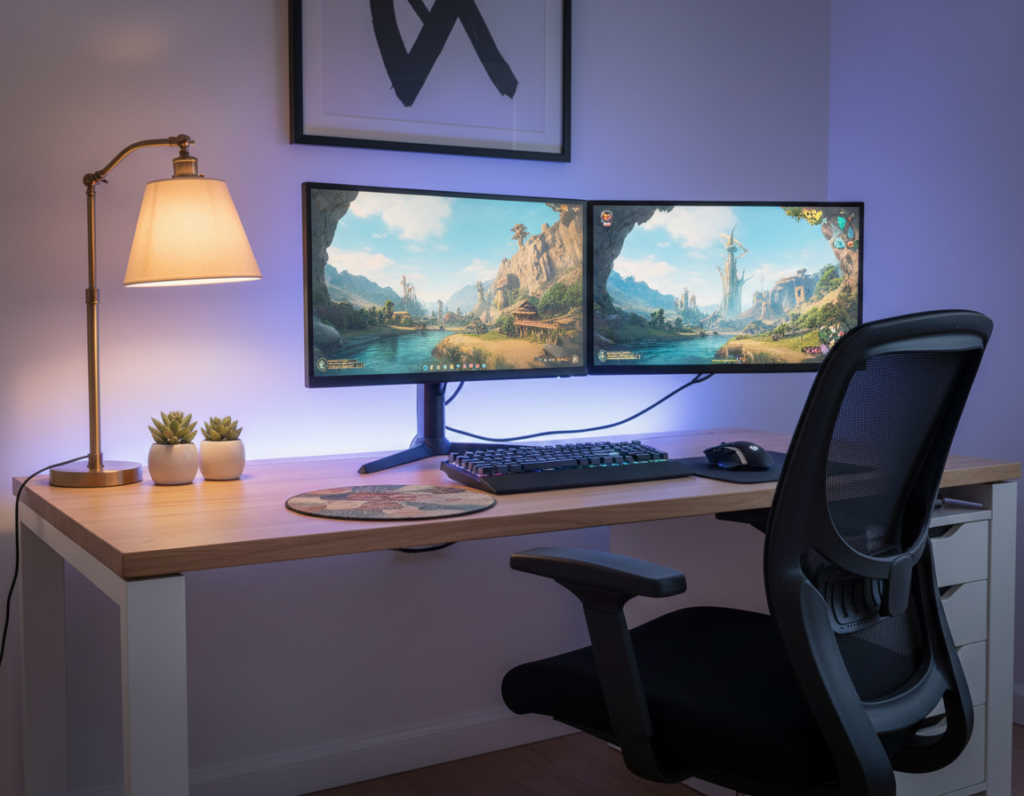
A smart monitor mount transforms a cluttered workspace into a flexible command center. By lifting the screen, users reclaim desk space and create a cleaner, more efficient setup.
Single versus Dual Mounts
Single arms suit users who need one clear viewing angle and want a simple stand with quick height and tilt adjustments.
Dual-arm mounts align two screens so the head stays centered. This reduces the constant side-to-side motion that causes neck strain during long sessions.
- Single: saves space, great for compact desks and focused work.
- Dual: balances two monitors for smoother viewing and fewer shifts in position.
- Rotating screens: portrait mode helps with chats, streams, or long documents.
Ergonomic Benefits for Neck Health
Proper height keeps the eyes level with the top third of the screen. That placement supports a neutral neck position and improves comfort.
Studies note that reducing forward tilt and frequent head turns prevents long-term fatigue and neck pain. Monitor arms let users fine-tune height and distance instantly.
“Adjustable mounts are a simple upgrade that pays off through better posture and less physical strain.”
Tip: choosing a sturdy arm, such as the Fezibo GM01-1, helps protect hardware and makes the whole setup feel more professional.
Enhancing Visual Immersion with Backlighting
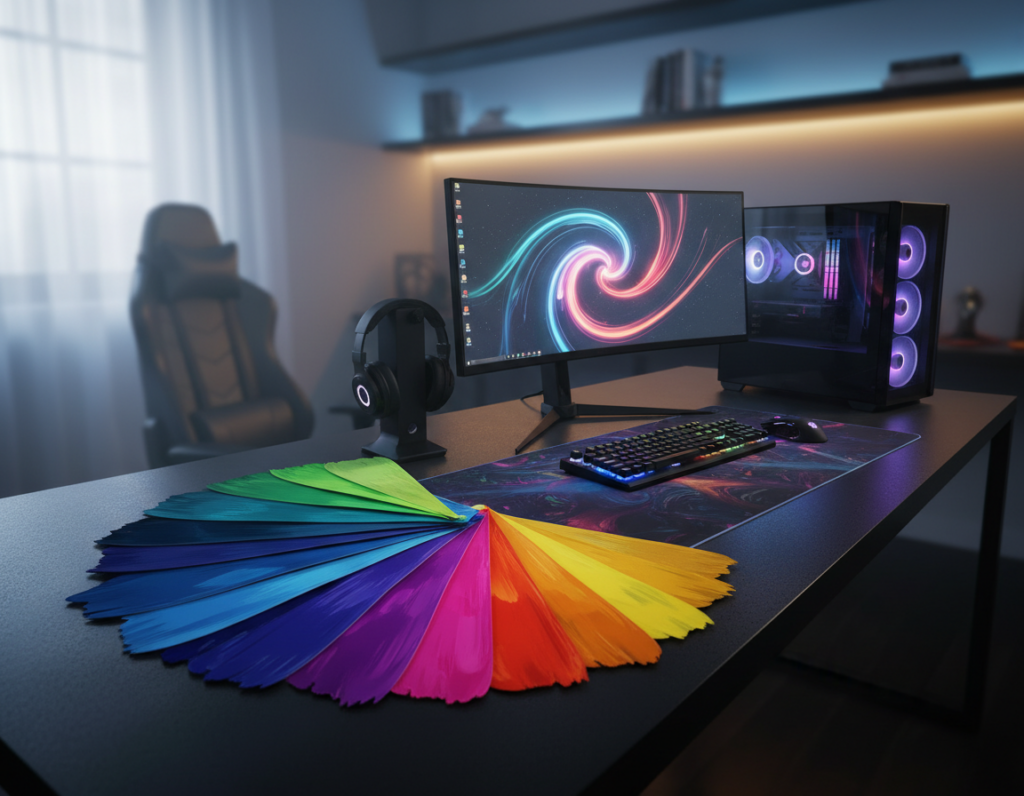
Bias lighting transforms harsh contrast into a balanced viewing field. The Dezctop RGB lighting pack includes four LED strips that sync to a monitor and cast soft color onto the wall. This creates an immersive environment that complements on-screen action.
Proper backlighting helps reduce eye strain by lowering the contrast between a bright screen and a dark room. Many gamers prefer smart lights that change color and brightness in real time to match gameplay.
Unlike standard lamps, LED strips are designed to minimize glare on the screen, keeping visibility high during late-night sessions. Consistent light across the desk area helps maintain focus and prevents visual fatigue.
- Dynamic mood: customize colors for themes or moods.
- Sync features: match audio and visuals for deeper immersion.
- Practical comfort: steady bias lighting reduces eye effort over long sessions.
“Integrated RGB lighting adds a professional, aesthetic touch without sacrificing function.”
Precision Control Through Mechanical Keyboards
Control and speed start with the right keys beneath a player’s fingers. A well-built mechanical keyboard can sharpen response time and steady input during long sessions.
Models like the SteelSeries Apex Pro deliver tactile feedback and long-term durability. Individual switches provide faster actuation, which helps gamers react in intense moments.
Understanding Mechanical Switch Types
Switch choice matters: blue switches give audible clicks for clear feedback, brown switches balance tactility and quiet use, and red switches offer smooth, linear travel for rapid presses.
- Stable frame: many top keyboards use aircraft-grade aluminum to keep the unit steady on the desk surface.
- Consistent actuation: mechanical keys register reliably, saving precious time in competitive play.
- Sync lighting: customizable RGB can tie the keyboard to other accessories for a cohesive setup.
“For many gamers, the mechanical keyboard is the primary interface for all in-game actions and commands.”
Improving Accuracy with High-Performance Mice
A top-tier mouse can directly sharpen a player’s timing and target accuracy. The 2024 Razer Viper V3 Pro sets a new bar with a 54g build and a high-precision sensor that helps reduce small aiming errors.
High-performance mice let users tune DPI and map programmable buttons to match their playstyle. That customization saves time and keeps complex commands within reach.
Surface matters: a smooth desk surface lets the sensor track reliably. Many players add quality mats to improve glide and overall tracking performance.
- Wireless power: modern wireless mice deliver the same responsiveness as wired options while freeing up space.
- Shape and weight: choosing the right size prevents hand fatigue and improves control during long sessions.
- Pro preference: many professionals favor medium-to-large models to support varied grip styles and maintain consistency.
“Integrating a high-quality mouse into a setup is a fundamental step for anyone aiming to improve competitive ranking and steady performance.”
Managing Cable Clutter for a Clean Setup
Taming cable chaos is the quickest way to upgrade a player’s workspace into a polished command area. Good cable management keeps the surface clear and protects gear from accidental yanks. It also makes the entire environment easier to clean and safer to use.
Flexible sleeves let users bundle multiple wires into one tidy run. They hide mismatched cords and cut visual clutter. Durable sleeves also reduce dust buildup and make it simple to add or remove lines later.
Installing under-desk cable trays
Under-desk trays house power strips and excess length out of sight. Mounting a tray keeps the floor and desk space clear. It prevents tripping hazards and keeps plugs accessible without a tangle on the surface.
- Route with ties: clip and tie cables along the frame for neat runs.
- Group by use: separate power and data cables to limit interference.
- Plan for change: leave slack and labels so swapping gear is fast.
“A well-managed cable system protects hardware and helps gamers focus on play.”
Expanding Connectivity with USB Hubs
Expanding the number of available ports turns a crowded workspace into a flexible connectivity hub. The Dezctop USB Type-C 7-in-1 Hub offers transfer speeds up to 10 Gbit/s, making it essential for players who must attach multiple devices quickly.
A quality usb hub expands limited ports on a laptop or desktop so a mouse, keyboard, and external storage all stay connected. Desk-mounted hubs place those ports within arm’s reach and remove the hassle of crawling under the desk.
- Power delivery: many hubs include dedicated power for charging phones and peripherals while keeping the setup tidy.
- Plug-and-play: no drivers are needed, so gamers can add gear fast without interrupting play.
- Stream-ready: extra ports support webcams, mics, and capture devices without sacrificing performance.
“Consolidating connections into one hub reduces cable clutter and keeps the workspace clean.”
Overall, a modern usb hub helps protect ports, centralize power, and make a gaming desk feel more professional. Choosing the right hub simplifies connections and keeps important accessories at hand.
Supporting Your Audio Gear with Headphone Stands
A proper stand keeps headsets elevated, clean, and instantly accessible for work or play. A simple holder protects expensive headphones from drops and tangles. It also gives any gaming desk a more professional look.
The Dezctop Headset Holder is a practical pick that takes headphones off the surface. By lifting the cans, it prevents cable snags and limits wear on the headband. Omega-shaped supports are best for preserving cup shape and cutting dust buildup.
Integrated Charging Features
Some stands add USB ports or RGB lighting. These options blend style and utility. A powered stand can charge a wireless set and keep cables tidy.
- Protects gear: storing headphones on a mount extends their life.
- Clean look: a dedicated stand makes the setup feel ordered and professional.
- Added function: USB hubs or lights on a stand give extra value without taking space.
“A designated spot for audio gear saves time and keeps the surface ready for work or play.”
Tip: investing in a high-quality stand is a small upgrade that improves longevity and order. For serious gamers, a neat desk with a good holder is an easy way to protect sound gear and streamline transitions between tasks.
Boosting Comfort with Ergonomic Chairs
A supportive chair changes long sessions from a strain into steady focus.
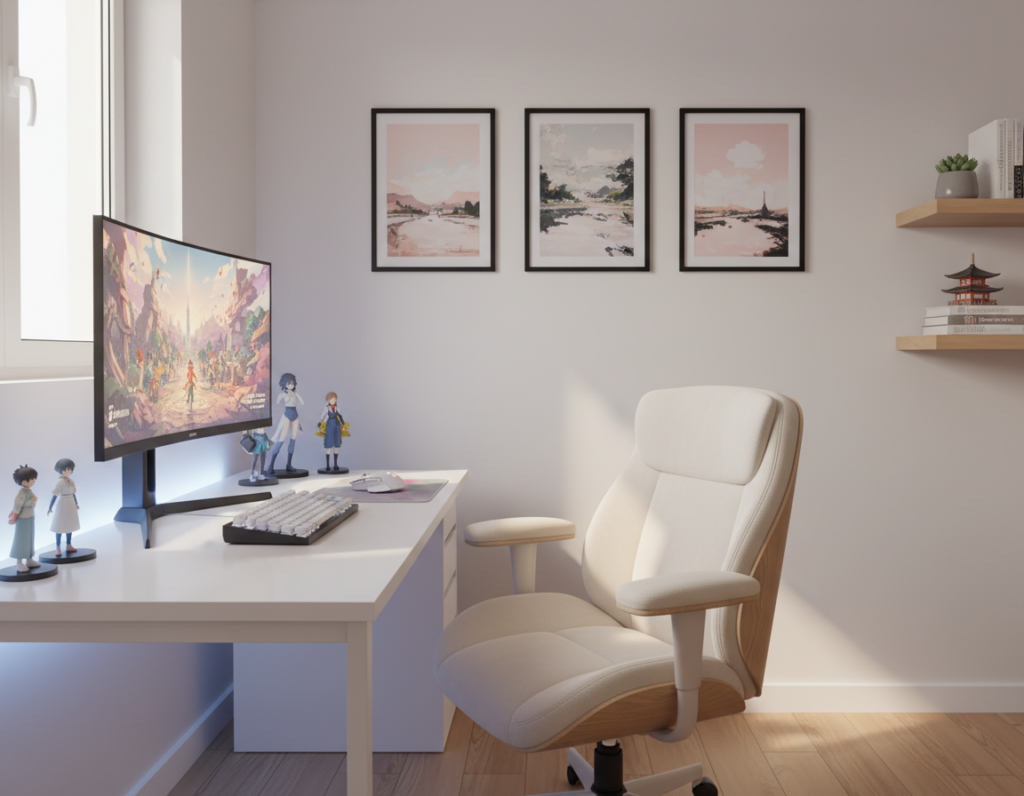
The Arc chair stands out with a dual back frame and 4D armrests. These features let users fine-tune arm and back support for long hours at the screen.
Proper lumbar support and adjustable height are critical for keeping a healthy posture. That reduces the neck and shoulder fatigue that builds from poor position.
- Custom fit: chairs that adapt to different body types help gamers find a neutral pose.
- Breathable build: mesh materials improve airflow and maintain comfort during heated sessions.
- Adjustability: 4D armrests let players set the exact desk angle for reduced muscle tension.
A quality chair is a core part of a professional setup. Investing in one is a long-term move to prevent chronic back issues and keep focus high, whether seated or alternating to brief standing breaks.
“A well-designed chair directly influences a user’s ability to focus and perform at their best.”
Maximizing Desk Surface with Extended Mats
A single large pad creates a unified plane that protects finishes and boosts tracking consistency.
The Dezctop water-resistant model gives a continuous surface for both keyboard and mouse. It keeps spills and scratches off the table and simplifies cleaning.
Extra mat space lets the mouse travel freely. Low-sensitivity FPS players benefit from wide, sweeping motions without hitting gaps or edge drag.
High-quality mats use stitched edges to prevent fraying. Many also offer an ultra-responsive weave that improves sensor precision and sharpens aim.
- Protection: shields the desk finish from wear.
- Consistency: a uniform surface for reliable tracking.
- Style: covers the entire desk area for a cohesive setup.
“An extended mat is one of the simplest, most affordable upgrades to improve comfort and accuracy.”
Cooling Solutions for Laptop Gamers
Laptop heat can silently throttle frame rates when a session runs past sunset. For players who use a portable rig as their main setup, a dedicated cooling solution keeps performance steady and hardware healthy.
Cooling pads force airflow across bottom vents to stop the CPU and GPU from throttling. By moving hot air away, they keep clock speeds higher during long hours of play.
Elevating the machine also improves screen height. That reduces neck fatigue and promotes a more natural posture whether the user is sitting or standing.
- Adjustable angles: let users set the ideal viewing height and cut eye strain over extended sessions.
- Built-in USB ports: deliver extra power for peripherals while keeping the desk tidy.
- Longevity: steady thermals extend component life and preserve sustained performance.
“A reliable cooling stand keeps a portable rig stable and efficient, even under heavy load.”
High-end monitors like the LG UltraGear 49-inch enhance immersion, but laptop gamers should pair big displays with a quality cooling stand to protect their primary machine and maintain smooth play.
Elevating Audio Quality with Standalone Microphones
Clean audio makes conversations and streams feel professional, even before gameplay begins. A standalone microphone paired with a solid arm upgrades voice clarity far beyond most headset mics.
Benefits of Using a Boom Arm
Mounting the mic on a boom arm removes vibrations from the desk surface. That isolation keeps keystrokes and clicks out of recordings during live sessions.
Arms also free up valuable surface space and let users set the mic at the ideal height and position quickly. This improves comfort and reduces strain over long periods of use.
Selecting the Right Pickup Patterns
Choosing the proper pickup pattern shapes how the mic captures sound. A cardioid pattern focuses on a single voice for solo play, while an omnidirectional option suits group chats.
Many pro models include noise-canceling tech that filters background distractions and boosts overall performance. Proper placement at mouth level creates a rich, full tone that enhances any streaming setup.
- Broadcast quality: standalone mics raise production value for streamers and creators.
- Vibration isolation: boom arms prevent desk noise from ruining takes.
- Pattern choice: cardioid for solo use, omni for multiple speakers.
“Investing in a high-quality microphone and arm setup is a game-changer for anyone who takes their audio communication seriously.”
Streamlining Workflows with Macro Pads
A compact macro pad can cut multi-step workflows down to one press, saving seconds that add up fast.
The Elgato Stream Deck is the best-known example. It lets users execute complex commands with a single tap. Players can switch scenes, tweak audio levels, or launch apps without leaving the game.
By centralizing shortcuts, macro pads replace awkward hotkeys and reduce distraction. That saves valuable time during intense sessions and improves overall performance.
- Compact footprint keeps the desk surface clear for essentials.
- Custom icons make controls intuitive and personal.
- Creators and editors gain faster edits and smoother scene transitions.
“A dedicated control pad eliminates friction and helps power users get the most from their setup.”
Tip: placing the pad near the keyboard or under the monitor gives quick access while preserving a clean gaming desk layout.
Adding Utility with Phone Stands
A dedicated mobile mount helps streamers read chat while staying focused on the main screen. Placing the phone at a steady, ergonomic angle makes it easy to scan alerts without shifting attention away from play.
Many modern stands offer MagSafe or clamp-style grips that keep devices secure during long sessions. Some models attach directly to a monitor, creating a compact link between phone and primary display.
Keeping the phone off the desk surface reduces clutter and helps maintain an organized setup. For streamers, that visible position makes chat, donations, and social alerts easy to manage.
- Accessibility: the phone stays within reach for calls or quick replies.
- Integration: monitor-mounted stands create a seamless second screen for mobile apps.
- Professional look: a stylish stand adds polish to any gaming desk arrangement.
“A well-placed phone stand keeps communication tools always ready, improving both convenience and focus.”
Creating Atmosphere with Smart Lighting
Color and intent in lighting can make a setup feel both professional and inviting. Smart systems like the Philips Hue Play light bars let users sync color and motion with on-screen action. They lift mood and tie the whole gaming area together into a single cohesive environment.
These lighting devices are adjustable to provide soft, ambient comfort. That gentle glow reduces eye strain during long sessions in a dark room and keeps contrast from feeling harsh.
LED strips along the edges of the desk create a custom halo that adds both stage and function. Many systems support voice assistants, so they can change mood hands-free during play.
- Dynamic sync: light bars match game tones for deeper immersion.
- Easy control: voice or app adjustments set color and intensity fast.
- Visual comfort: consistent lighting keeps focus steady and the space inviting.
“Smart lighting is an essential accessory for anyone looking to elevate their setup and create a truly immersive experience.”
For more practical ideas on arranging lights, see lighting setup ideas that balance mood, comfort, and performance.
Conclusion
Small, intentional upgrades build a stronger play area over time. Crafting a polished gaming setup starts with priorities: comfort, access, and clean lines.
Every item on the desk should earn its place by improving posture, speed, or organization. Simple wins—like cable management and a solid monitor arm—deliver big returns before adding advanced tools or accessories.
They should invest in quality pieces that protect health and boost consistency. A tidy desk and thoughtful choices let players focus on performance and enjoy longer, more productive sessions.