Creating an inviting game room starts with smart choices that boost atmosphere without a big spend. Elizabeth Schlaker from Super Bright LEDs noted on September 8, 2023, that the right color and placement of light can turn a standard game room into a high-end gaming space.
They can use a single LED strip or a few RGB lights to change mood and depth. Small changes—like a strip behind the screen or subtle backlight—improve focus during long sessions and raise the visual appeal of the setup.
The best part is many affordable products offer versatile options. Players can match colors to a current game or switch tones for a relaxed vibe. With thoughtful planning, a compact space becomes immersive and professional without overspending.
Understanding the Role of Lighting in Your Gaming Space
Good lighting shapes how a player sees and feels in a gaming space. Proper illumination sets the ambiance and protects the eyes during long sessions. It also helps reduce harsh contrast between the screen and the surrounding area.
Using a mix of ambient and task lights gives control over mood and clarity. RGB options let players shift color to match a game’s tone or to calm the area between matches. Experts note that subtle ambient lighting can make a game room feel more immersive without overpowering the screen.
- Define atmosphere: Room lighting dictates the vibe and helps focus.
- Reduce eye strain: Balanced lights lower contrast for a comfortable gaming experience.
- Adjustable color: RGB choices let users tune ambiance to match gameplay intensity.
- Layering works best: Combining several lights keeps the space functional and stylish.
For practical setup tips and example game room setups, see this game room setups resource. Small, deliberate changes to lighting can elevate the look and feel of any gaming room while protecting vision and improving focus.
Essential Cheap Gaming Room Lighting Ideas for Every Budget
Smart, low-cost fixtures can upgrade a game room fast. They focus attention, add depth, and keep the screen comfortable to view. Simple swaps let users build a more professional setup without major expense.
LED Strip Versatility
LED strips hug ceilings, line shelves, or trace the back of a desk. They deliver even glow and flexible color control with minimal installation.
Benefits: easy mounting, RGB control, and the ability to highlight displays or wall art. Many gamers use strips to shape focus and keep gear tidy.
Affordable Neon Alternatives
Soft, modern neon options mimic classic signs with lower cost and safer materials. These provide a distinctive glow on a wall or behind a display.
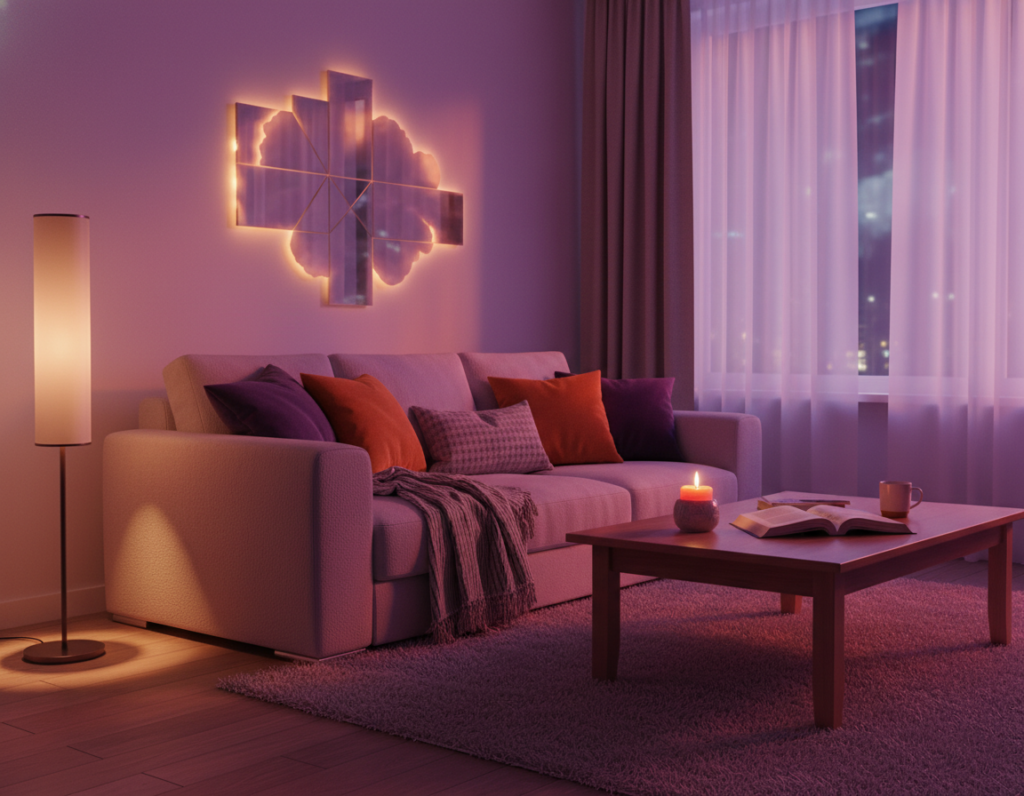
Twinkly panels and neon-like products let users sync patterns or fix a single color for mood. That creates a personalized display without complex wiring.
Budget-Friendly Downlights
Downlights offer clean ceiling illumination and work well with a remote or smart control. They handle general light while colored accents set the mood.
- Use downlights for even room light and strips for accents.
- Place strips behind monitors or under shelves to reduce screen contrast.
- Choose products with simple touch or app control for easy changes.
Strategic Layering for a Professional Atmosphere
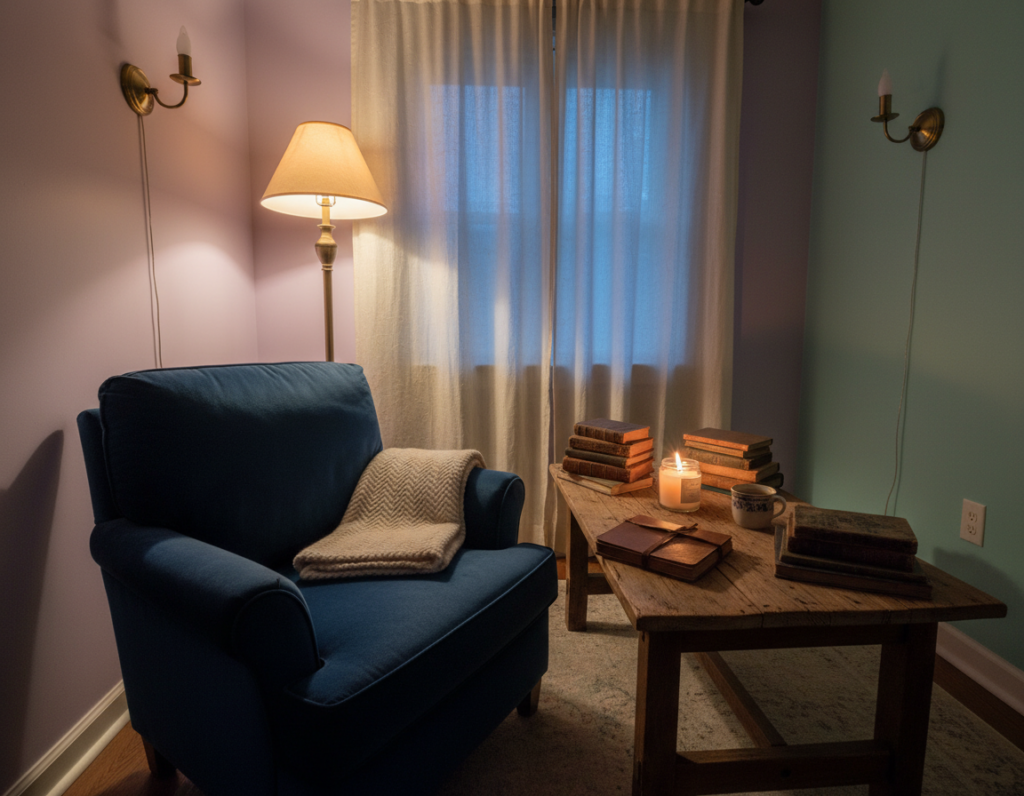
Layering different types of light creates depth and makes a setup read like a professional studio. Start with warm ambient lighting near 3000K to build a gentle, relaxing atmosphere that supports long sessions.
Next, add task lights at the desk and on shelves to keep work and display areas clear. These focused lights reduce contrast around the screen and help protect vision during play.
Accent fixtures—like an RGB strip behind the monitor or wall lamps—add color and depth. Placing a strip behind the screen softens glare and improves the overall gaming experience.
Balance is key: mix ceiling ambient sources, desk lamps, and shelf highlights to create dimension. Designers recommend lamps and wall lights for a refined, cohesive look.
- Depth: ambient plus task and accent lights create a layered design.
- Function: desk and shelves must be well lit for usability.
- Mood: 3000K ambient tones enhance warmth and ambiance.
Protecting Your Vision During Extended Sessions
Extended play demands intentional light choices that protect vision and keep focus steady.
The Importance of Bias Lighting
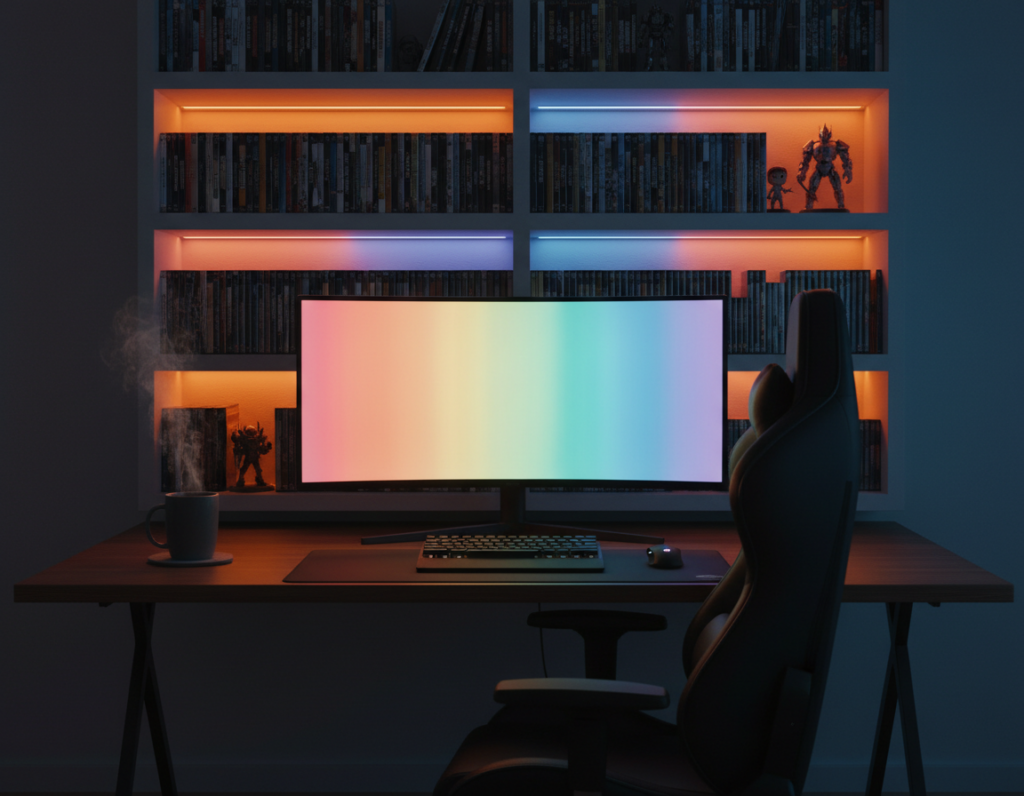
Bias lighting reduces eye strain by lowering contrast between a bright screen and a dark wall. A soft, neutral glow behind the monitor helps the eye adjust and stay comfortable during long sessions.
Experts recommend matching bias lights to the screen white point. For most displays that means a color temperature near 6500K. Installing an LED strip behind the screen creates an even halo that reduces flicker perception and visual fatigue.
Managing Screen Glare
Glare forces the eye to work harder and increases strain. Position desk lamps so they do not reflect on the screen. Use matte finishes and avoid direct beams aimed at the monitor.
- Place an LED strip behind the monitor to balance contrast.
- Keep desk lights angled away from the screen to cut glare.
- Choose 6500K bias lighting to match most displays and calm the eye.
These simple steps improve the overall gaming experience and protect long‑term vision. A well-planned setup keeps the eye rested and the environment steady for extended play.
Creative DIY Approaches to Ambient Glow
Reflective surfaces turn simple strips into dramatic halos that fill a space with subtle glow. Simple reflections spread color and soften contrasts, making a setup feel larger and more cohesive.
Utilizing Reflective Surfaces
Place LED strips near mirrors, glossy shelves, or polished furniture to bounce light across ceilings and walls. This technique amplifies the effect of a single strip without adding more fixtures.
DIY lamps built from metal or mirrored panels can direct a gentle glow where needed. Custom fixtures let users add a personal touch while controlling spill and ambiance.
- Mirror pairing: mount a strip behind a mirror to create a broader halo.
- Ceiling bounce: aim a strip toward a light-colored ceiling to diffuse glow evenly.
- Custom lamps: use reflective inserts to amplify output from low‑power lights.
These simple, hands-on tweaks let players craft unique setups without major expense. For more step-by-step methods and product options, see this creative ways to use RGB lighting.
Smart Integration for Automated Control
Voice and app automation make it simple to change colors, brightness, and scenes without touching a switch.
They can link strip lights, RGB bulbs, and LED lamps to a home assistant for hands‑free control. This makes it easy to adjust the mood before a match or during a break.
Automated control can sync colors to the action on the screen. When battle music rises, the environment can shift to intense reds or cool blues to match the game.
Custom scenes let users set presets for desk tasks, relaxed downtime, or competitive play. A single command can recall a coordinated setup for wall accents, bias light, and display highlights.
Integrating these products into a smart home system offers seamless options and tidy management. Proper control ensures the space stays optimized for focus and relaxation on a daily basis.
- Voice control: quick scene changes via assistant.
- Sync: colors that follow on‑screen action.
- Presets: desk, wall, and display scenes for any mood.
Installation Best Practices for a Clean Setup
Proper placement and neat runs turn multiple fixtures into a cohesive, professional display. A clean install keeps the desk clear and makes the overall design feel intentional.
Cable management starts with routing power and data lines behind furniture. Use adhesive clips, cable channels, or a simple raceway to hide runs along the wall or under the desk.
Cable Management Strategies
Label each cord and group similar cables with Velcro ties. That makes future changes easier and reduces clutter during long sessions.
- Mount a power strip under the desk to centralize plugs.
- Use zip channels along the ceiling or shelves for a neat path.
- Keep speaker and display cables separate from power to limit interference.
Diffusing Light for Professional Results
Diffusers, frosted lenses, or aluminum channels soften harsh beams and create an even glow across walls and ceilings.
High-quality options like the BenQ ScreenBar Halo 2 offer an adjustable head and broader backlight area for a refined bias light that protects the eye and controls mood.
“Diffusion turns visible hotspots into a smooth wash that improves both design and comfort.”
When installing LED strips on shelves or the ceiling, ensure full coverage so colors stay consistent across surfaces. Proper spacing and secure mounting prevent sag and uneven glow.
Following these tips ensures the game room lighting looks professional and functions well for extended play and daily use.
Conclusion
A few thoughtful changes to your fixtures can lift both comfort and immersion with little effort. They can transform a game area into a focused, welcoming environment that supports long sessions and better visual comfort.
By layering ambient sources, task lights, and a bias backlight—such as an LED strip—the setup feels more professional and protects the eye. This balance keeps aesthetics and function in harmony.
Investing in quality lights and a clear plan yields a stronger gaming experience at home. For more practical pointers and product ideas, see this game room lighting ideas.
Ultimately, a simple strip or a smart bulb can do a lot. These choices help players stay immersed and comfortable for years to come.