Elizabeth Schlaker of Super Bright LEDs published an expert guide on September 8, 2023, that explains how thoughtful room lighting can transform a gaming space.
The piece shows how simple choices can cut eye strain and lift the mood during long sessions. It covers options that make the desk area feel softer and more immersive.
High-quality led strip lights and smart rgb lights let players match colors to their games and reduce glare. This creates a more comfortable environment for every game.
The guide is practical and aimed at both casual players and pros. Readers get clear ideas to improve their gaming room and protect their eyes while enhancing the overall gaming experience.
Enhancing Your Gaming Space with Ambient Lighting
Ambient lighting sets the mood for a room and defines how comfortable the space feels. Thoughtful overhead fixtures or large lamps create a base layer of illumination that makes a desk area inviting.
Using led strips around the ceiling perimeter produces a soft halo that frames the gaming space. Integrating rgb systems allows for quick color shifts, so the lighting can match the tone of games and the player’s mood.
Beyond looks, ambient lights help personalize a gaming room. Soft led strips can turn an ordinary room into a visually striking environment that supports long sessions without harsh glare.
- Balance task and ambient lighting to keep the desk functional and immersive.
- Use versatile strips to outline the room for consistent, eye-friendly illumination.
- Consider advanced systems for smooth transitions between colors during different games.
For more in-depth ideas, the ultimate guide to room lighting offers further tips to refine a gaming experience and craft a personal environment.
Optimal LED Strip Placement Gaming Setup Strategies
Thoughtful positioning of flexible lights reduces glare and adds depth to a play space. This section outlines practical options that balance comfort and style for a modern desk area.
Behind the Monitor for Bias Lighting
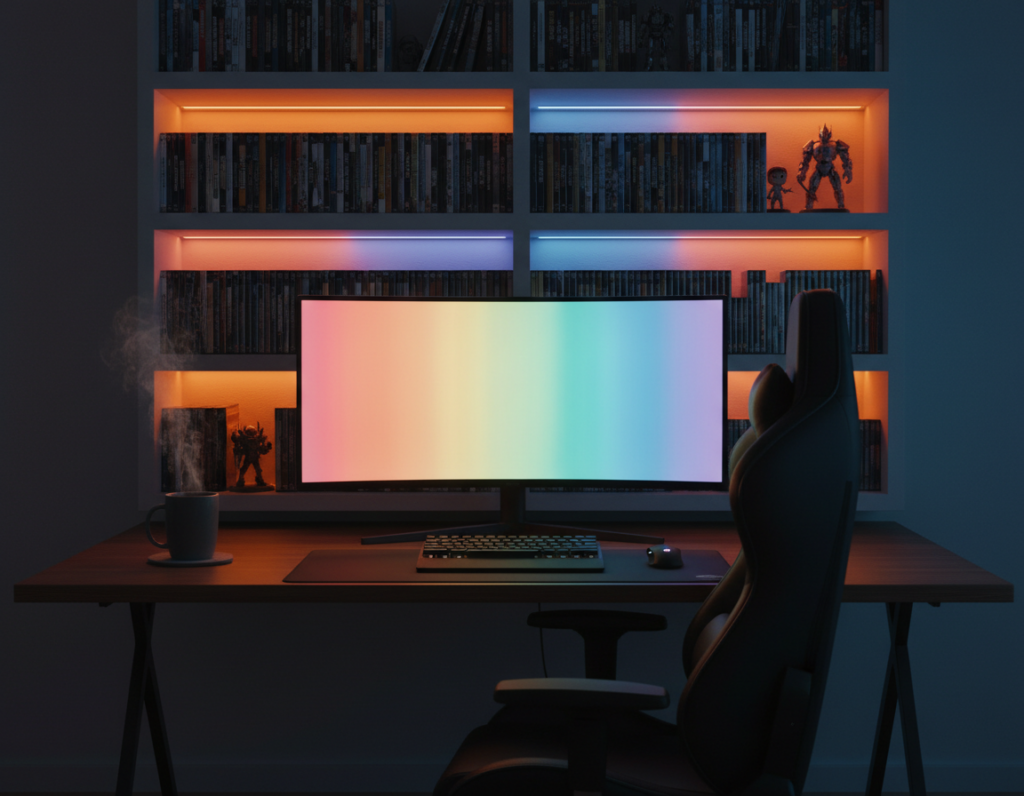
Mounting a thin run behind the monitor creates bias lighting that eases visual contrast. This reduces eye strain and keeps the display easier to view during long sessions.
Under the Desk for Futuristic Underglow
Adding strips under the desk gives a subtle underglow that increases perceived depth in the room. It also keeps the floor area neat and helps define the gaming space without harsh glare.
Along Shelves and Display Cases
Accent lighting along shelves highlights collectibles and adds layers to the room. Proper cable management is key; neat runs and clips keep the area professional and tidy.
- Use rgb runs along the wall or ceiling for uniform color washes.
- Mount along desk edges to define the play area.
- Choose durable, high-quality led strip lights for long-term performance.
Selecting the Right Color Temperature for Your Mood
Matching your room’s color temperature to your task helps the eye and improves the overall experience.
Choosing the correct Kelvin value affects focus, comfort, and the feel of a space.
Impact of Kelvin on Focus and Relaxation
Cool light near 6500K mimics daylight and supports intense play. It helps maintain focus during competitive gaming sessions and aligns well with a monitor’s bias lighting to reduce eye strain.
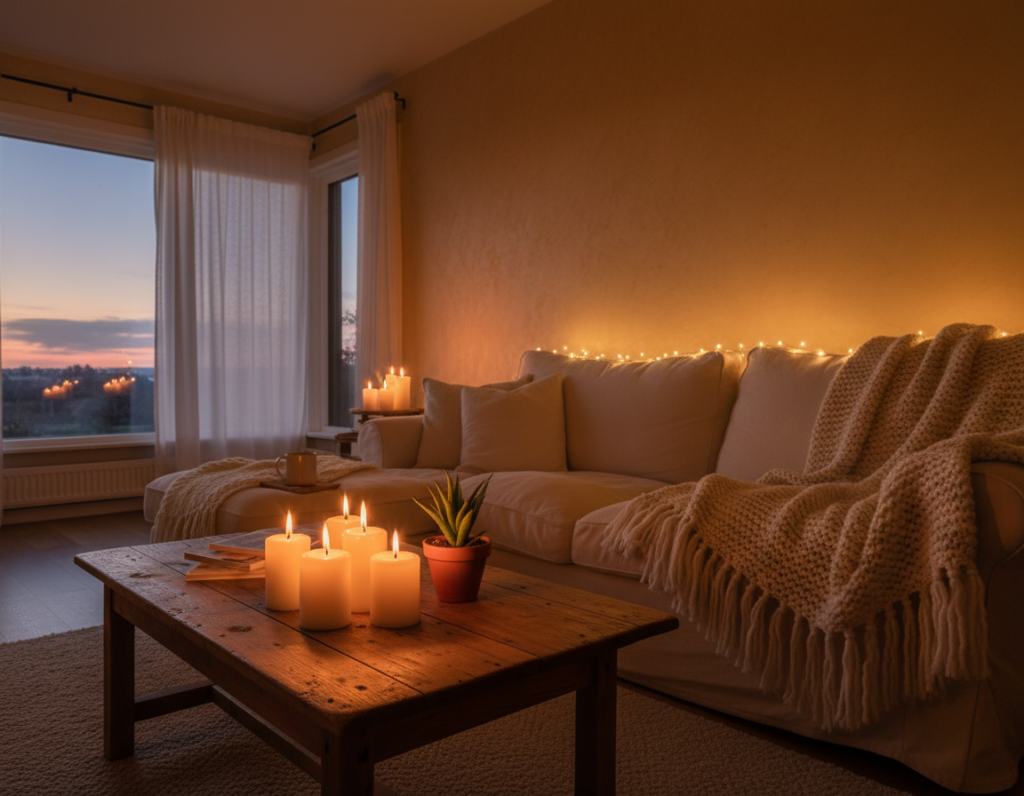
Warm tones around 3000K create a cozy, relaxed room for unwinding after long sessions. Using warm accent colors softens contrast and adds perceived depth to wall decor and shelves.
- 6500K — best for focus and alertness during matches.
- 3000K — ideal for relaxation and evening comfort.
- Many rgb led systems let users shift temperature and sync the lights with music or game events.
Syncing Lights with Gameplay and Audio
Synchronized lighting that follows music or on-screen cues deepens immersion and sharpens sensory feedback.
Syncing led lighting with gameplay and audio turns the room into an active part of the game. Using devices like the Twinkly Music Dongle makes it simple to have lights react to beats and in-game sound.
Many rgb led systems link with Razer Chroma RGB to flash and shift color during key events. This creates a responsive environment that matches the pace and mood of each match.
Choosing compatible led strip options and control systems ensures smooth synchronization. Players can program scenes that change with combat intensity or music tempo, enhancing focus and enjoyment.
- Reactive audio adds sensory cues tied to sound.
- Razer Chroma RGB integration links game events to visible effects.
- Twinkly dongles and modern systems make setup user-friendly.
Essential Installation and Cable Management Tips
Proper mounting and neat wiring turn decorative lighting into a long-lasting, professional feature.
Use aluminum channels with a frosted lens to diffuse harsh light and eliminate glare. This produces a softer glow that reduces eye strain when the monitor is in use.
Using Aluminum Channels for Diffused Light
Mount channels along the wall or under the desk to hide the strip and create even illumination. The frosted cover softens hotspots and creates a clean, polished line of color across the room.
Managing Power Cables for a Clean Look
Route controllers and power bricks near outlets to shorten visible cable runs. Secure runs with clips or adhesive to prevent sagging and maintain a tidy appearance.
- Tip: Tuck cables into cable raceways or behind baseboards for a seamless finish.
- Tip: Run accent runs along shelves carefully to keep collectibles and wiring tidy.
- Tip: Test systems before final mounting to avoid reopening channels.
Creative Ways to Personalize Your Desk Environment
Custom color choices and accent runs let a player shape a desk that supports focus and comfort during long sessions.
Use rgb runs to frame posters or highlight collectibles on shelves. That adds depth to a room and draws the eye to favorite pieces.
Add a subtle underglow beneath the desk for a futuristic feel. This creates perceived depth without bright overhead light and helps define the space.
Keep cables tidy with raceways or clips so the personalized look stays clean. Good cable management keeps the room professional and makes maintenance easier.
Sync colors with music to change mood and energy during sessions. High-quality components and careful planning ensure the environment stays comfortable and reliable.
- Highlight walls or shelves with focused rgb accents.
- Create under-desk glow for depth and atmosphere.
- Use neat cable management to preserve the visual effect.
Conclusion
Clear, controlled illumination helps players stay focused while adding depth and personality to the room.
This guide covered practical ways to enhance a gaming room with professional lighting techniques and careful led placement. Focusing on correct installation and neat cable routing makes a setup both functional and immersive.
Choosing the right color temperature and rgb tones can reduce eye strain and lift the overall experience during long sessions. For help finishing a project, contact the experts at Super Bright LEDs at 866-590-3533.
With the right choices in lights and finishes, anyone can transform a room into a polished, comfortable play space that reflects personal style.