Choosing the right light can change how a room feels and how people perform during long sessions. The Kelvin scale runs from about 1800 to 6500, and that temperature defines the color and mood of a space.
Many players find their mood shifts with different lighting. A crisp option can boost focus, while a softer glow helps with relaxation. Integrating LED systems gives versatile control over color and intensity.
Proper lighting design keeps a room useful for both play and living. It creates an immersive atmosphere without causing eye strain. High-performance setups balance light so visuals stay clear all night.
Making the right choice means understanding how temperature and light affect the eye. With that knowledge, people can craft an ambiance that supports both performance and comfort in modern spaces.
Understanding Color Temperature in Your Gaming Space
The Kelvin rating of a bulb tells you more than number—it tells you the mood a room will hold. Color temperature is measured on a scale from 1800K to 6500K. That range defines how a space reads visually and emotionally.
The Science of Kelvin
The Kelvin scale shows whether a source leans toward amber or bluish tones. Values under 3000K are considered warm, while values above 4000K trend toward cool and crisp white light. Knowing this helps when choosing bulbs, fixtures, or LED strips for a room.
How Light Affects Mood
Light affects the body’s alertness and the perceived size of a room. Lower color temperature promotes relaxation and flatters skin and wood tones. Higher temperature boosts productivity and can make a room feel larger and more focused.
- Kelvin range: 1800K–6500K guides selection for specific applications.
- Visibility: Proper brightness prevents eye strain during long sessions.
- Energy: Modern LED bulbs deliver efficient brightness without high power use.
- Balance: Combine natural day light with artificial sources for accurate color rendering.
For practical guidance on matching temperature and color to purpose, consult the best LED color guide.
Comparing Warm vs Cool Gaming Lights for Night Sessions
The mix of color and intensity alters focus and immersion during late sessions.
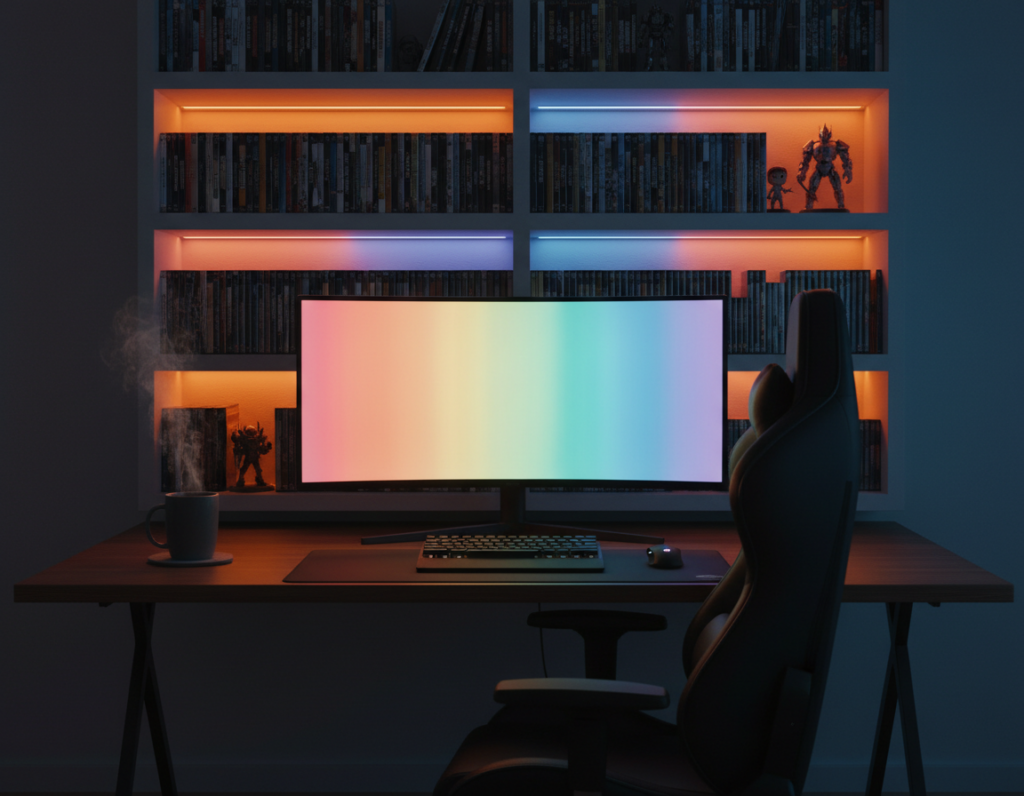
BASON identifies four core types of lighting for an effective setup: ambient, task, accent, and natural. Ambient provides a soft glow, while task fixtures deliver sharp illumination for detail work. Accent options, like LED strips, let players tune the room’s color to match content or mood.
Comparing recommended ranges shows intent: 2700–3500K suits RPGs for cozy immersion, while 3500–5000K supports high-focus play. A smart space uses multiple color temperatures so the environment stays comfortable through long night sessions at home.
- Ambient: soft fill to reduce eye strain.
- Task: bright, directed sources for focused gameplay and work.
- Accent: LED strips for atmosphere and color matching.
Understanding these differences helps when arranging a desk and room. Mixing solutions gives both relaxation and performance without sacrificing style or clarity.
The Impact of Lighting on Gaming Performance
How a room is lit affects both visual clarity and mental stamina in extended play. Proper light setup reduces glare and keeps the eyes from tiring. That helps sustain focus and reaction speed during long sessions.
Reducing Eye Strain During Long Sessions
Good lighting lowers contrast that forces the eyes to work too hard. Players who use balanced ambient and task illumination report fewer headaches and longer comfortable sessions.
Task lighting with higher brightness improves visibility for quick in-game cues. At the same time, careful placement of LED strips and fixtures prevents direct reflections on screens.
- Reduce glare: Aim light away from monitors to protect the eyes and maintain consistent visibility.
- Boost task brightness: Brighter desk light sharpens details and can speed reaction times.
- Color rendering: Accurate colors help distinguish in-game elements and support better decision-making.
- Balance: Use layered lighting in the room to keep alertness and reduce fatigue.
When designed well, lighting transforms casual spaces into high-performance setups. This helps preserve concentration, improve performance, and raise overall productivity during late-night sessions.
Selecting the Right Atmosphere for Your Setup
Atmosphere matters: subtle changes in light change focus, mood, and visibility.
Creating a Cozy Immersion
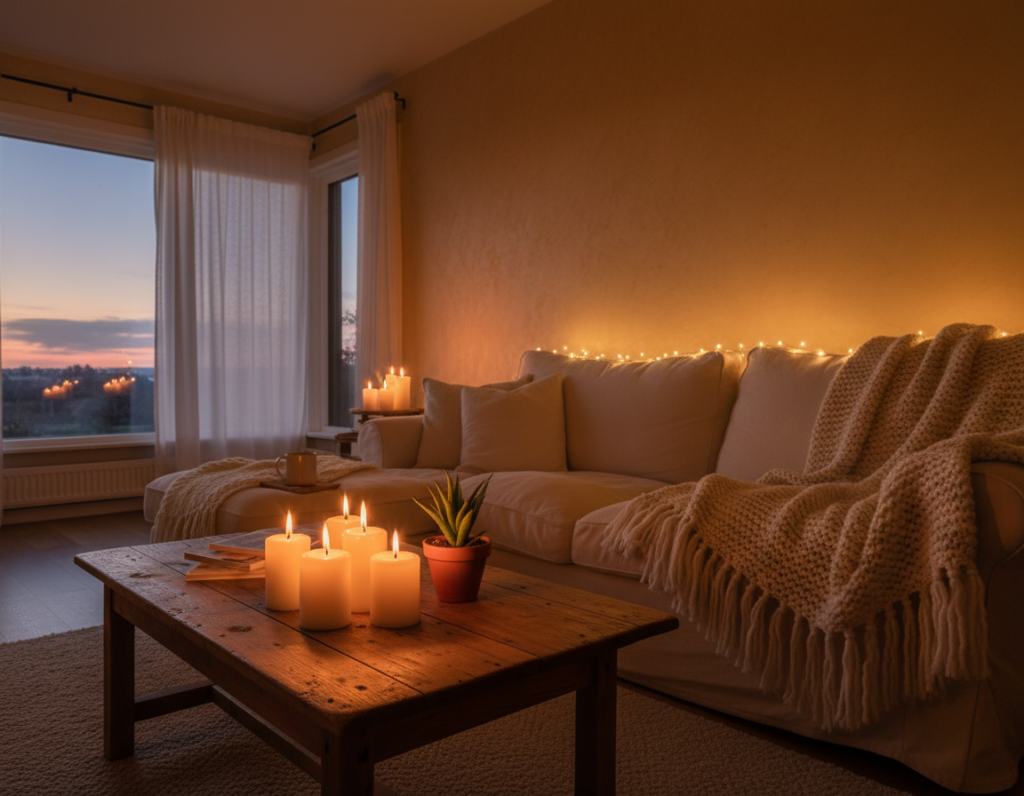
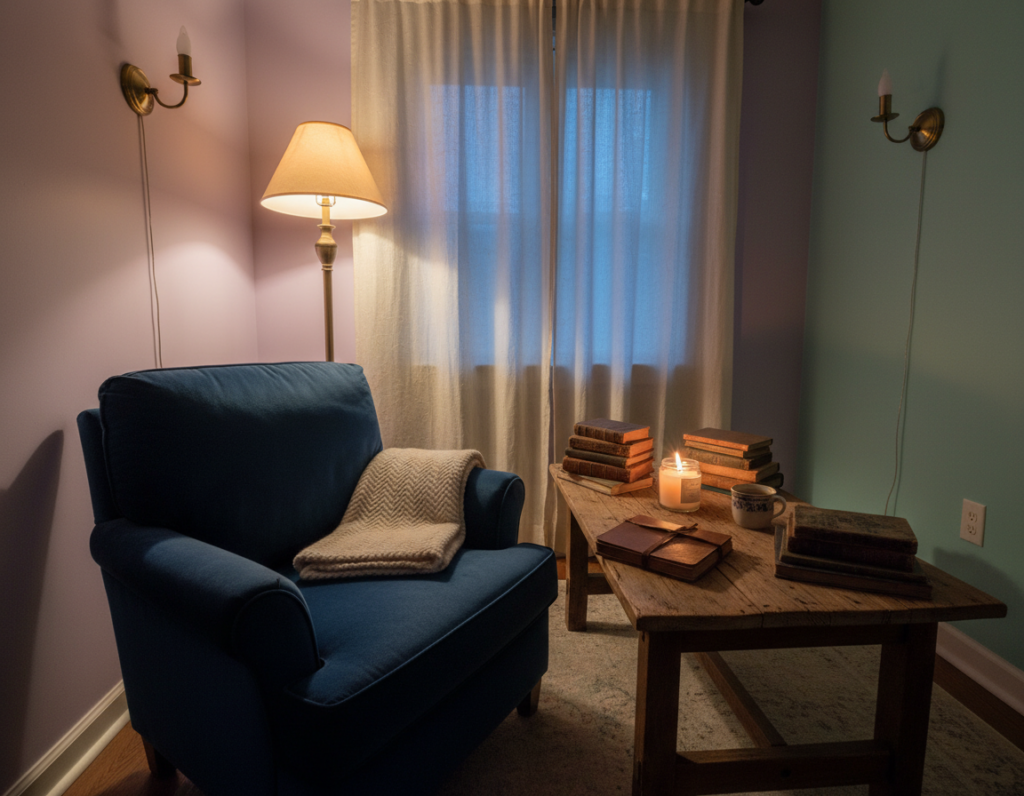
For relaxed sessions, choose softer color temperature and lower intensity to make the room feel like living space.
Soft white light flatters skin and furniture tones and reduces harsh contrasts that break immersion.
Boosting Focus for Competitive Play
When performance matters, increase temperature and brightness to raise alertness and concentration.
Task lighting near the desk improves visibility for quick cues while preserving a comfortable ambient glow elsewhere.
Balancing Natural and Artificial Light
Use daytime window light alongside tunable led fixtures to keep a consistent atmosphere through the day.
Many people prefer systems that switch between a relaxing glow and a high-visibility option with one command. For setup advice, see this best lights setup guide.
- Choice: Match temperature to activity in the room.
- Flexibility: Tunable options let a space serve both living and performance needs.
- Balance: Blend natural day light with artificial sources for steady color and visibility.
Essential Tips for Choosing LED Lighting Solutions
Start by checking core specs—CRI, lumens, and energy ratings—before picking fixtures for a room. A CRI above 80 keeps colors true and helps UI elements and textures look accurate.
Look for Energy Star bulbs to cut energy use while maintaining brightness. Compare lumen output so the room has the right amount of light for the intended task or relaxation.
Match color temperature to the application. Use lower temperatures for relaxed living areas and higher temperatures for task-focused desks. Tunable options give a broad range of color temperatures for flexible spaces.
- Check CRI: Above 80 for accurate color rendering.
- Energy: Choose Energy Star rated bulbs for efficiency.
- Compatibility: Confirm fixtures fit bulb size and electrical needs.
- Accent: LED strips add atmosphere and adjustable color for rooms.
Remember: the source of your light — bulb or strip — determines the final atmosphere. A professional choice balances energy, brightness, and color to improve visibility and comfort in the home.
Integrating Smart Controls for Dynamic Gaming Environments
Integrating smart controls brings precise, on-demand management of room lighting and mood.
They adjust light and brightness with voice or a smartphone app. This keeps focus intact and makes quick changes effortless.
The Reolink Solar Floodlight Cam is a practical example. It delivers 1000 lumens and offers adjustable color temperatures from 3000K to 6000K, giving a wide range of led options for a responsive environment.
- Save custom settings for different games so the room matches on-screen content instantly.
- Voice activation on many devices lets a player change atmosphere without leaving their seat.
- Home hubs sync lights with audio and peripherals for a unified, immersive setup.
Smart systems make it easy to toggle between focused play and relaxed sessions. Investing in these options helps future-proof a room and keep control simple and fast.
Conclusion
Choosing the right color temperature and light setup can reshape focus, comfort, and how long someone stays engaged. Small, deliberate changes influence mood and alertness without overhauling a space.
Design a room that protects the eyes and supports peak performance by balancing task and ambient sources. Experiment with temperature and different colors to find what works best for routines and content.
Energy-efficient LED options deliver wide color ranges and dimming control, so people can match brightness and temperatures while saving energy. The best outcome is a flexible ambiance that fits daily use and late sessions.
In the end, the right choice will improve comfort and atmosphere. Try settings, note how they affect focus, and adapt the setup to your needs.