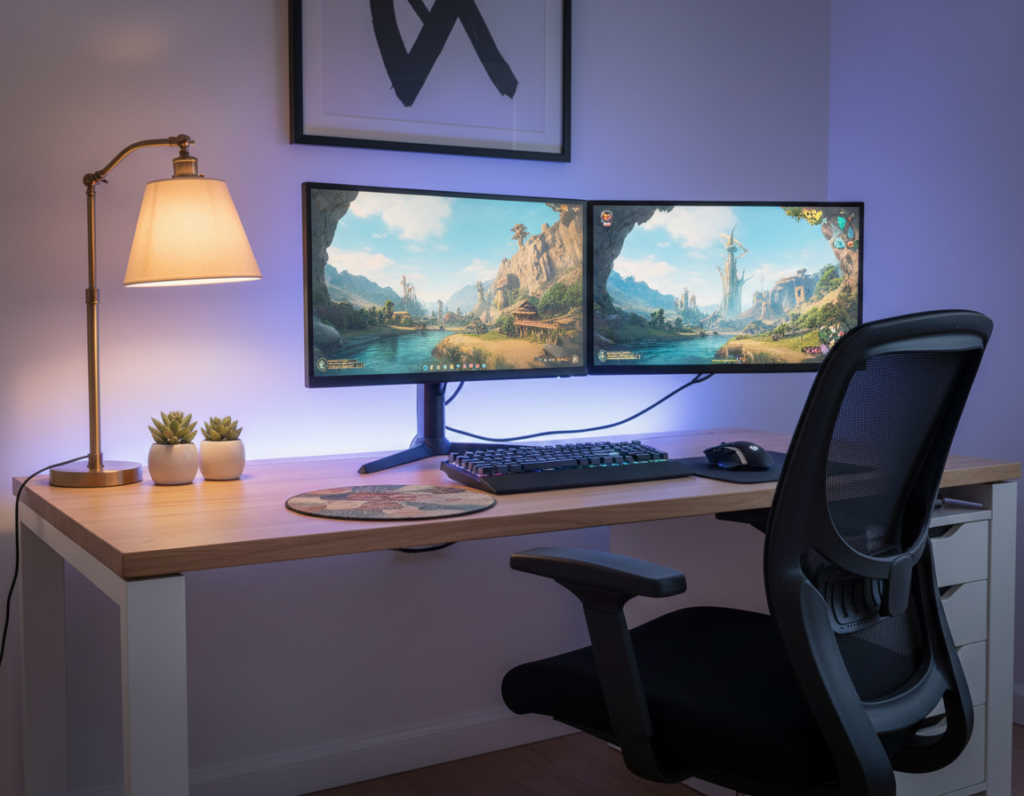
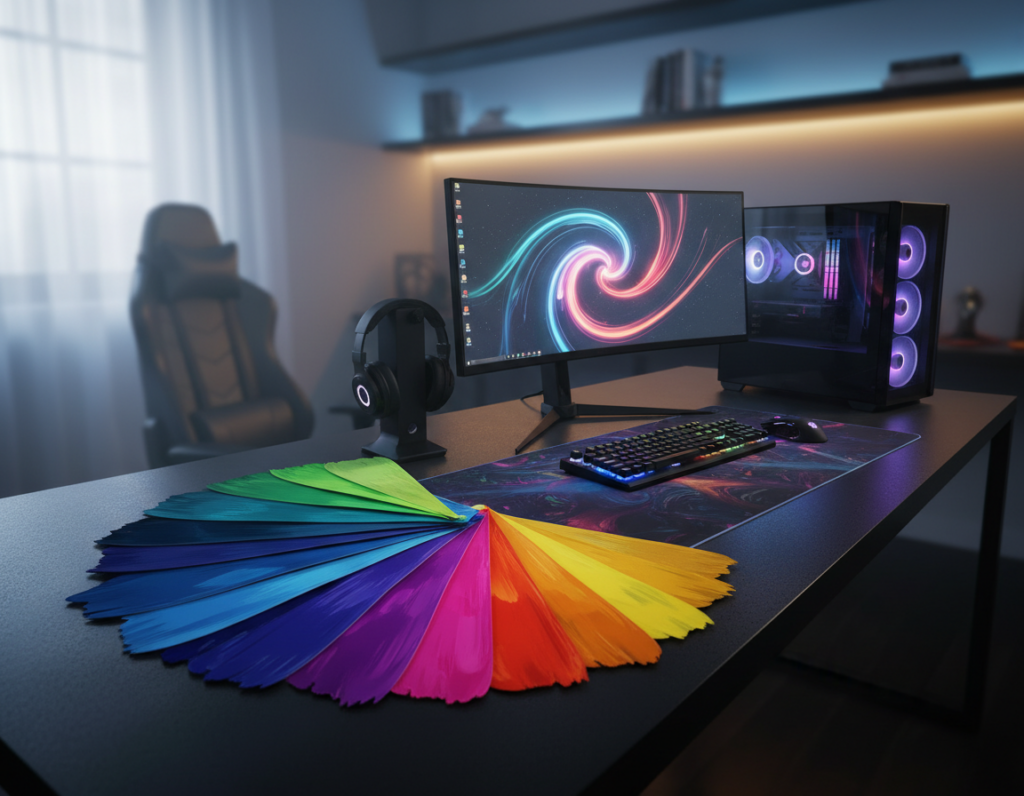
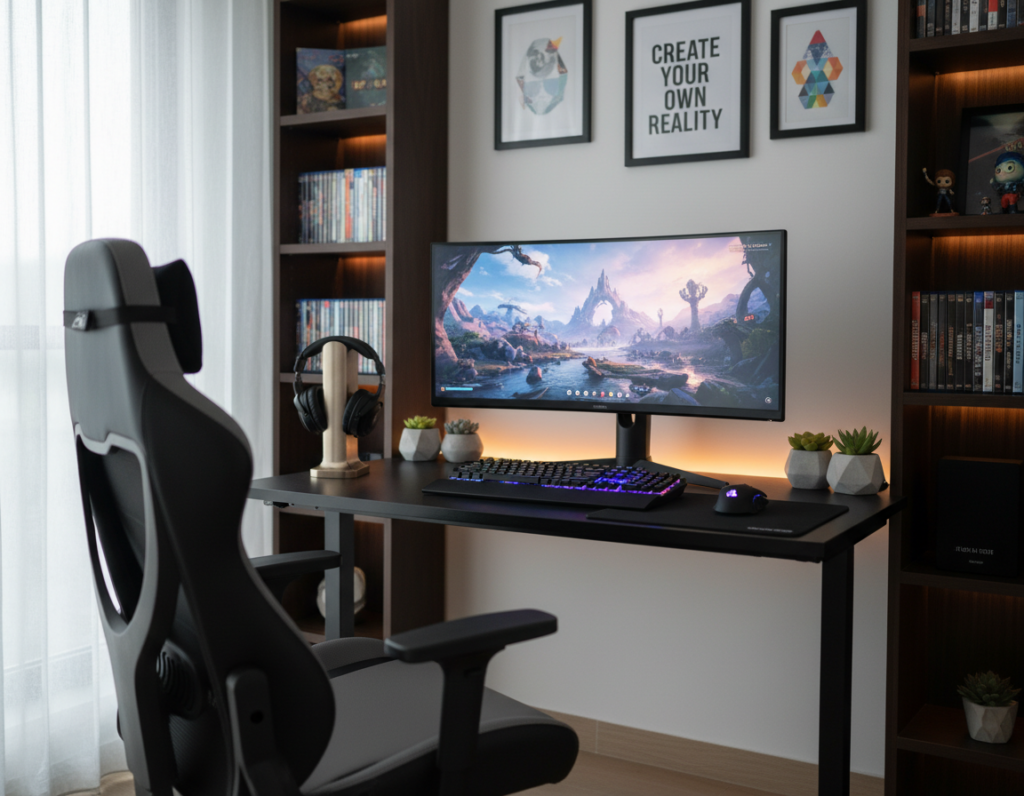
This concise guide shows how a modular wall system can free desk space and keep controllers, a headset, and accessories in order. It reads like a practical manual and helps readers plan a tidy command center.
Simple layouts boost workflow and make gear easy to reach. The page offers clear tips to display controllers and stash cables without crowding the desk.
By following this guide, they will learn to reclaim space while highlighting favorite gear. The result is a clean desk setup that looks professional and stays functional.
Understanding the Benefits of a Gaming Pegboard Setup
Organizing controllers and headsets on a wall system creates a smarter, more efficient room for play and work. Modern pegboards act as a flexible solution that tidies cables, holds controllers, and improves the overall look of a room.
The KOKOPEGBOARD guide highlights that these systems protect walls while offering a modular way to store tools and peripherals. This page shows how integrating pegboards keeps a desk setup clear and functional.
Many users report that such setups give a unique look that elevates a gaming room. They also make daily routines faster by placing equipment within easy reach.
- Space savings: Frees desk area for focused work or competitive play.
- Modular storage: Adapts to controllers, headsets, and small tools.
- Room aesthetics: Creates a tidy, professional atmosphere.
Selecting the Right Material for Your Wall
C
The choice of board material determines whether heavy items stay secure or cause costly damage later. This guide recommends weighing durability, load capacity, and long-term appearance when planning a wall solution.
Metal Versus Plastic Boards
Metal boards use cold-rolled steel and give superior strength. The KOKOPEGBOARD metal pegboard is tested to support over 180kg under European safety standards.
Plastic boards are lighter and easier to cut, but they bend under heavy loads. For items like a keyboard or dense tools, metal is the safer choice.
Understanding Weight Capacity Limits
Ensure the chosen board and mounting method match the total weight of items you plan to hang. Overloading a board can lead to bending or wall damage.
- Confirm rated capacity for the panel and fasteners.
- Distribute weight across multiple anchors to protect the wall.
- Plan for future additions so the desk area remains stable.
Summary: For a professional, lasting wall solution that protects space and gear, metal boards usually offer the best balance of strength and reliability.
Comparing Mounting Methods for Your Space
A thoughtful mounting choice affects reach, stability, and the total usable wall area. They must weigh how the solution fits their room and routine before installing a board.
Wall-mounted systems create a consistent height for the desk and help keep surfaces clear. This is useful for users with a standing desk or fixed monitor height. A secure pegboard wall reduces the risk of drops and frees floor and desk space.
Desk-mounted solutions add flexibility and are easier to move. They often work well when drilling is not allowed. KOKOPEGBOARD offers a tool-free installation that can be completed in under six minutes, making it ideal for renters.
“Choose the mounting method that matches how you use the room, then secure the board to protect gear and maintain a professional look.”
- Decide if permanent wall anchors or clamp mounts suit your space.
- Pick a metal pegboard when weight and longevity matter.
- Confirm fasteners and placement so the board stays stable.
Ultimately, the chosen method shapes how much usable space remains and how neat the desk setup looks. This page guides selection so the final system feels safe, efficient, and aligned with personal needs.
Essential Accessories for Controllers and Headsets
Well-chosen accessories make a board more useful and keep controllers and headsets safe. This short guide explains which hooks, shelves, and small parts create a tidy, professional display that saves desk space.
Selecting the Best Controller Hooks
Pick sturdy hooks that match the controller shape. Metal hooks suit heavier controllers and give a clean display.
Tip: Use two hooks for wide controllers to prevent tilt and protect ports.
Proper Headset Storage Techniques
For headsets, a medium plastic hook is ideal. It prevents cushion dents and preserves comfort.
Mount the hook at eye level so the headset stays within reach and out of harm’s way.
Utilizing Shelf Assemblies for Consoles
Small shelf assemblies offer a stable method to hold consoles and accessories. Wall Control 6-inch shelf assemblies work well for devices like the Nintendo Switch and Steam Link.
Combine shelves with hooks and small trays to organize controllers, keyboard, monitor stands, and other office tools. This modular approach adapts to changing needs and keeps every controller in its place.
Optimizing Cable Management and Power
Smart routing and power placement keep wires out of sight and devices ready.
Use the board to guide cables behind the surface and out of view. Clips, ties, and small channels make clean runs for power and data. This keeps the desk area open and improves daily work flow.
Mount a power strip directly on the panel to centralize charging. It prevents crawling under the desk and lets items charge where they hang. For safety, choose a strip with surge protection and enough outlets for accessories and tools.
Route power and data separately to reduce interference. Label each run so additions meet future needs. This page shows how small changes make a big difference in the look and function of a desk setup.
- Use clips and ties to prevent tangles.
- Secure heavy plugs at anchor points on the board.
- Plan outlets for current items and expected additions.
“Proper cable routing keeps the wall system functional and your essentials accessible.”
Creative Ways to Display Collectibles
A well-planned wall display turns collectibles into a focal point that adds personality and order to a room.
Using small shelves and sturdy hooks lets a gamer arrange controllers, a headset, and consoles so each item is easy to reach. This keeps the desk clear and highlights favorite pieces.
Tip: Mix shallow shelves for figures with single hooks for a controller or headset. Group similar items to create a clean, gallery look that suits a gaming desk.
Integrating cable clips and hidden storage trays ties accessories and cables into the display. This creates a cohesive space that looks polished and stays functional.
- Keep prized items off the desk to protect them.
- Use modular storage to change the layout with new items.
- Place heavier pieces lower and small collectibles higher for balance.
This page offers simple ideas to turn a wall into a safe, stylish display that preserves condition and improves room flow.
Enhancing Your Battlestation with Lighting
Thoughtful lighting turns a wall storage area into a vivid focal point that supports both form and function. Proper illumination makes the board more useful and elevates the overall look of a room.
Integrating RGB strips is a simple way to add ambiance. Weave light strips through the holes of a metal panel to create a soft, even glow that highlights controllers and accessories.
Integrating RGB Strips for Ambiance
Place strips behind shelves and behind key hooks so items sit in gentle backlight. This reduces glare on screens and gives the desk area a professional look.
Modular lighting accessories let the user change color and intensity for different moods. They can accent a display shelf or outline the board to create depth.
- Route strips through gaps and behind mounts for diffuse light.
- Use dimmers to avoid harsh reflections on screens and surfaces.
- Balance lighting so each hook and shelf shows items without hot spots.
“Proper lighting turns a functional wall into a centerpiece that improves both style and usability.”
Ergonomic Advantages of Vertical Storage
Mounting frequently used gear on a wall panel makes it easier to change posture without hunting for peripherals.
Vertical storage clears desk space so a person can follow the Cornell 20-8-2 rhythm of sitting, standing, and moving. This small change reduces strain and supports sustained focus during longer game sessions.
Keeping a keyboard, controller, and headset within reach on the board encourages short, natural movements. It also prevents repetitive bending and lowers the risk of wrist and back fatigue.
The use of hooks and shelves on a pegboard wall organizes cables and consoles. That organization means fewer trips under the desk and faster transitions between sitting and standing.
- Store controllers and headset on hooks so items are easy to reach.
- Mount a keyboard and nearby power to minimize cable clutter.
- Place heavier consoles lower to keep the center of gravity stable.
A well-planned vertical approach creates a professional room that keeps focus on the game and not the mess. For more ideas on vertical storage solutions see vertical storage solutions.
“Short moves and organized reach support better posture and longer comfort.”
Conclusion
Finishing a wall installation brings immediate gains in desk space, gear safety, and room style. A compact system creates clear access to each controller and keeps cables tidy so the desk stays ready for use.
The CCOHS notes that an organized workstation supports good ergonomics and reduces strain. Following the steps here helps them build a reliable storage plan that fits a modern gaming desk and daily routines.
Start the transformation today. With a quality panel and the right accessories, they can protect gear, highlight favorite items, and enjoy a clutter-free space that supports every game played.