Modern lighting has shifted from simple RGB strips to a tool that shapes concentration and comfort in a play space.
They now use smart systems and LEDs to tune color temperature, brightness, and ambient lighting. This helps reduce eye strain and keeps players alert during long sessions.
Pro players often balance screen contrast with room illumination to protect their eyes and improve reaction times. Proper setup choices can cut glare and calm the visual field between the monitor and surrounding LEDs.
This guide explains how specific types of lighting and products such as monitor light bars and led strips affect mood, immersion, and performance. It also links those choices to healthy habits recommended by organizations like the WHO.
The Science of Light and Cognitive Performance
Scientific studies link the warmth and tone of room illumination to measurable changes in alertness and task speed. The brain reads visual cues from ambient lighting and adjusts arousal, mood, and reaction times.
Understanding Circadian Rhythms
Circadian rhythms are internal clocks that tell the body when to sleep and when to be alert. These clocks react strongly to the spectrum and timing of lights in a room.
Cool, blue-toned LEDs tend to suppress melatonin and raise alertness, while warmer tones support winding down. The World Health Organization suggests keeping daily cycles regular to protect cognitive health.
The Impact of Color Temperature on Alertness
Research shows that steady, cool LED illumination can help players stay sharp during long sessions compared to constantly changing RGB effects. Rapid color shifts may distract and break concentration.
- Blue-rich illumination reduces drowsiness and can improve reaction speed.
- Balanced brightness reduces glare and eases eye strain between screen and room glow.
- Choosing stable ambient lighting gives the brain consistent cues to remain alert.
For a deeper look at how RGB setups affect play and separation of tasks, see the RGB lighting study.
Identifying the Best Light Color for Gaming Focus
Choosing the right room illumination can sharpen reaction times and reduce mental fatigue during intense matches. Studies suggest a neutral-to-cool white range around 4000K–5000K supports analytical tasks and sustained alertness.
A static, cool-toned setup beats shifting RGB effects when the goal is steady concentration. Stable ambient lighting helps the brain keep a consistent cue and reduces distractions.
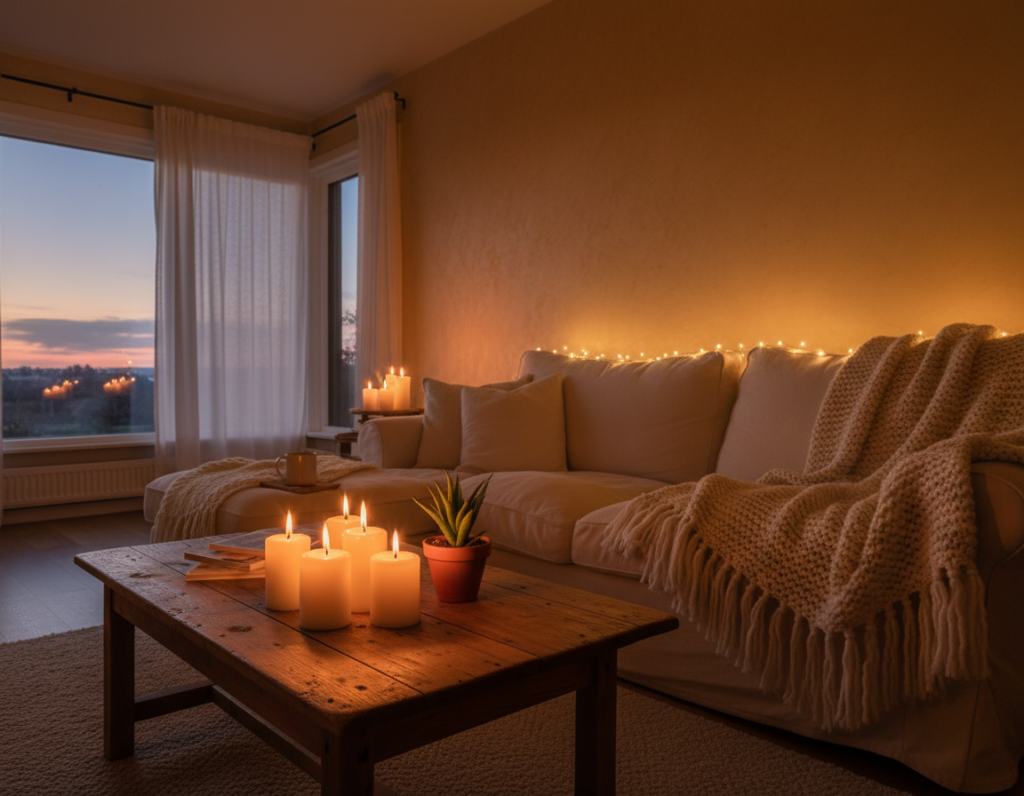
Warm tones in the 2700K–3500K band are still useful. They suit creative play or winding down after long sessions and can improve mood during relaxed games.
- Neutral–cool whites boost alertness for fast reaction tasks.
- Use adjustable LED strips to switch temperature by task or time of day.
- Place ambient sources to create a soft glow that balances screen contrast and reduces glare.
For product ideas and setup tips, see this lighting guide that pairs adjustable LEDs with common desk layouts.
Essential Layers for a Professional Gaming Setup
Effective room illumination uses multiple layers to balance contrast and mood without distracting the player. A thoughtful arrangement reduces glare, eases the eyes, and creates a controlled environment that supports long sessions.
Backlighting for Contrast Balance
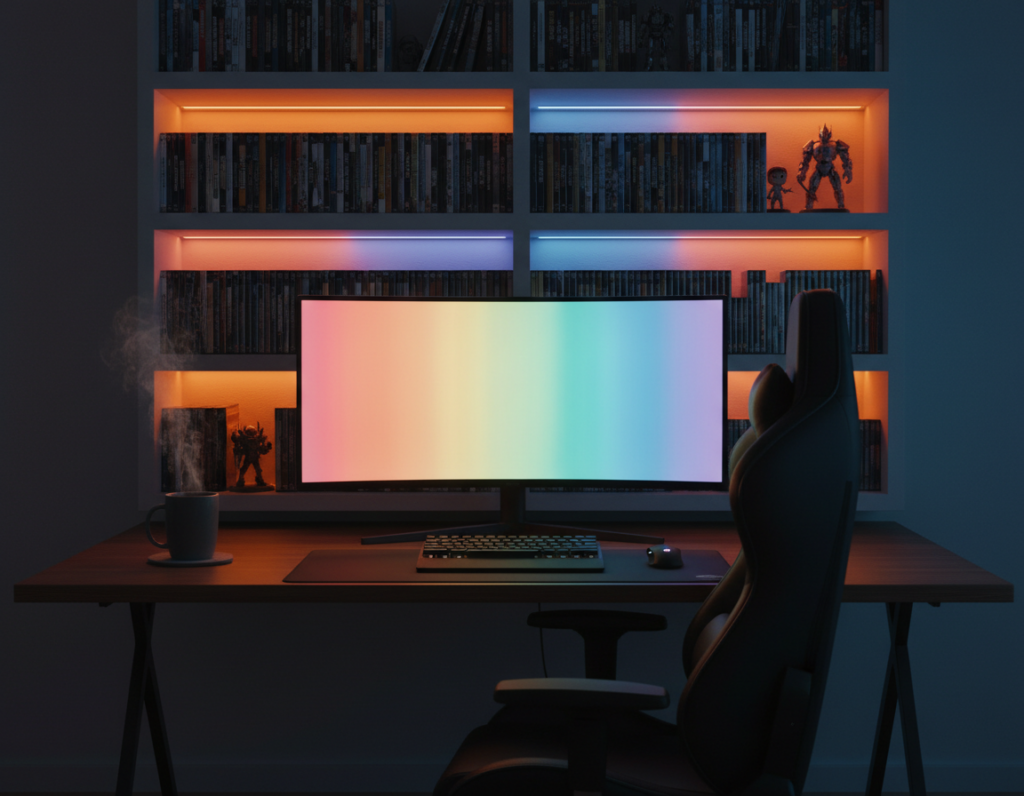
Backlighting behind the monitor eases the jump from a bright screen to a dark wall. LED strips placed along the desk or rear panel reduce perceived contrast and lower eye strain.
Ambient Lighting for Atmosphere
Ambient lights set the room’s mood and can sync with music or game events to boost immersion. Stable RGB effects work best when they enhance atmosphere without rapid shifts that break concentration.
Front-Facing Task Lighting for Visibility
Front-facing task lighting lights the keyboard and workspace without casting glare on the monitor. The BenQ ScreenBar Halo 2 offers both desk illumination and rear bias lighting.
Its ASYM-Light™ technology directs light to the desk surface while avoiding screen reflections. Combining these three layers creates a balanced setup that protects the eyes and keeps gamers ready for long matches.
- Backlighting with LED strips reduces contrast.
- Ambient lights create consistent mood and atmosphere.
- Task lights like the ScreenBar Halo 2 prevent glare and lower eye strain.
Avoiding Common Lighting Mistakes That Kill Concentration
Harsh or flashy lighting choices often do more harm than good during a tense match. Rapid rainbow-wave RGB effects are one of the top distractions and can break concentration in seconds.
Excessive brightness creates hotspots in the peripheral vision and increases eye strain. OSHA recommends an ambient illuminance of 150–300 lux around a computer workstation to avoid harsh contrast and preserve productivity.
Avoid positioning a bright source in direct line of sight. Reflections on the screen when it is off indicate poor placement and make it hard to stay on task.
- Skip saturated, electric blues or magenta that tire the eyes over long sessions.
- Dim overly intense fixtures by 30–50% or switch to a single, static color to steady the brain.
- Place LEDs and strips behind the monitor or along the desk to balance contrast without glare.
These adjustments help create a professional environment and a calm atmosphere. A better setup reduces strain, protects the eye, and keeps players focused on the game.
Why Proper Lighting Reduces Eye Strain During Long Sessions
Many players overlook how much desk lighting eases the transition from monitor to room. Proper lighting reduces the need for the eyes to jump between bright and dark areas. That steady environment lowers fatigue during long gaming sessions.
The Role of Monitor Light Bars
Monitor light bars are built to deliver directional, stable illumination aimed at the desk rather than the player. This approach cuts screen glare and smooths the contrast between the display and the wall behind it.
- Targeted beam: A 24° adjustable lamp head and an 18° cut-off angle stop stray light from hitting the face or screen.
- Wide backlight: An ultra-wide backlight that covers 423% more area evens out room contrast and reduces eye strain.
- Ergonomic setup: Using a monitor bar with led elements gives gamers functional desk lighting that stays steady, unlike rapid rgb effects.
Reducing contrast between screen and room means the eyes do not work as hard to adapt. For serious players who spend hours at the desk, this simple change improves comfort and helps maintain steady performance.
Integrating Smart Lighting into Your Daily Routine
Smart fixtures let the room respond automatically when a player changes posture or task. This makes it easy to keep a stable routine and preserve energy during long sessions.
They can sync lighting with a sit-stand desk so the system shifts brightness or hue when the player stands. That cue helps the brain adjust and signals a brief change in attention.
Presets save time: users can store modes for a relaxed match or a high-intensity game and switch instantly. Automated scenes mean the room always matches the task without manual tweaks.
- Program changes on posture shifts to support posture and alertness.
- Use warm settings when winding down and cooler settings for sharper play.
- Save presets across led strips, bulbs, and desk lights to keep the setup consistent.
Ultimately, a smart approach to lights and lighting builds a reliable routine. That routine protects the eye, improves comfort, and helps a player stay productive in gaming and work.
Conclusion
Practical room lighting balances contrast and minimizes distractions so players can stay engaged longer.
Layering backlighting, ambient sources, and front-facing task fixtures creates a steady visual field that reduces glare and eye strain. This arrangement helps the brain keep steady alertness during long sessions.
Choose stable tones when sharp reactions are needed and warmer tones when winding down. Avoid fast-cycling RGB effects and overly bright hotspots that break concentration.
The BenQ ScreenBar Halo 2 is one example of an all-in-one solution that combines bias and task illumination to improve comfort. In the end, aim for a setup that feels effortless and supports longer, more productive play.