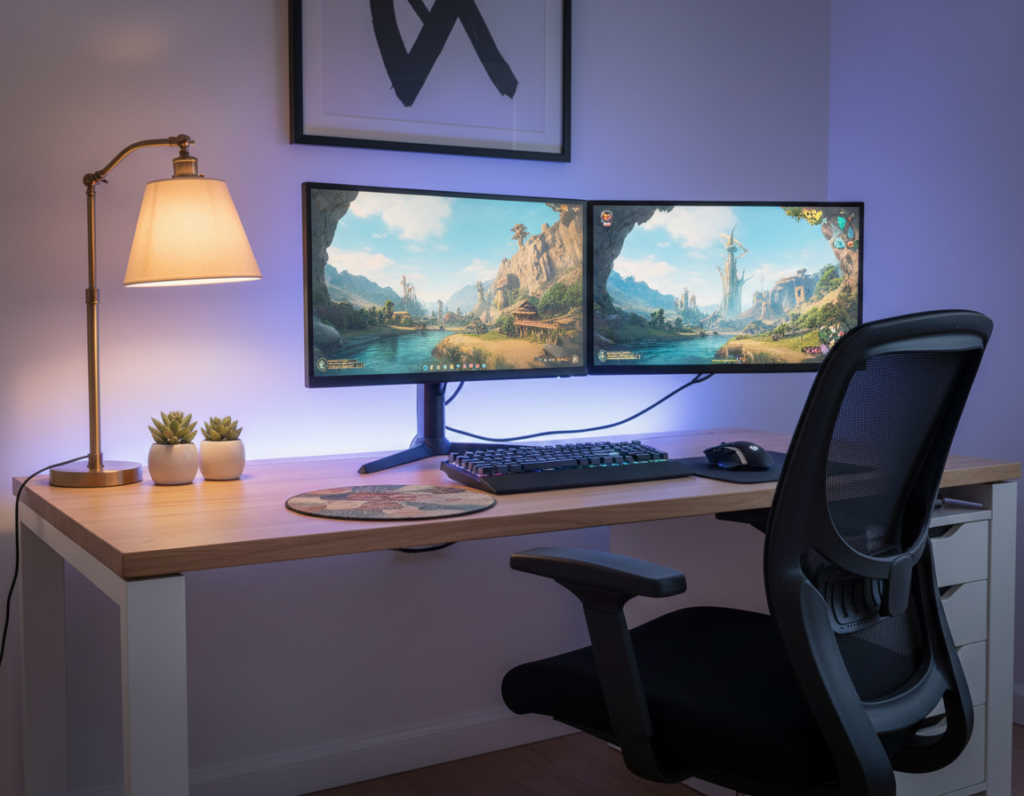
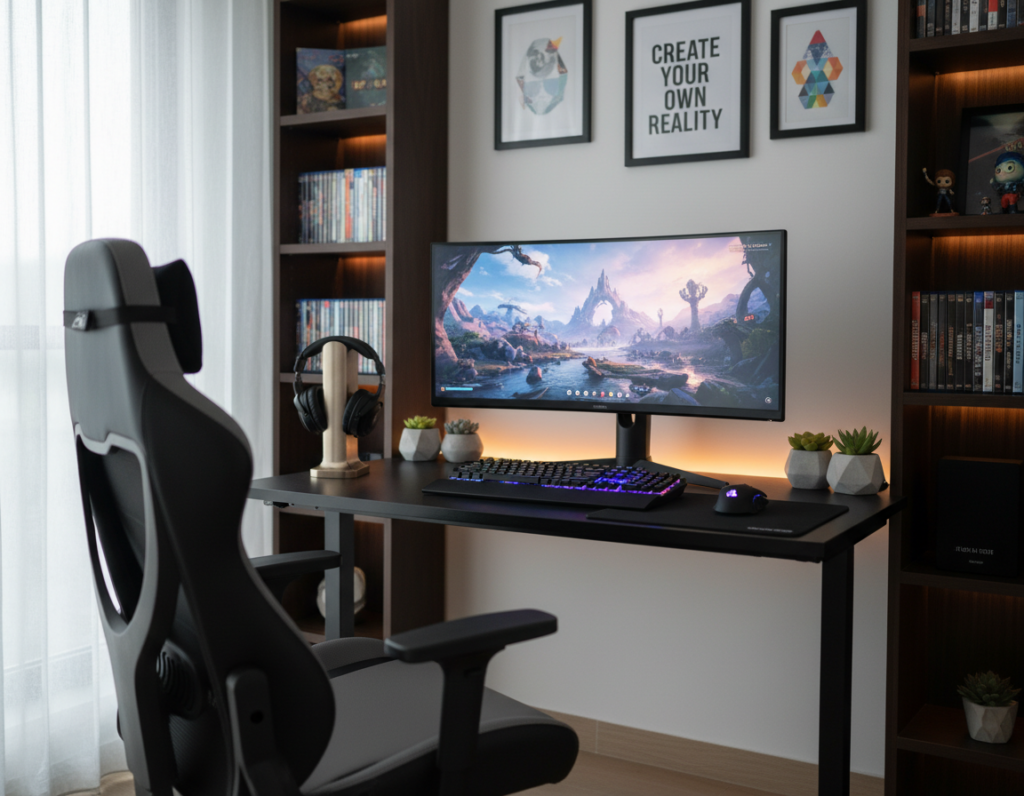
Adding greenery can change a room’s mood fast. Cheyennejoe shared a July 4, 2023 post showing how a single plant made a battlestation feel less sterile and more alive. That small change improved the overall aesthetic and daily comfort.
Many players find a well-placed plant helps them focus during long sessions. A modest desk or shelf touch brings a nature-inspired vibe that softens bright screens and tech gear.
Placement matters: consider monitor glare and available light when choosing a spot. Even low-light plant choices can thrive with basic care and occasional dusting.
Want examples and tips? See Cheyennejoe’s transformation for practical ideas and clear visuals at her post. A careful addition can turn a standard desk into a calm, personal sanctuary that reflects style and improves the room’s vibe.
The Benefits of Adding Greenery to Your Gaming Space
A touch of greenery can make a tech-heavy corner feel calmer and more breathable. People spend roughly 90% of their time indoors, so bringing living elements into a room has real value.
Improving Air Quality and Focus
Houseplants help filter common indoor toxins and raise humidity slightly. This leads to better air and can reduce fatigue during a long game. Gamers who add a small plant often report clearer thinking and fewer headaches.
Reducing Stress During Gameplay
Nature in a room offers a calming visual anchor. A living presence breaks up screens and hardware, lowering stress and improving mood. The vibe of a home space becomes more inviting, which helps people stay relaxed and focused.
- Filters air and boosts humidity.
- Creates a natural sanctuary amid tech.
- Makes long sessions more comfortable and productive.
Selecting the Best Plants for Gaming Setup Success
Choosing the right greenery starts with hardy species that thrive in dim, controlled rooms.
Snake Plants (Sansevieria) top many lists because they handle low light and infrequent watering. They sit well behind monitors or on a shelf and need almost no attention.
Pothos and ZZ are smart picks if someone wants low-maintenance options. Both recover quickly from missed water and adapt to varied light. They work well near consoles and desk corners.
Spider Plants add motion and texture. They look great when allowed to trail from a high shelf and are non-toxic to pets. That makes them a safe, decorative choice for many rooms.
- Choose resilient varieties to reduce upkeep.
- Pick a plant that fits the room’s light and air flow.
- Use houseplants to match theme and add a calm visual anchor.
Tip: start with one hardy specimen and expand. It is an easy way to add life without needing expert care, and most fans will see an instant boost in atmosphere.
Strategic Placement for Desk and Shelf Aesthetics
Smart placement turns modest greenery into a powerful visual anchor across a desk or shelf. A few simple moves make a room feel balanced while keeping the workspace functional. H Potter’s guidance on mixing heights and textures helps create a calm, layered look that suits a tech-heavy area.
Utilizing Vertical Wall Grids
A vertical wall grid frees desk real estate and displays trailing greenery without clutter. It is ideal for Pothos or other trailing species that tolerate low light.
Tip: try a slim vertical tower or a strawberry-style planter to fit dozens of stems in a few square feet. This saves floor space and makes a bold living backdrop.
Desktop Micro-Gardens
A micro-garden keeps one or two compact specimens close to the monitor while preserving desk function. Use shallow planters and tidy trays to control moisture and dust.
Design idea: group pots of varying heights to mirror H Potter’s balanced composition and add texture without overwhelming the area.
Creating Zone Dividers
Tall planters can act as subtle dividers between a gaming area and the rest of the home. This creates privacy and a clear visual boundary without heavy furniture.
Use shelves to stage houseplants as a lush backdrop that complements the rig and ties the room together. For step-by-step inspiration, see this desk aesthetics guide.
- Display trailing greenery on wall grids to save desk area.
- Use compact planters on desktops to keep the workspace tidy.
- Install taller planters as zone dividers to separate functions in the room.
Maintaining Your Indoor Garden in Low Light
Keeping a compact indoor garden healthy in low light hinges on consistent routines more than luck. Small changes to light and water habits protect foliage and keep the space lively.
Manage light: if the room lacks sunlight, add targeted illumination. An 18-foot LED strip can be cut to size and placed behind shelves or under a monitor shelf to give steady light. A grow lamp also helps when corners stay dark.
Managing Light and Watering Needs
Check soil often. Many gamers find that soil moisture is the single most useful signal. Overwatering causes root rot faster than missed days of water.
“Check the top inch of soil; water only when it feels dry.”
- Use LED strips or a grow lamp to boost light consistently.
- Test soil moisture before watering to avoid soggy roots.
- Raise humidity with a tray or humidifier to stop browning leaves.
- Monitor conditions over time — air quality gains make the effort worthwhile.
Protecting Your Equipment from Moisture and Dust
When plants move indoors, organization and airflow become key to protecting consoles and PCs. A simple layout keeps humidity and dust from harming sensitive ports and fans.
Use drainage and barriers. Always place a planter on a saucer to catch excess water. That small step prevents spills from reaching a desk or power strip.
Secure pots on shelves so they can’t tip onto a monitor or console. Heavy or trailing plants like ferns should sit away from ports and vents.
Dust and airflow matter. Regularly dust leaves to help houseplants photosynthesize and to stop debris from settling on hardware. Good ventilation also lowers humidity when many plants share a room.
“A tidy plant arrangement reduces accidental spills and keeps electronics running cooler.”
- Use saucers under planters to control moisture.
- Keep the desk clear and wipe surfaces weekly.
- Arrange shelves so pots are stable and vents remain unobstructed.
Creating a Themed Environment with Natural Elements
Layering natural textures gives a room personality without losing its high-tech edge. Use a single theme—like mossy Ghibli charm or a sleek wood-and-concrete look—to tie the area together.
Place a focal planter near the desk to anchor the scene. Add small pebbles or a wood tray to link the hardware and the greenery. These touches make the space feel like a lived-in home rather than a lab.
Sunlight matters: choose specimens that handle the room’s light cycle so the display evolves during the day. That also helps control humidity and keeps the air fresher around the rig.
- Match pots to the aesthetic — ceramic for cozy, metal for industrial.
- Mix heights and textures to define the area without crowding the desk.
- Use living accents to lift mood and improve air quality subtly.
“Every small addition—from a tiny succulent to a large monstera—shapes the room’s vibe.”
Conclusion
A single green accent can lift the mood of a tech room and make long sessions feel less draining.
Incorporating greenery improves air quality and reduces stress during intense play. Choosing species that suit the room’s light helps create a thriving indoor garden with minimal fuss.
Strategic placement keeps equipment safe from moisture and dust while enhancing desk and shelf appeal. Regular care and targeted lighting support healthy growth and steady humidity.
The result is a calmer, more productive space that blends function and style. With simple steps, adding a touch of life becomes a rewarding project that makes every gaming session more enjoyable.