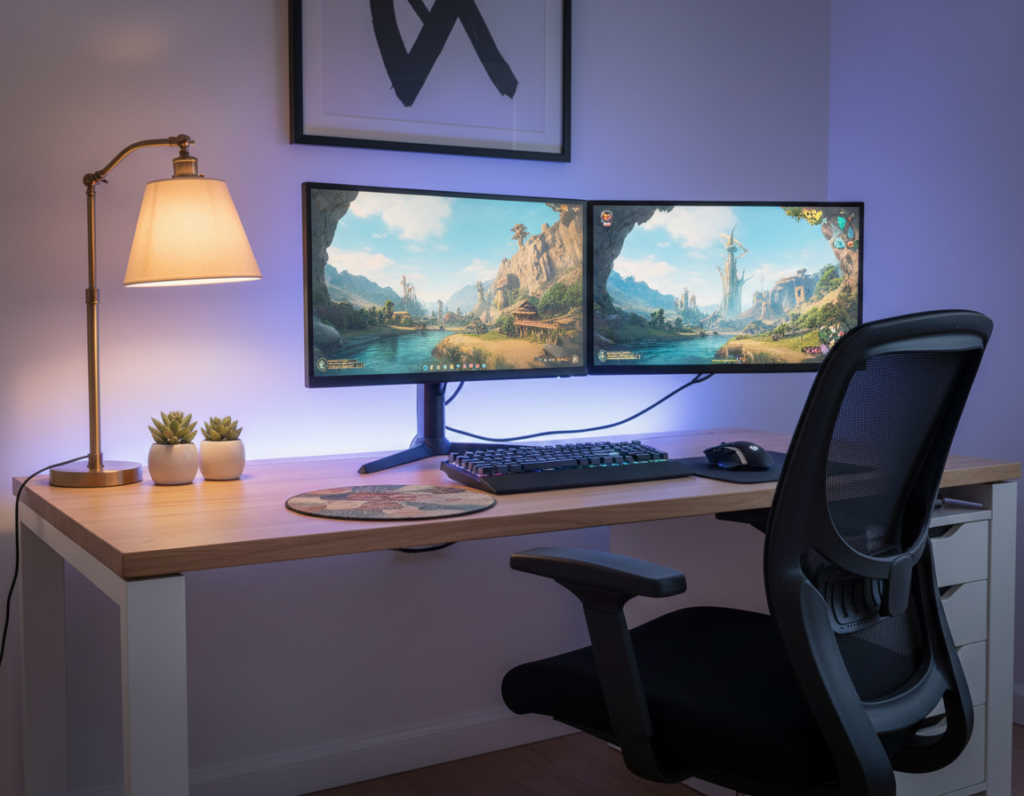
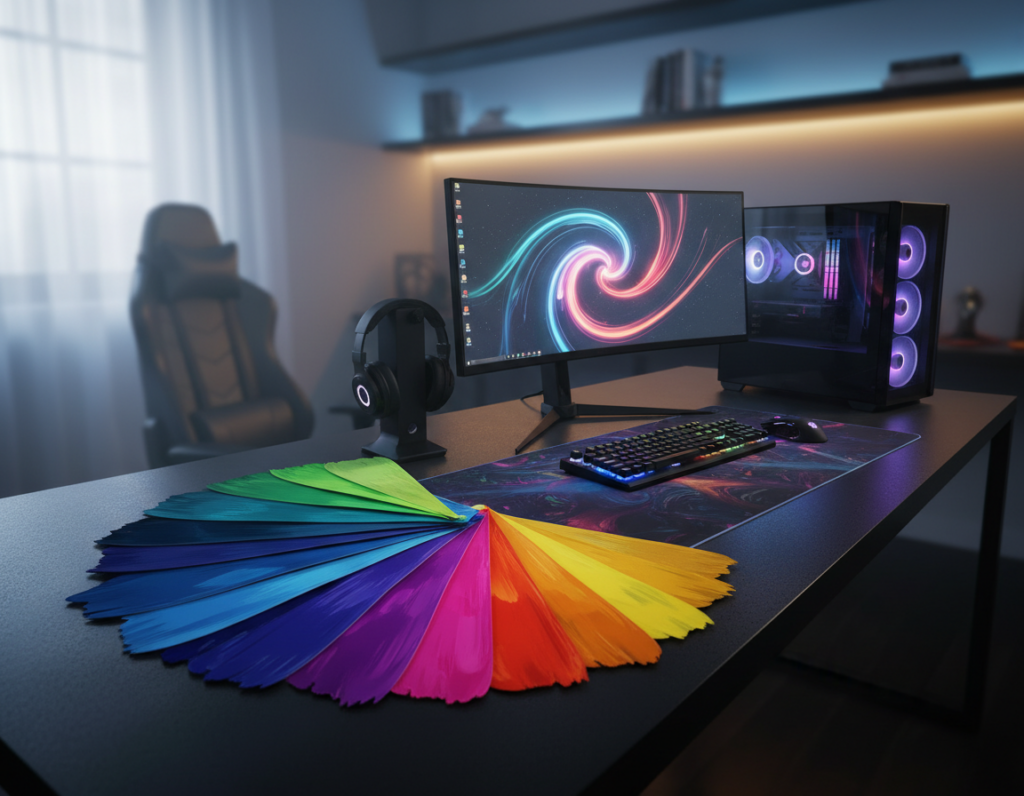
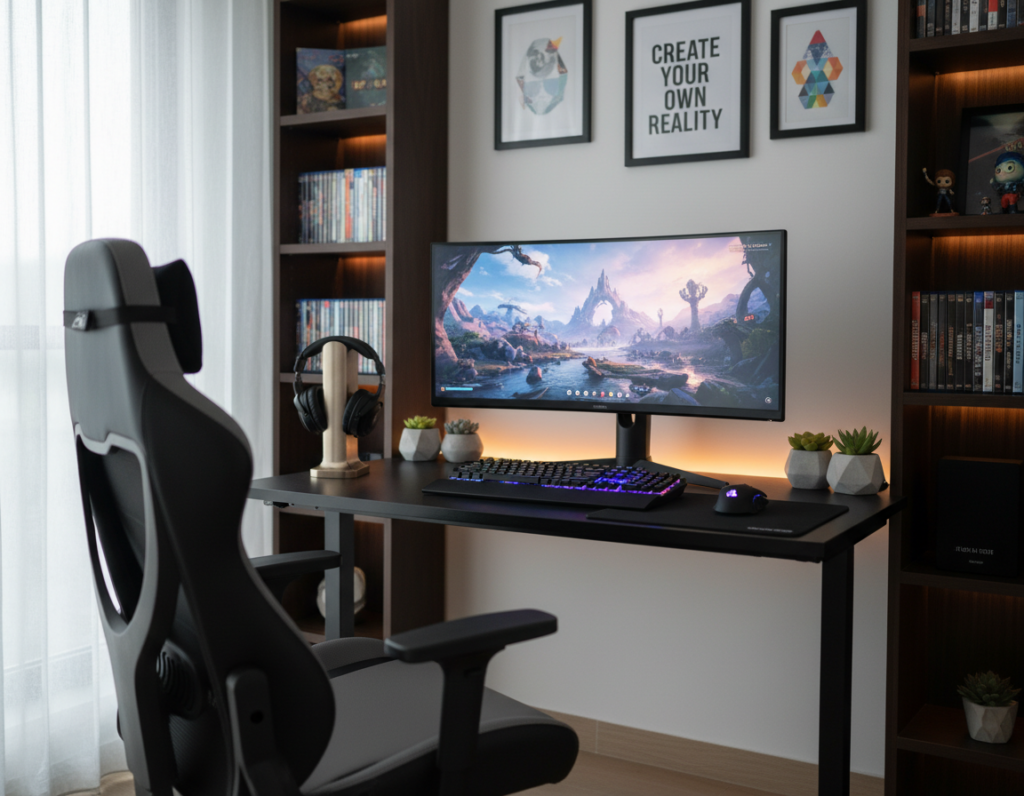
They transform a plain work area into a space that reflects taste and play style. Small accents are simple to add and do not crowd the surface.
A thoughtful touch—a compact lamp, a color-matched mouse pad, or a tasteful figurine—can lift the whole room. Such choices help keep peripherals neat and within reach.
For a productive desk setup, ergonomics matter. A quality chair and clear cable routing make long sessions comfortable. These details improve focus during every game.
Choosing accessories that match the core design creates a cohesive feel. They also save space and make the setup more inviting. Whether they play casually or compete, users gain a better experience from a well-ordered environment.
The Impact of Personalized Gaming Desk Ideas
A well-planned setup can directly boost focus and play performance. Eneba experts spend hours testing gear and report that layout choices affect comfort and efficiency. When users design a gaming desk setup to match their habits, the whole space becomes more effective.
Choosing desk configurations that prioritize reach, cable routing, and monitor height helps both casual and competitive players. Investing in a quality gaming chair and matching accessories supports posture and long sessions.
Good design also makes interaction with equipment smoother. Selecting desks that balance function and style reduces clutter and improves accessibility.
- Performance and comfort rise when a desk setup suits the user.
- Deliberate organization makes equipment easier to use.
- High-quality chairs and accessories turn a setup into a pro-level space.
Minimalist Approaches for a Clean Aesthetic
A minimalist build reduces distractions so the room feels orderly and intentional. Clean design emphasizes useful equipment and improves focus during long sessions. Simple choices also make maintenance easier and keep the overall style crisp.
Hidden Cable Management
Concealed wiring is a cornerstone of a tidy setup. The Uncaged Ergonomics Rise Up Electric Desk includes a built-in cable tray that keeps cords out of sight and off the floor.
This tray works with the desk’s 60″ x 30″ surface to leave more usable space for peripherals and the monitor. A clean routing system prevents visual clutter and reduces time spent reorganizing.
Neutral Color Palettes
Neutral tones—muted grays, soft whites, and warm blacks—help a room feel cohesive and calm. They direct attention to the screen and core accessories instead of competing with bright accents.
Choosing furniture that blends with the room, such as a standing desk with a broad height range (24″–49″), ensures both comfort and a unified look. Add simple storage, floating shelves, and minimal decor to preserve the clean aesthetic.
- The Rise Up Electric Desk ranges from 24″ to 49″ for flexible standing desk use.
- Built-in trays hide wires to maintain a professional setup and organized room.
- Neutral palettes and smart storage keep the focus on the monitor and chair.
Integrating RGB Lighting for Immersive Vibes
Dynamic color and motion from LEDs help the space match every mood and moment. Adding controlled lighting elevates a gaming desk setup and improves visual appeal without crowding the surface.
The EUREKA ERGONOMIC RGB LED Gaming Desk supports up to 200 lbs on a carbon steel frame and measures 43” W x 24” D x 30” H. It offers 27 music sync modes via app or a built-in panel, so lights react to sound and in-game action.
Clever placement of LED strips along table edges turns a simple desk into a professional station. Good lighting also reduces eye strain during long gaming sessions when paired with proper monitor height and a quality chair.
“Well-tuned lights make the setup feel alive and help players focus on the game.”
- Sturdy support: carbon steel frame holds 200 lbs for stable setups.
- Immersion: rgb lighting syncs with music or gameplay for a richer experience.
- Practical tips: hide power cables with raceways and use high-quality LED strips for durability and eye-friendly light.
Maximizing Space with L-Shaped Configurations
An L-shaped layout turns corners into usable work zones for both play and productivity. The wide footprint makes it easy to separate tasks and keep peripherals within reach. Small rooms gain flexible surface area without crowding the center of the room.
The SEDETA L-Shaped Gaming Desk offers a massive 94.5-inch surface with four outlets and two USB ports for charging. Its RGB system spans over 60,000 colors and 29 dynamic modes to match any mood.
Defining Dedicated Work Zones
Place monitors and a standing desk converter on one side for productivity. Use the opposite side for controllers, streaming gear, and relaxation. Built-in storage like a keyboard tray and pegboard keeps accessories tidy.
- Large surface: supports up to three monitors and separates gaming and work areas.
- Integrated power: outlets and USB ports reduce clutter and centralize charging.
- Lighting and layout: use led strips along the edges to enhance design and visibility.
For an example layout and purchase options, consider this L-shaped desk setup to visualize zoning and cable management.
Health Benefits of Standing Desk Setups
Alternating between sitting and standing can ease strain and sharpen focus. The FLEXISPOT E8 Standing Gaming Desk supports up to 352 lbs, so it holds a monitor, peripherals, and accessories without wobble.
Adjusting height from 23.6” to 48.8” helps reduce back strain and improves circulation during long gaming sessions. Changing posture every hour keeps muscles active and lowers stiffness.
The E8 runs at less than 45 dB, so height changes stay quiet and unobtrusive. A smooth, silent motor makes it easier to switch positions without breaking concentration.
- Sturdy support: holds heavy monitors and gear for a reliable setup.
- Ergonomic range: wide height adjustment limits back pain and boosts comfort.
- Long-term value: a 15-year warranty on frame and motor protects the investment.
Using a quality standing desk is a simple change that improves health and keeps the setup functional for years.
Vertical Storage Solutions for Small Areas
Smart vertical solutions let users reclaim desk space without sacrificing gear access.
Wall-Mounted Pegboards
Wall-mounted pegboards convert empty wall space into a tidy station for tools and accessories. Hooks and baskets keep controllers, headphones, and cables off the surface.
This method reduces clutter and makes items easy to reach during play or work.
Floating Shelves
Floating shelves add storage without eating into the floor area. Use them for small decor, storage boxes, and compact peripherals.
They pair well with a compact option like the SEVEN WARRIOR Gaming Desk, which measures 31.5 inches and integrates outlets and USB ports to save desk space.
Monitor Risers
A monitor riser lifts the screen to a healthier height and creates hidden storage underneath. It improves posture and frees surface area for keyboards and small gear.
- Compact solution: SEVEN WARRIOR’s 31.5-inch form fits small rooms and adds power ports.
- Lighting tips: add LED strips under shelves or along the side to enhance mood without crowding the surface.
- Design choice: pair vertical storage with a standing desk or compact desks to keep everything within reach.
Multi-Monitor Setups for Enhanced Productivity
An ultrawide or triple-monitor layout gives instant access to apps and increases overall productivity.
The Arozzi Arena Ultrawide Curved Gaming Desk supports up to 176 lbs and includes three custom monitor mount cutouts. Its wide surface is built to hold multiple screens without crowding the work area.
Height adjustability matters: the Arena offers a 3.9-inch lift range so each monitor can sit at the right eye level. Proper monitor height improves posture and creates a more immersive gaming experience.
Under-desk cable management is essential. The Arena’s cable basket keeps cords bundled and out of sight, which helps create a tidy desk setup when managing several monitors and accessories.
- Three-screen support: frees surface space for keyboards and tools by relying on sturdy mounts.
- Tidy routing: under-desk storage reduces cable clutter and simplifies cleaning and storage.
- Productivity boost: one screen can run the game while others show chat, streaming tools, or reference material.
“A well-organized multi-monitor station helps users focus and switch tasks quickly.”
Adding Greenery for a Natural Touch
A few low-effort plants can soften electronics, reduce glare from screens, and make the room feel calmer. One well-chosen pot gives the surface contrast and a sense of balance without crowding the area.
Low-Maintenance Plant Varieties
Snake plants thrive in low light and need little water. They suit a gaming desk and stand up to irregular care.
ZZ plants tolerate dim rooms and help improve air quality. They are forgiving and last for years with minimal attention.
- Pothos: easy to care for and adaptable to different light levels.
- Spider plant: known for air-purifying traits and resilience.
- Air plants: require no soil and can perch on a riser or shelf for a modern accent.
Tip: place plants near vents and avoid overwatering to keep maintenance simple and the setup healthy.
Creating a Cohesive Black and White Theme
A strict black-and-white palette brings clarity and reduces visual noise in any setup. This approach helps minimize distractions from loud LED colors and keeps the room feeling professional.
Start with a black or white gaming desk to establish a neutral foundation. A simple surface lets the monitor and peripherals blend naturally into the space.
Use a matching desk mat and coordinated accessories to keep the area visually cohesive. Small touches—like a white cable tray or black riser—tie the look together and make organization easier.
Monochrome setups work well in shared rooms, as they match most living room or bedroom palettes. For subtle ambience, add restrained led lighting in soft whites or pastels so the theme remains calm and never overwhelming.
- Neutral base: choose black or white for the main surface.
- Consistent accents: mats and peripherals that match the palette.
- Soft lighting: limited led tones to enhance, not dominate, the colors.
“A monochrome approach keeps focus on function while offering a timeless look.”
Essential Accessories for a Unique Setup
Smart add-ons streamline routine tasks and free up surface area for the things that matter. These choices let users shape a cohesive station that supports long sessions and fast access to tools.
Custom Figurines and Decor
Adding custom figurines and small decor gives the room a distinct style without crowding the main work surface. A single figure on a riser or floating shelf adds character and balances the monitor area.
Tip: limit decor to a few pieces so the setup stays clean and functional.
Headphone Stands and Hooks
A dedicated headphone stand keeps headsets off the desk and easy to grab. Hooks and under-desk trays free up desk space and reduce cable tangles.
Use a pegboard or wall hooks for controllers and small peripherals. This type of storage keeps equipment visible and improves productivity during fast switches between tasks and play.
- Organized: pegboards and trays keep controllers and cables tidy.
- Comfort: a quality gaming chair and a sturdy standing desk support longer sessions and better health.
- Ambience: led strips and subtle rgb lighting enhance mood and create an immersive gaming experience.
“Choose each accessory to serve a purpose: storage, comfort, or style.”
Conclusion
Choosing the right gaming desk means balancing function, ergonomics, and personal style. A good plan keeps equipment reachable and posture healthy.
Include smart storage, proper lighting, and a few essential accessories. These choices make the space easier to maintain and improve the overall experience.
Whether the setup is standing, L-shaped, or minimalist, the right selection increases daily productivity and comfort. Small touches and purposeful organization turn a simple area into a reliable, professional-grade station.