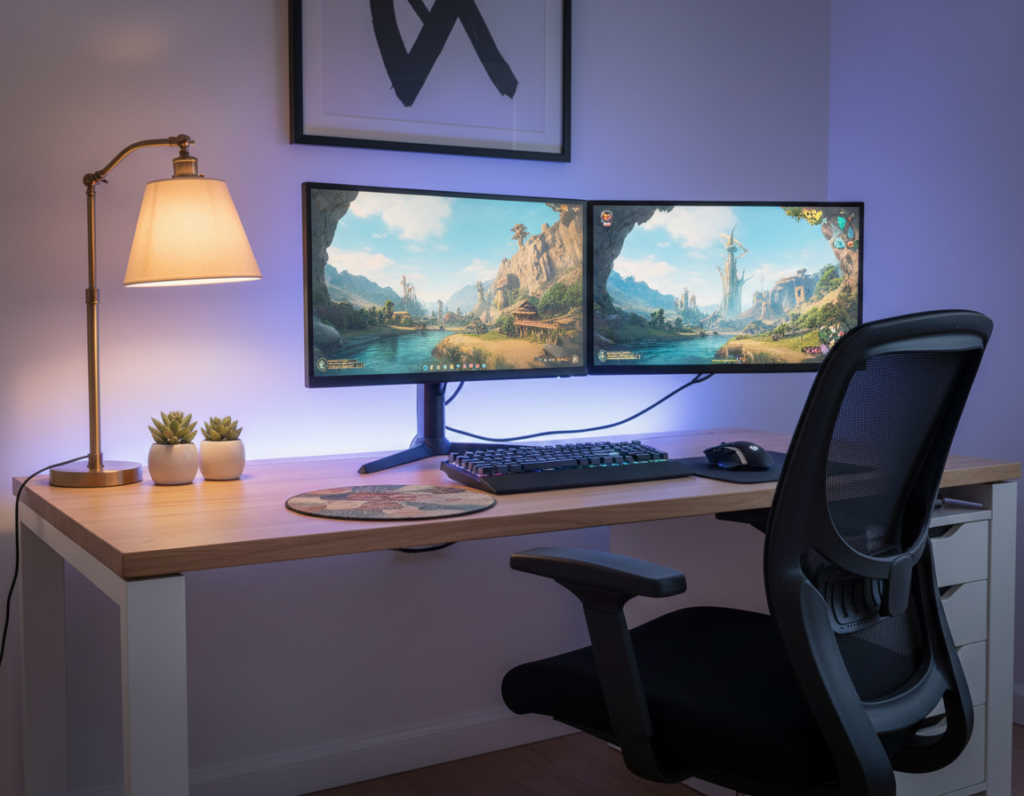
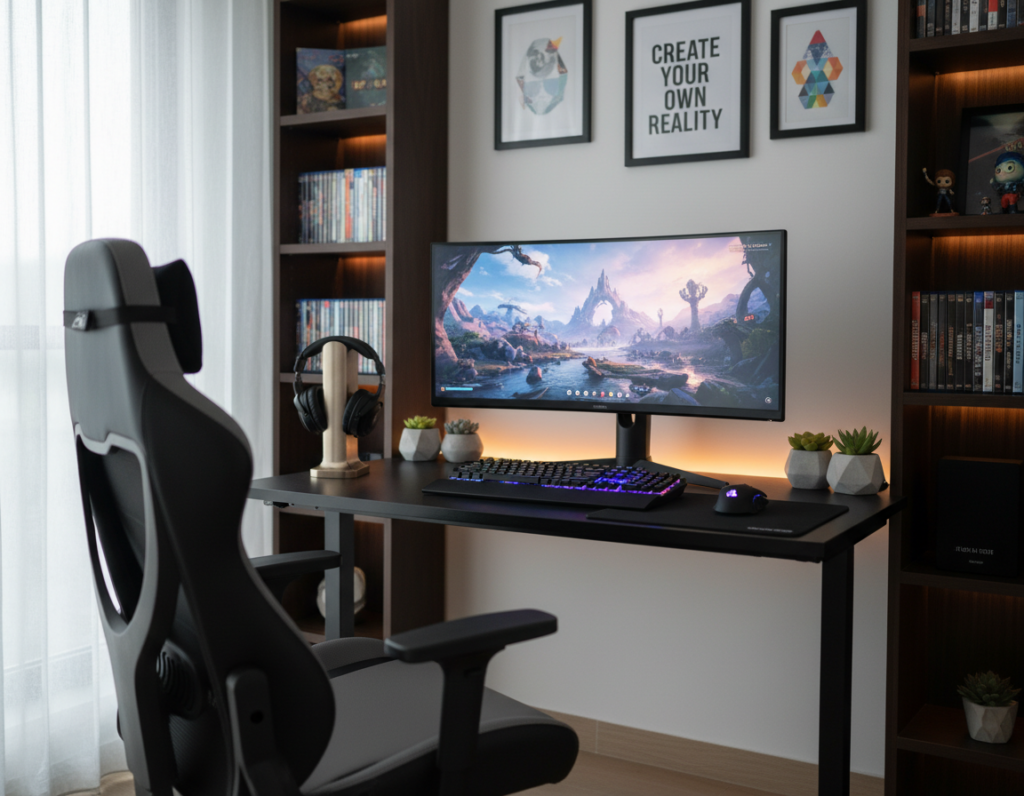
Every gamer wants a clean, high-performance spot that looks sharp and works well. A smart gaming setup balances form and function so the player stays focused. Simple choices — like a quality mouse, a large curved monitor, and tidy cable management — change how the space feels.
The right components matter. The Razer Viper V3 Pro is a featherweight mouse at 54g for precise control, while the LG UltraGear 49-inch screen runs at 240Hz to cut ghosting. Subtle RGB lighting packs and a durable mouse pad lift style without clutter.
Good cable management prevents spills and keeps the area safe. Choosing desk accessories that match performance needs helps maximize desk space and comfort. This guide is a practical starting point for any gamer who wants better control and a more focused gaming experience.
The Philosophy of Minimal Gaming Desk Decor
A thoughtful approach to your setup focuses on what truly matters and removes visual noise. Adopting minimal gaming desk decor means prioritizing clean lines and purposeful organization so the area stays distraction-free.
A refined desk setup helps players concentrate on performance without excess items stealing attention. Choosing only essentials — a quality mouse, a responsive keyboard, and a single large monitor — proves less is often more for long sessions.
By embracing a restrained style, the room becomes a sophisticated space that reflects taste without overwhelming sight. The core rule is simple: keep only items that serve a clear purpose and add to a cohesive aesthetic.
“Every item kept should have intention; anything else is visual clutter.”
Maintaining this look takes discipline. Regular edits to what stays on the surface keep the area clean and focused for better play and a calmer room overall.
Selecting Essential Furniture for a Clean Look
Choosing the right furniture lays the groundwork for a calm, high-performance play area. This step focuses on comfort, storage, and lines that reduce visual clutter.
Ergonomic Chair Selection
An ergonomic chair supports posture during long sessions and protects the back. Look for adjustable lumbar support, breathable fabric, and armrests that move with the player.
Comfort affects performance. A good chair reduces fatigue and speeds recovery between games.
Choosing a Sleek Desk
A sleek gaming desk creates a stable base for the monitor and mouse while preserving desk space. Choose models with built-in cable management and room for storage.
- Integrated drawers or a side cabinet keep small accessories and controllers tucked away.
- Stands for monitors and speakers free surface area and save time when changing setups.
- Cases like HYTE’s Y70 and X50 enhance the PC display while supporting neat cable routing.
“Invest in furniture that gives every item a home; the room will reward you with focus and fewer distractions.”
With the right chairs, desks, and storage, the workspace becomes a clean environment built for long play and consistent performance.
Optimizing Your Monitor Setup
Smart monitor choices reduce strain and boost immersion without stealing room real estate.
The LG UltraGear 49-inch curved monitor delivers a 32:9 aspect ratio and a 240Hz refresh rate for a truly cinematic gaming experience. It fills peripheral vision and keeps motion smooth so the player feels immersed.
Use a quality monitor arm to free up desk surface and find the ideal height and tilt. A mounted screen improves posture and creates usable space under the display for storage or a keyboard.
Keep the stand simple or use a wall mount to preserve a clean profile on the gaming desk. Proper alignment and a comfortable viewing distance cut eye strain and help players focus longer.
Subtle RGB behind the screen can enhance atmosphere without cluttering the room. For ideas on tasteful backlighting, see subtle RGB tips.
“A well-positioned screen protects vision and keeps the player in the moment.”
- Choose a display that matches play style and available space.
- Mount or arm your monitor to reclaim surface area.
- Align the screen to reduce strain and improve focus.
Streamlining Peripherals for Better Focus
Streamlined input devices cut distractions and improve precision during play. Small choices in peripherals free up visible space and help maintain focus.
Selecting High-Quality Keyboards and Mice
Pick a responsive mouse with a proven sensor for reliable control. The Razer Viper V3 Pro uses the Razer Focus Pro 35K Optical Sensor Gen-2, giving near-perfect resolution accuracy for competitive play.
Choose a mechanical keyboard with tactile switches to speed actuation and improve input confidence. That small tactile gain often translates to better performance over time.
- High-performance mice like the Viper V3 Pro keep a gaming setup precise and responsive.
- Wireless mouse pads with integrated charging reduce cable clutter and streamline desk accessories.
- The Elgato Stream Deck centralizes shortcuts and saves time during setup and streams.
- Prioritize wireless peripherals to cut excess cables and enhance cable management.
“Every peripheral should serve a clear purpose: comfort, control, or performance.”
Mastering Cable Management and Storage
Good cable routing and clever storage transform visible clutter into usable space. This approach keeps the display and monitor as focal points while preserving desk space for play and work.
Use an under-desk tray to lift power strips and excess cable loops off the floor. Trays free the surface and make cleaning faster. They also protect power cords and chargers from accidental spills.
Using Under-Desk Trays
Mount a sturdy tray beneath the surface to hold surge protectors and adapters. Choose metal or reinforced plastic for long-term support.
Implementing Cable Sleeves
Cable sleeves bundle multiple cables into a single run, cutting visual noise. They work well behind a monitor arm and near PC cases to conceal thick power and display cables.
Hidden Storage Solutions
Hidden drawers, wall-mounted pegboards, or shallow cabinets store controllers, headset stands, and spare mouse pads. Stands placed to the side keep the main workspace open and functional.
- Tip: Label power strips so swapping things is quick and saves time.
- Keep frequently used desk accessories within reach and lesser-used items hidden.
- Regularly check cables for wear to maintain control and safety.
“A tidy cable run is the most effective way to keep the setup professional and distraction-free.”
Incorporating Subtle Lighting Solutions
Soft, well-placed lighting can transform a play area into a focused command center. It raises the atmosphere while keeping the surface uncluttered.
The Dezctop RGB lighting pack is a simple way to add glow. It includes four LED strips and a two-channel controller. This lets a user get RGB effects without an RGB motherboard.
Strategic placement highlights the gaming desk, monitor, and display edges. Gentle backlight reduces eye strain during long sessions and improves comfort and performance.
- Use soft, indirect light to keep the space calm and functional.
- Light the keyboard and mouse pad so controls stay visible during fast game moments.
- Integrate lighting into cable runs to hide wires and preserve clean lines.
Smart systems let colors shift with a game or mood, taking the setup to the next level without adding clutter. These accessories boost immersion and keep the work area professional.
“Good lighting should support play, not distract from it.”
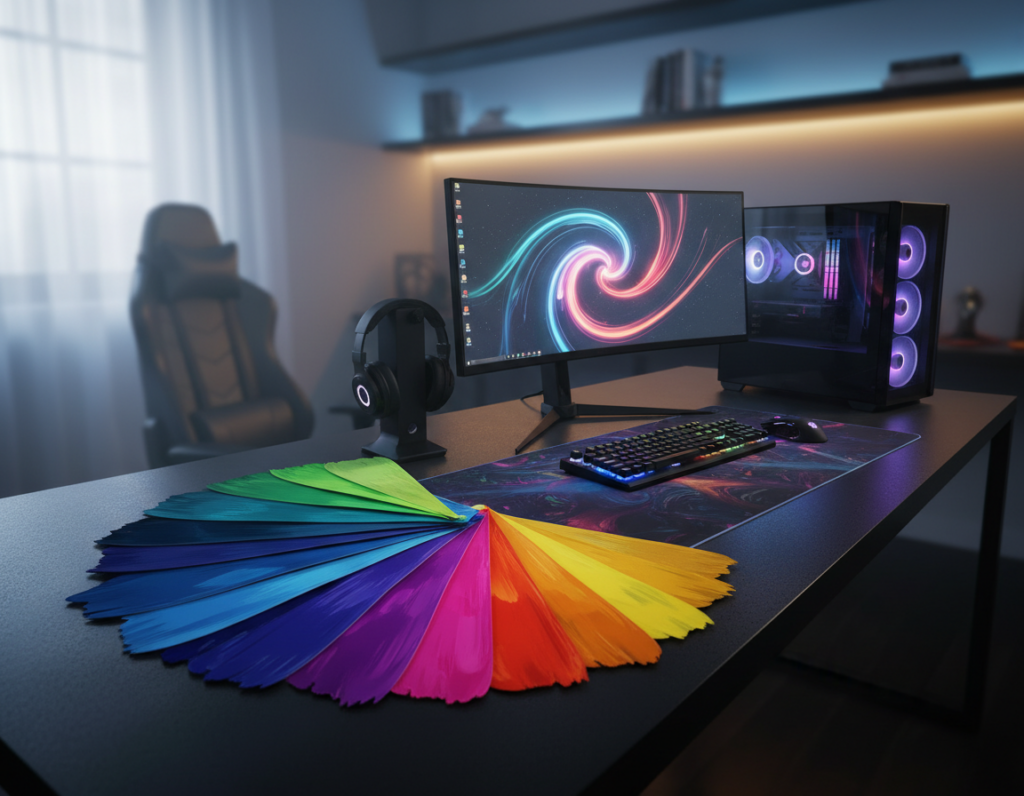
Choosing a Cohesive Color Palette
A unified color plan turns scattered gear into a cohesive visual statement. It helps a room feel intentional and calm.
Choosing a cohesive color palette is a fundamental step in creating a professional desk setup that feels unified and visually appealing. Matching tones across the monitor, mouse, and accessories reduces visual noise and supports better focus.
Benefits of Monochrome Schemes
A monochrome scheme, such as all-white or all-black, keeps the surface clean and consistent. It is popular for players who want to minimize distractions and keep a refined style.
Even when using RGB lighting, keeping hardware colors consistent ensures the gaming desk remains the room’s centerpiece. A controlled palette makes it easier to add a few display items without the space feeling cluttered.
- Harmonize key components: match monitor bezels, mouse finish, and peripheral accents.
- Use contrast sparingly: one accent color can add depth without stealing focus.
- Plan for collectibles: reserved color tones let small displays blend in smoothly.
“Consistency in color ties together different components, making the setup look deliberate and high-end.”
For practical tips on keeping a compact, refined PC area, see this short guide on a minimalist PC build: streamlined PC choices.
Integrating Functional Decor Pieces
Functional accents can turn a plain setup into a purposeful workspace without adding clutter.
The Belkin iPhone Mount with MagSafe is a prime example. It mounts a phone to a monitor or desktop for quick access and hands-free notifications. This keeps the display area clear while supporting multitasking.
Choose pieces that serve a clear role. A quality display stand for collectibles keeps items organized and visible. A mounted phone, a compact charger, or a small shelf helps the user keep the most-used tools within reach.
Every item should have a home. Assigning each accessory a place prevents random piles from forming and keeps the gaming desk clean. Match finishes and lighting so additions blend into the color plan rather than stand out.
“Thoughtful, useful pieces enhance comfort and productivity without crowding the surface.”
- Keep cable runs tidy with clips and sleeves to protect connections.
- Reserve a spot for the mouse and charging gear to speed swaps.
- Select desk accessories that complement the lighting and overall setup.
Utilizing Vertical Space for Organization
Raising storage and peripherals off the work surface instantly frees room for core controls.
Wall-mounted shelves and pegboards turn blank walls into tidy storage for accessories and display items. They keep the surface clear so the mouse and keyboard have more breathing room.
Mounting a monitor or adding vertical storage stands moves bulk off the table and improves ergonomics. Stands also highlight favorite gear without crowding the main area.
Extend cable management up the wall with adhesive clips and channels. Routing cables vertically hides runs behind the setup and makes swaps quick and safe.
- Maximize small rooms: use shelves above or beside the station to save floor space.
- Display smartly: reserve one wall for collectibles so the setup stays functional.
- Store within reach: place storage containers at arm’s side for easy access during play.
“Clear surfaces improve focus; vertical storage preserves both form and function.”
Maintaining Your Minimalist Workspace
Keeping a focused workspace means treating upkeep as part of the routine, not an occasional chore. Small, regular actions stop clutter from building and keep the gaming setup ready for fast play.
They should check cable runs and cable management weekly to catch loose wires or misrouted power lines. Wiping the surface and dusting vents helps performance and keeps the environment healthy for gear.
Organizing the mouse pad, controllers, and desk accessories after each session reduces visual noise. A quick reset saves time before the next match and protects hardware from spills or knocks.
- Daily: clear peripherals and put things in their place.
- Weekly: inspect cables, tidy cable sleeves, and test power strips.
- Monthly: deep-clean surfaces and review storage choices.
“Every bit of maintenance nudges the setup toward better comfort and control.”
Making these steps habitual ensures the workspace feels professional and ready. This simple choice improves the gaming experience and helps players focus on performance, not piles of things.
Conclusion
Small, deliberate choices yield a setup that feels reliable and calm. This process is rewarding and improves comfort and play.
By focusing on essential furniture and smart organization, any gamer can build a functional, attractive desk setup. Good storage and a clear display area keep tools accessible and out of sight when not needed.
A clean desk gives the best chance to focus on the game. Clear surfaces and simple lighting protect posture and reduce eye fatigue so the space supports longer sessions.
Keep personal style in the plan and invest in quality gear. The result is a lasting gaming experience that feels intentional, useful, and proud to share.